# bpk-component-snackbar
> Backpack React Native snackbar component.
## Default
| Day | Night |
| --- | --- |
| 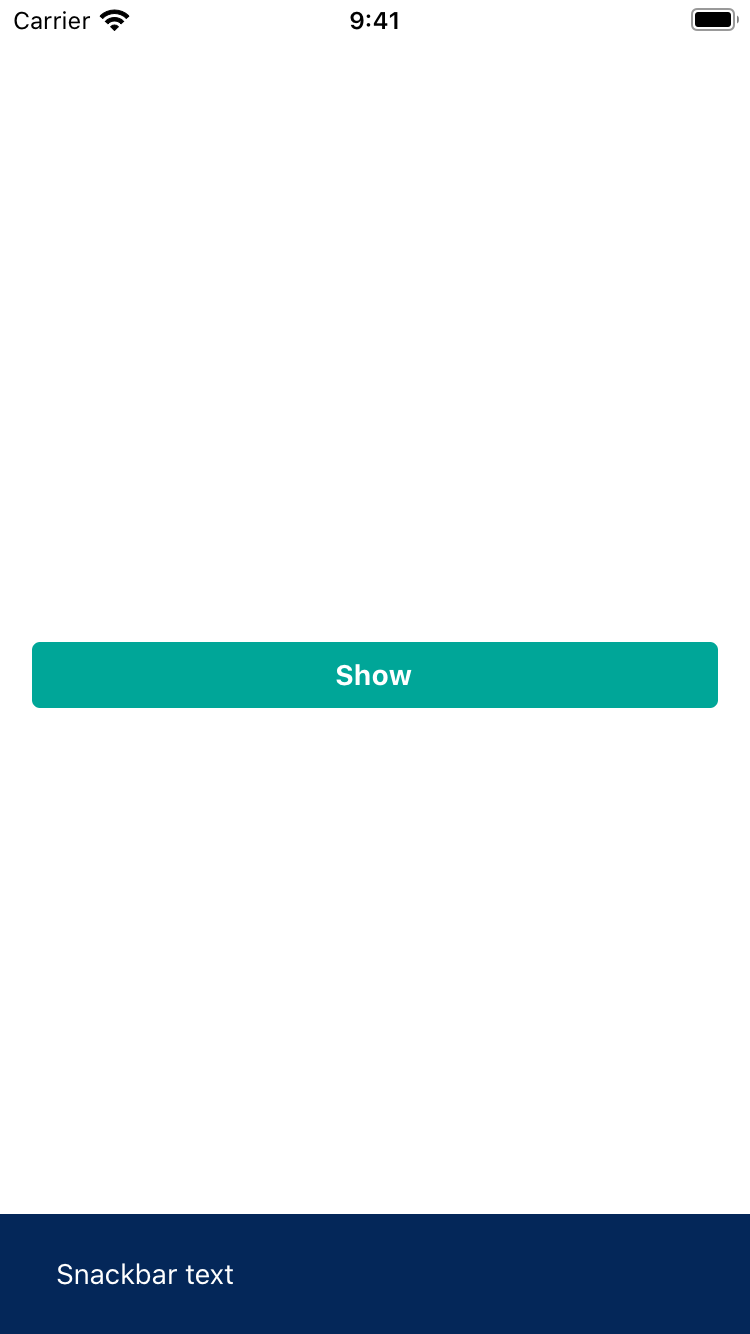 |
| 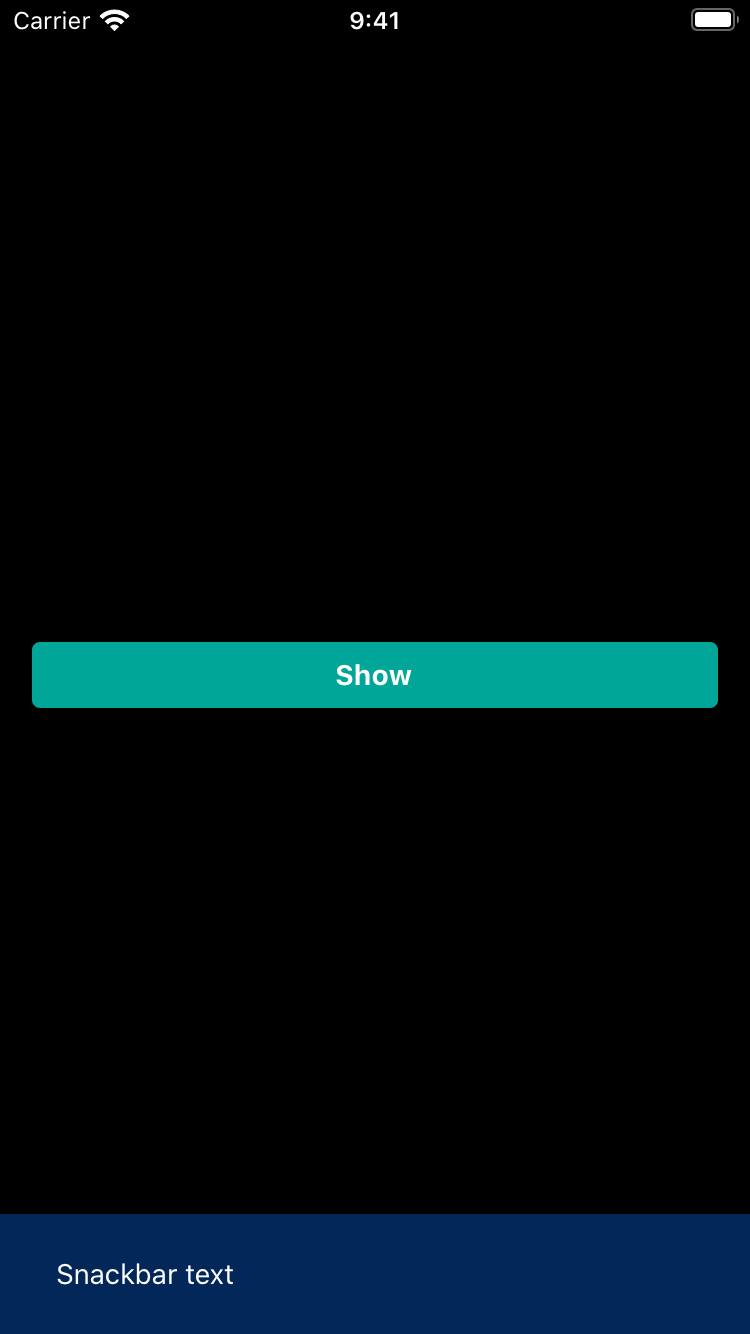 |
|
|
| 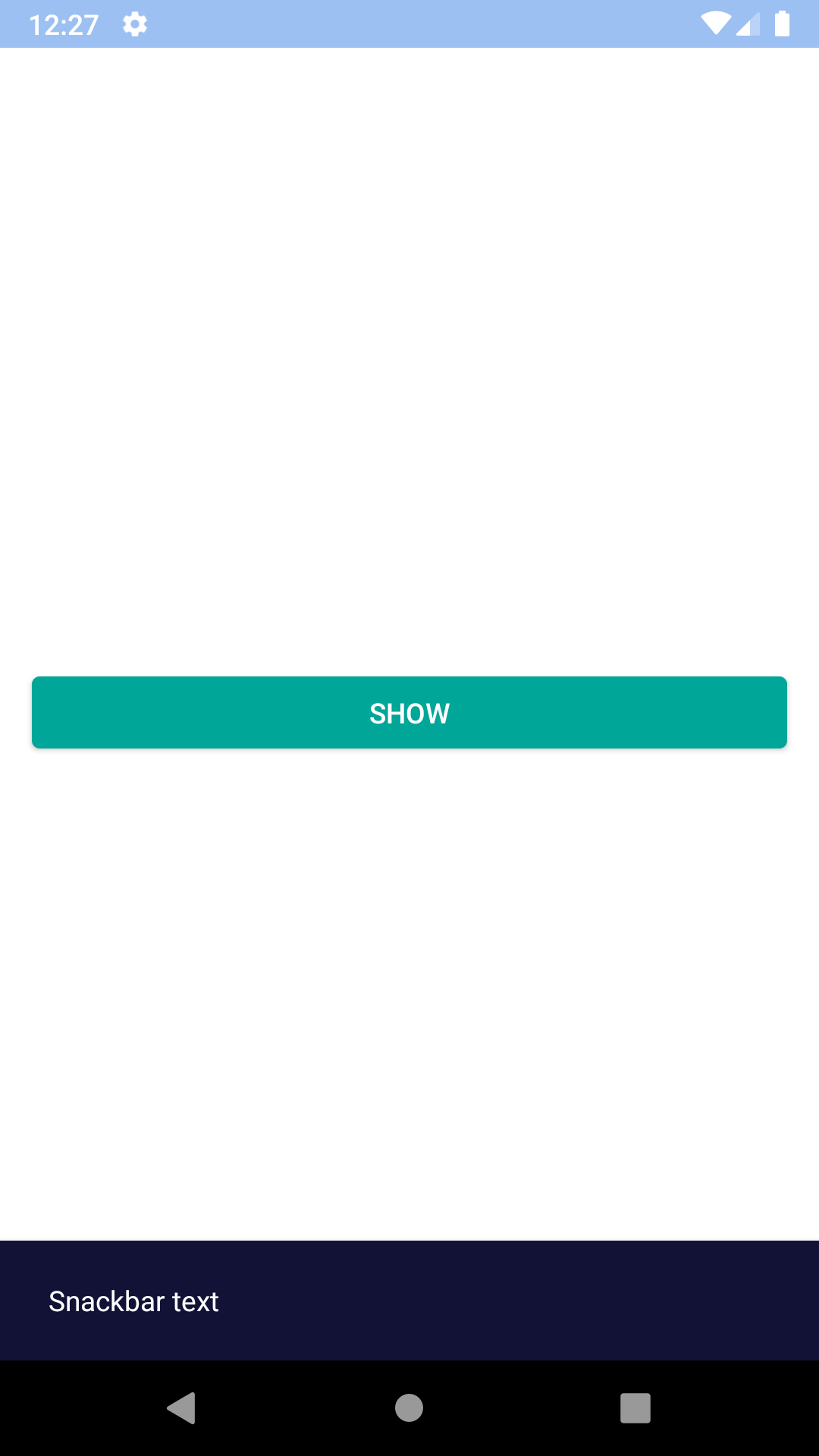 |
| 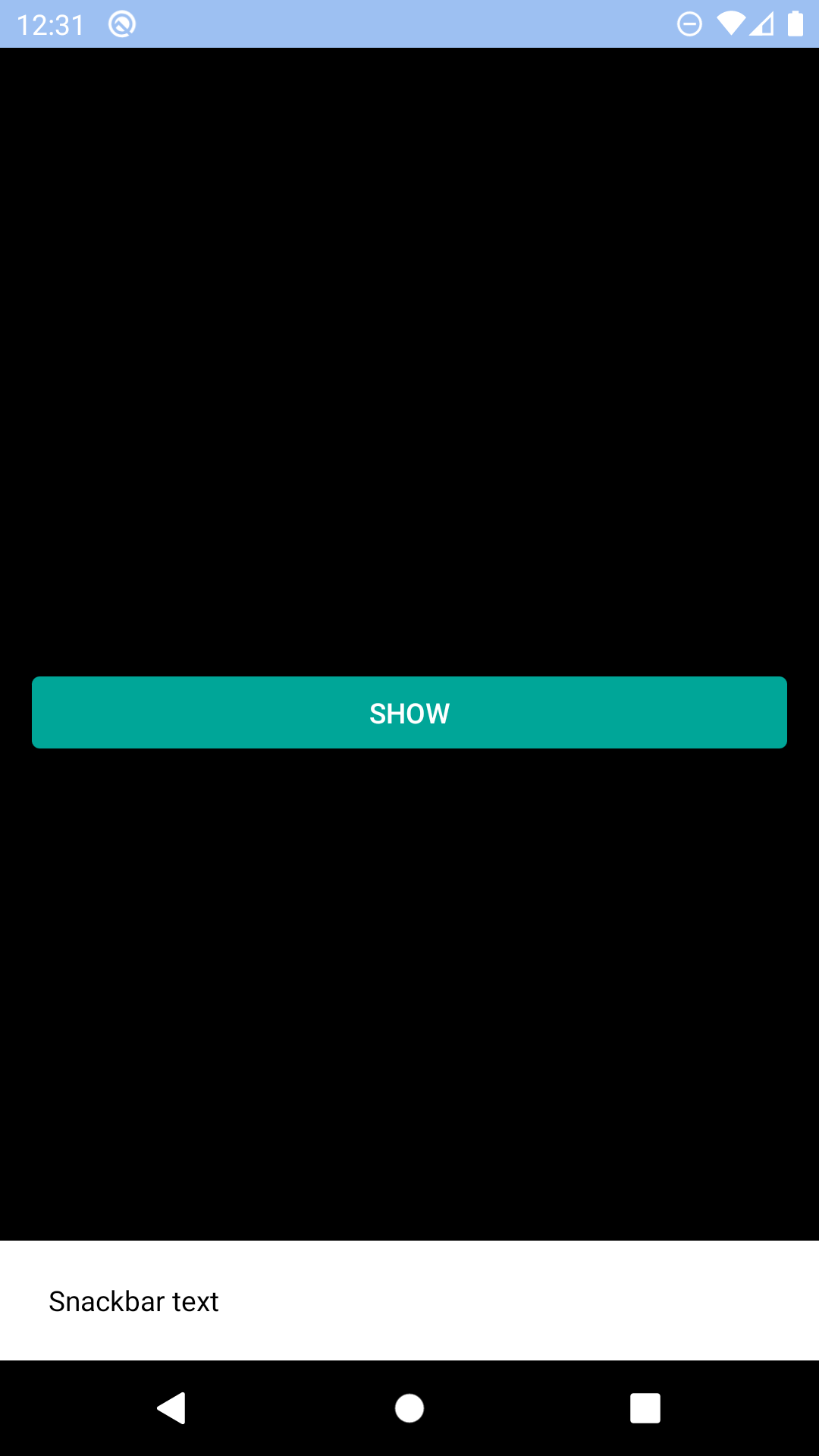 |
## Title and icon
| Day | Night |
| --- | --- |
|
|
## Title and icon
| Day | Night |
| --- | --- |
| 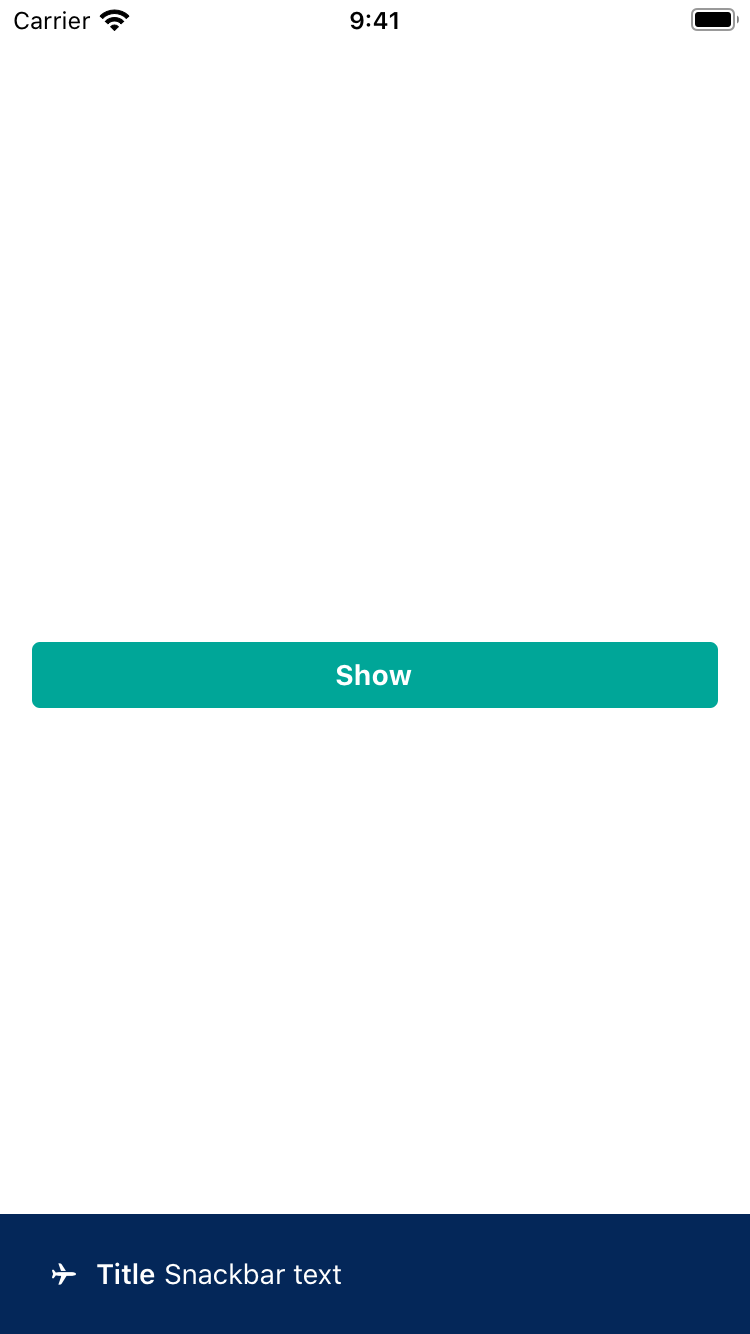 |
| 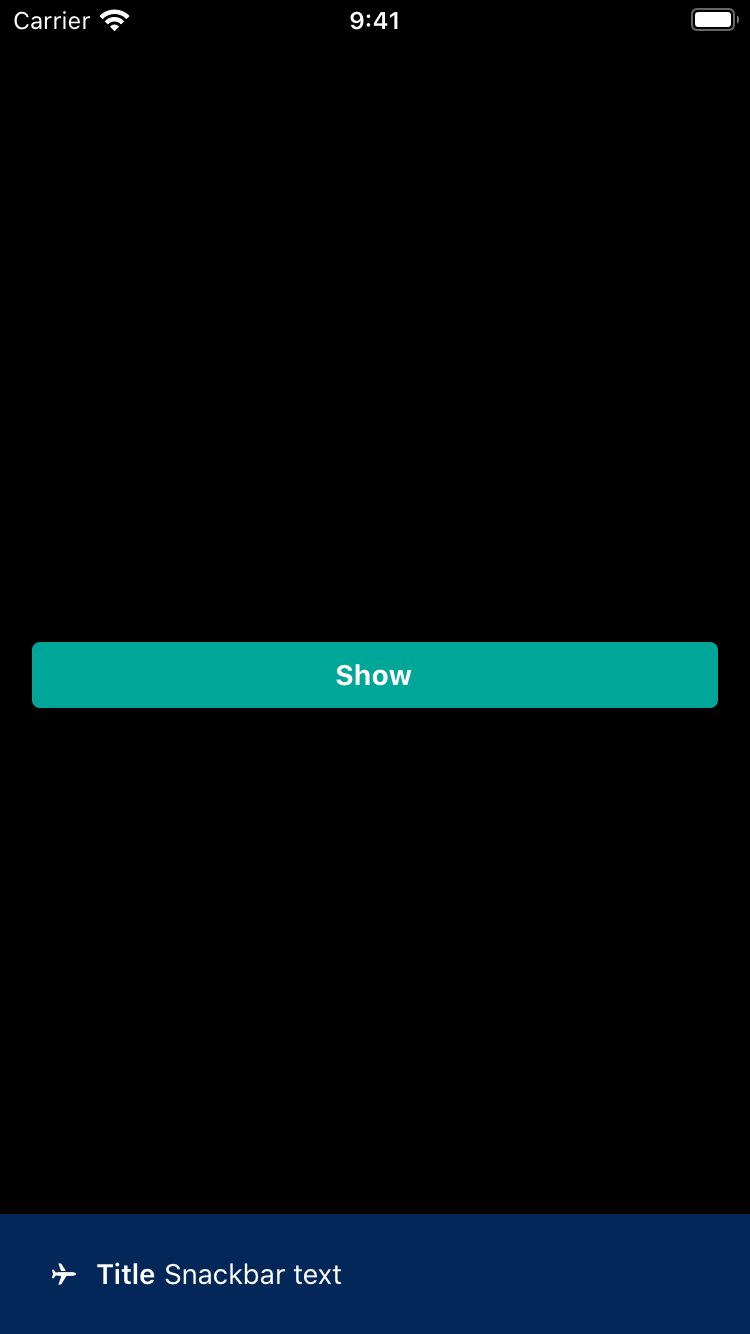 |
|
|
| 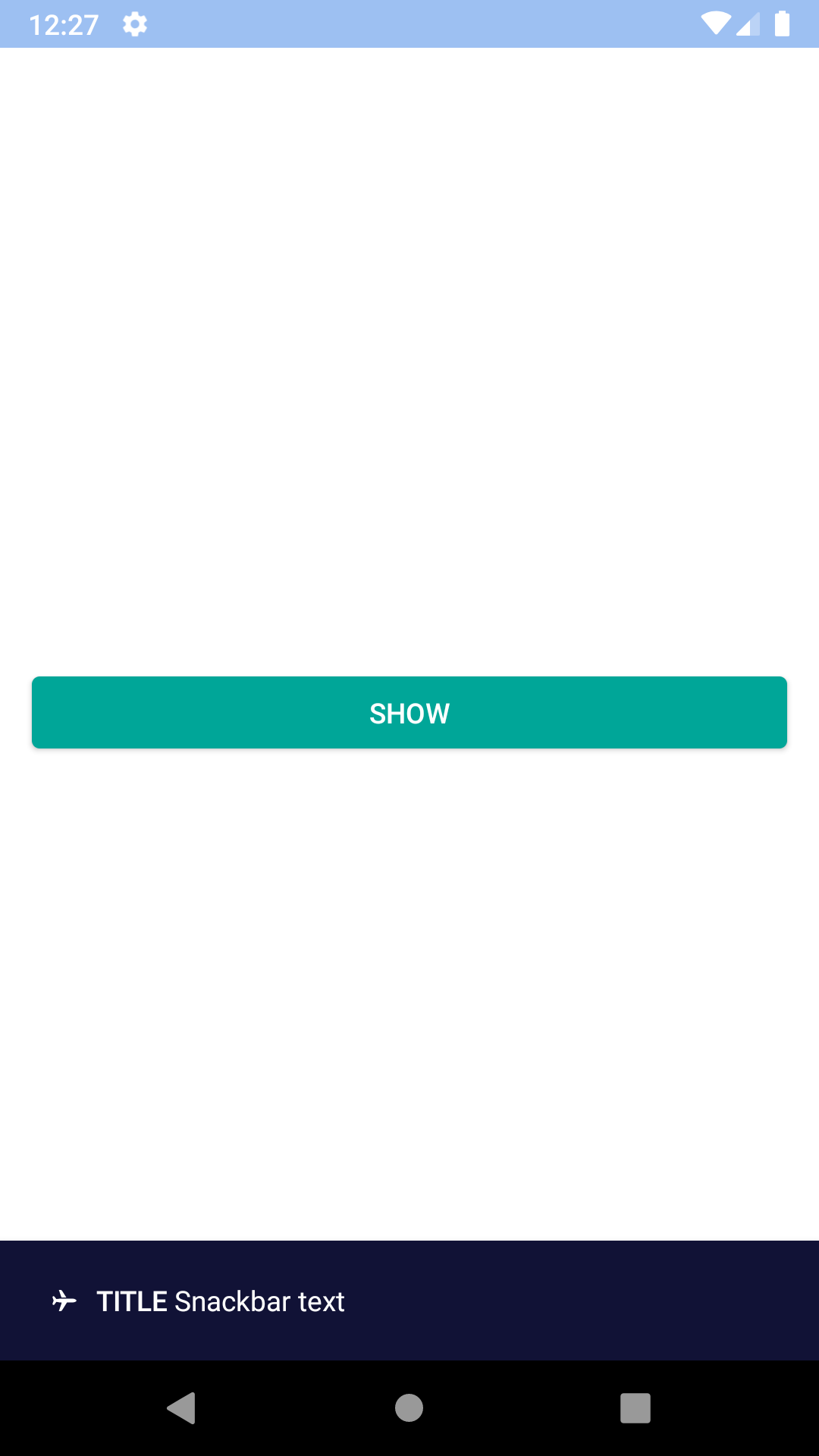 |
| 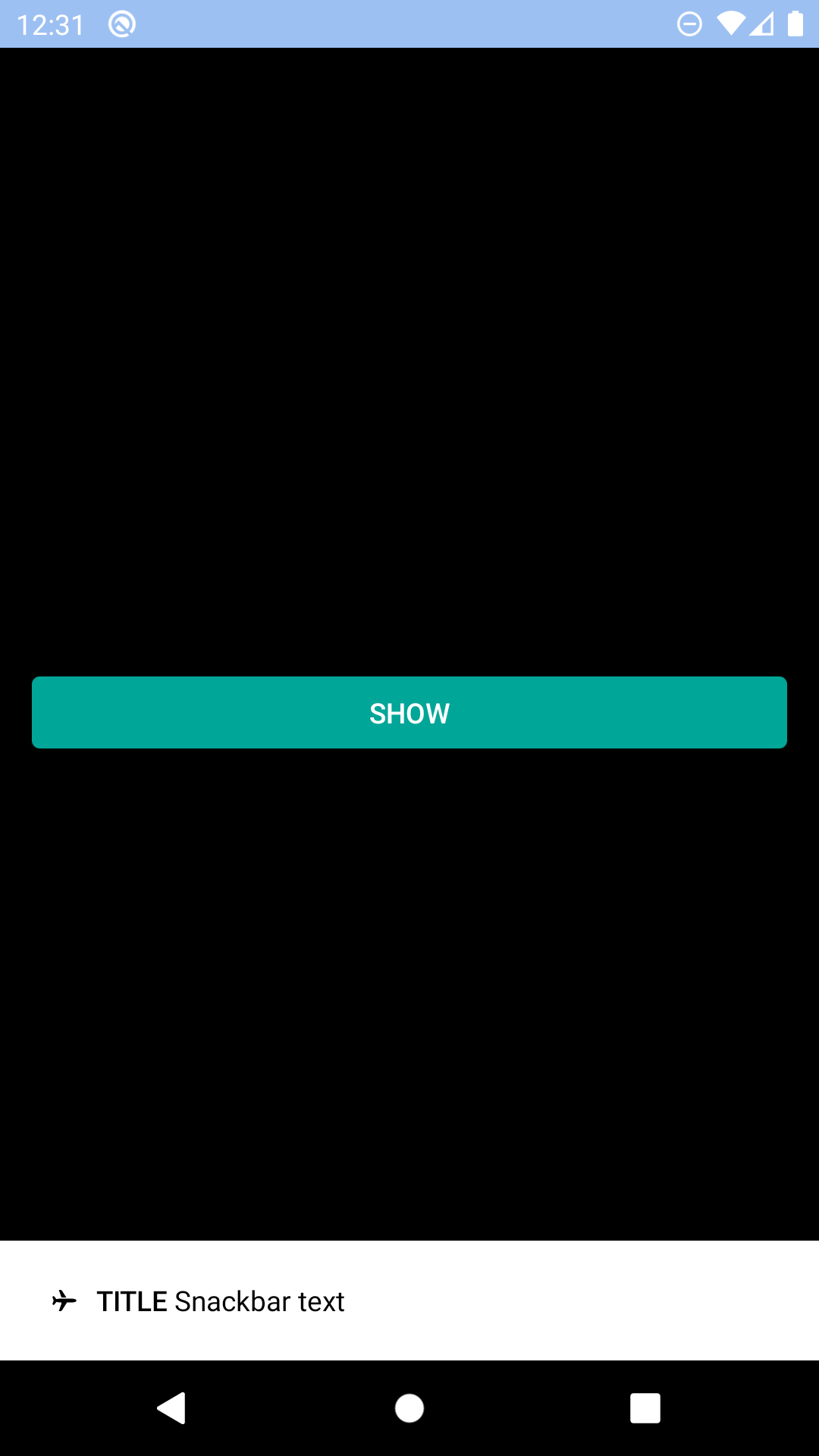 |
## Action
| Day | Night |
| --- | --- |
|
|
## Action
| Day | Night |
| --- | --- |
| 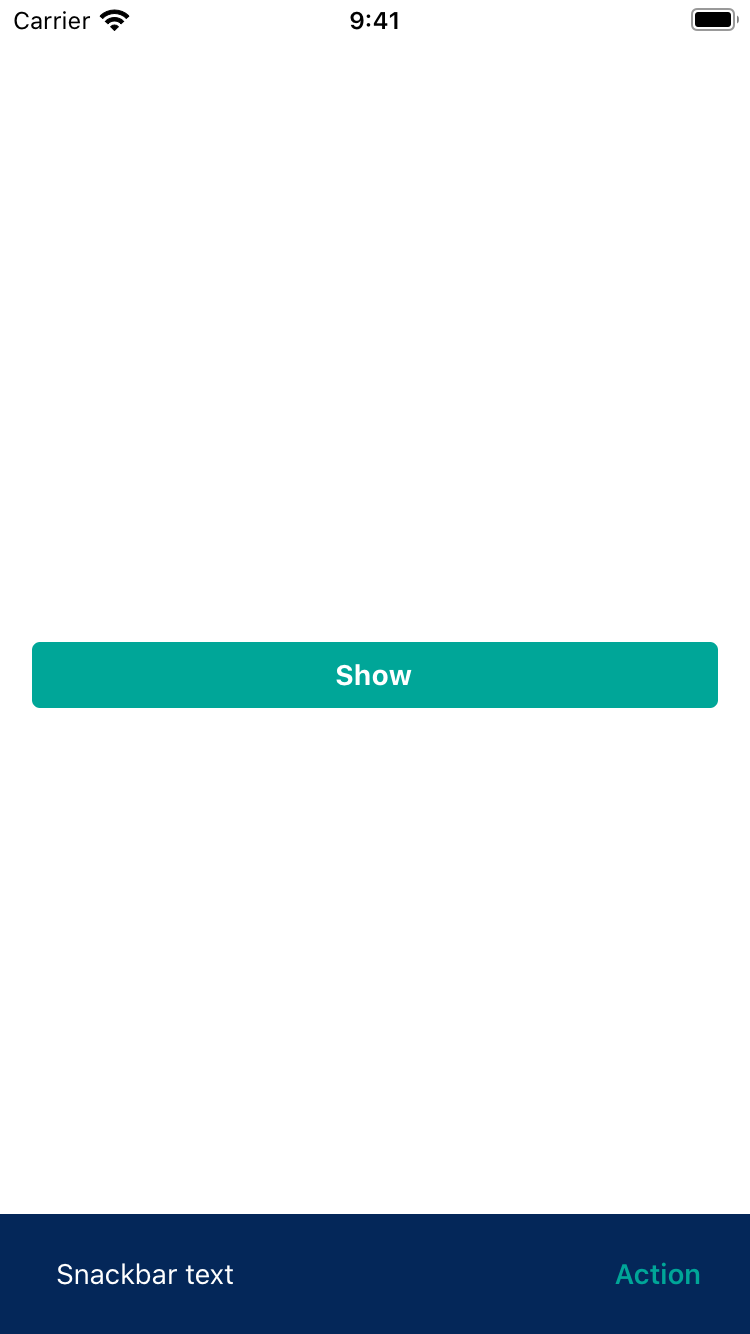 |
| 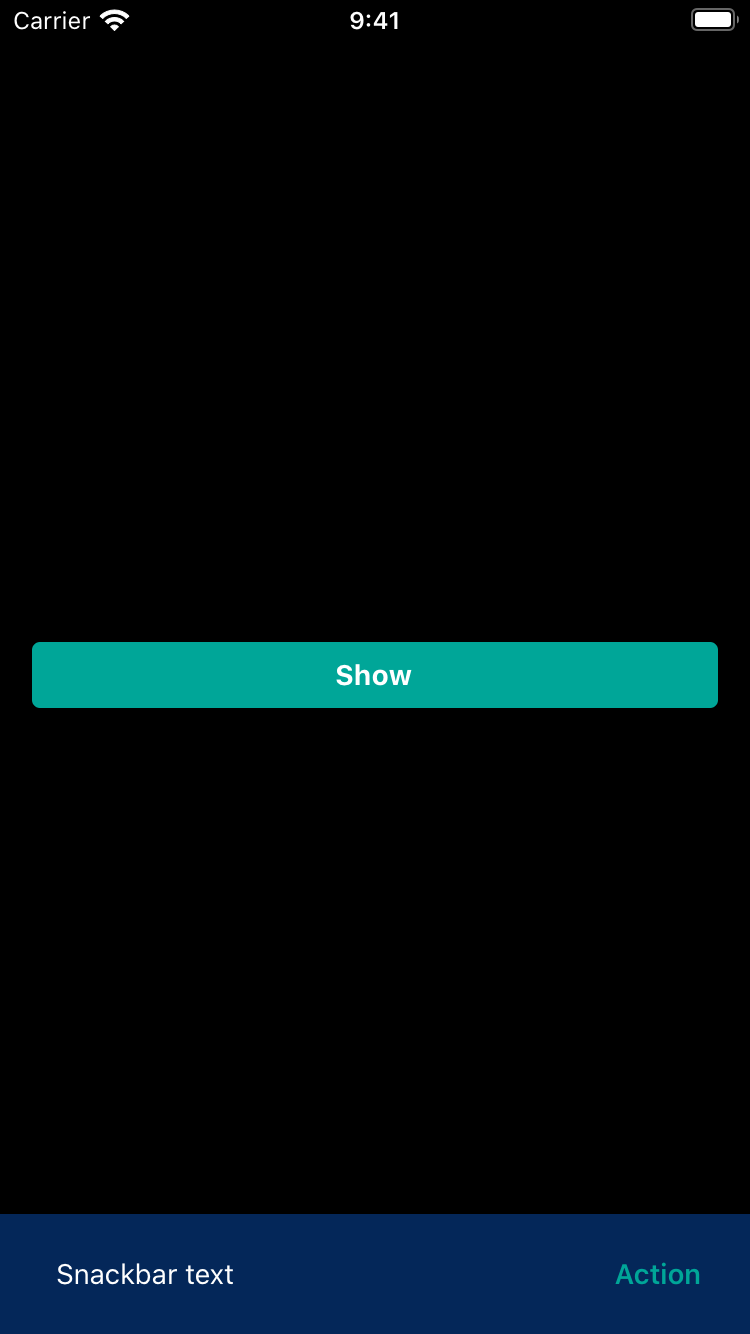 |
|
|
| 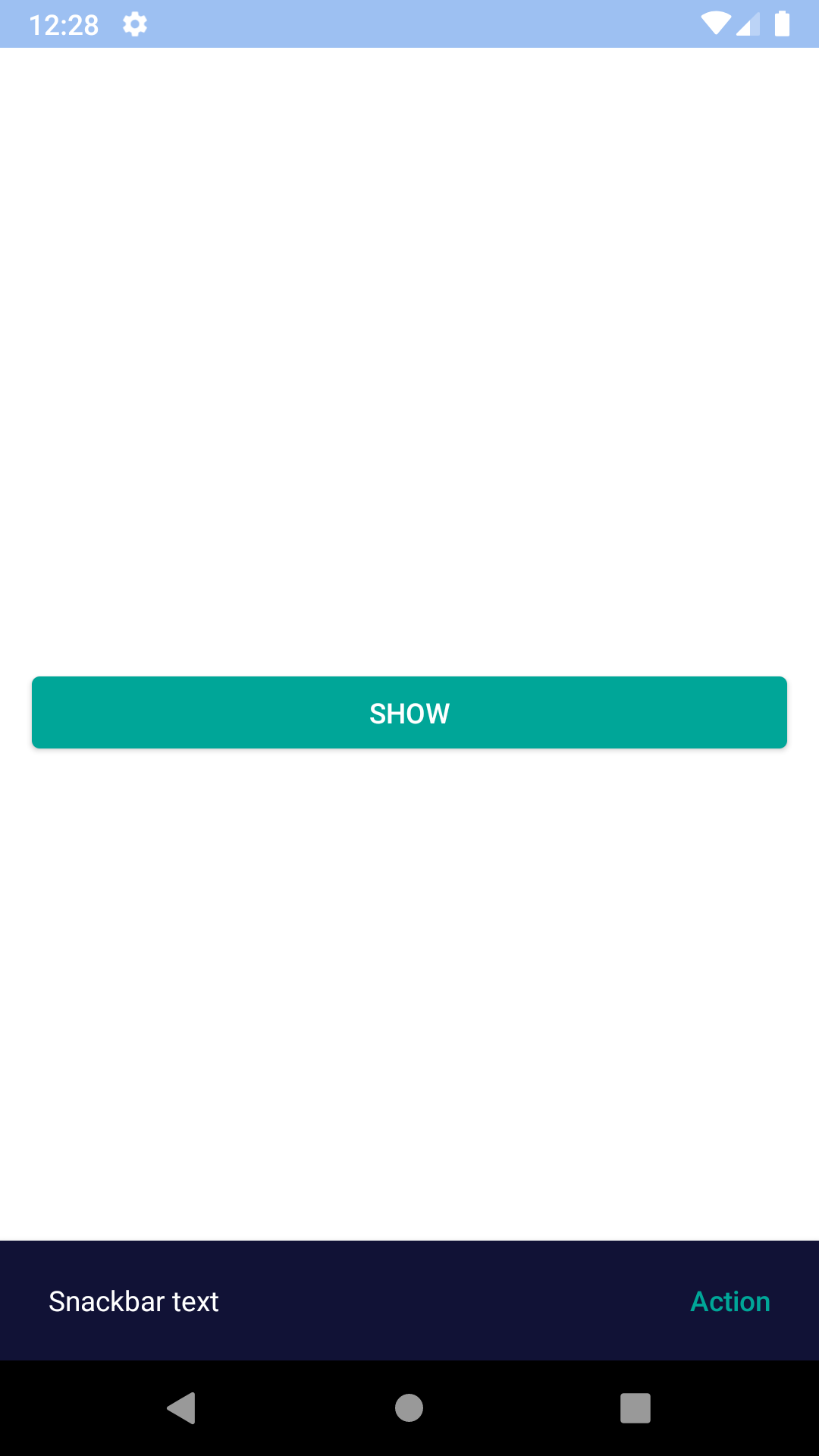 |
| 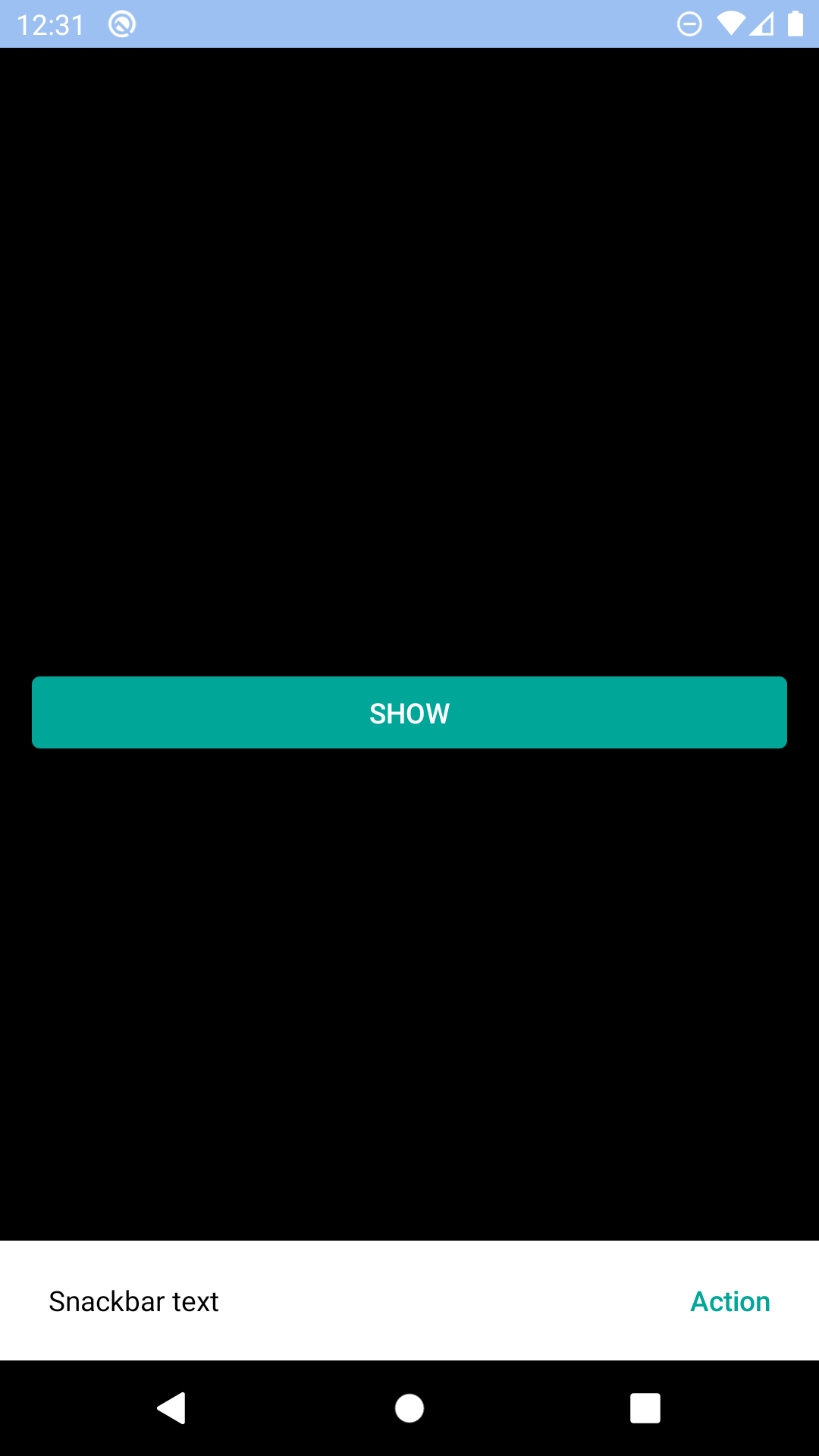 |
## Icon action
| Day | Night |
| --- | --- |
|
|
## Icon action
| Day | Night |
| --- | --- |
| 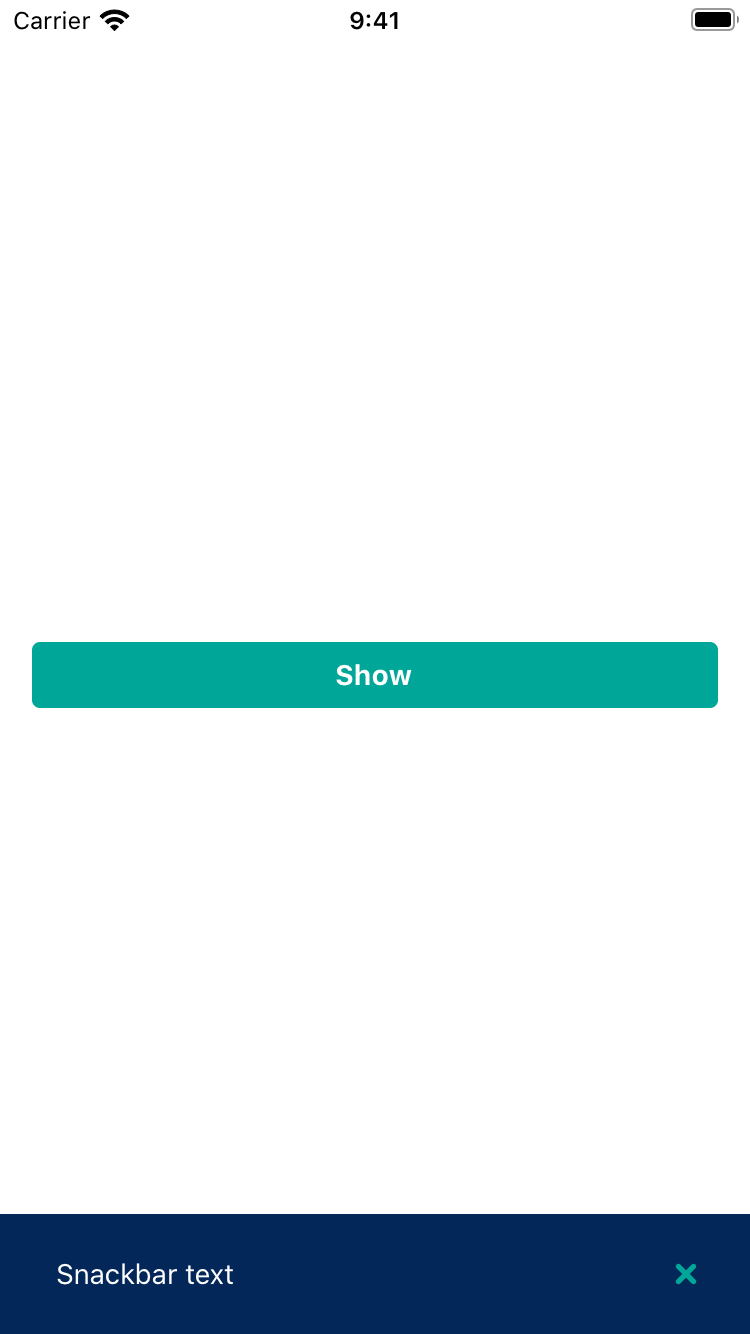 |
| 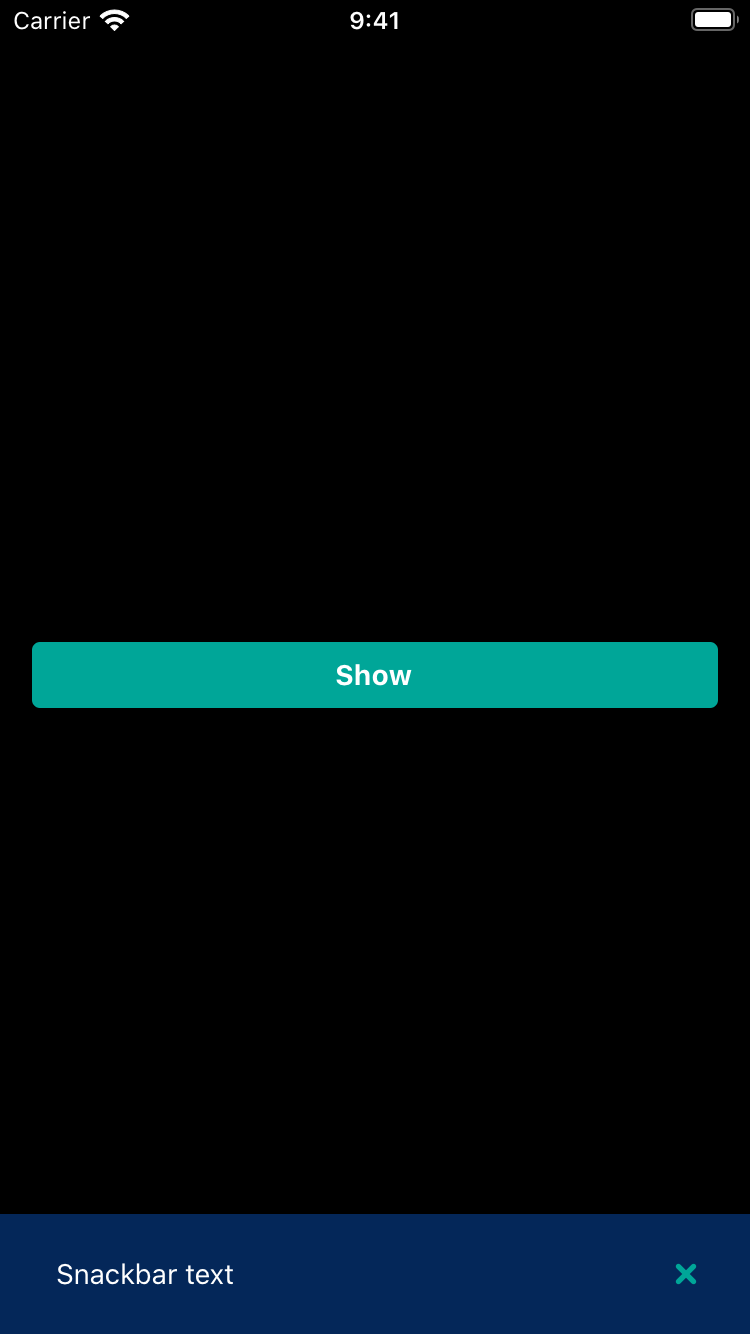 |
|
|
| 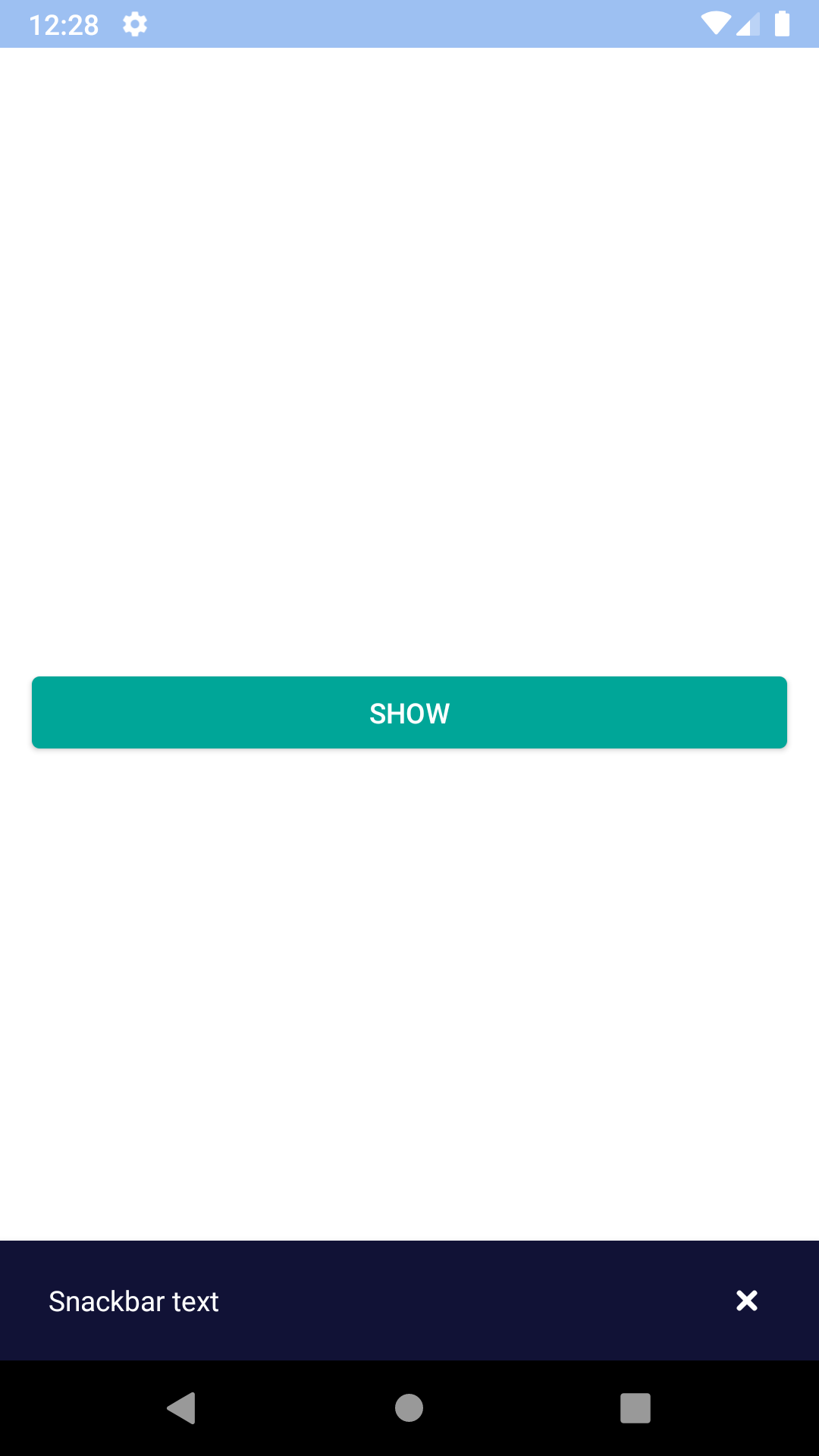 |
| 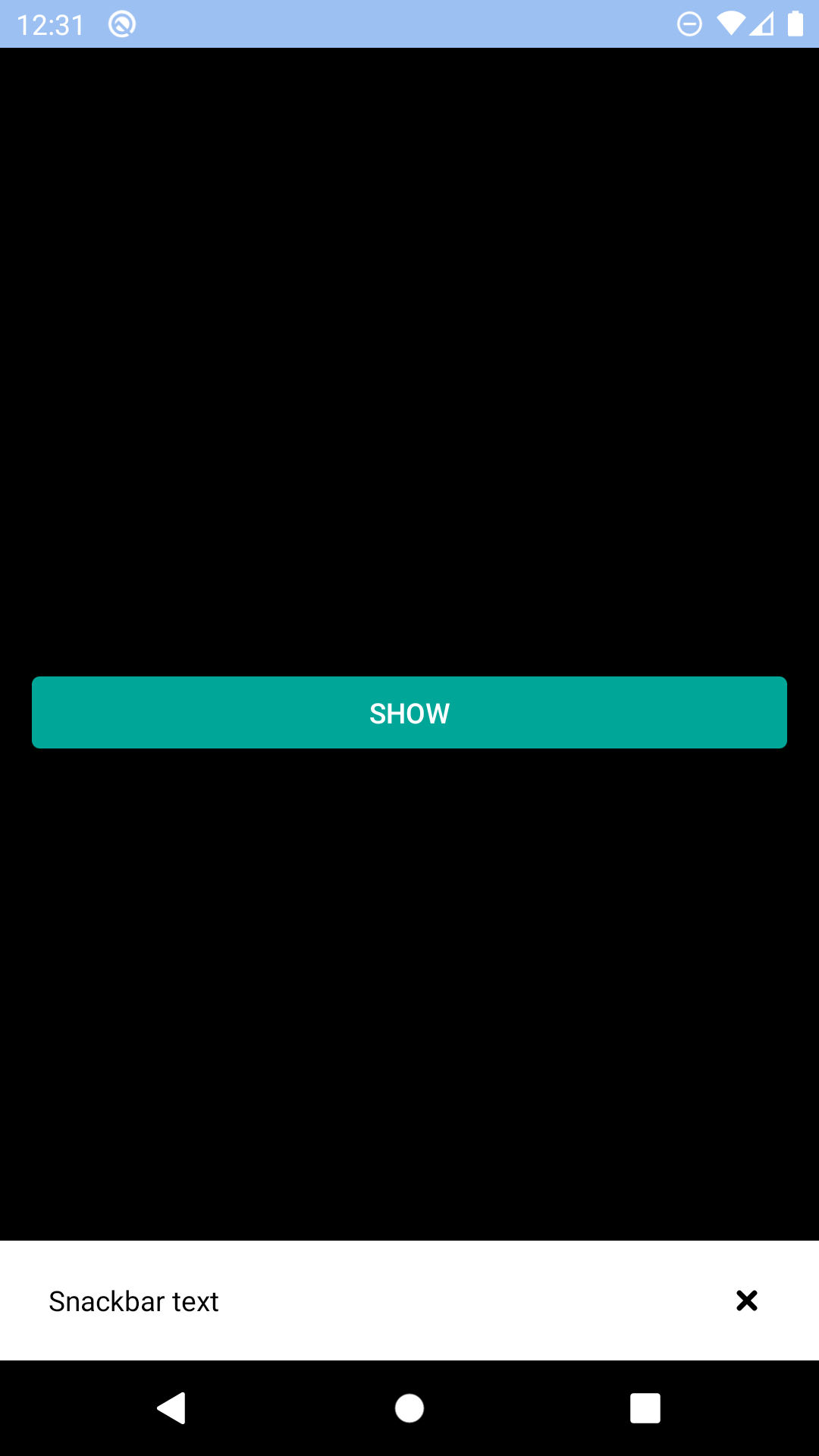 |
## Installation
Check the main [Readme](https://github.com/skyscanner/backpack-react-native#usage) for a complete installation guide.
## Usage
```js
import React from 'react';
import BpkAlert from 'backpack-react-native/bpk-component-alert';
import BpkButton from 'backpack-react-native/bpk-component-button';
import { icons } from 'backpack-react-native/bpk-component-icon';
import BpkSnackbar, { SNACKBAR_LENGTHS } from 'backpack-react-native/bpk-component-snackbar';
export default () => (
{
BpkSnackbar.show({
text: 'Snackbar text',
duration: SNACKBAR_LENGTHS.short,
title: 'Title',
icon: icons.flight,
action: {
text: 'Action',
onPress: () => {
BpkAlert.alert('Action pressed');
}
}
})
}}
/>
);
```
## Props
### BpkSnackbar
| Property | PropType | Required | Default Value |
| ---------------- | ---------------------------------------------- | -------- | ----------------------- |
| `duration` | `number` | true | `SNACKBAR_LENGTHS.short`|
| `text` | `string` | true | - |
| `title` | `string` | false | - |
| `icon` | `string` | false | - |
| `action` | `object` | false | - |
| `action.text*` | `string` | true | - |
| `action.icon*` | `string` | true | - |
| `action.onPress` | `function` | true | - |
**NOTES**
- when `action` is provided `action.text` or `action.icon` should be provided, but not both at the same time.
|
## Installation
Check the main [Readme](https://github.com/skyscanner/backpack-react-native#usage) for a complete installation guide.
## Usage
```js
import React from 'react';
import BpkAlert from 'backpack-react-native/bpk-component-alert';
import BpkButton from 'backpack-react-native/bpk-component-button';
import { icons } from 'backpack-react-native/bpk-component-icon';
import BpkSnackbar, { SNACKBAR_LENGTHS } from 'backpack-react-native/bpk-component-snackbar';
export default () => (
{
BpkSnackbar.show({
text: 'Snackbar text',
duration: SNACKBAR_LENGTHS.short,
title: 'Title',
icon: icons.flight,
action: {
text: 'Action',
onPress: () => {
BpkAlert.alert('Action pressed');
}
}
})
}}
/>
);
```
## Props
### BpkSnackbar
| Property | PropType | Required | Default Value |
| ---------------- | ---------------------------------------------- | -------- | ----------------------- |
| `duration` | `number` | true | `SNACKBAR_LENGTHS.short`|
| `text` | `string` | true | - |
| `title` | `string` | false | - |
| `icon` | `string` | false | - |
| `action` | `object` | false | - |
| `action.text*` | `string` | true | - |
| `action.icon*` | `string` | true | - |
| `action.onPress` | `function` | true | - |
**NOTES**
- when `action` is provided `action.text` or `action.icon` should be provided, but not both at the same time.