# bpk-component-phone-input
> Backpack React Native telephone input component.
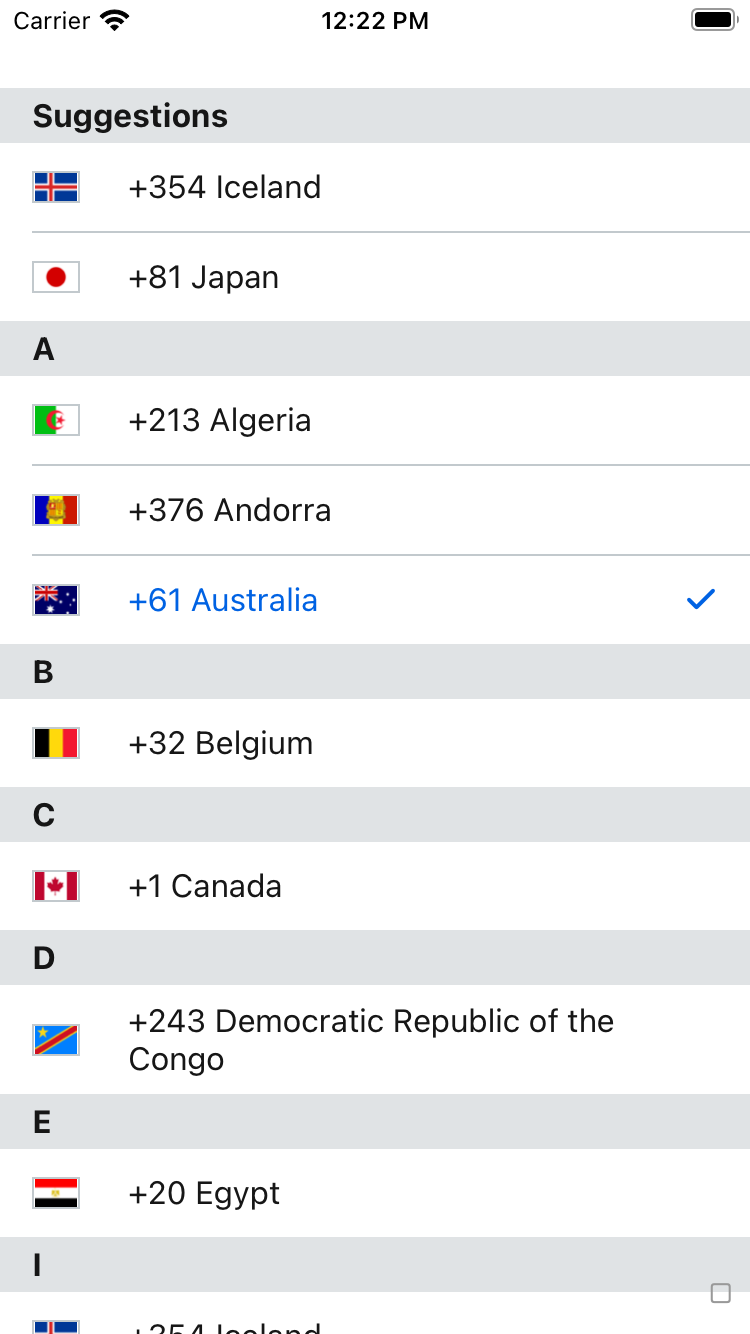
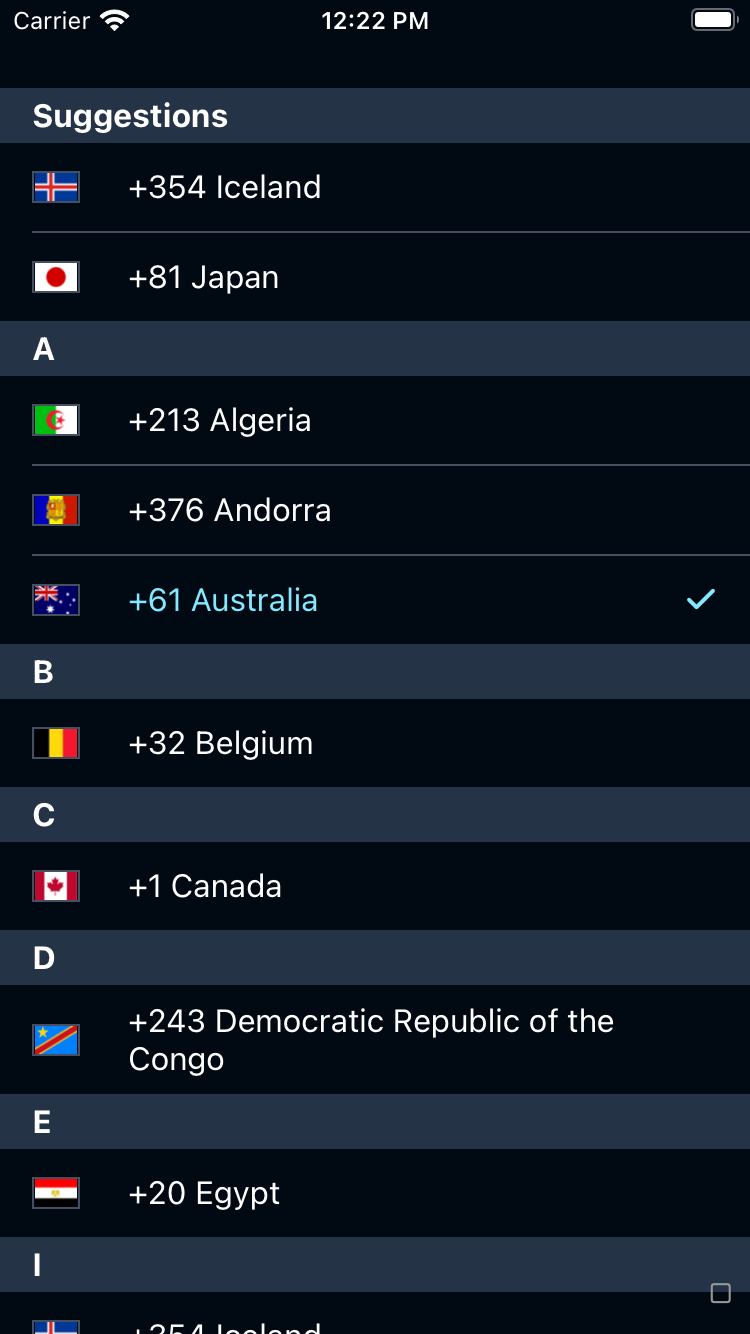
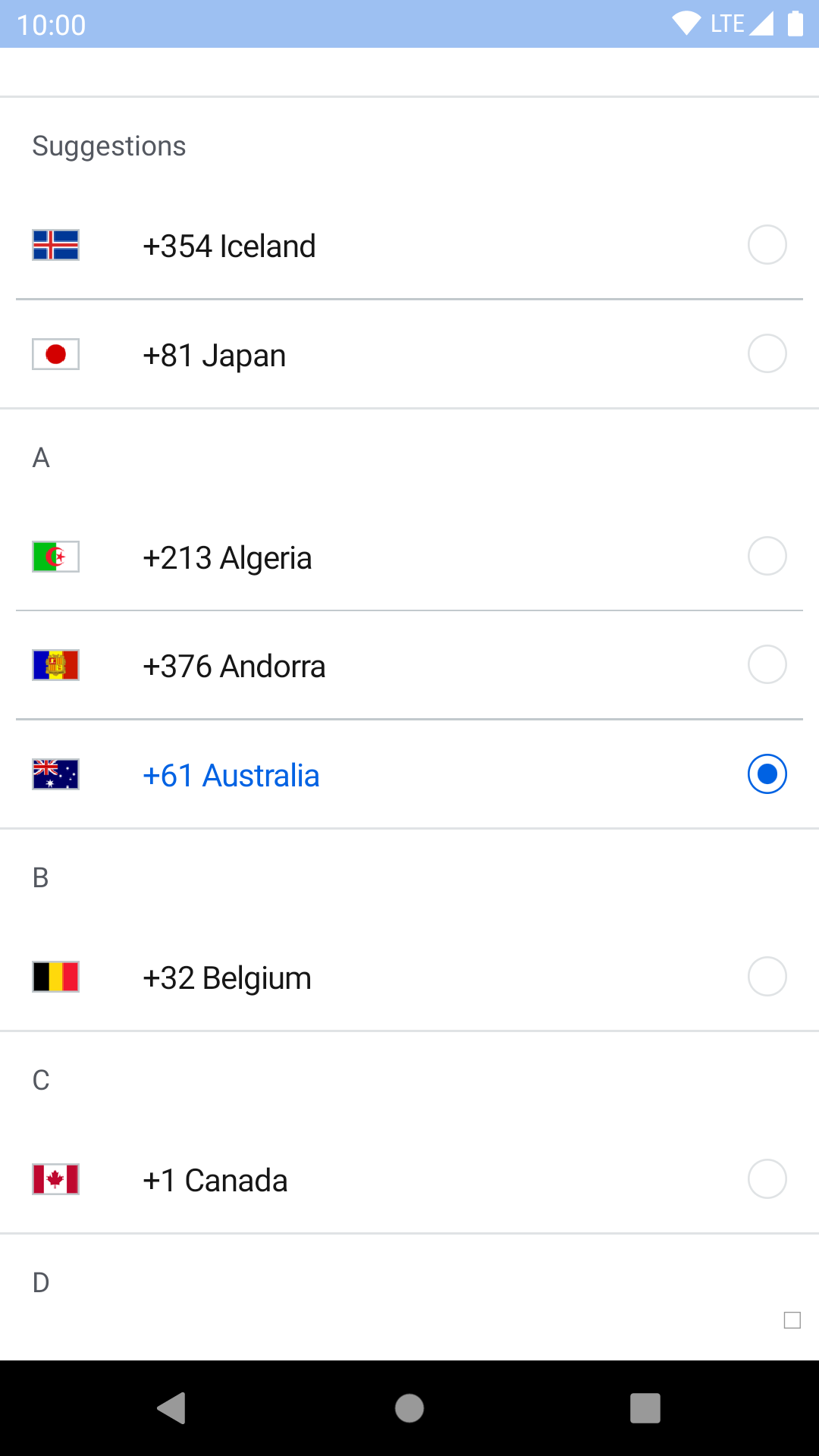
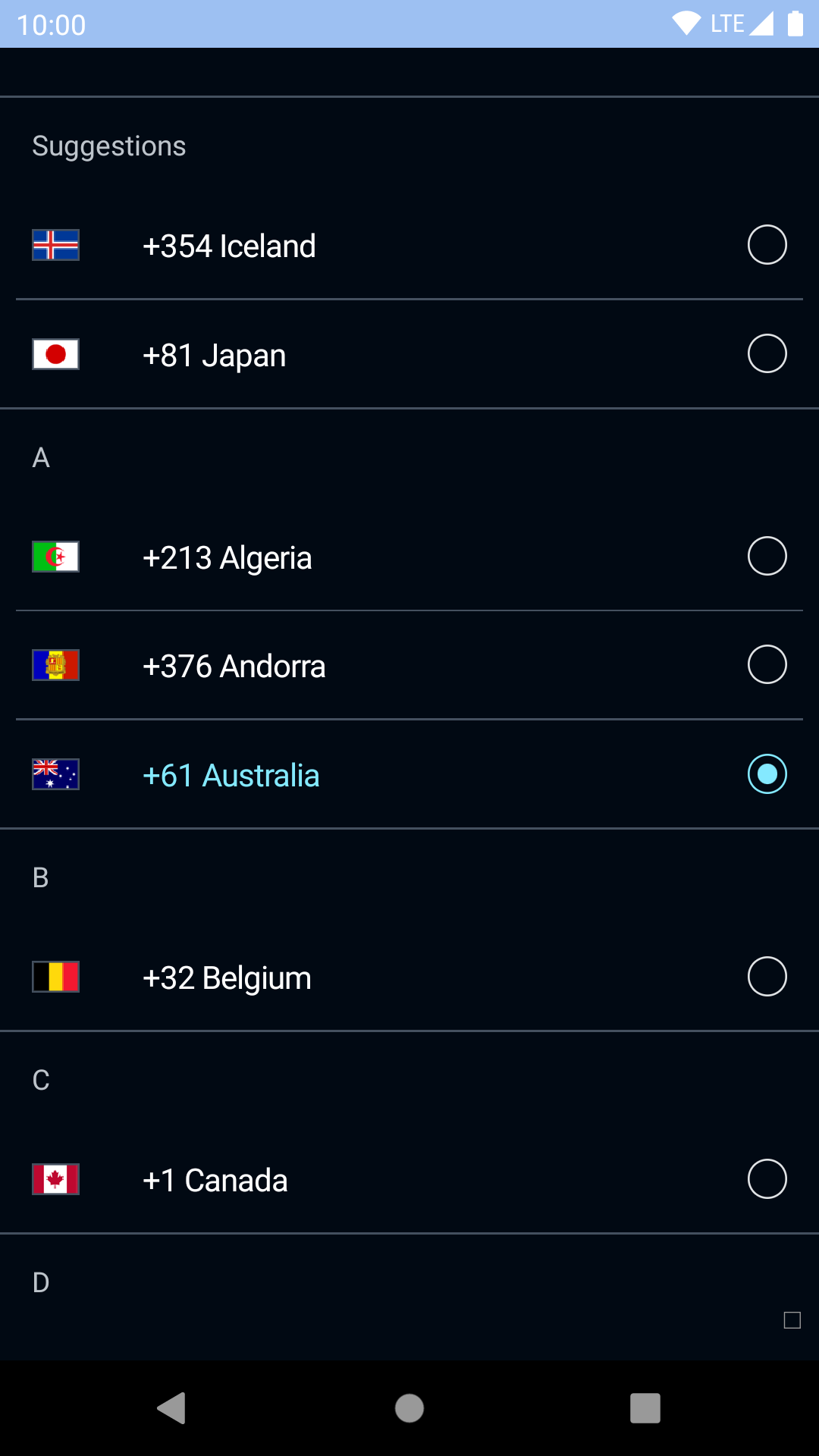
## Dialing code list
| Day | Night |
| --- | --- |
|  |
|  |
|
|
|  |
|  |
## Phone number input
| Day | Night |
| --- | --- |
|
|
## Phone number input
| Day | Night |
| --- | --- |
| 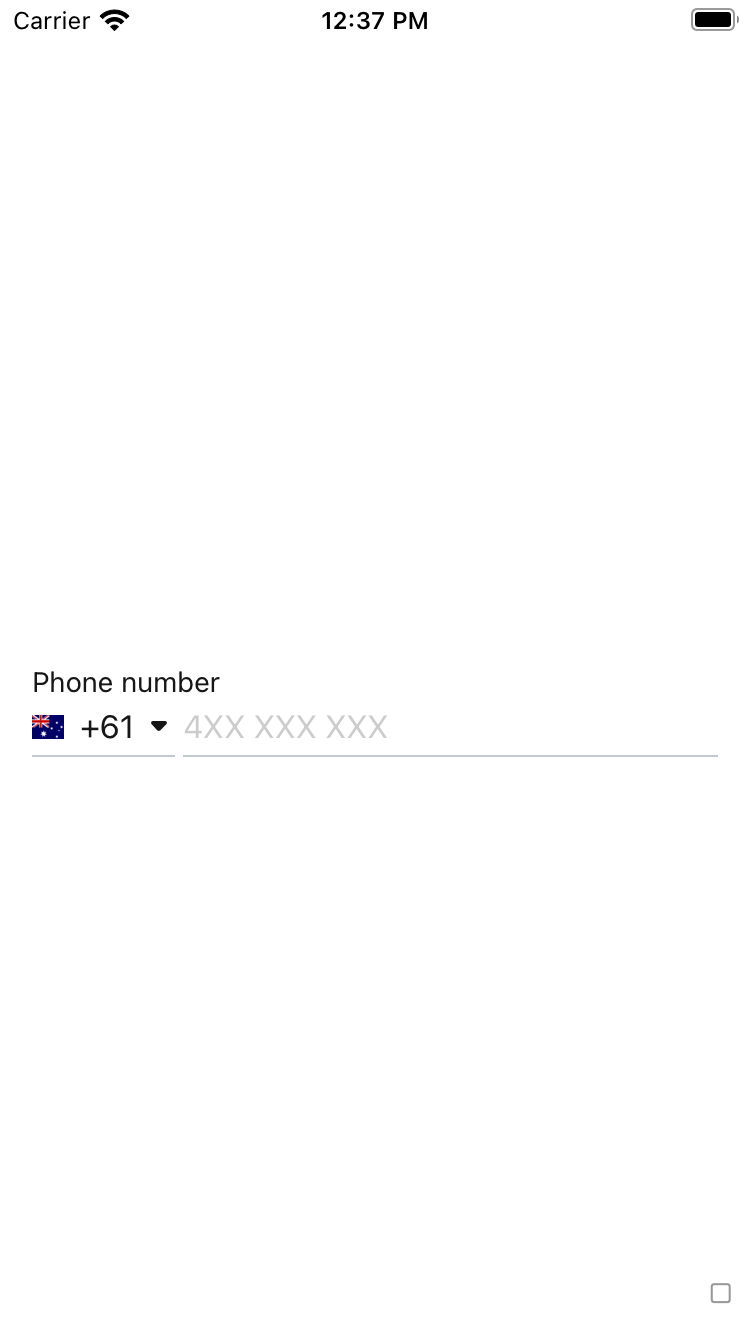 |
| 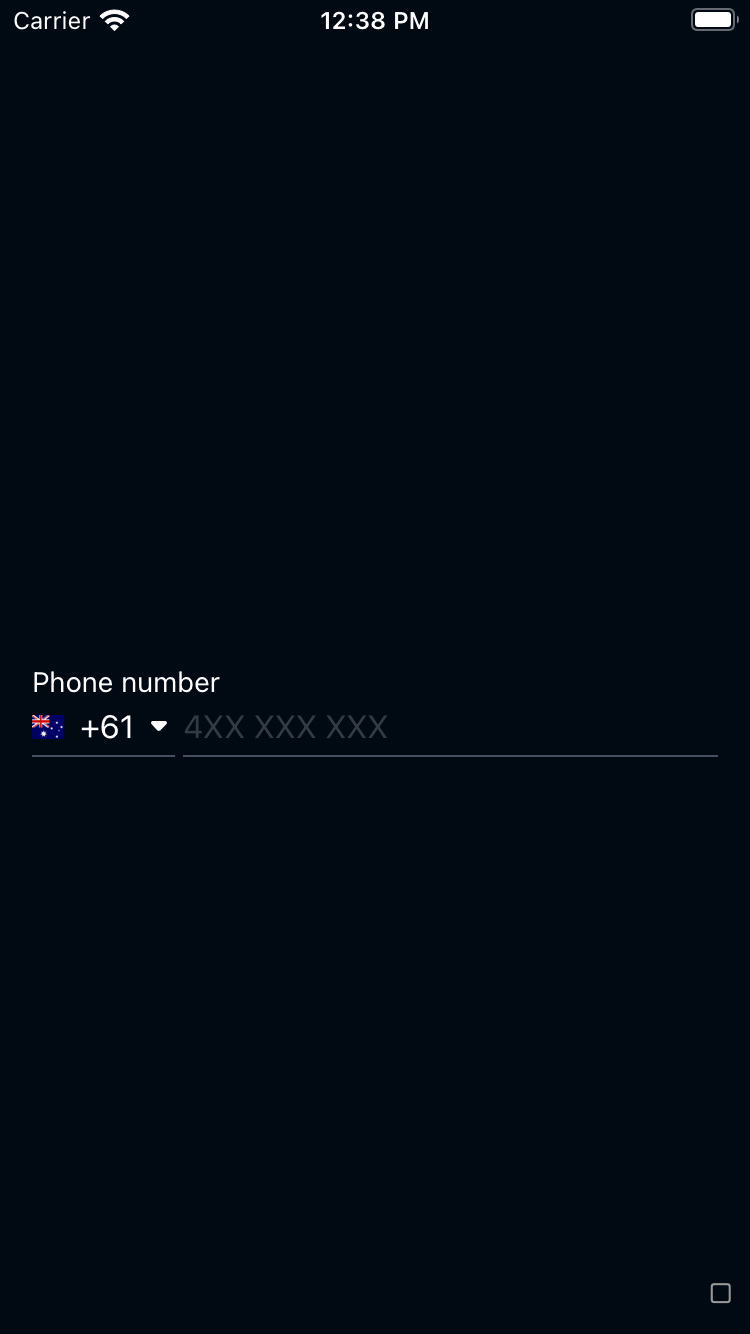 |
|
|
| 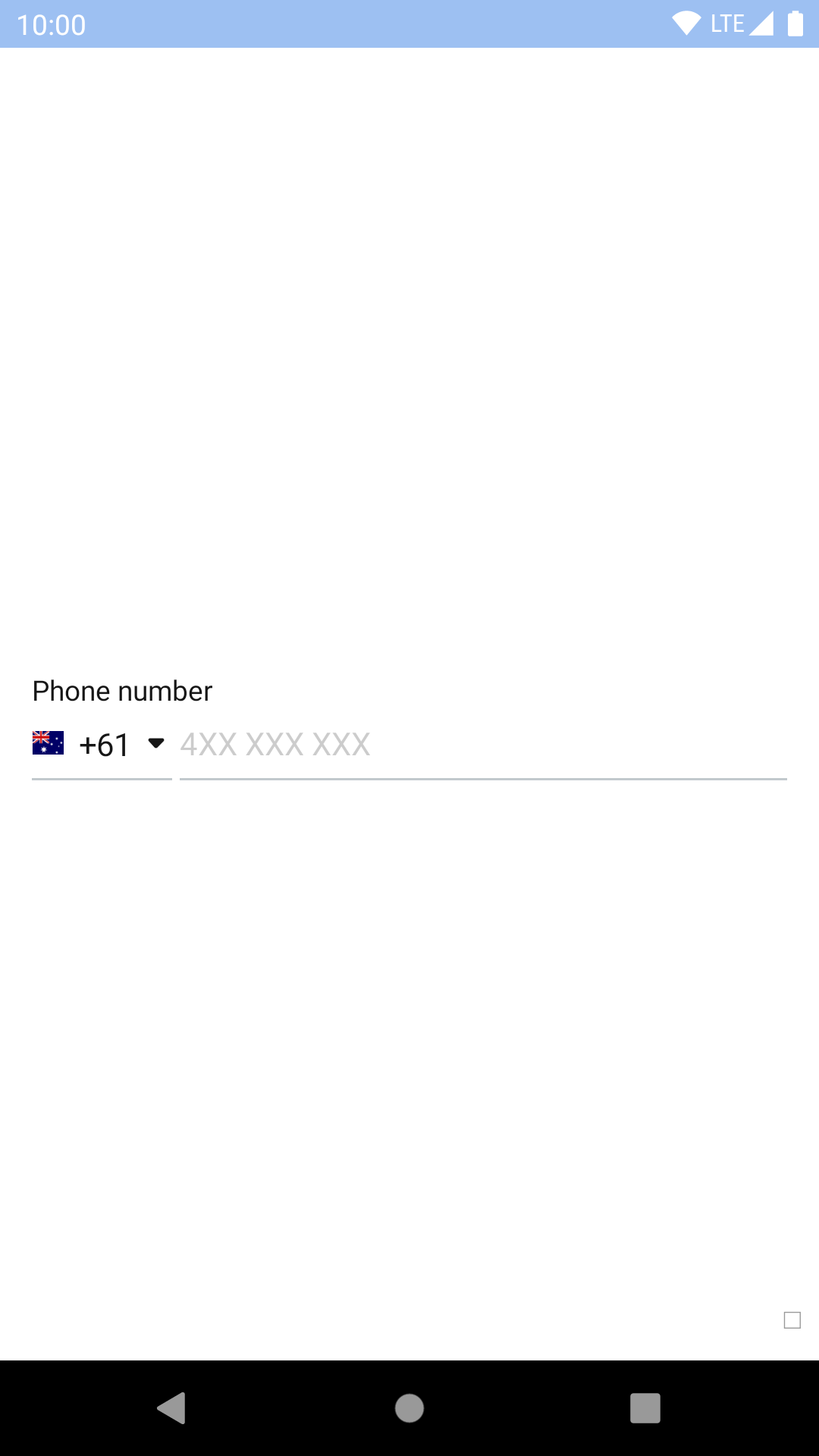 |
| 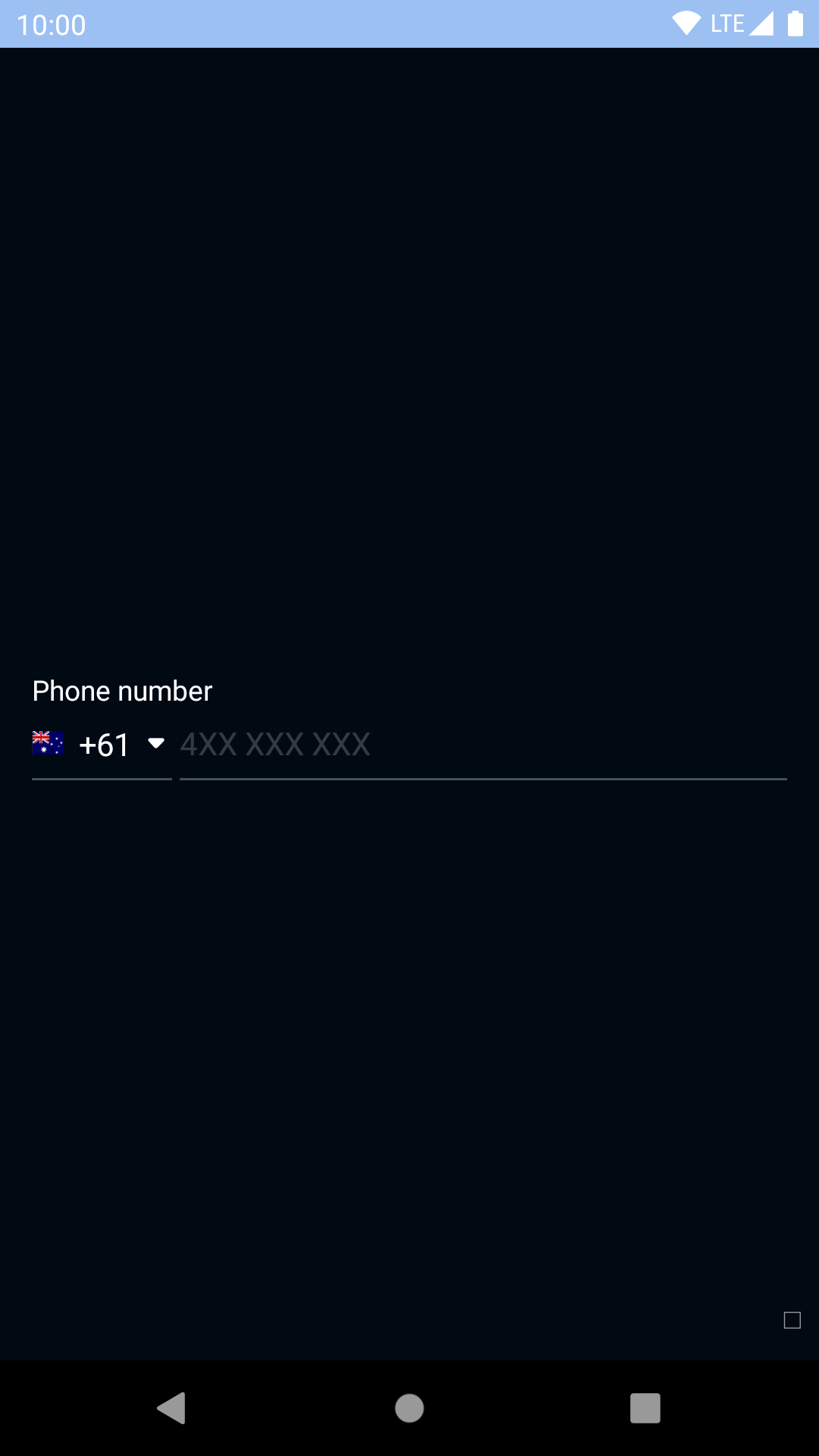 |
## Installation
Check the main [Readme](https://github.com/skyscanner/backpack-react-native#usage) for a complete installation guide.
## Data format
Consumers are expected to provide the data that powers the two components available in this package.
Each supported country should be in the following format:
```javascript
{ id: 'UK', dialingCode: '+44', name: 'United Kingdom' }
```
All keys are required and should have non-null/empty values.
For `BpkDialingCodeList` a list of objects with this format should be used. Sorting should be done beforehand as the component does not perform any sorting itself.
Optionally, you may supply a list of suggested ids which are your best guess at the user's country code. These codes will be shown at the top of the list under a custom title.
## BpkDialingCodeList
### Usage
```js
import React, { Component } from 'react';
import { Image } from 'react-native';
import { BpkDialingCodeList } from 'backpack-react-native/bpk-component-phone-input';
const CODES = [
{ id: 'DZ', dialingCode: '+213', name: 'Algeria' },
{ id: 'CA', dialingCode: '+1', name: 'Canada' },
{ id: 'CD', dialingCode: '+243', name: 'Democratic Republic of the Congo' },
{ id: 'IT', dialingCode: '+39', name: 'Italy' },
{ id: 'JP', dialingCode: '+81', name: 'Japan' },
{ id: 'SE', dialingCode: '+46', name: 'Sweden' },
{ id: 'GB', dialingCode: '+44', name: 'United Kingdom' },
];
const FLAG_IMAGES = {
'DZ': '/resources/algeria.png',
'CA': '/resources/canada.png',
'CD': '/resources/drcongo.png',
'IT': '/resources/italy.png',
'JP': '/resources/japan.png',
'SE': '/resources/sweden.png',
'GB': '/resources/uk.png',
};
const SUGGESTED = {
ids: ['IT', 'GB'], // The IDs must match the ones from dialingCodes
title: 'Suggested', // The title shown above the suggested codes
};
export default class App extends Component {
render() {
return (
console.log(code.id)}
renderFlag={code => }
suggested={SUGGESTED}
/>
);
}
}
```
### Usage with search
You can combine the dialing code list with [`SectionList`'s search abilities](/components/section-list?platform=native#with-search) to allow users to search the dialing code list.
A default filtering function - `getFilteredDialingCodes` - is available for you to use. It filters using the `dialingCode` and `name` properties. You can either use this or provide your own filtering logic if you need advanced functionality.
```js
import React, { Component } from 'react';
import { Image } from 'react-native';
import {
BpkDialingCodeList,
getFilteredDialingCodes,
} from 'backpack-react-native/bpk-component-phone-input';
import {
BpkSectionListNoResultsText,
BpkSectionListSearchField,
} from 'backpack-react-native/bpk-component-section-list';
const CODES = [
{ id: 'DZ', dialingCode: '+213', name: 'Algeria' },
{ id: 'CA', dialingCode: '+1', name: 'Canada' },
{ id: 'CD', dialingCode: '+243', name: 'Democratic Republic of the Congo' },
{ id: 'IT', dialingCode: '+39', name: 'Italy' },
{ id: 'JP', dialingCode: '+81', name: 'Japan' },
{ id: 'SE', dialingCode: '+46', name: 'Sweden' },
{ id: 'GB', dialingCode: '+44', name: 'United Kingdom' },
];
const FLAG_IMAGES = {
'DZ': '/resources/algeria.png',
'CA': '/resources/canada.png',
'CD': '/resources/drcongo.png',
'IT': '/resources/italy.png',
'JP': '/resources/japan.png',
'SE': '/resources/sweden.png',
'GB': '/resources/uk.png',
};
const SUGGESTED = {
ids: ['IT', 'GB'], // The IDs must match the ones from dialingCodes
title: 'Suggested', // The title shown above the suggested codes
};
export default class App extends Component {
constructor() {
super();
this.state = {
codes: CODES,
};
}
doSearch = (searchText) => {
const codes = getFilteredDialingCodes(searchText, CODES);
this.setState({ codes });
}
render() {
return (
console.log(code.id)}
renderFlag={code => }
suggested={SUGGESTED}
ListHeaderComponent={
}
ListEmptyComponent={
No results
}
/>
);
}
}
```
### Props
Is an instance of React Native's [SectionList](https://facebook.github.io/react-native/docs/sectionlist.html) component so it accepts the same props, as well as the following:
| Property | PropType | Required | Default Value |
| --------------------------- | ----------------------------------------------------------- | -------- | ------------- |
| dialingCodes | arrayOf({id, dialingCode, name}) | true | - |
| onItemPress | func | true | - |
| renderFlag | func | true | - |
| selectedId | string | false | null |
| suggested | { ids, title } | false | null |
## BpkPhoneNumberInput
### Usage
```js
import React, { Component } from 'react';
import { Image } from 'react-native';
import { BpkPhoneNumberInput } from 'backpack-react-native/bpk-component-phone-input';
const CODES = [
{ id: 'DZ', dialingCode: '+213', name: 'Algeria' },
];
const FLAG_IMAGES = {
'DZ': '/resources/algeria.png',
};
export default class App extends Component {
render() {
return (
presentDialingCodeList()}
renderFlag={code => }
/>
);
}
}
```
### Props
Inherits all props from [`BpkTextInput`](../bpk-component-text-input/README.md#props) except `accessoryView`.
| Property | PropType | Required | Default Value |
| --------------------------- | ----------------------------------------------------------- | -------- | ------------- |
| dialingCode | {id, dialingCode, name} | true | - |
| onDialingCodePress | func | true | - |
| renderFlag | func | true | - |
## BpkFlag
### Usage
```js
import React, { Component } from 'react';
import { Image } from 'react-native';
import { BpkFlag } from 'backpack-react-native/bpk-component-phone-input';
export default class App extends Component {
render() {
return (
}
/>
);
}
}
```
### Props
Inherits all props from [`View`](https://facebook.github.io/react-native/docs/view.html).
| Property | PropType | Required | Default Value |
| ------------- | ---------- | -------- | ------------- |
| flag | element | false | null |
| width | number | false | spacingLg |
|
## Installation
Check the main [Readme](https://github.com/skyscanner/backpack-react-native#usage) for a complete installation guide.
## Data format
Consumers are expected to provide the data that powers the two components available in this package.
Each supported country should be in the following format:
```javascript
{ id: 'UK', dialingCode: '+44', name: 'United Kingdom' }
```
All keys are required and should have non-null/empty values.
For `BpkDialingCodeList` a list of objects with this format should be used. Sorting should be done beforehand as the component does not perform any sorting itself.
Optionally, you may supply a list of suggested ids which are your best guess at the user's country code. These codes will be shown at the top of the list under a custom title.
## BpkDialingCodeList
### Usage
```js
import React, { Component } from 'react';
import { Image } from 'react-native';
import { BpkDialingCodeList } from 'backpack-react-native/bpk-component-phone-input';
const CODES = [
{ id: 'DZ', dialingCode: '+213', name: 'Algeria' },
{ id: 'CA', dialingCode: '+1', name: 'Canada' },
{ id: 'CD', dialingCode: '+243', name: 'Democratic Republic of the Congo' },
{ id: 'IT', dialingCode: '+39', name: 'Italy' },
{ id: 'JP', dialingCode: '+81', name: 'Japan' },
{ id: 'SE', dialingCode: '+46', name: 'Sweden' },
{ id: 'GB', dialingCode: '+44', name: 'United Kingdom' },
];
const FLAG_IMAGES = {
'DZ': '/resources/algeria.png',
'CA': '/resources/canada.png',
'CD': '/resources/drcongo.png',
'IT': '/resources/italy.png',
'JP': '/resources/japan.png',
'SE': '/resources/sweden.png',
'GB': '/resources/uk.png',
};
const SUGGESTED = {
ids: ['IT', 'GB'], // The IDs must match the ones from dialingCodes
title: 'Suggested', // The title shown above the suggested codes
};
export default class App extends Component {
render() {
return (
console.log(code.id)}
renderFlag={code => }
suggested={SUGGESTED}
/>
);
}
}
```
### Usage with search
You can combine the dialing code list with [`SectionList`'s search abilities](/components/section-list?platform=native#with-search) to allow users to search the dialing code list.
A default filtering function - `getFilteredDialingCodes` - is available for you to use. It filters using the `dialingCode` and `name` properties. You can either use this or provide your own filtering logic if you need advanced functionality.
```js
import React, { Component } from 'react';
import { Image } from 'react-native';
import {
BpkDialingCodeList,
getFilteredDialingCodes,
} from 'backpack-react-native/bpk-component-phone-input';
import {
BpkSectionListNoResultsText,
BpkSectionListSearchField,
} from 'backpack-react-native/bpk-component-section-list';
const CODES = [
{ id: 'DZ', dialingCode: '+213', name: 'Algeria' },
{ id: 'CA', dialingCode: '+1', name: 'Canada' },
{ id: 'CD', dialingCode: '+243', name: 'Democratic Republic of the Congo' },
{ id: 'IT', dialingCode: '+39', name: 'Italy' },
{ id: 'JP', dialingCode: '+81', name: 'Japan' },
{ id: 'SE', dialingCode: '+46', name: 'Sweden' },
{ id: 'GB', dialingCode: '+44', name: 'United Kingdom' },
];
const FLAG_IMAGES = {
'DZ': '/resources/algeria.png',
'CA': '/resources/canada.png',
'CD': '/resources/drcongo.png',
'IT': '/resources/italy.png',
'JP': '/resources/japan.png',
'SE': '/resources/sweden.png',
'GB': '/resources/uk.png',
};
const SUGGESTED = {
ids: ['IT', 'GB'], // The IDs must match the ones from dialingCodes
title: 'Suggested', // The title shown above the suggested codes
};
export default class App extends Component {
constructor() {
super();
this.state = {
codes: CODES,
};
}
doSearch = (searchText) => {
const codes = getFilteredDialingCodes(searchText, CODES);
this.setState({ codes });
}
render() {
return (
console.log(code.id)}
renderFlag={code => }
suggested={SUGGESTED}
ListHeaderComponent={
}
ListEmptyComponent={
No results
}
/>
);
}
}
```
### Props
Is an instance of React Native's [SectionList](https://facebook.github.io/react-native/docs/sectionlist.html) component so it accepts the same props, as well as the following:
| Property | PropType | Required | Default Value |
| --------------------------- | ----------------------------------------------------------- | -------- | ------------- |
| dialingCodes | arrayOf({id, dialingCode, name}) | true | - |
| onItemPress | func | true | - |
| renderFlag | func | true | - |
| selectedId | string | false | null |
| suggested | { ids, title } | false | null |
## BpkPhoneNumberInput
### Usage
```js
import React, { Component } from 'react';
import { Image } from 'react-native';
import { BpkPhoneNumberInput } from 'backpack-react-native/bpk-component-phone-input';
const CODES = [
{ id: 'DZ', dialingCode: '+213', name: 'Algeria' },
];
const FLAG_IMAGES = {
'DZ': '/resources/algeria.png',
};
export default class App extends Component {
render() {
return (
presentDialingCodeList()}
renderFlag={code => }
/>
);
}
}
```
### Props
Inherits all props from [`BpkTextInput`](../bpk-component-text-input/README.md#props) except `accessoryView`.
| Property | PropType | Required | Default Value |
| --------------------------- | ----------------------------------------------------------- | -------- | ------------- |
| dialingCode | {id, dialingCode, name} | true | - |
| onDialingCodePress | func | true | - |
| renderFlag | func | true | - |
## BpkFlag
### Usage
```js
import React, { Component } from 'react';
import { Image } from 'react-native';
import { BpkFlag } from 'backpack-react-native/bpk-component-phone-input';
export default class App extends Component {
render() {
return (
}
/>
);
}
}
```
### Props
Inherits all props from [`View`](https://facebook.github.io/react-native/docs/view.html).
| Property | PropType | Required | Default Value |
| ------------- | ---------- | -------- | ------------- |
| flag | element | false | null |
| width | number | false | spacingLg |