# bpk-component-chip
> Backpack React Native chip component.
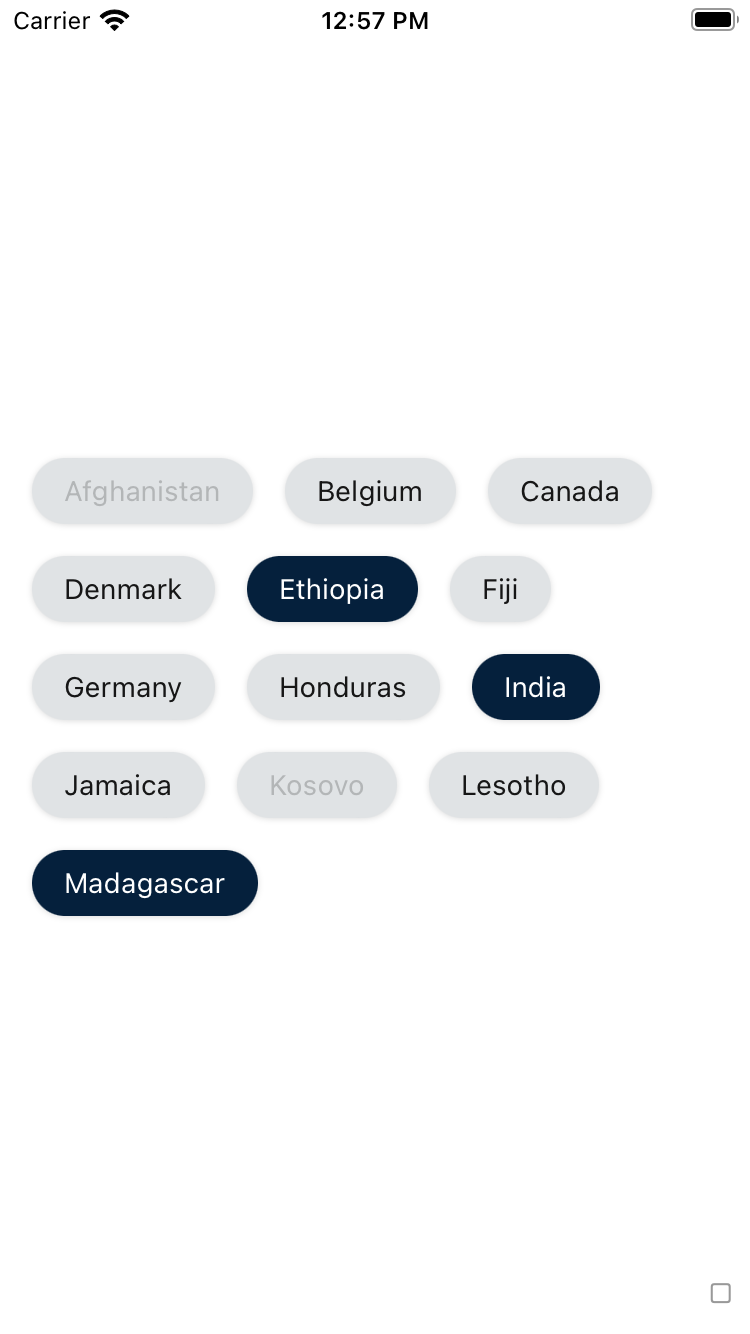
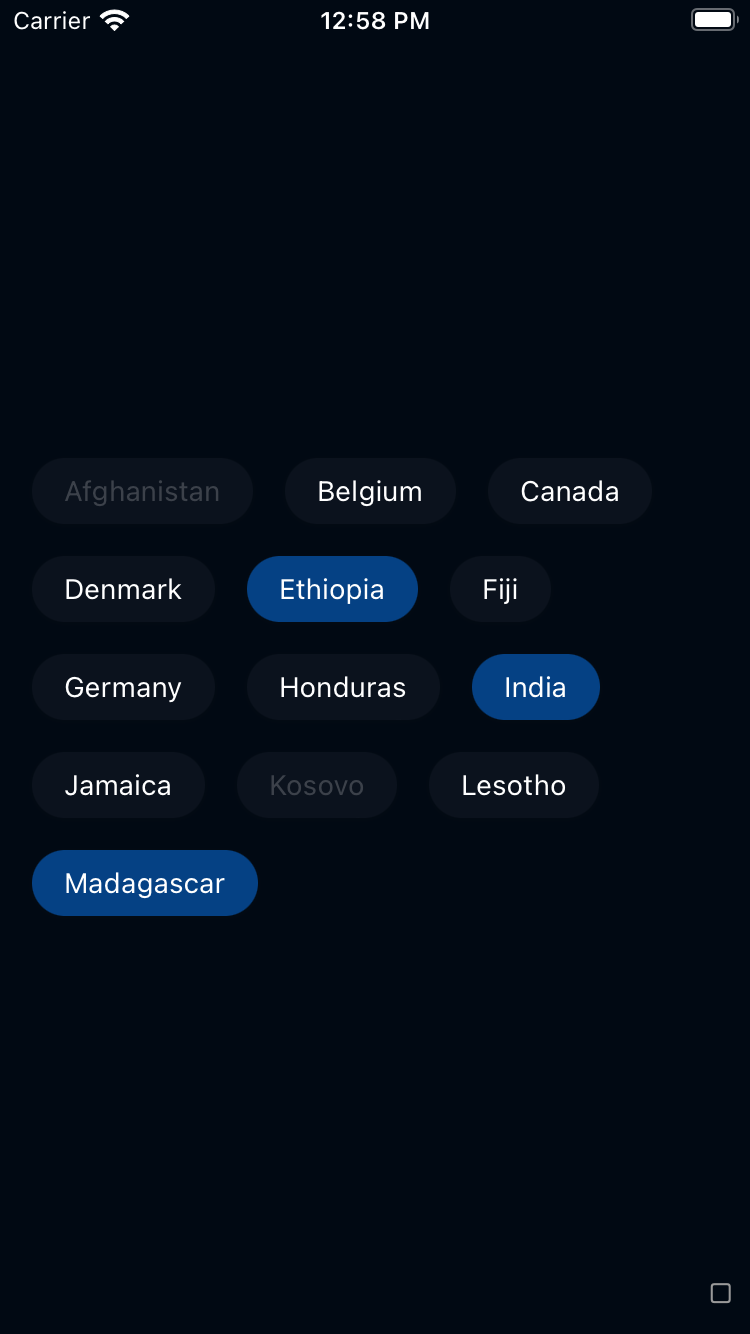
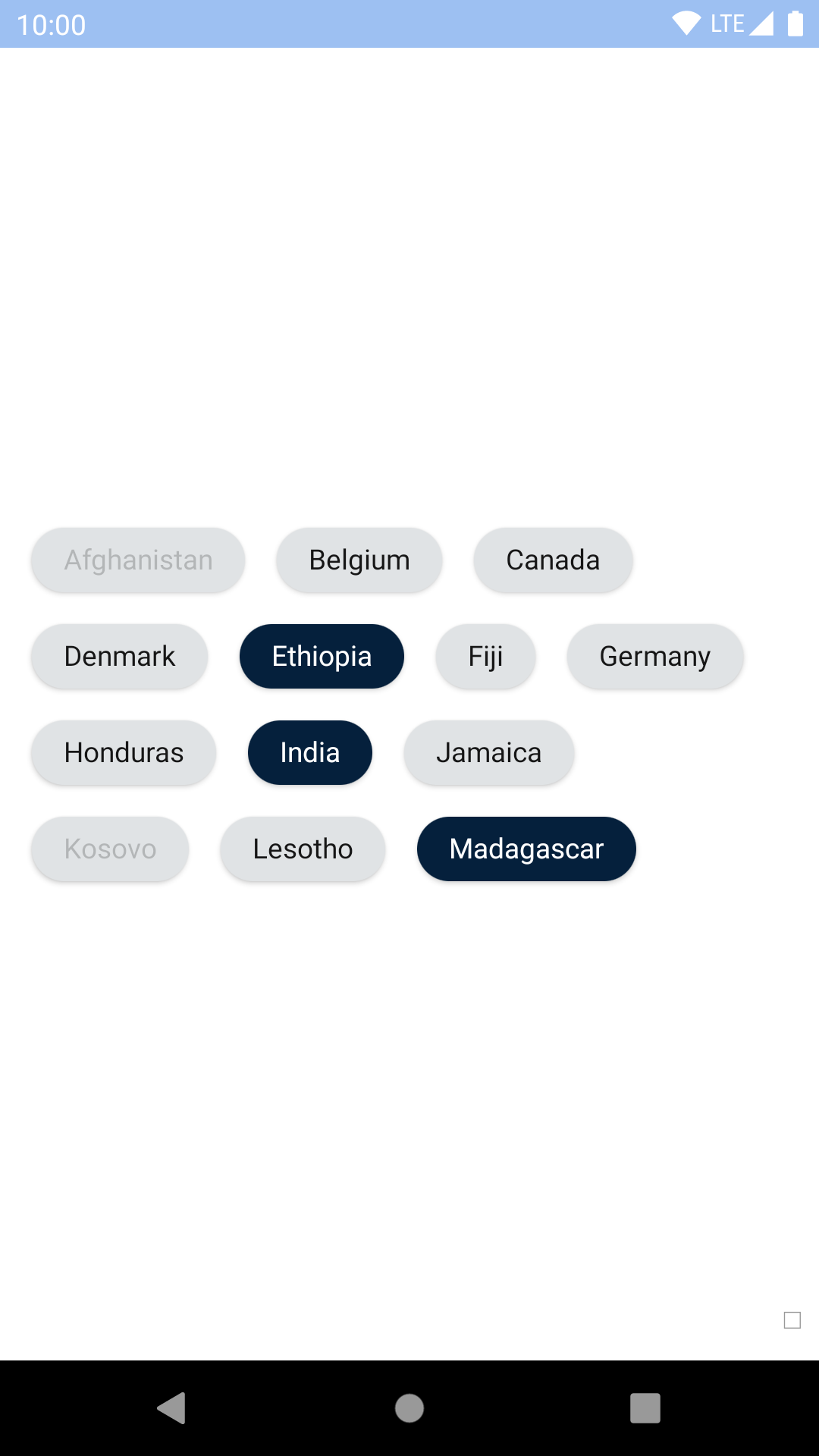
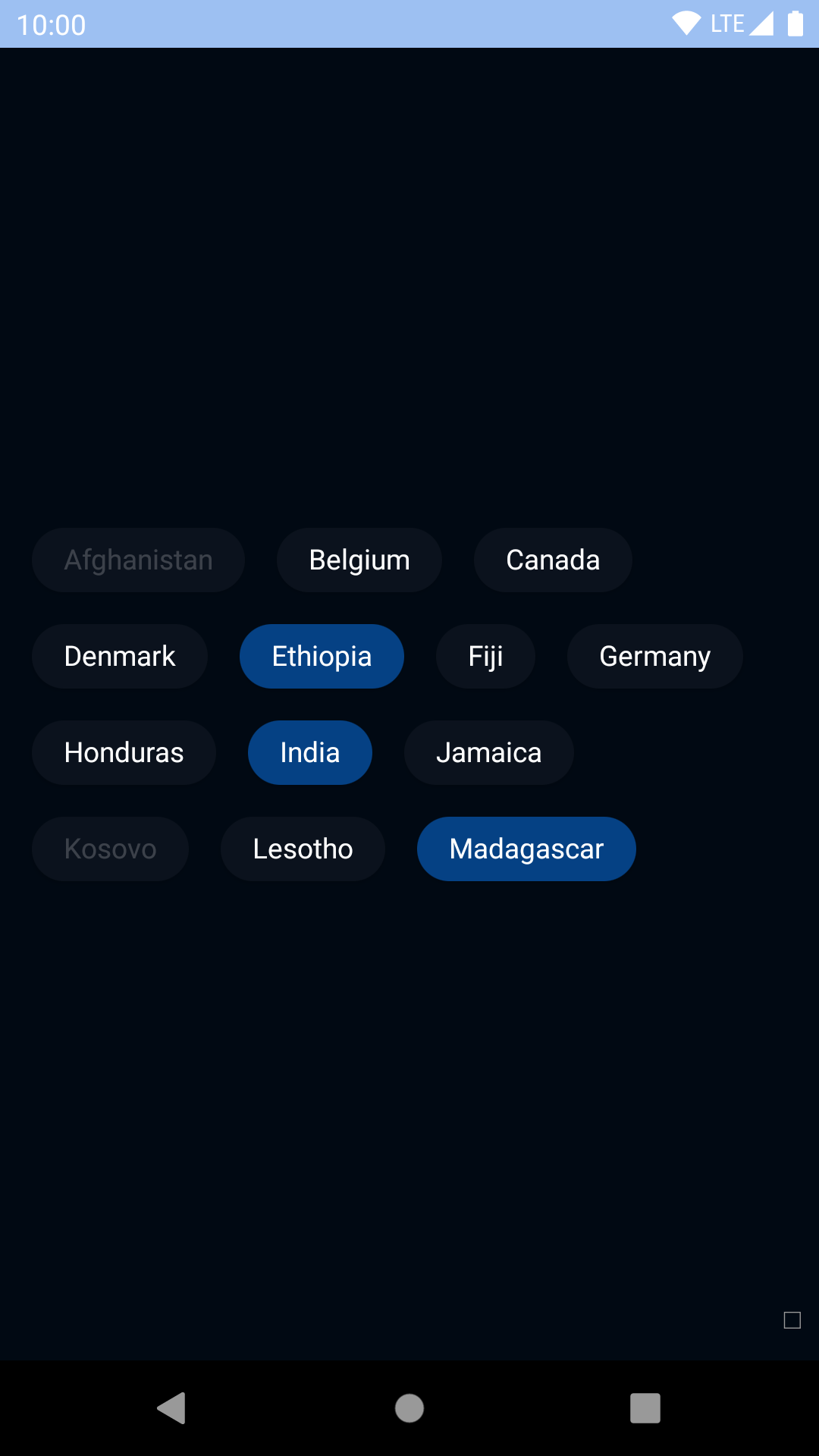
## Default
| Day | Night |
| --- | --- |
|  |
|  |
|
|
|  |
|  |
## With icons
### With leading icon
| Day | Night |
| --- | --- |
|
|
## With icons
### With leading icon
| Day | Night |
| --- | --- |
| 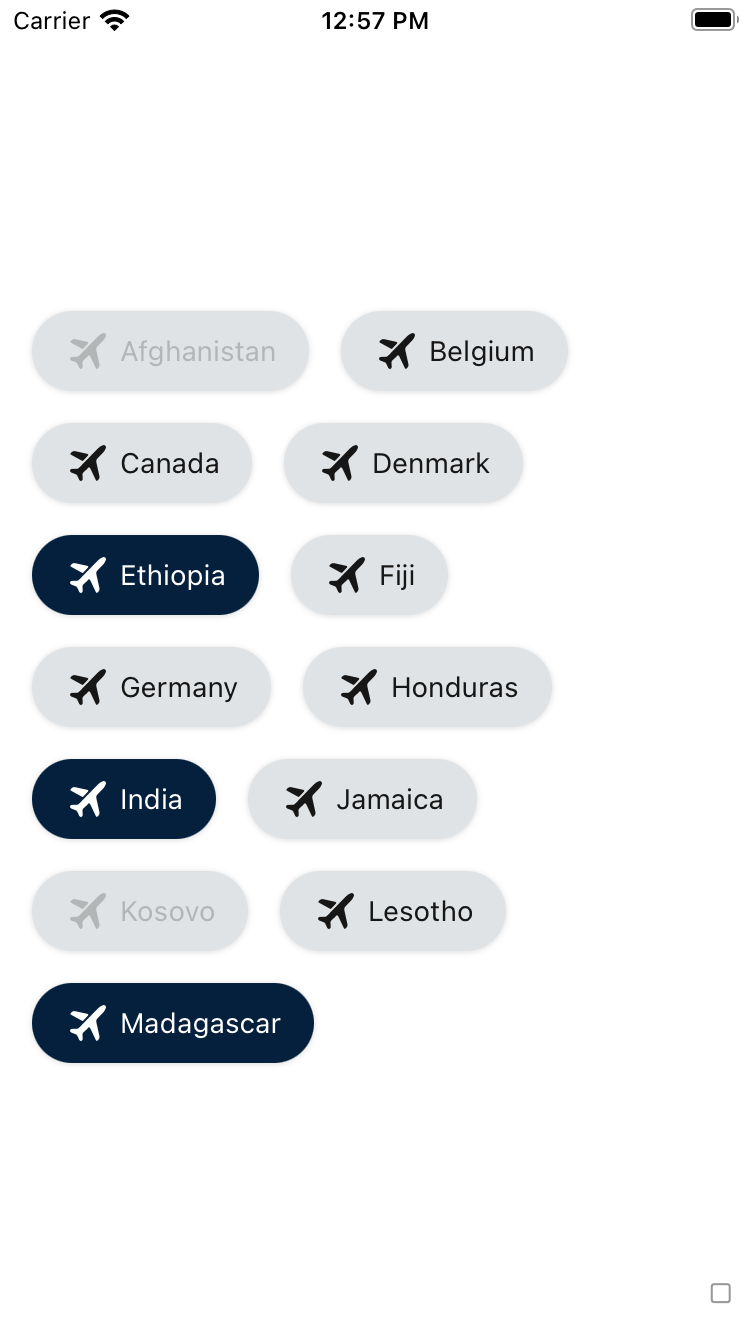 |
| 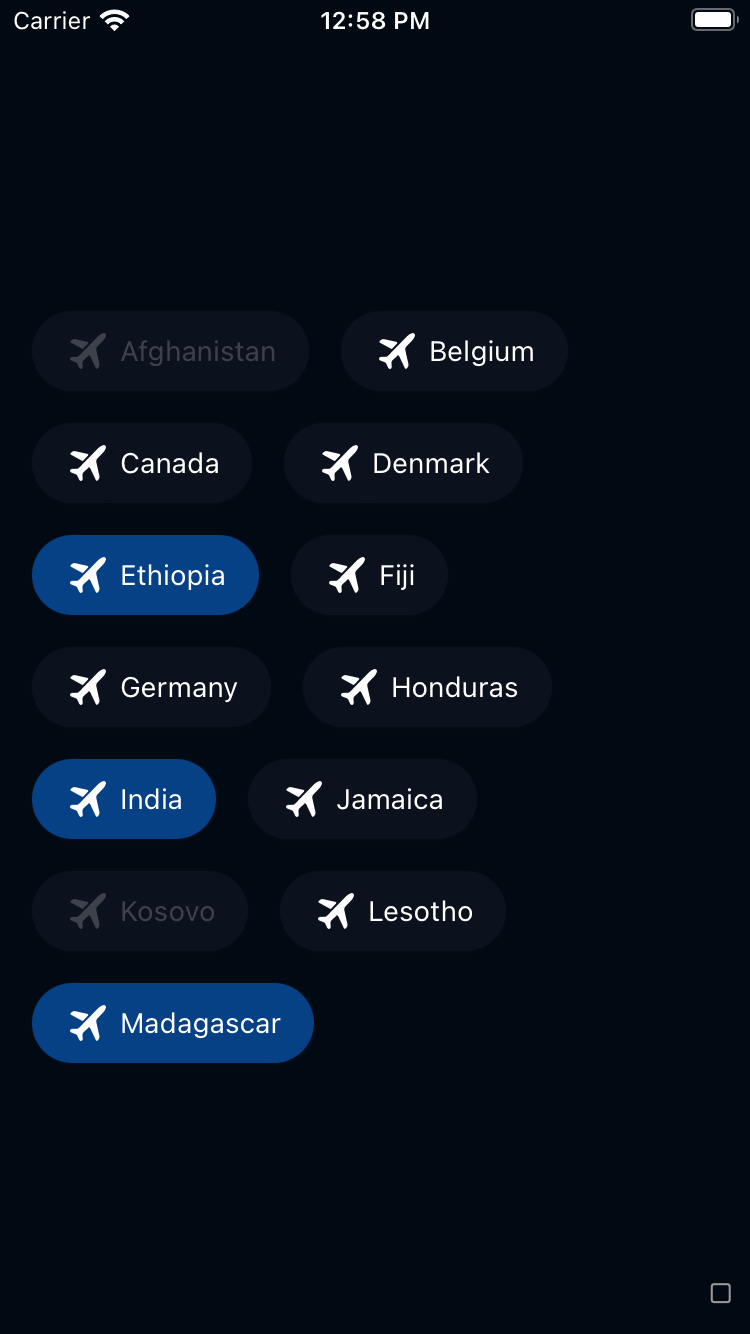 |
|
|
| 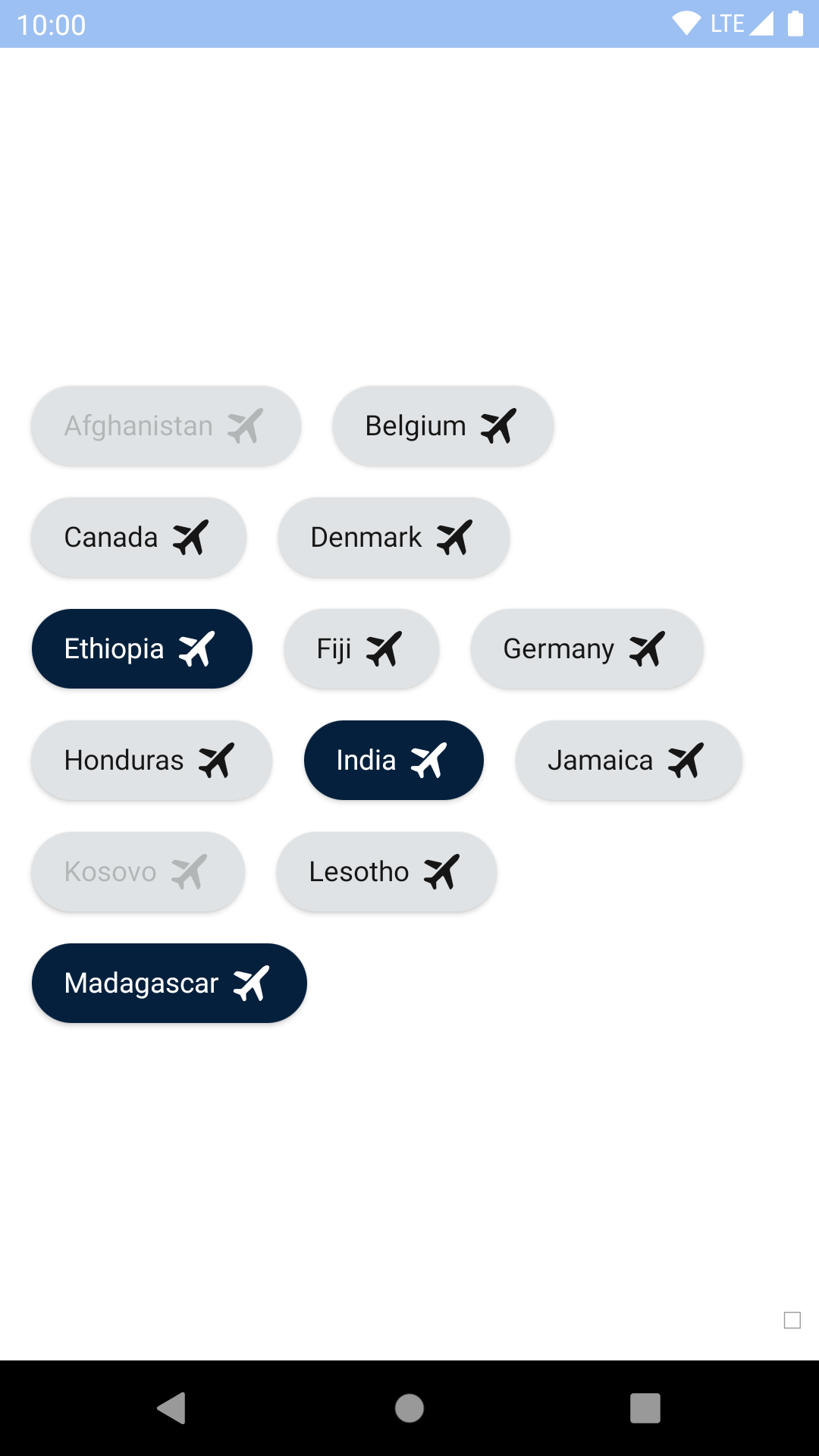 |
| 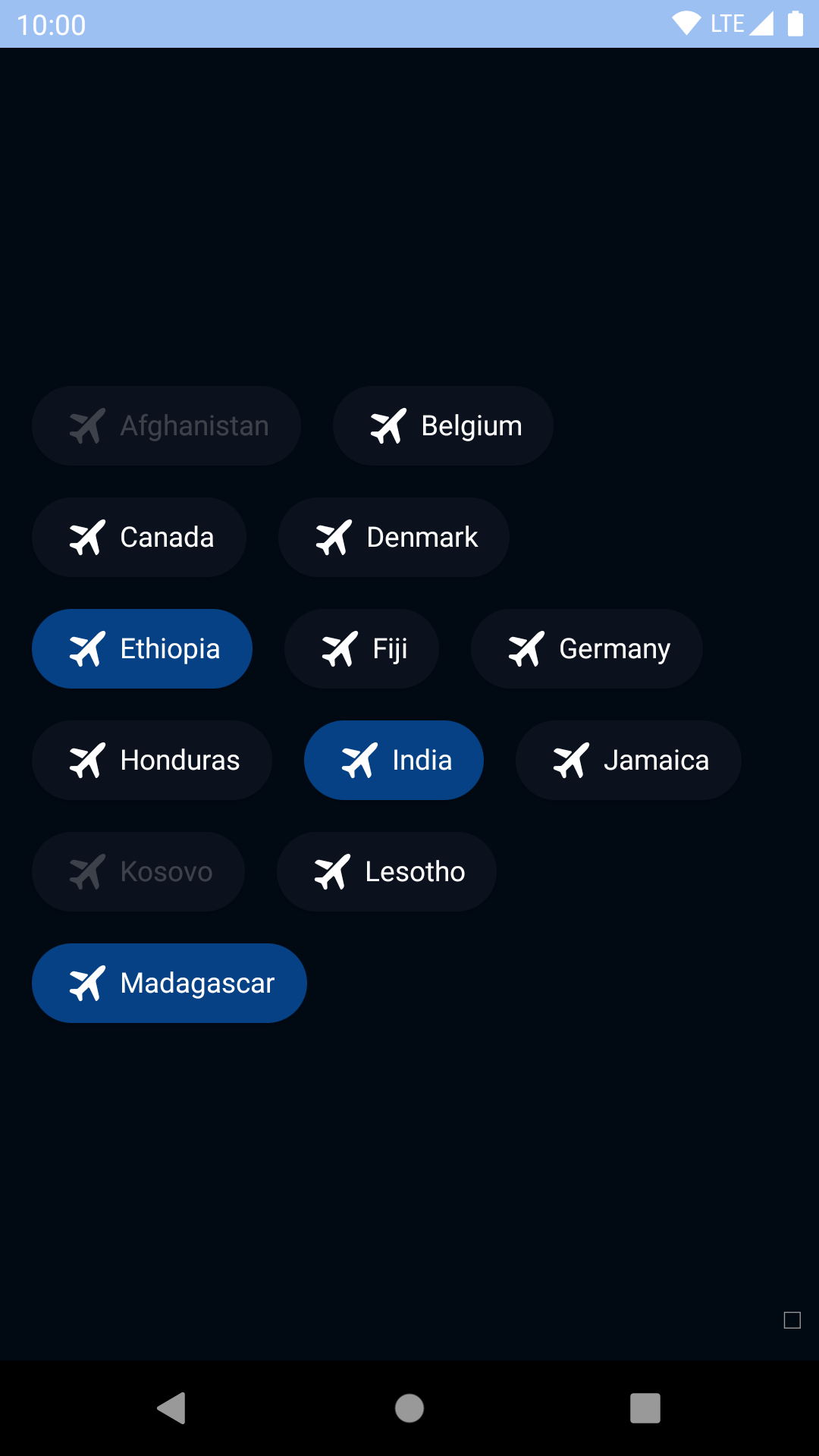 |
### With trailing icon
| Day | Night |
| --- | --- |
|
|
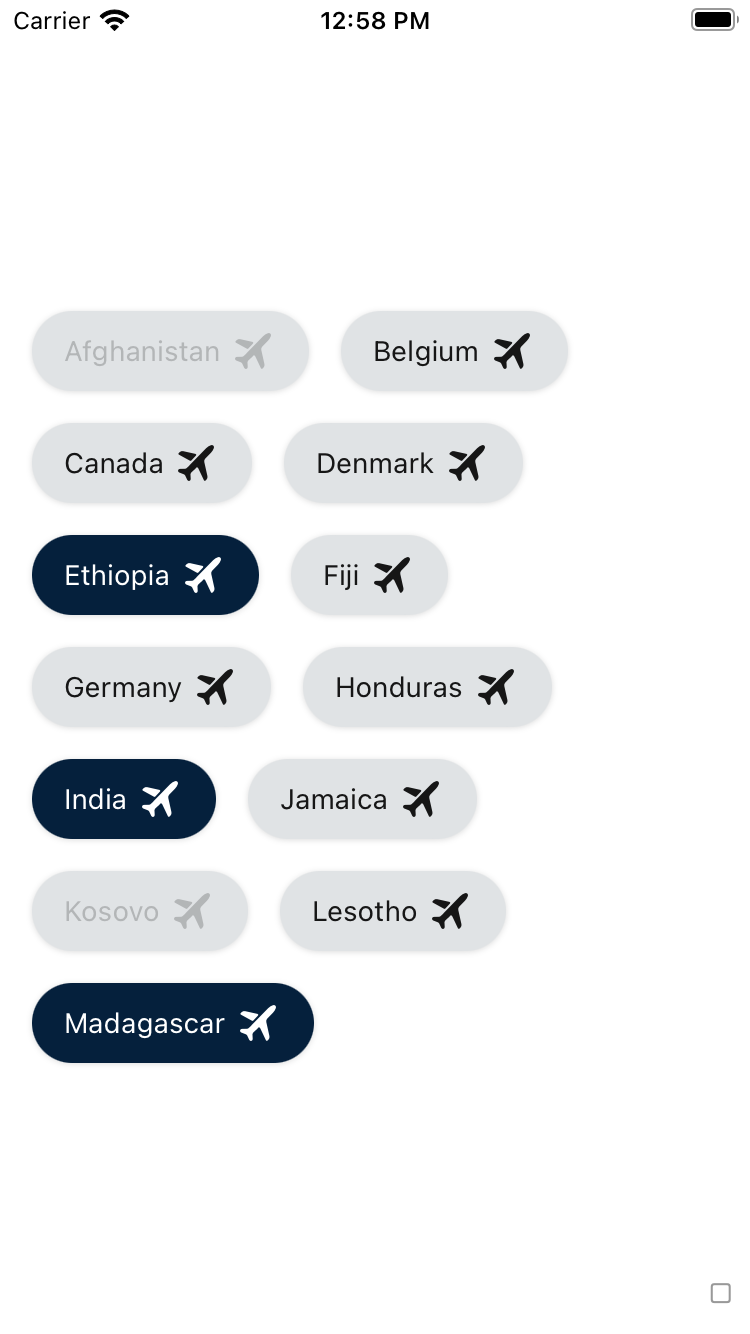
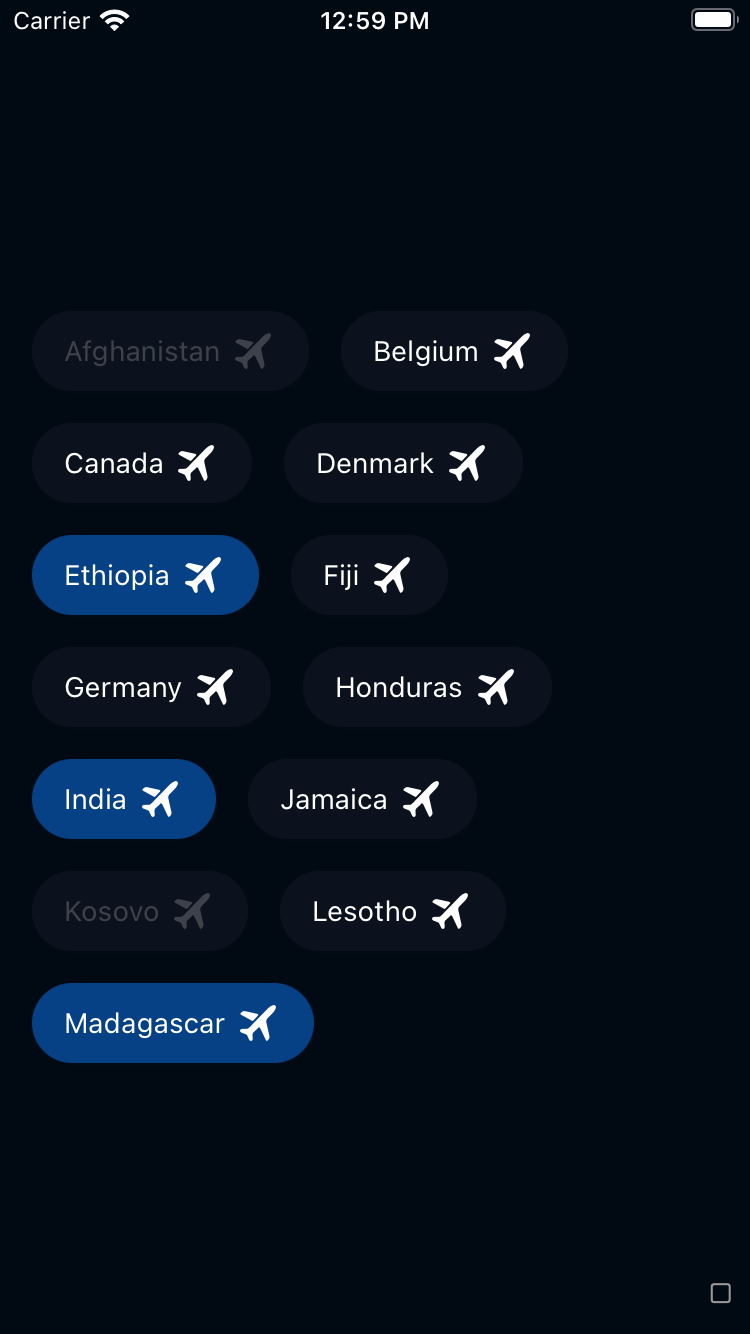
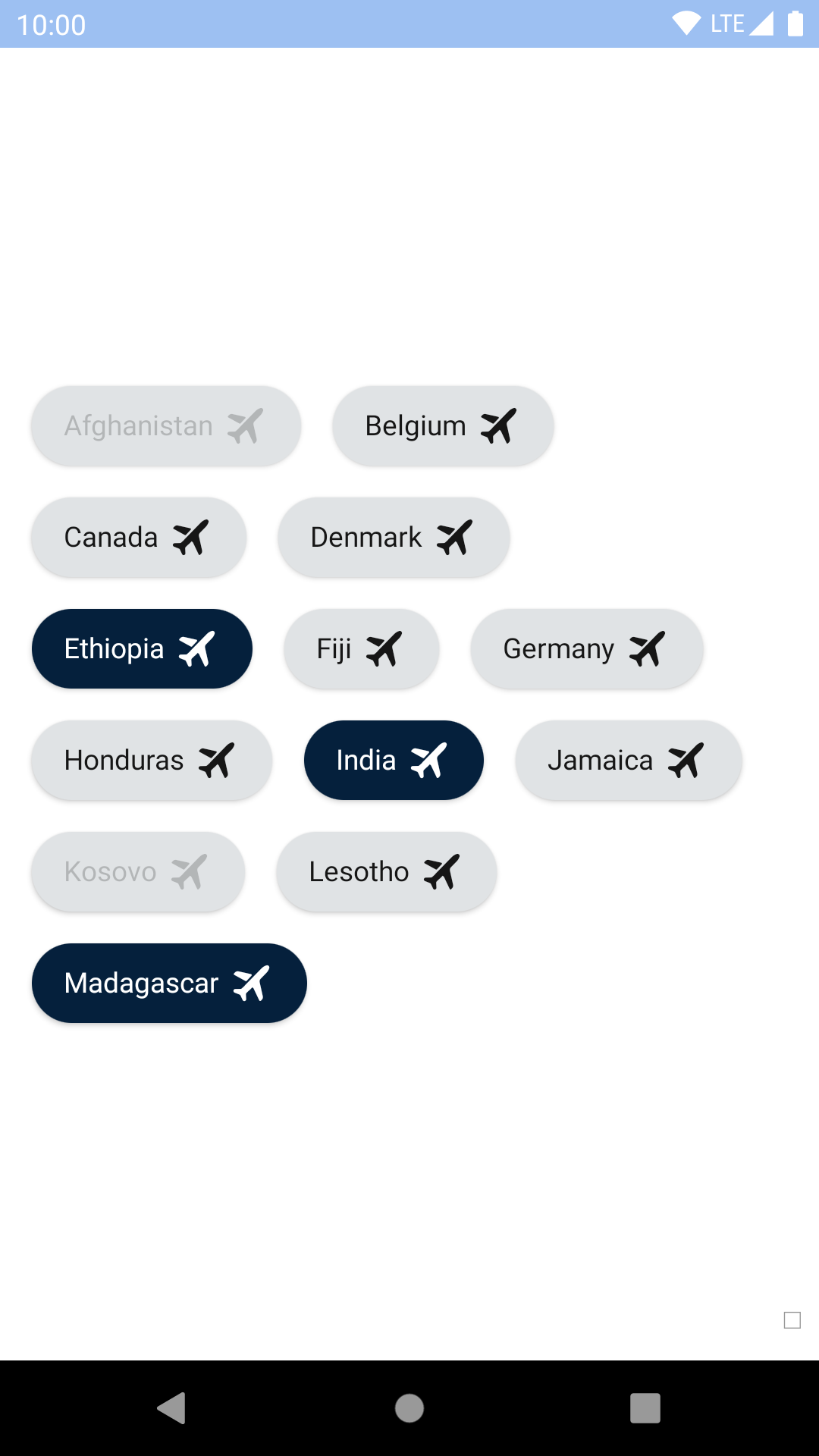
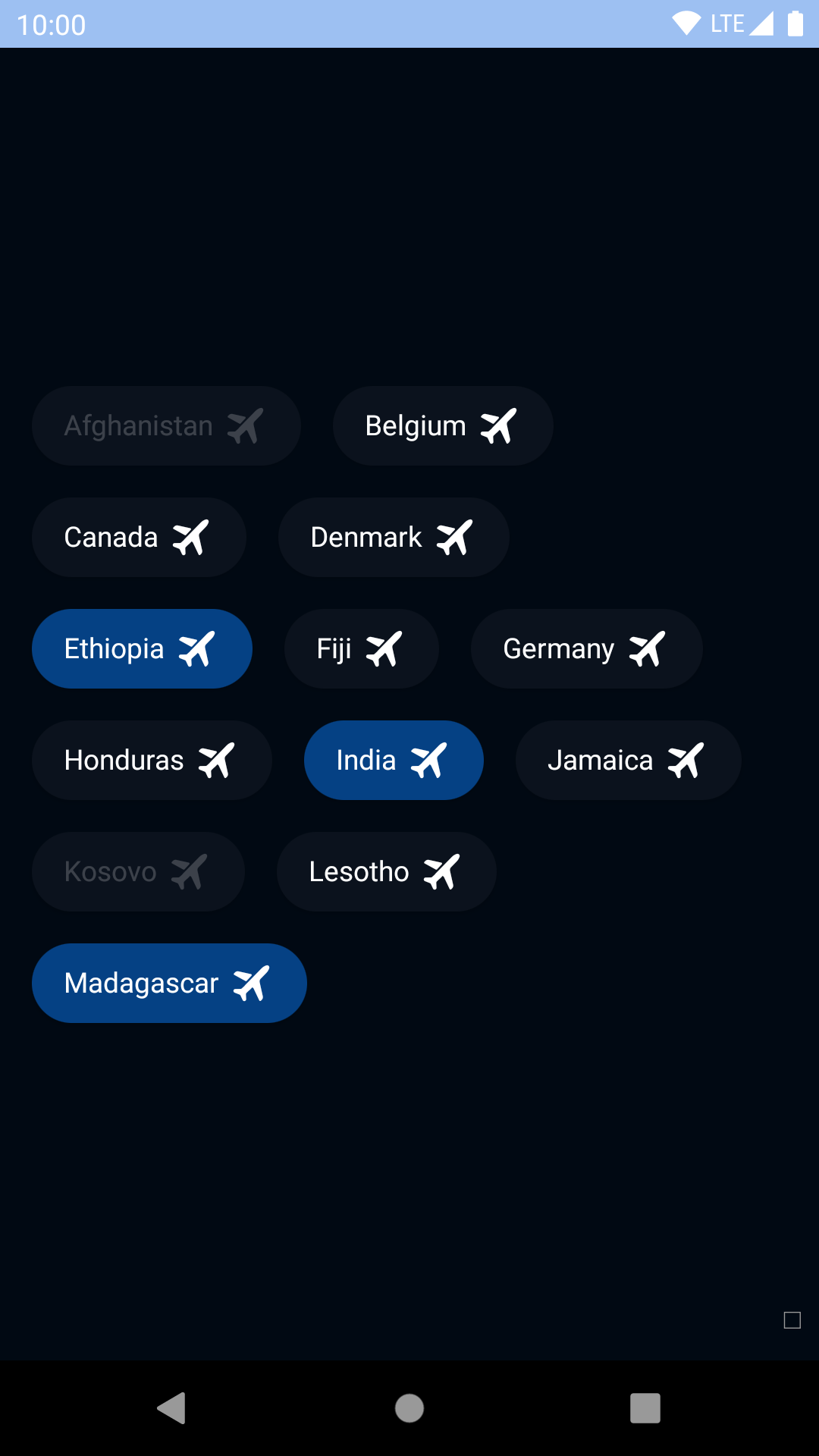
### With trailing icon
| Day | Night |
| --- | --- |
|  |
|  |
|
|
|  |
|  |
## Dismissible
| Day | Night |
| --- | --- |
|
|
## Dismissible
| Day | Night |
| --- | --- |
| 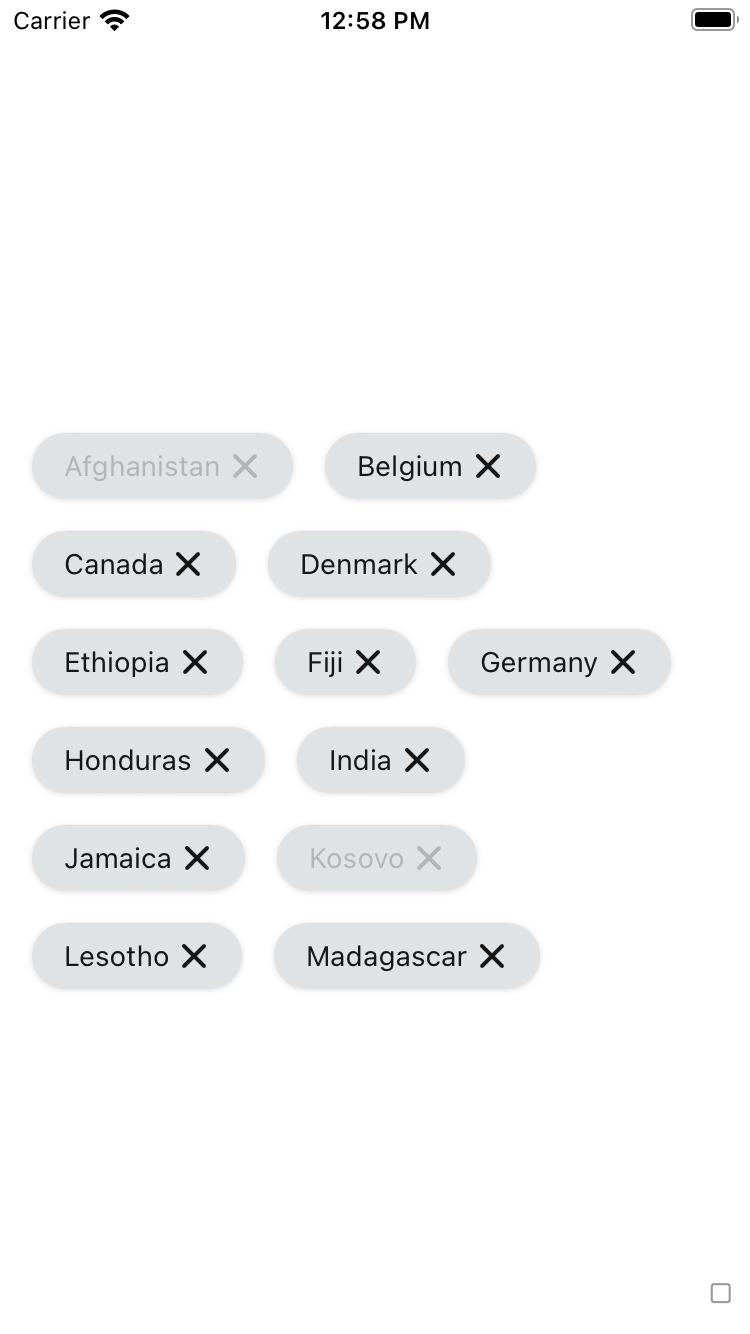 |
| 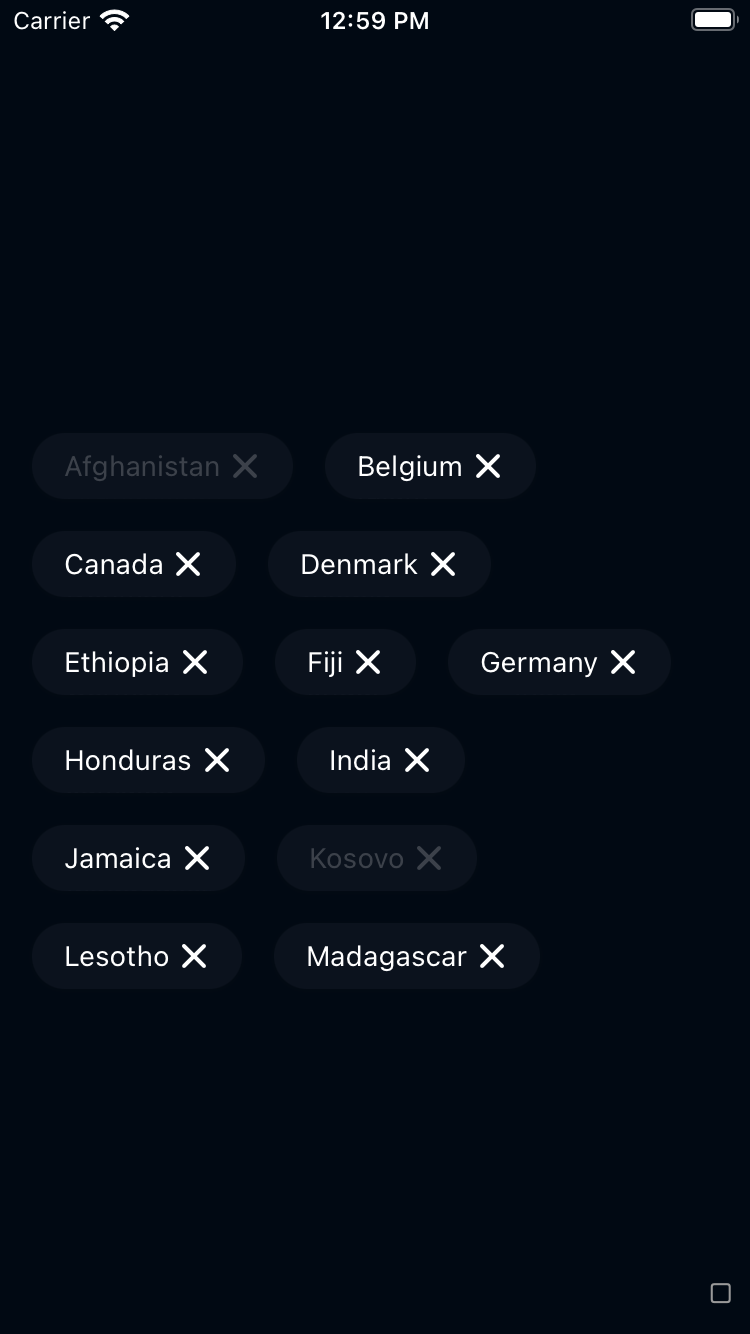 |
|
|
| 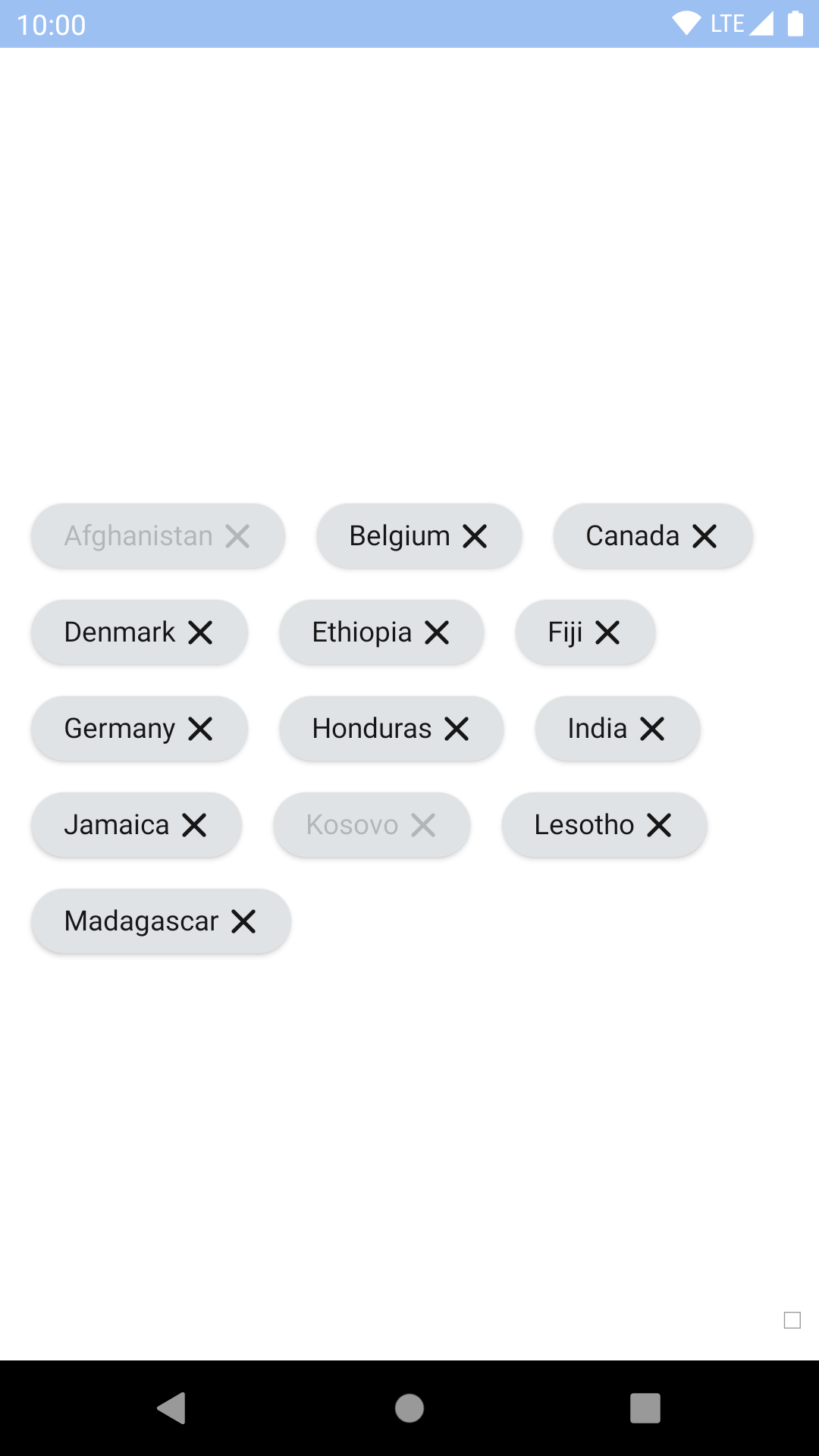 |
| 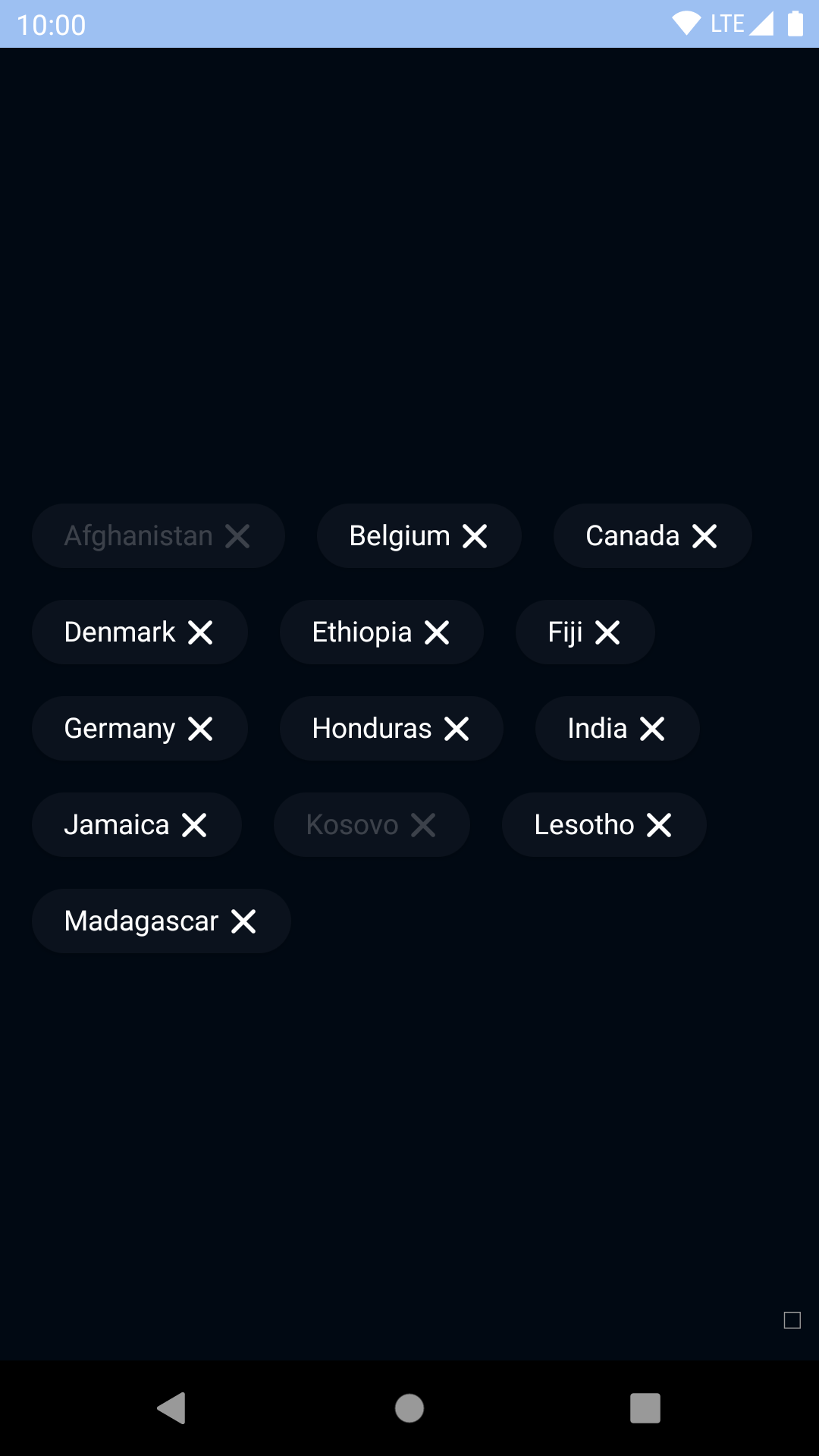 |
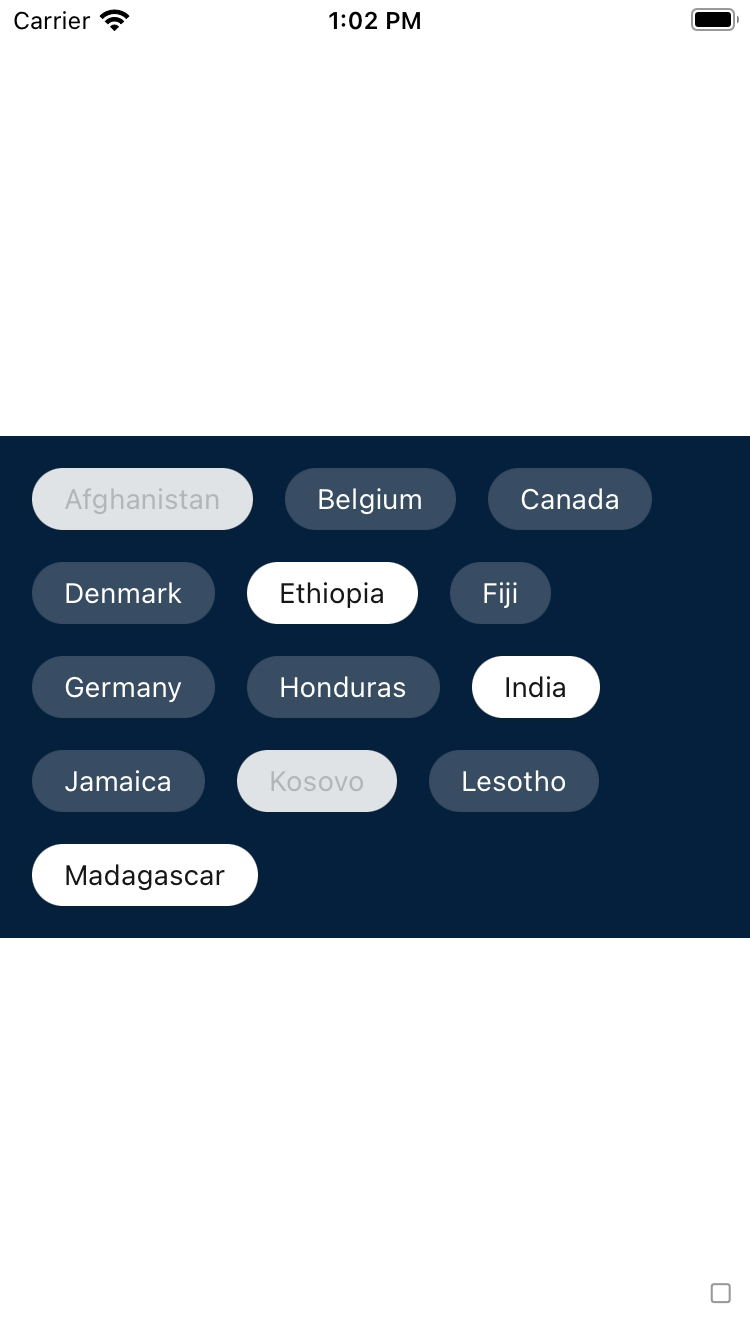
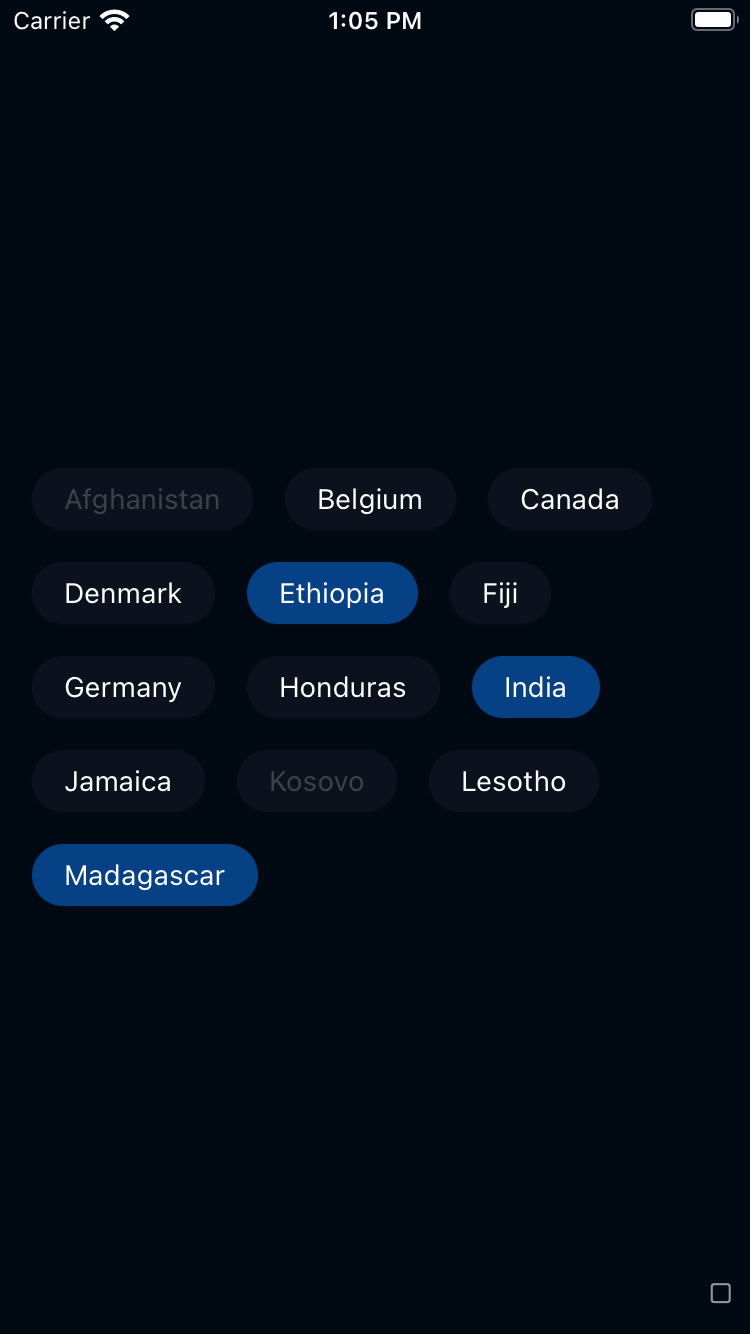
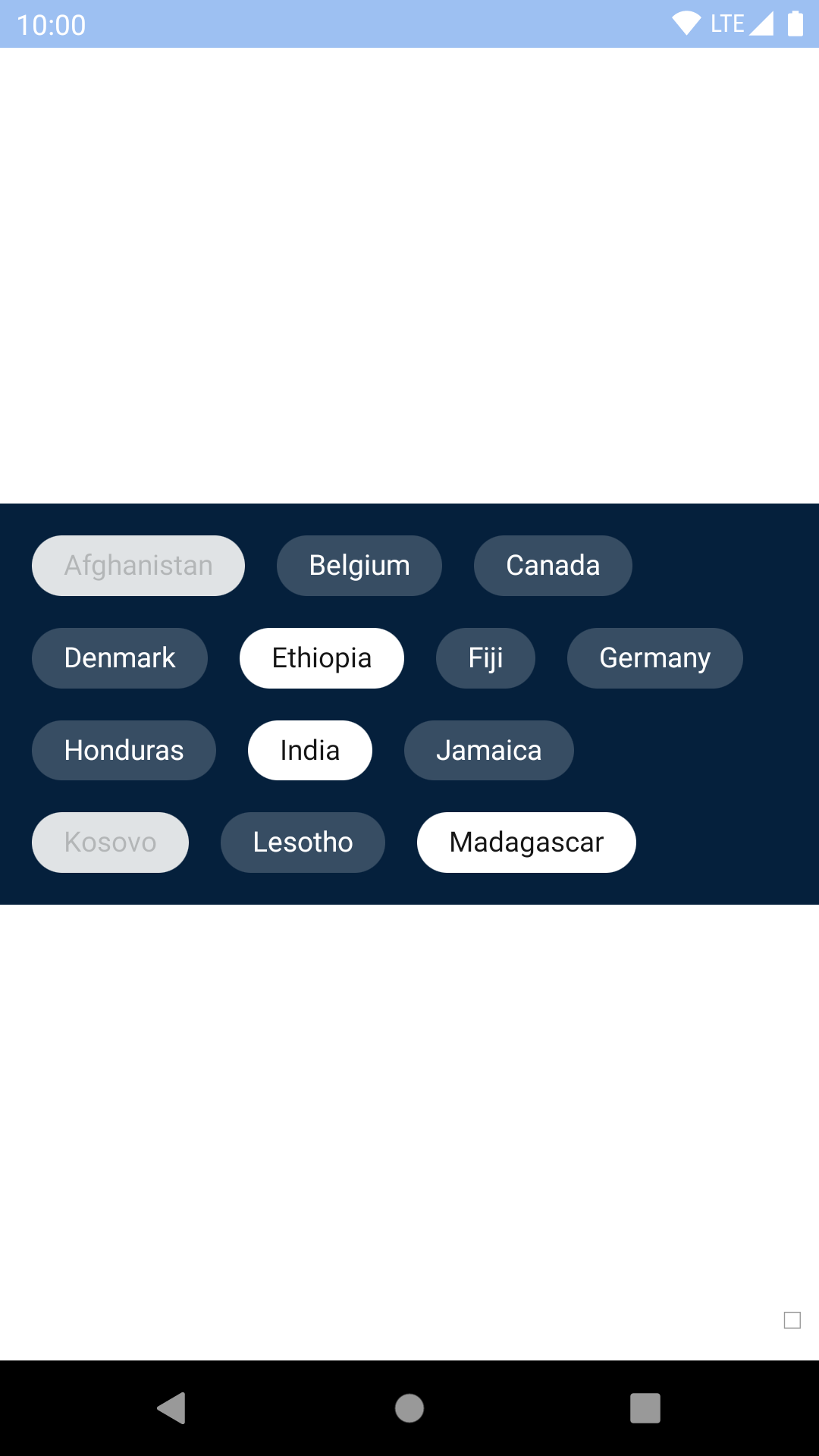
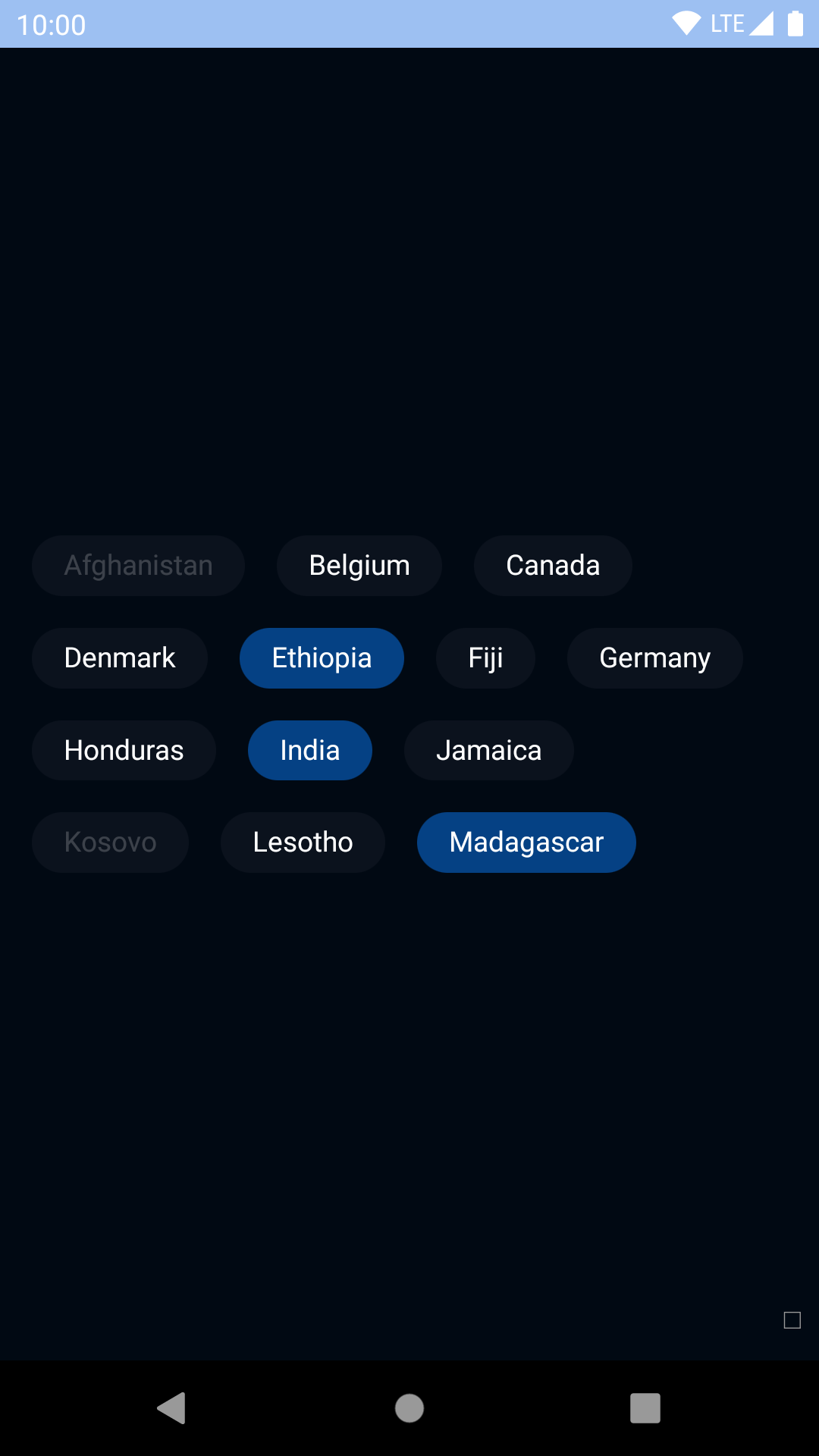
## Outline
| Day | Night |
| --- | --- |
|
|
## Outline
| Day | Night |
| --- | --- |
|  |
|  |
|
|
|  |
|  |
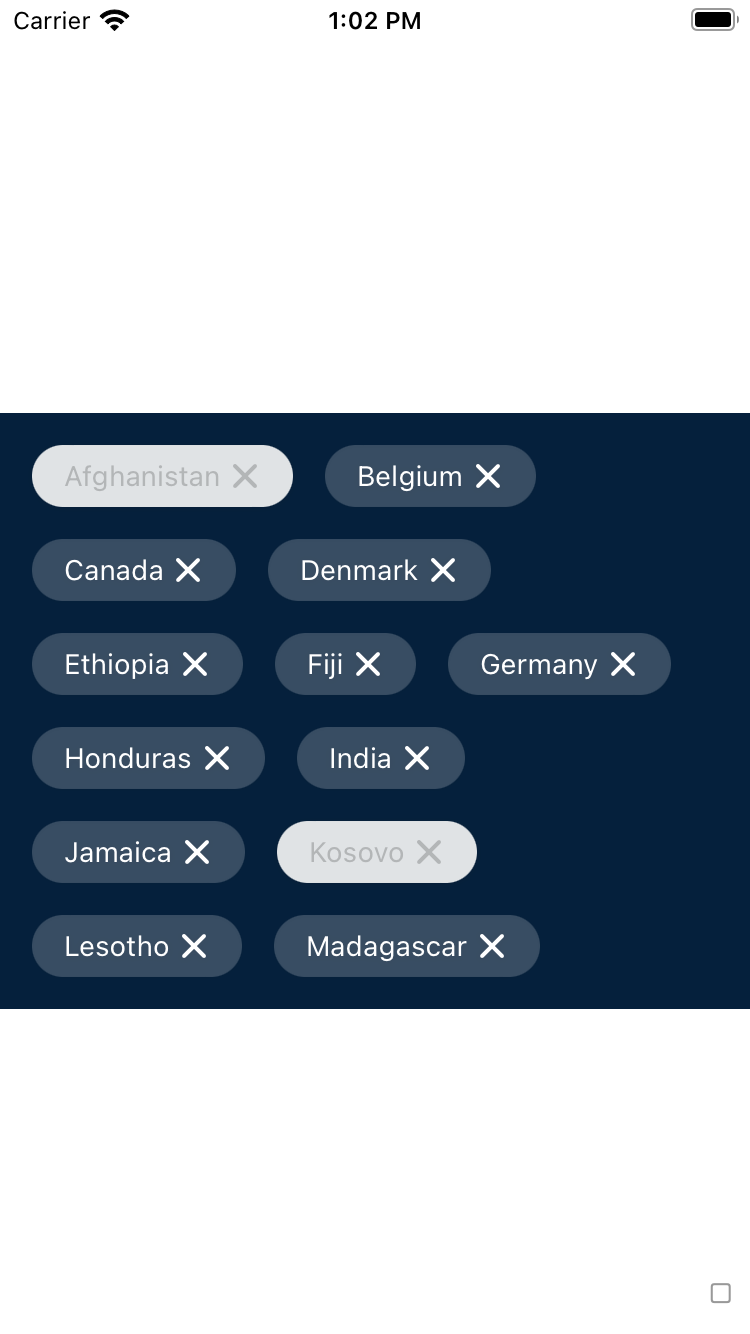
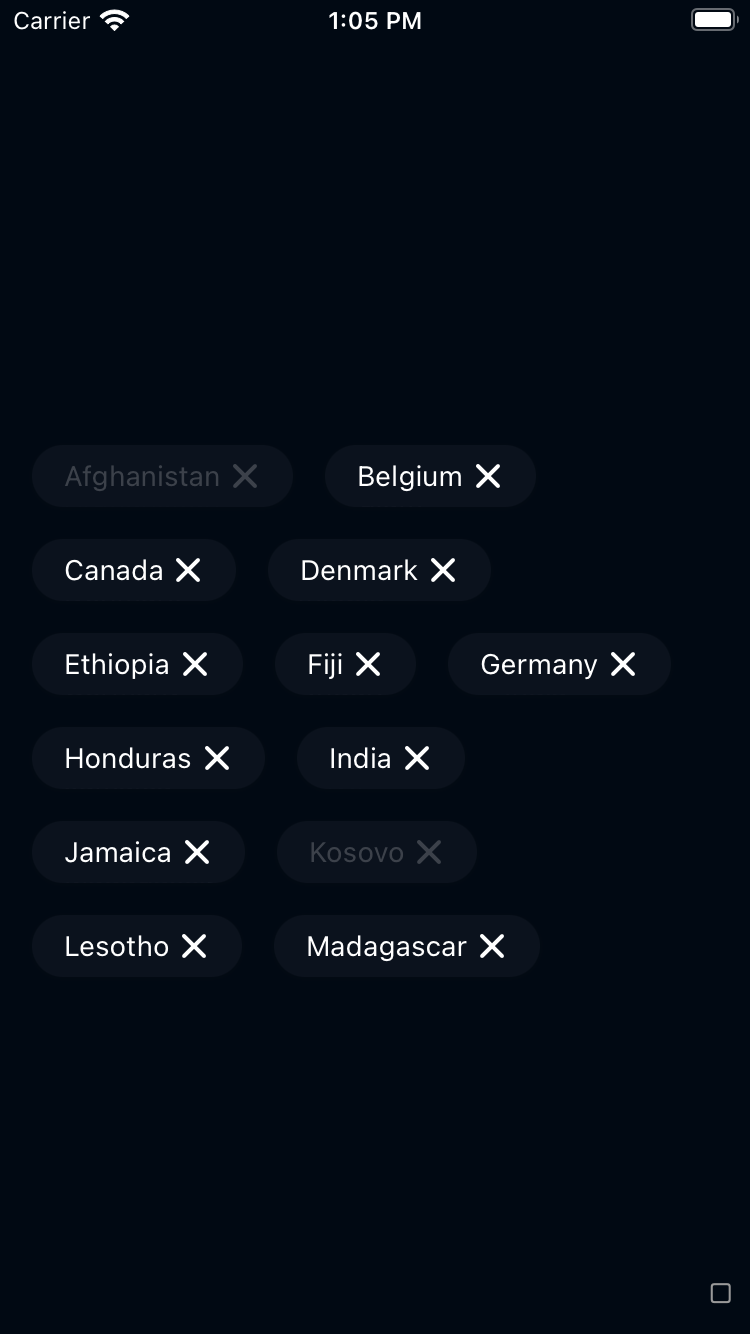
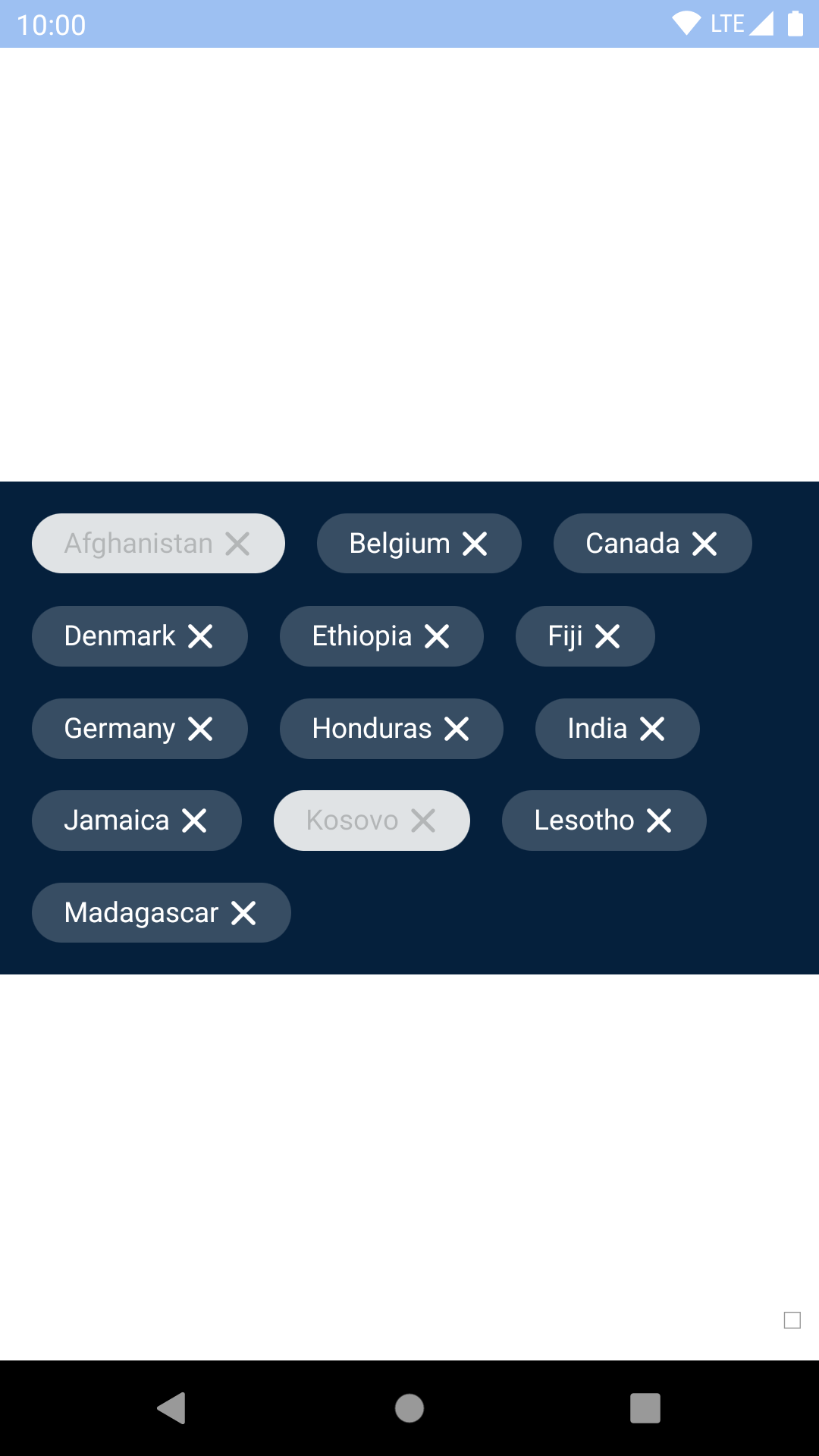
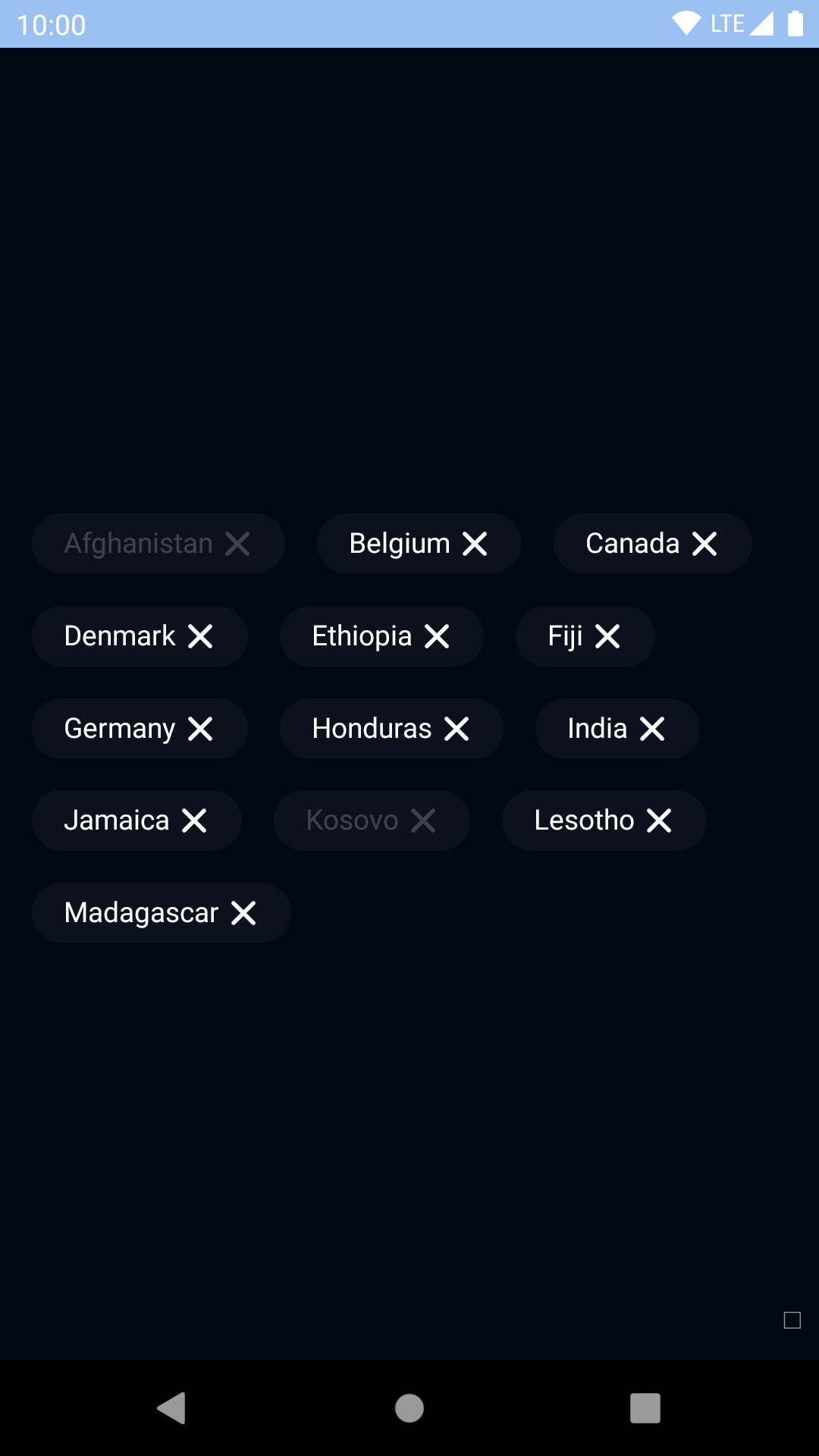
## Outline Dismissible
| Day | Night |
| --- | --- |
|
|
## Outline Dismissible
| Day | Night |
| --- | --- |
|  |
|  |
|
|
|  |
|  |
## Installation
Check the main [Readme](https://github.com/skyscanner/backpack-react-native#usage) for a complete installation guide.
## Usage
```js
import React, { Component } from 'react';
import { StyleSheet, View } from 'react-native';
import { spacingBase } from '@skyscanner/bpk-foundations-react-native/tokens/base.react.native';
import BpkChip, { BpkDismissibleChip } from 'backpack-react-native/bpk-component-chip';
import BpkIcon, { icons } from 'backpack-react-native//bpk-component-icon';
const styles = StyleSheet.create({
container: {
flex: 1,
justifyContent: 'center',
padding: spacingBase,
},
});
export default class App extends Component {
constructor() {
super();
this.state = {
flightsSelected: false,
showHotels: true,
};
}
dismiss = () => {
this.setState({
showHotels: false,
});
};
toggle = () => {
this.setState({
flightsSelected: !this.state.flightsSelected,
});
};
render() {
return (
}
/>
{ this.state.showHotels &&
}
);
}
}
```
## Props
### BpkChip
| Property | PropType | Required | Default Value |
| --------------------- | ------------------------------------------------------------------------- | -------- | ------------- |
| accessibilityLabel | string | true | - |
| onPress | func | true | - |
| label | string | true | - |
| disabled | bool | false | false |
| selected | bool | false | false |
| innerChipStyle | ViewStyle | false | null |
| type | oneOf(CHIP_TYPES) | false | primary |
| leadingAccessoryView | element | false | null |
| trailingAccessoryView | element | false | null |
**Note that on Android, `style` should be used for positional styling and `innerChipStyle` should be used for other styling.**
(On iOS, `style` and `innerChipStyle` are applied together so it doesn't matter which you use!)
## `leadingAccessoryView` and `trailingAccessoryView`
Use accessory views to place icons inside the chip.
#### Theme Props
* `chipSelectedBackgroundColor`
* `chipSelectedTextColor`
* `chipOutlineSelectedBackgroundColor`
* `chipOutlineSelectedTextColor`
### BpkDismissibleChip
| Property | PropType | Required | Default Value |
| --------------------- | ------------------------------------------------------------------------- | -------- | ------------- |
| accessibilityLabel | string | true | - |
| label | string | true | - |
| onPress | func | true | - |
| disabled | bool | false | false |
| innerChipStyle | ViewStyle | false | null |
| type | oneOf(CHIP_TYPES) | false | primary |
| leadingAccessoryView | element | false | null |
**Note that on Android, `style` should be used for positional styling and `innerChipStyle` should be used for other styling.**
(On iOS, `style` and `innerChipStyle` are applied together so it doesn't matter which you use!)
## `leadingAccessoryView`
Use accessory views to place icons inside the chip.
**Note:** Dismissible chips do not support trailing accessory views because they already have a close icon in that position.
|
## Installation
Check the main [Readme](https://github.com/skyscanner/backpack-react-native#usage) for a complete installation guide.
## Usage
```js
import React, { Component } from 'react';
import { StyleSheet, View } from 'react-native';
import { spacingBase } from '@skyscanner/bpk-foundations-react-native/tokens/base.react.native';
import BpkChip, { BpkDismissibleChip } from 'backpack-react-native/bpk-component-chip';
import BpkIcon, { icons } from 'backpack-react-native//bpk-component-icon';
const styles = StyleSheet.create({
container: {
flex: 1,
justifyContent: 'center',
padding: spacingBase,
},
});
export default class App extends Component {
constructor() {
super();
this.state = {
flightsSelected: false,
showHotels: true,
};
}
dismiss = () => {
this.setState({
showHotels: false,
});
};
toggle = () => {
this.setState({
flightsSelected: !this.state.flightsSelected,
});
};
render() {
return (
}
/>
{ this.state.showHotels &&
}
);
}
}
```
## Props
### BpkChip
| Property | PropType | Required | Default Value |
| --------------------- | ------------------------------------------------------------------------- | -------- | ------------- |
| accessibilityLabel | string | true | - |
| onPress | func | true | - |
| label | string | true | - |
| disabled | bool | false | false |
| selected | bool | false | false |
| innerChipStyle | ViewStyle | false | null |
| type | oneOf(CHIP_TYPES) | false | primary |
| leadingAccessoryView | element | false | null |
| trailingAccessoryView | element | false | null |
**Note that on Android, `style` should be used for positional styling and `innerChipStyle` should be used for other styling.**
(On iOS, `style` and `innerChipStyle` are applied together so it doesn't matter which you use!)
## `leadingAccessoryView` and `trailingAccessoryView`
Use accessory views to place icons inside the chip.
#### Theme Props
* `chipSelectedBackgroundColor`
* `chipSelectedTextColor`
* `chipOutlineSelectedBackgroundColor`
* `chipOutlineSelectedTextColor`
### BpkDismissibleChip
| Property | PropType | Required | Default Value |
| --------------------- | ------------------------------------------------------------------------- | -------- | ------------- |
| accessibilityLabel | string | true | - |
| label | string | true | - |
| onPress | func | true | - |
| disabled | bool | false | false |
| innerChipStyle | ViewStyle | false | null |
| type | oneOf(CHIP_TYPES) | false | primary |
| leadingAccessoryView | element | false | null |
**Note that on Android, `style` should be used for positional styling and `innerChipStyle` should be used for other styling.**
(On iOS, `style` and `innerChipStyle` are applied together so it doesn't matter which you use!)
## `leadingAccessoryView`
Use accessory views to place icons inside the chip.
**Note:** Dismissible chips do not support trailing accessory views because they already have a close icon in that position.