# bpk-component-alert

> Backpack React Native alert component.

## Default

| Day | Night |
| --- | --- |
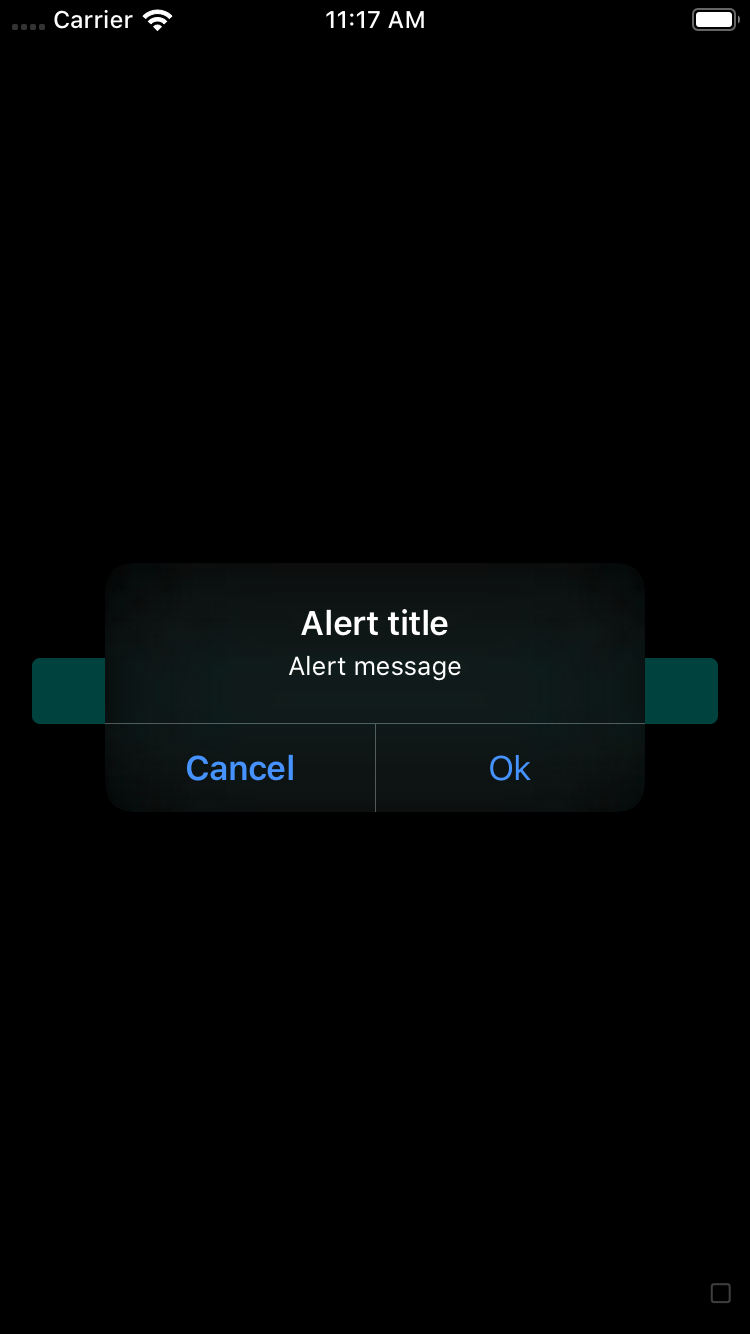
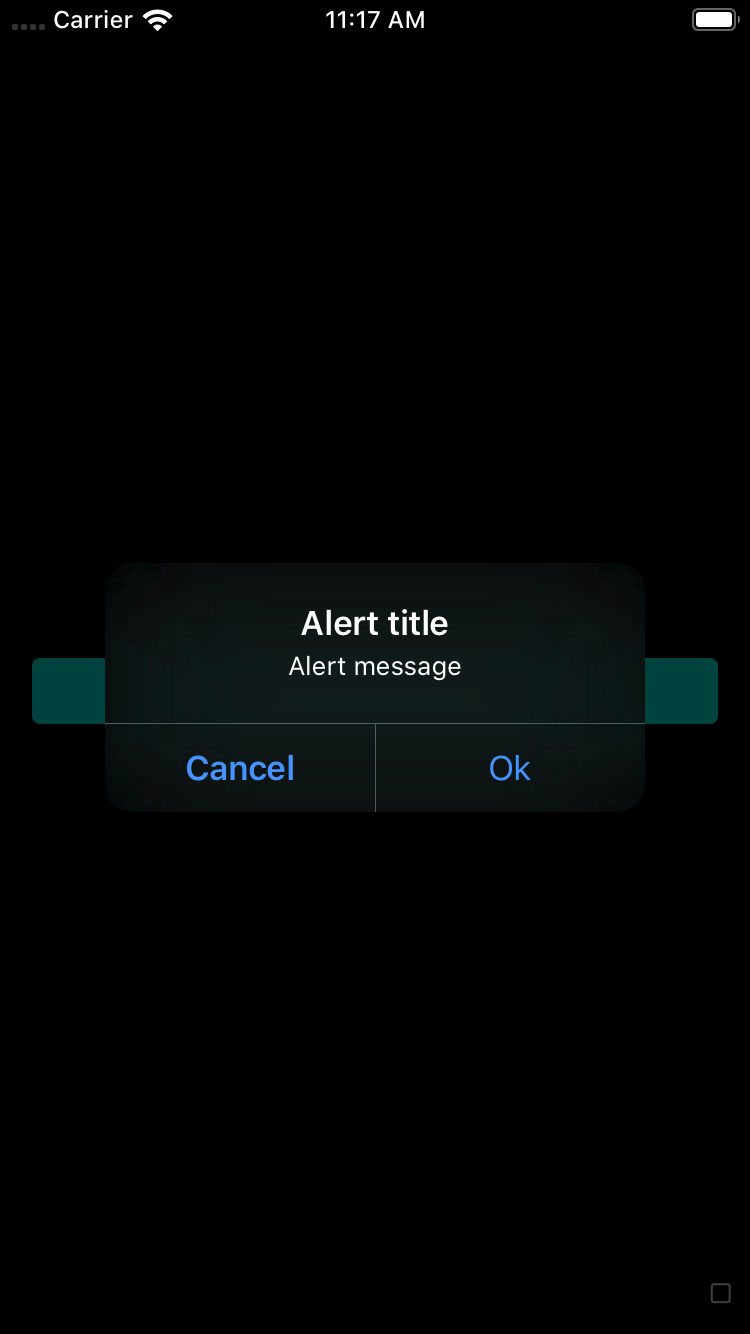
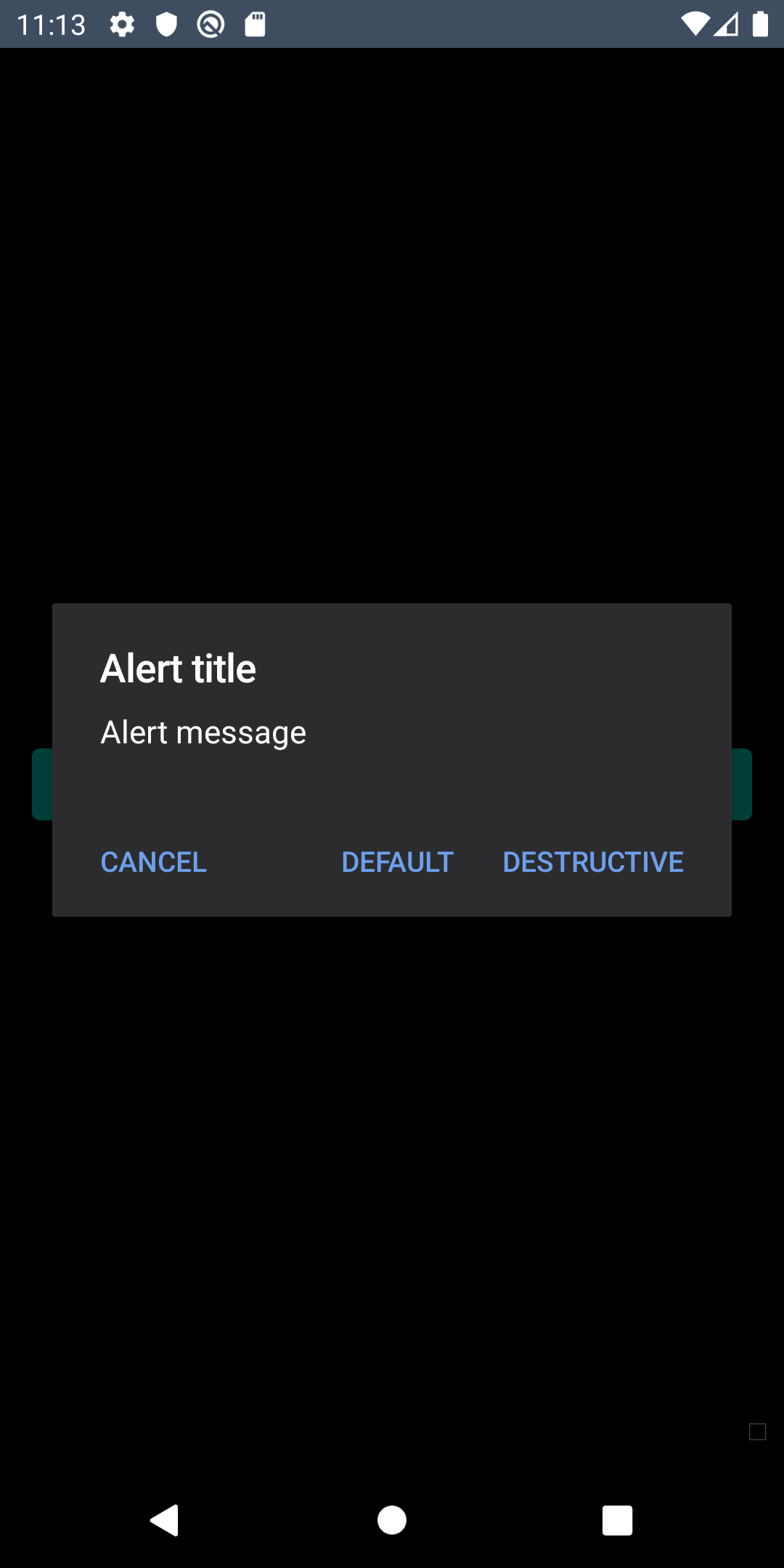
| <img src="https://raw.githubusercontent.com/Skyscanner/backpack-react-native/main/screenshots/bpk-component-alert/ios/default.png" alt="bpk-component-alert default iPhone 8 simulator" width="375" /> | <img src="https://raw.githubusercontent.com/Skyscanner/backpack-react-native/main/screenshots/bpk-component-alert/ios/default_dm.png" alt="bpk-component-alert default iPhone 8 simulator - dark mode" width="375" /> |
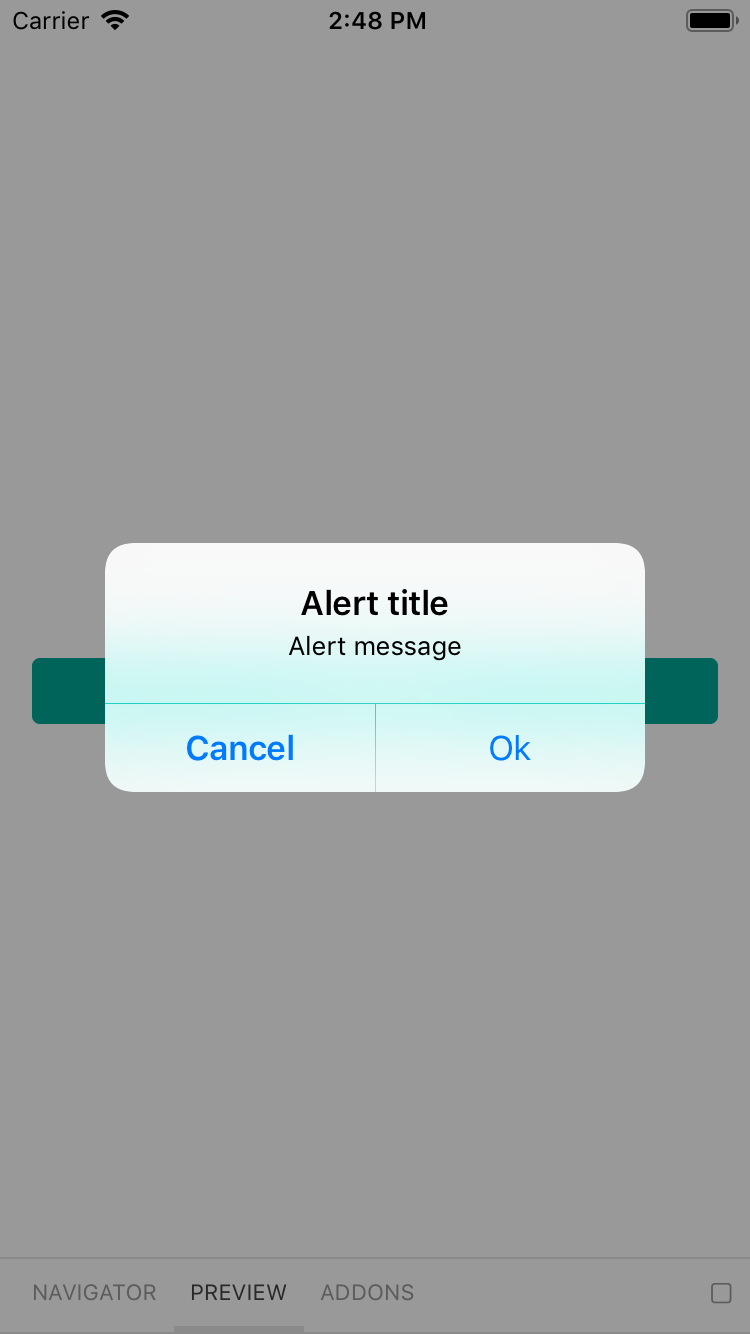
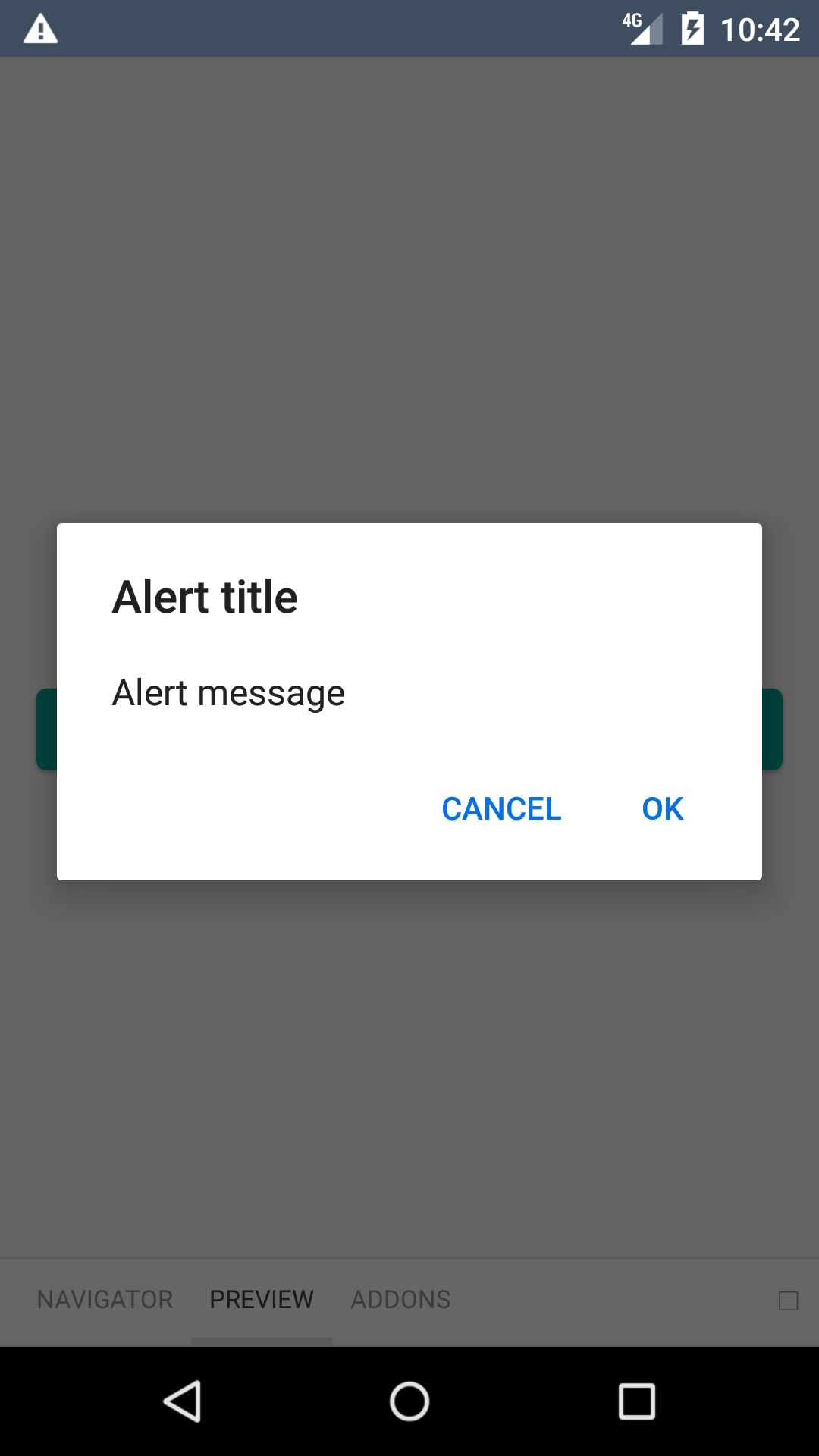
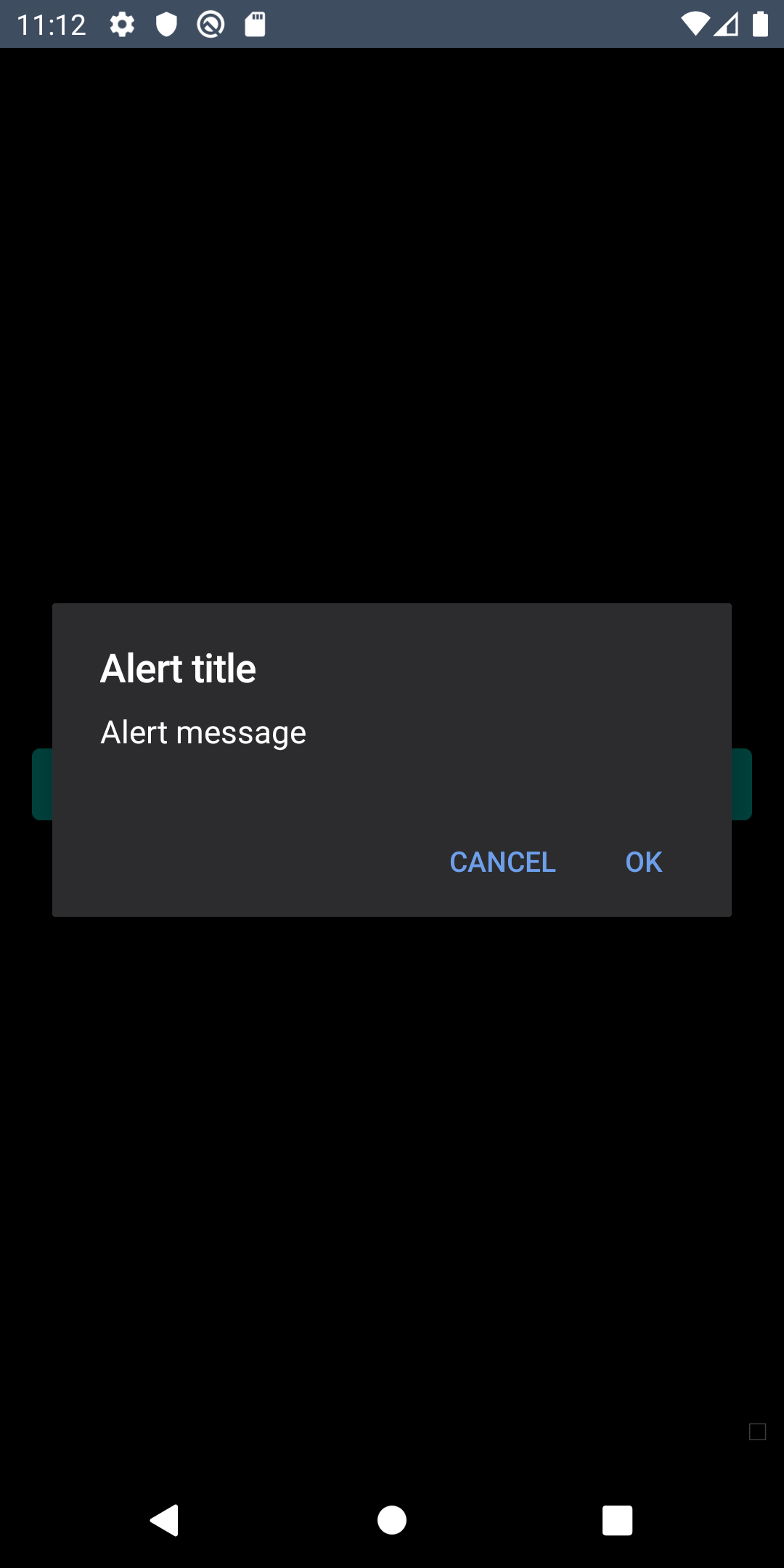
| <img src="https://raw.githubusercontent.com/Skyscanner/backpack-react-native/main/screenshots/bpk-component-alert/android/default.png" alt="bpk-component-alert default Google Pixel emulator" width="375" /> | <img src="https://raw.githubusercontent.com/Skyscanner/backpack-react-native/main/screenshots/bpk-component-alert/android/default_dm.png" alt="bpk-component-alert default Google Pixel emulator - dark mode" width="375" /> |

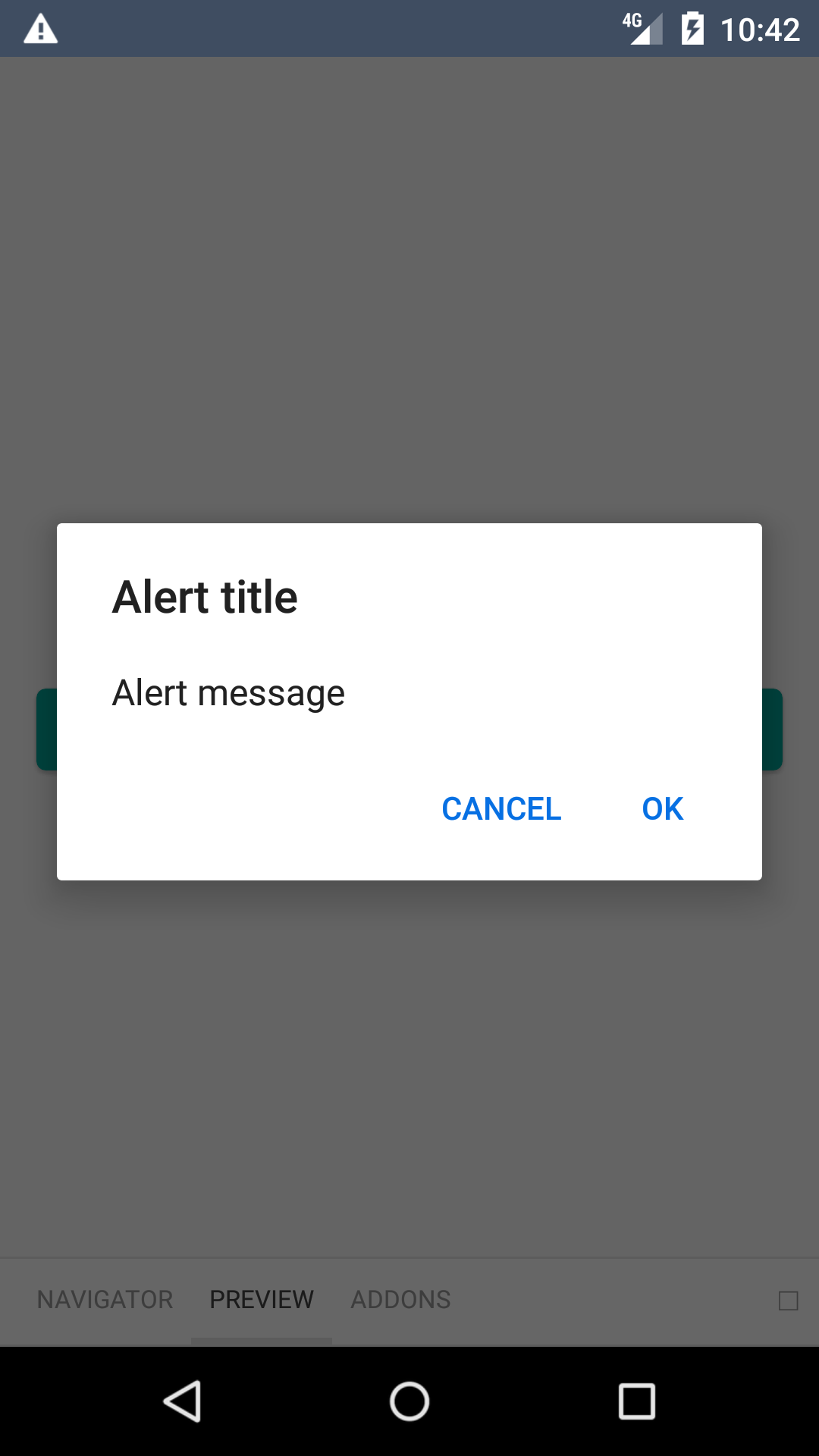
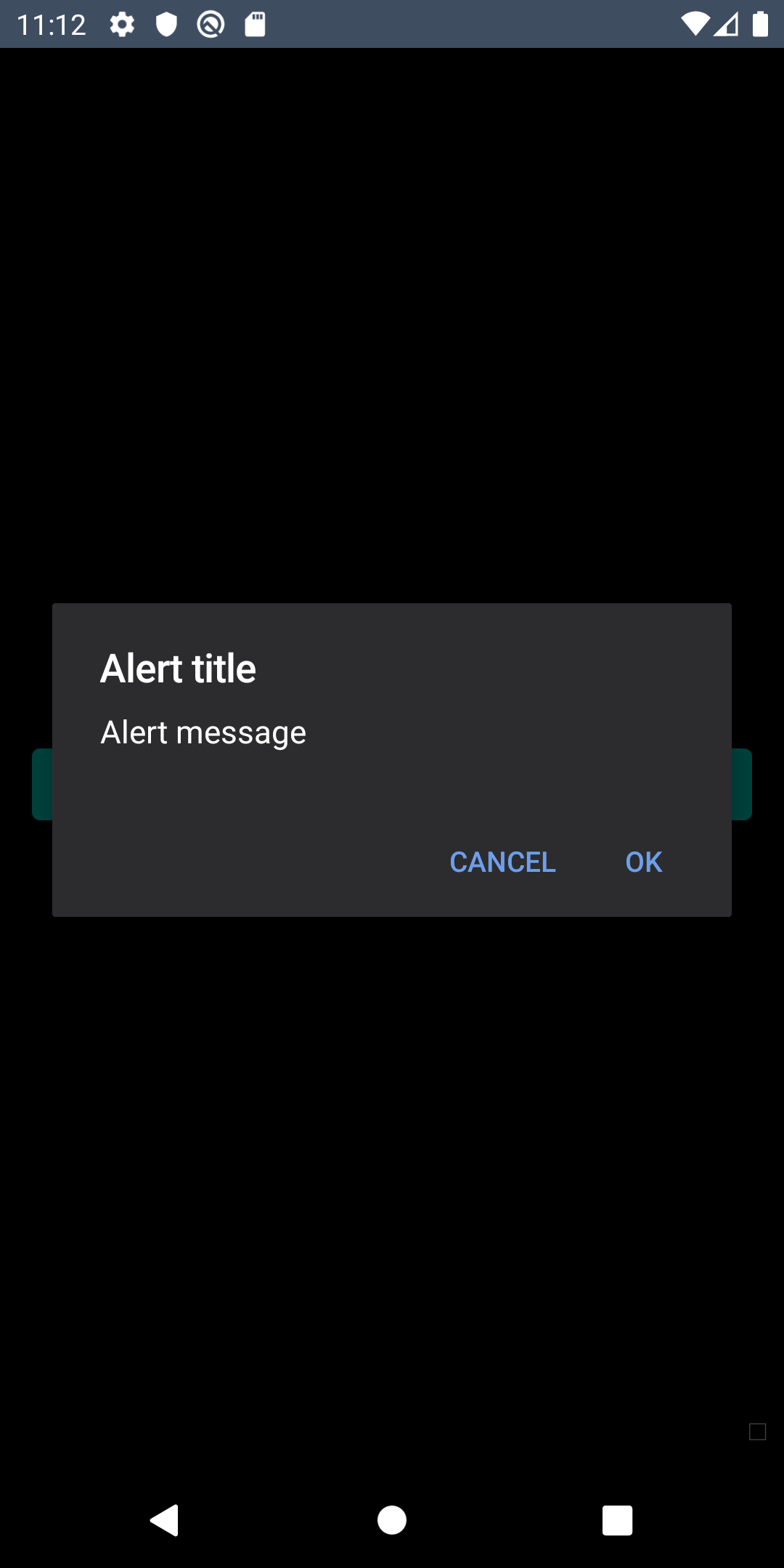
## Cancelable

| Day | Night |
| --- | --- |
| <img src="https://raw.githubusercontent.com/Skyscanner/backpack-react-native/main/screenshots/bpk-component-alert/ios/cancelable.png" alt="bpk-component-alert cancelable iPhone 8 simulator" width="375" /> |<img src="https://raw.githubusercontent.com/Skyscanner/backpack-react-native/main/screenshots/bpk-component-alert/ios/cancelable_dm.png" alt="bpk-component-alert cancelable iPhone 8 simulator - dark mode" width="375" /> |
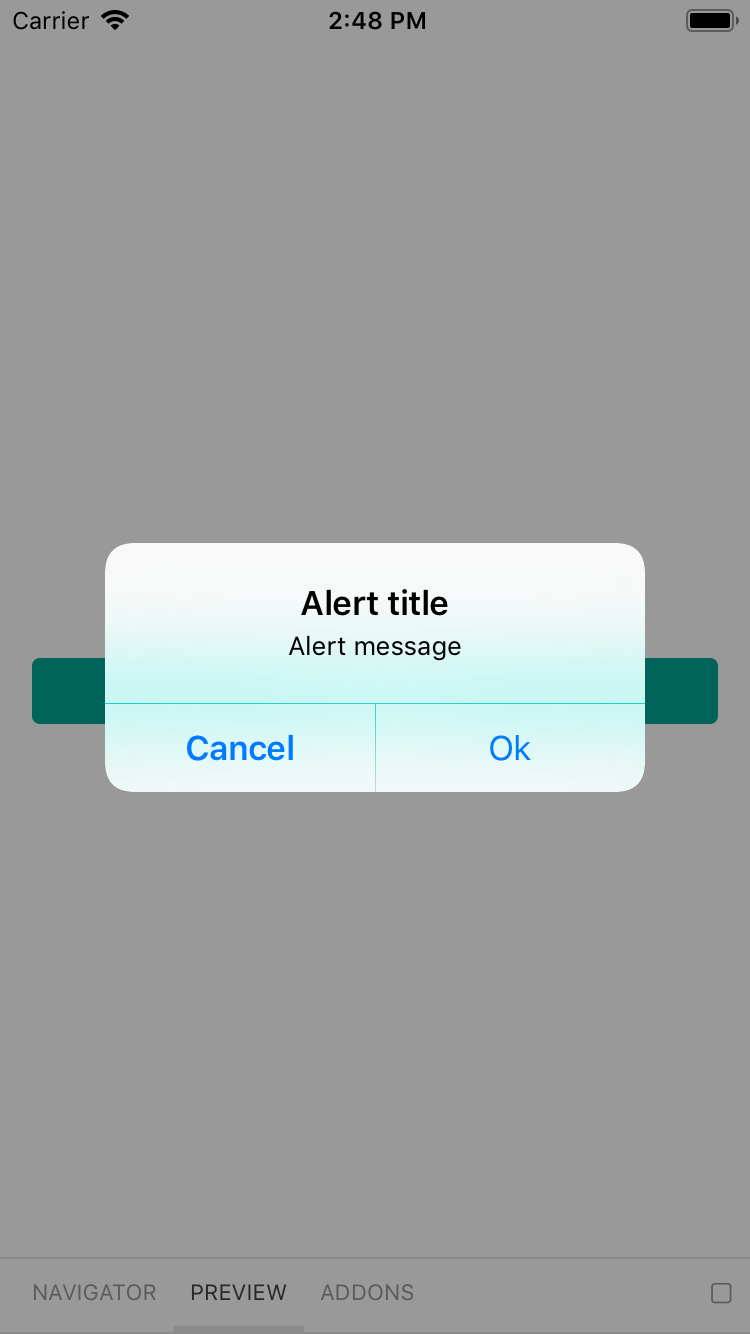
| <img src="https://raw.githubusercontent.com/Skyscanner/backpack-react-native/main/screenshots/bpk-component-alert/android/cancelable.png" alt="bpk-component-alert cancelable Google Pixel emulator" width="375" /> |<img src="https://raw.githubusercontent.com/Skyscanner/backpack-react-native/main/screenshots/bpk-component-alert/android/cancelable_dm.png" alt="bpk-component-alert cancelable Google Pixel emulator - dark mode" width="375" /> |

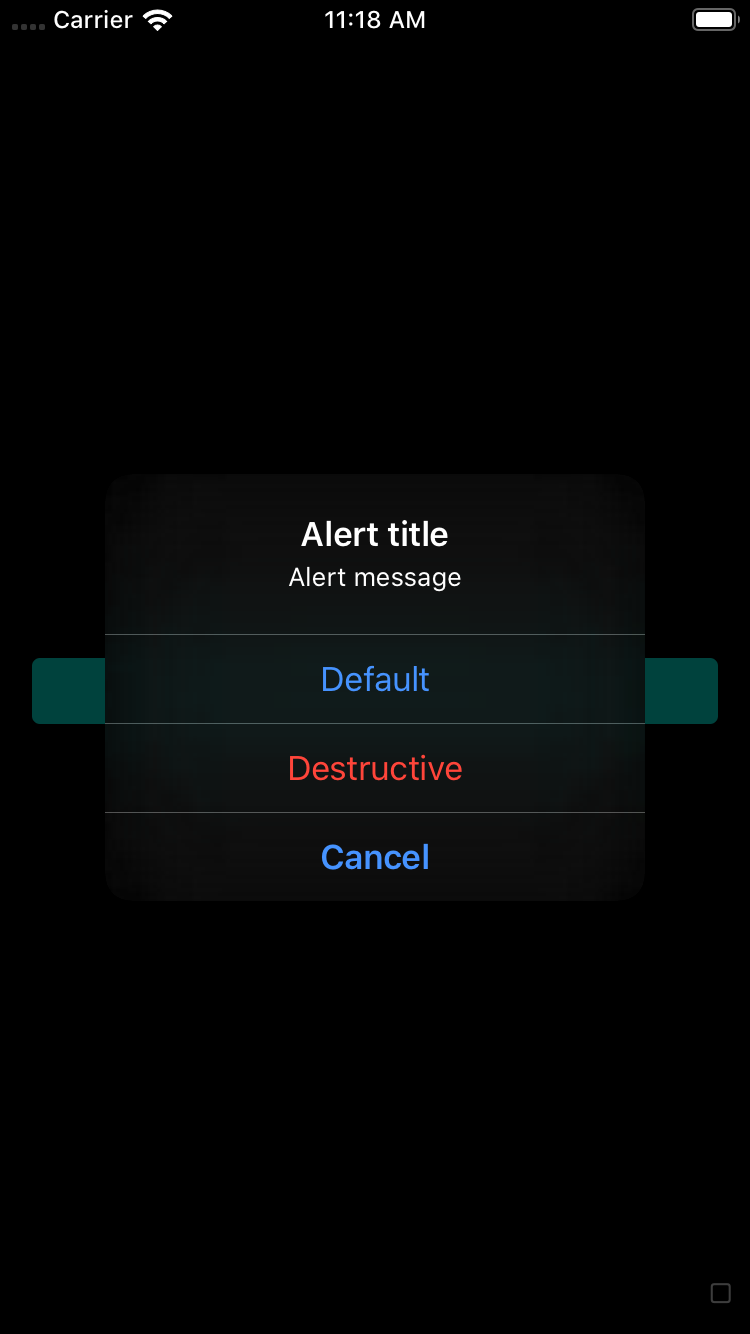
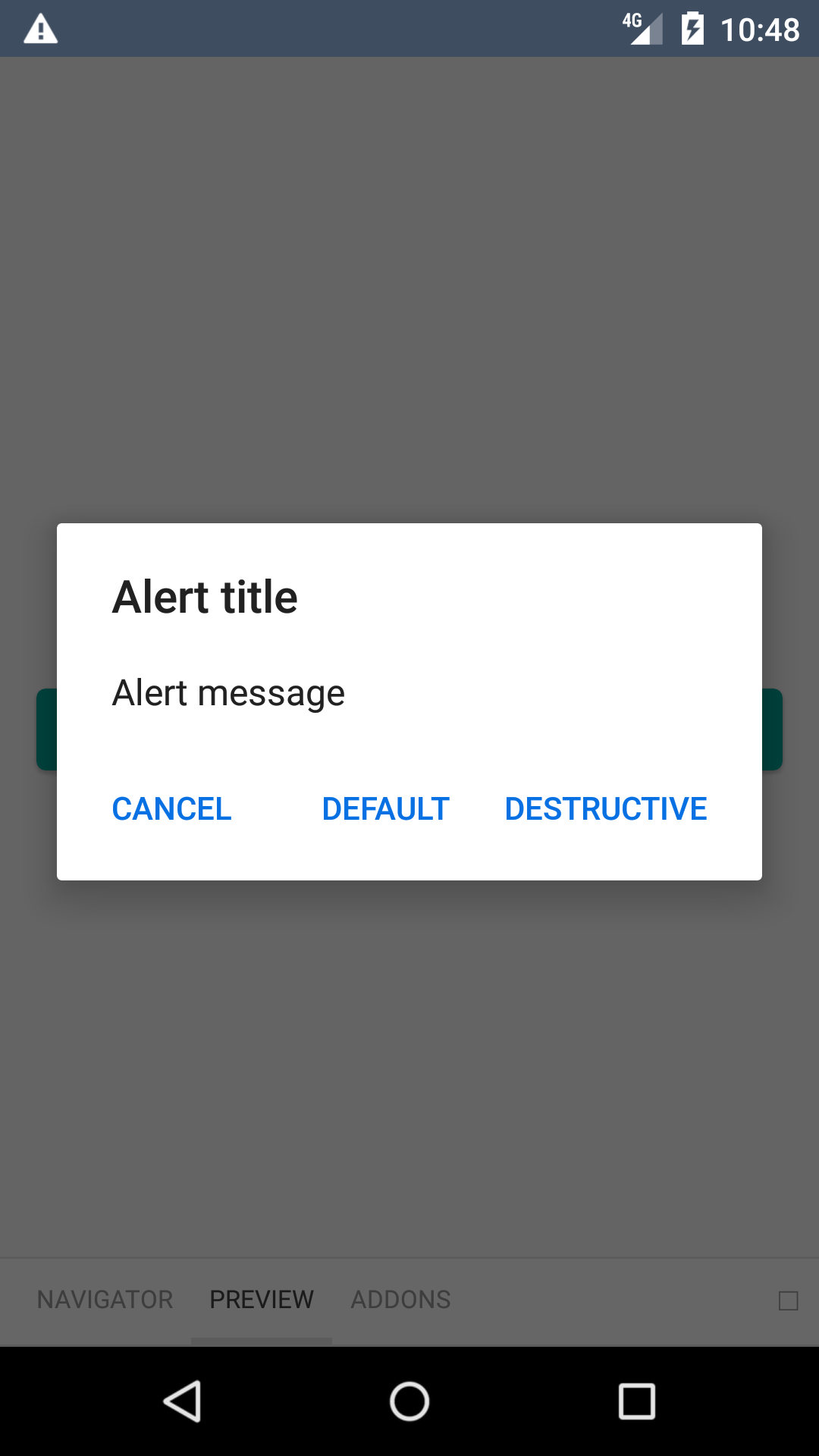
## Three button

| Day | Night |
| --- | --- |
| <img src="https://raw.githubusercontent.com/Skyscanner/backpack-react-native/main/screenshots/bpk-component-alert/ios/three-button.png" alt="bpk-component-alert three-button iPhone 8 simulator" width="375" /> |<img src="https://raw.githubusercontent.com/Skyscanner/backpack-react-native/main/screenshots/bpk-component-alert/ios/three-button_dm.png" alt="bpk-component-alert three-button iPhone 8 simulator - dark mode" width="375" /> |
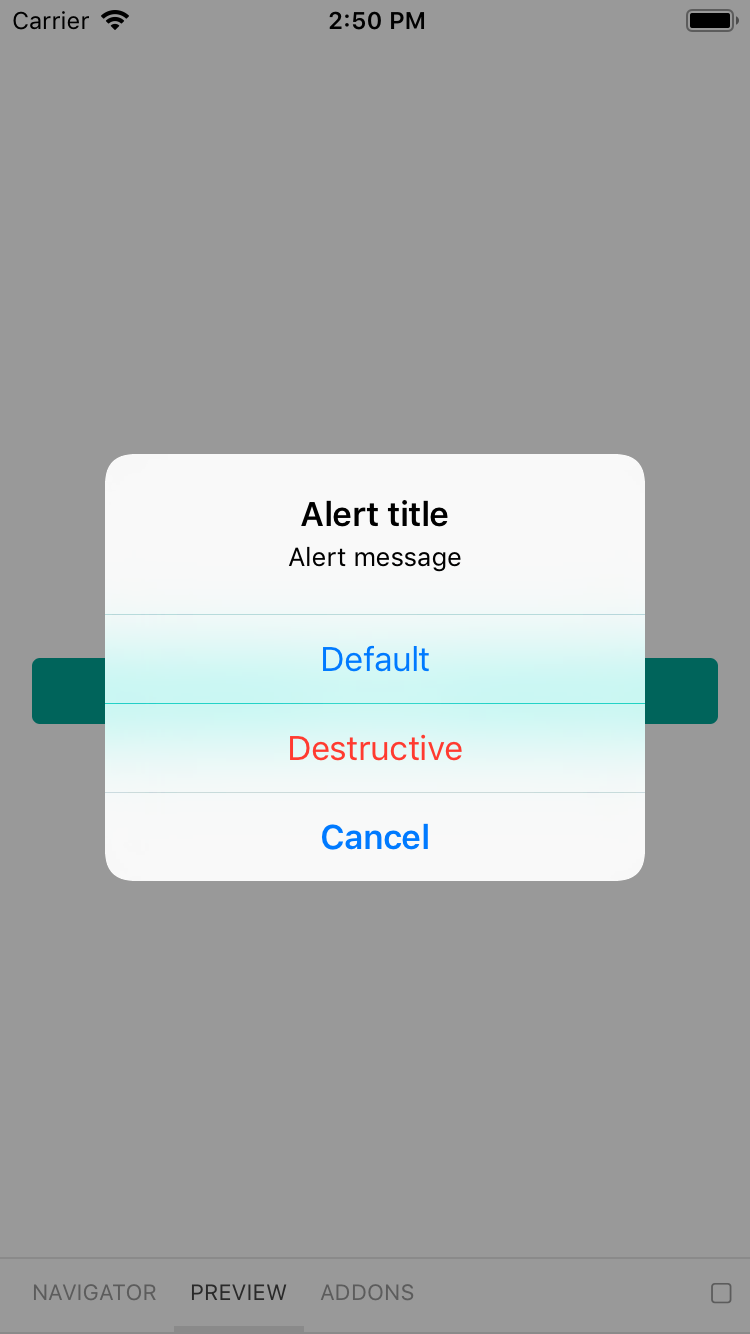
| <img src="https://raw.githubusercontent.com/Skyscanner/backpack-react-native/main/screenshots/bpk-component-alert/android/three-button.png" alt="bpk-component-alert three-button Google Pixel emulator" width="375" /> |<img src="https://raw.githubusercontent.com/Skyscanner/backpack-react-native/main/screenshots/bpk-component-alert/android/three-button_dm.png" alt="bpk-component-alert three-button Google Pixel emulator - dark mode" width="375" /> |

## Installation

Check the main [Readme](https://github.com/skyscanner/backpack-react-native#usage) for a complete installation guide.

## Usage

```js
import BpkAlert
import React, { Component } from 'react';
import BpkAlert from 'backpack-react-native/bpk-component-alert';

BpkAlert.alert(
  'Alert title',
  'Alert message',
  [
    {
      text: 'Cancel',
      onPress: () => console.log('negative button pressed'),
      style: 'cancel',
    },
    { text: 'Default', onPress: () => console.log('positive button press') },
    {
      text: 'Destructive',
      onPress: () => console.log('Destructive button press'),
      style: 'destructive',
    },
  ],
  { cancelable: false },
);
```

## Theming and Dark mode

### Android

To use the correct Backpack font and colours, the dialog needs to be themed in the native side. Bellow is an example theme you can use:

```xml
<!-- Make sure your theme extends from `DayNight` -->
<style name="AppTheme" parent="Theme.AppCompat.DayNight.NoActionBar">
    <item name="alertDialogTheme">@style/AppTheme.AlertDialog</item>
    <item name="android:alertDialogTheme">?alertDialogTheme</item>
</style>

<style name="AppTheme.AlertDialog" parent="Base.Theme.AppCompat.Light.Dialog.Alert">
    <item name="android:windowTitleStyle">@style/AppTheme.AlertDialog.Title</item>
    <item name="android:textAppearanceSmall">?bpkTextSmAppearance</item>
    <item name="android:buttonBarButtonStyle">@style/AppTheme.AlertDialog.ButtonBar.Button</item>
    <item name="buttonBarButtonStyle">@style/AppTheme.AlertDialog.ButtonBar.Button</item>
    <item name="android:background">@color/bpkBackgroundTertiary</item>
    <item name="android:textColorPrimary">@color/bpkTextPrimary</item>
</style>

<style name="AppTheme.AlertDialog.Title" parent="Base.DialogWindowTitle.AppCompat">
    <item name="android:textAppearance">?bpkTextLgEmphasizedAppearance</item>
</style>

<style name="AppTheme.AlertDialog.ButtonBar.Button" parent="Widget.AppCompat.Button.ButtonBar.AlertDialog">
    <item name="android:textAppearance">?bpkTextSmEmphasizedAppearance</item>
    <item name="android:textAllCaps">true</item>
    <item name="android:textColor">?bpkPrimaryColor</item>
</style>
```