# Getting started
Simple calculator API hosted on APIMATIC
## How to Build
The generated SDK relies on [Node Package Manager](https://www.npmjs.com/) (NPM) being available to resolve dependencies. If you don't already have NPM installed, please go ahead and follow instructions to install NPM from [here](https://nodejs.org/en/download/).
The SDK also requires Node to be installed. If Node isn't already installed, please install it from [here](https://nodejs.org/en/download/)
> NPM is installed by default when Node is installed
To check if node and npm have been successfully installed, write the following commands in command prompt:
* `node --version`
* `npm -version`
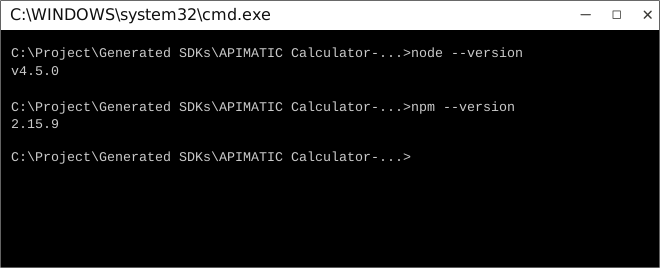
Now use npm to resolve all dependencies by running the following command in the root directory (of the SDK folder):
```bash
npm install
```
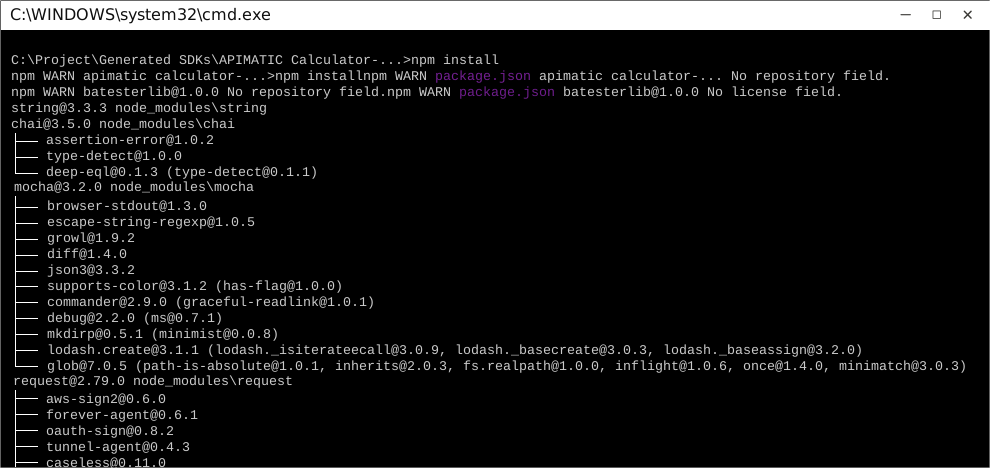
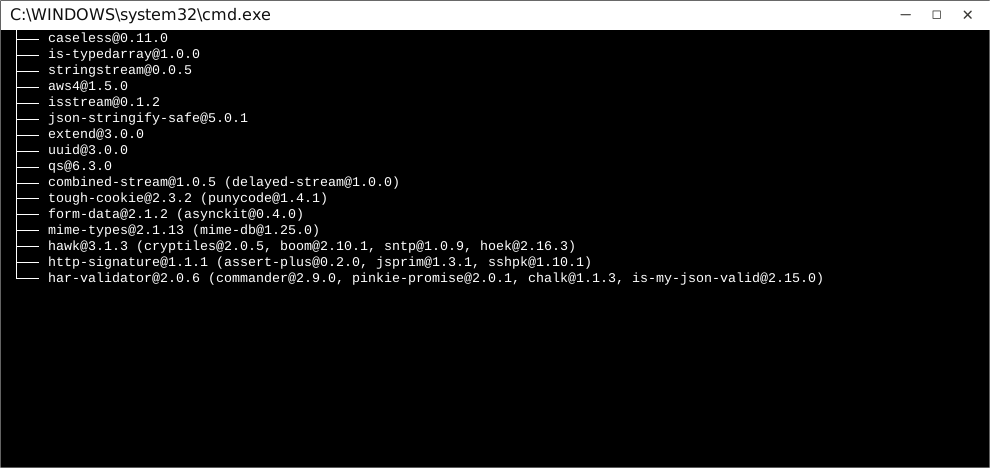
This will install all dependencies in the `node_modules` folder.
Once dependencies are resolved, you will need to move the folder `APIMATICCalculatorLib ` in to your `node_modules` folder.
## How to Use
The following section explains how to use the library in a new project.
### 1. Open Project Folder
Open an IDE/Text Editor for JavaScript like Sublime Text. The basic workflow presented here is also applicable if you prefer using a different editor or IDE.
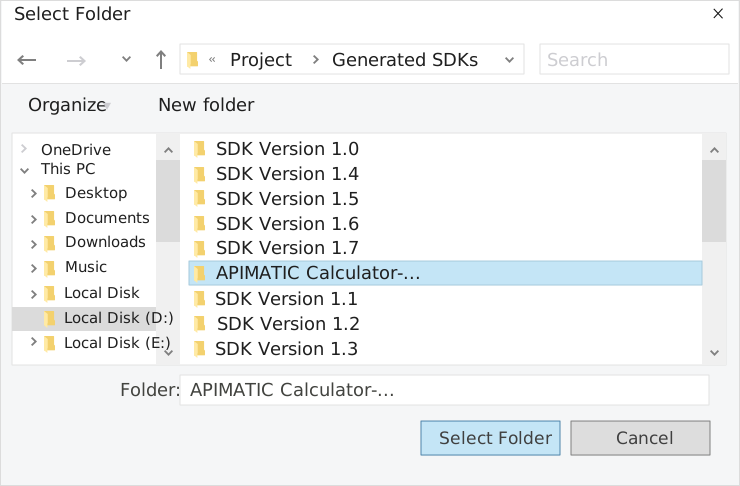
Click on `File` and select `Open Folder`.
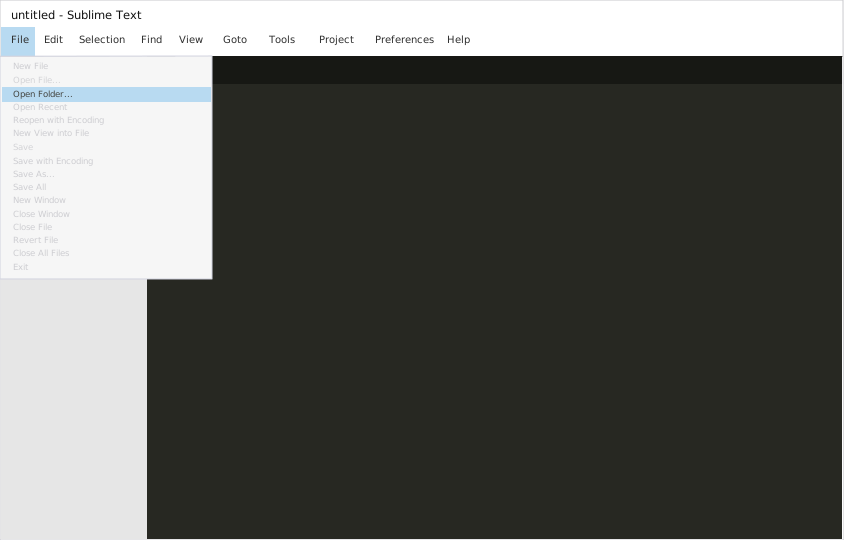
Select the folder of your SDK and click on `Select Folder` to open it up in Sublime Text. The folder will become visible in the bar on the left.
### 2. Creating a Test File
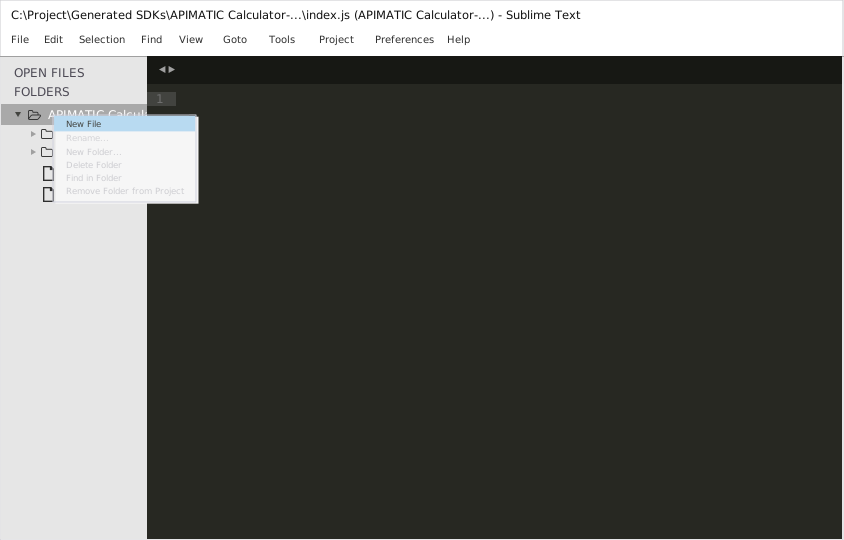
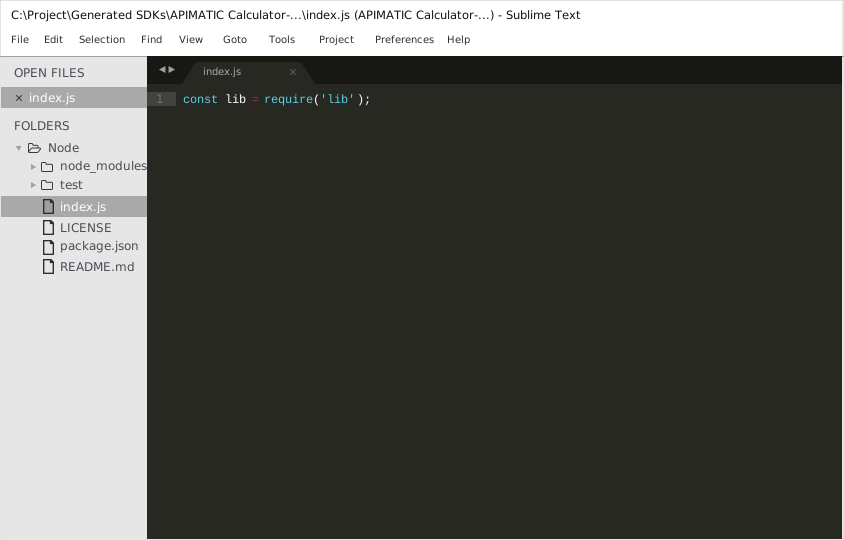
Now right click on the folder name and select the `New File` option to create a new test file. Save it as `index.js` Now import the generated NodeJS library using the following lines of code:
```js
var lib = require('lib');
```
Save changes.
### 3. Running The Test File
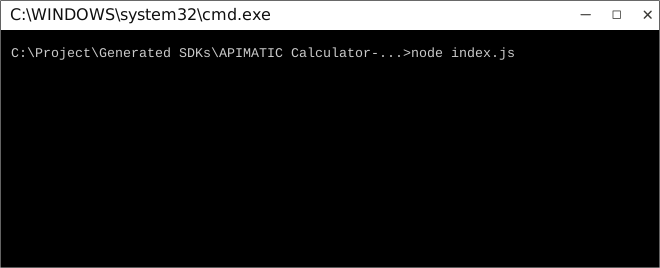
To run the `index.js` file, open up the command prompt and navigate to the Path where the SDK folder resides. Type the following command to run the file:
```
node index.js
```
## How to Test
These tests use Mocha framework for testing, coupled with Chai for assertions. These dependencies need to be installed for tests to run.
Tests can be run in a number of ways:
### Method 1 (Run all tests)
1. Navigate to the root directory of the SDK folder from command prompt.
2. Type `mocha --recursive` to run all the tests.
### Method 2 (Run all tests)
1. Navigate to the `../test/Controllers/` directory from command prompt.
2. Type `mocha *` to run all the tests.
### Method 3 (Run specific controller's tests)
1. Navigate to the `../test/Controllers/` directory from command prompt.
2. Type `mocha APIMATIC CalculatorController` to run all the tests in that controller file.
> To increase mocha's default timeout, you can change the `TEST_TIMEOUT` parameter's value in `TestBootstrap.js`.

## Initialization
###
API client can be initialized as following:
```JavaScript
const lib = require('lib');
```
# Class Reference
## List of Controllers
* [SimpleCalculatorController](#simple_calculator_controller)
##  SimpleCalculatorController
### Get singleton instance
The singleton instance of the ``` SimpleCalculatorController ``` class can be accessed from the API Client.
```javascript
var controller = lib.SimpleCalculatorController;
```
###  getCalculate
> Calculates the expression using the specified operation.
```javascript
function getCalculate(input, callback)
```
#### Parameters
| Parameter | Tags | Description |
|-----------|------|-------------|
| operation | ``` Required ``` | The operator to apply on the variables |
| x | ``` Required ``` | The LHS value |
| y | ``` Required ``` | The RHS value |
#### Example Usage
```javascript
var input = [];
input['operation'] = new OperationTypeEnum(MULTIPLY);
input['x'] = 4;
input['y'] = 5;
controller.getCalculate(input, function(error, response, context) {
});
```
[Back to List of Controllers](#list_of_controllers)