```
_ _ _
(_)(_) | |
__ _ ___ ___ _ _ ______ __ _ _ __ | |_
/ _` |/ __| / __|| || ||______| / _` || '__|| __|
| (_| |\__ \| (__ | || | | (_| || | | |_
\__,_||___/ \___||_||_| \__,_||_| \__|
```
ascii-art-image.js
==================
[]()
[]()
[]()
Installation
------------
npm install ascii-art-image
Usage
------
### require('ascii-art-image')
To do anything with it, you'll need to include the library:
```javascript
const Image = require('ascii-art-image');
```
* [ascii-art-image](#module_ascii_art_image) ⇒ AsciiArtImage
* [Image.create(ansi_string, handler)](#module_ascii_art_image.create) ⇒ Promise(If callback not provided)
### new Image(options)
the constructor takes an options argument
**Kind**: static property of [ascii-art-image](#ascii-art-image)
| Param | Type | Description |
| --- | --- | --- |
| options | Object | the set of options being passed |
| options.alphabet | string | characters used to draw the image. One of: `variant1`, `variant2`, `variant3`, `variant4`, `ultra-wide`, `wide`, `hatching`, `bits`, `binary`, `greyscale`, `blocks` |
| options.filepath | string | The path of the image |
| options.width | Int | The width to render the image |
| options.height | Int | The height to render the image |
| options.distance | function | a function which takes in 6 args (2x rgb) and returns a measure of distance between these two colors |
**Examples**
### Image.create(options, callback)
Map through an ansi string one character at a time, without any of those characters being styles.
**Kind**: static property of [ascii-art-image](#ascii-art-image)
| Param | Type | Description |
| --- | --- | --- |
| options | Object | the set of options being passed |
| options.alphabet | string | characters used to draw the image. One of: `variant1`, `variant2`, `variant3`, `variant4`, `ultra-wide`, `wide`, `hatching`, `bits`, `binary`, `greyscale`, `blocks` |
| options.filepath | string | The path of the image |
| options.width | Int | The width to render the image |
| options.height | Int | The height to render the image |
| options.distance | function | a function which takes in 6 args (2x rgb) and returns a measure of distance between these two colors |
**Examples**
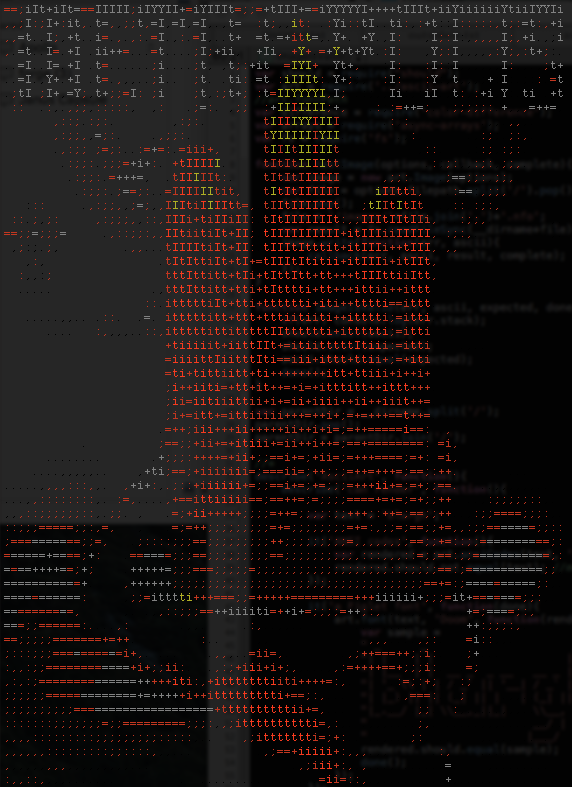
for example, say we want to generate a copy of a metropolis poster:
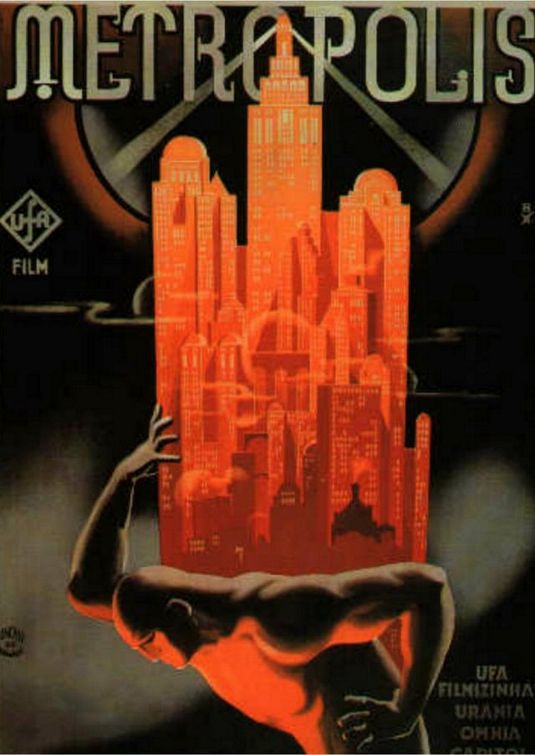
You just need to do something like this:
```js
var Image = require('ascii-art-image');
var image = new Image({
filepath: '~/Images/metropolis.jpg',
alphabet:'variant4'
});
image.write(function(err, rendered){
console.log(rendered);
})
```