# Arrow Table
Navigate HTML tables with arrow keys.
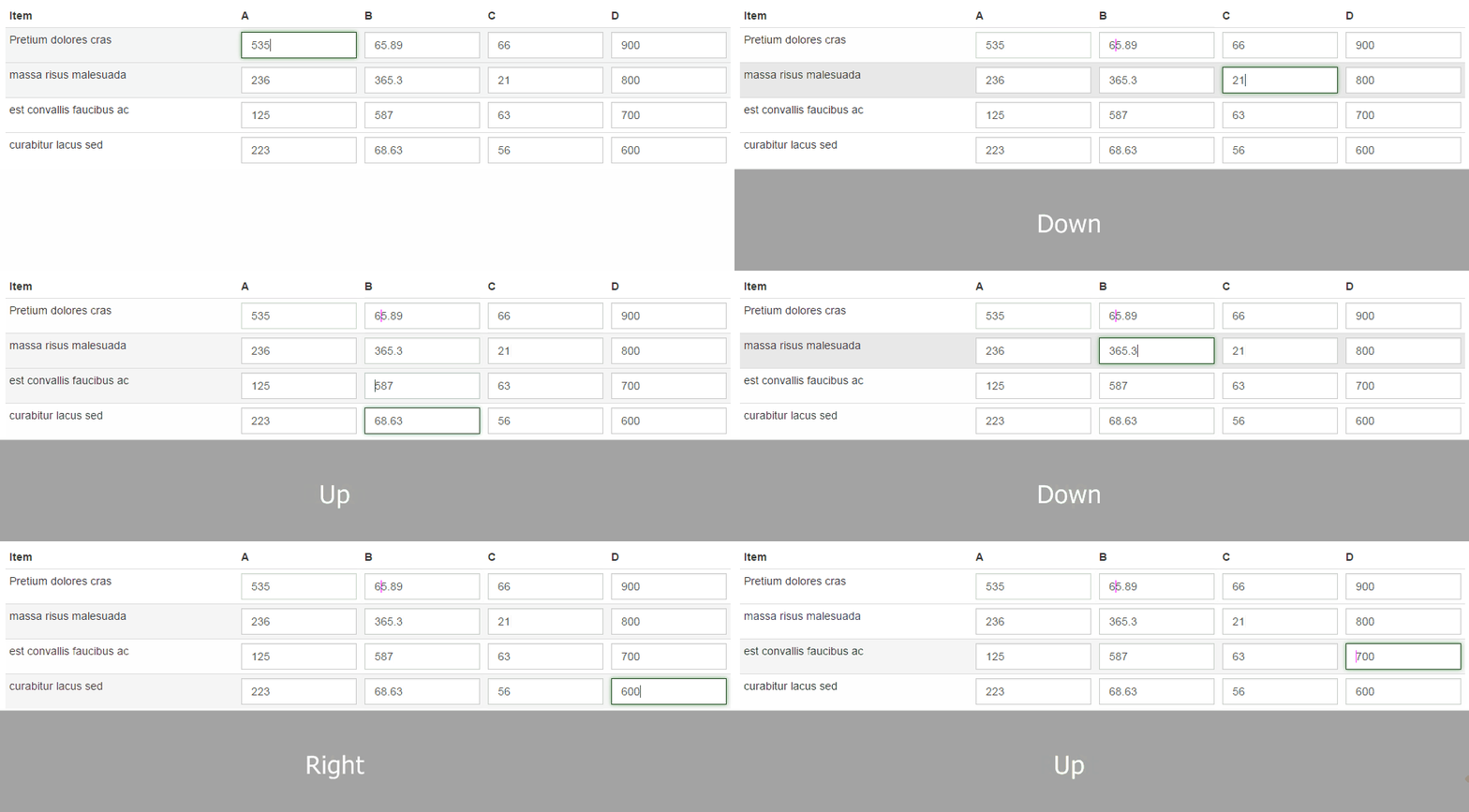
## Usage
```javascript
$('#my-table').arrowTable();
```
## Examples
### Enabling only certain keys
```javascript
$('#my-table').arrowTable({
enabledKeys: ['up', 'down']
});
```
### Using `beforeMove`
You can use this callback to decide whether to allow the move or not. If you return `false` the plugin will stop the move.
```javascript
$('#my-table').arrowTable({
focusTarget: 'input, textarea',
beforeMove: function(input, targetFinder, direction) {
// Determine the target
var target = targetFinder();
if (direction === 'up' && $(target).is('textarea'))
{
// Don't allow move
return false;
}
// Return nothing to allow the move
}
});
```
It's even possible to modify the table in the `beforeMove` callback adding a row and the plugin will find the newly added row.
```javascript
$('#my-table').arrowTable({
beforeMove: function(input, targetFinder, direction) {
if (direction === 'down')
{
$(input).closest('table').find('tbody').append('
');
}
}
});
```
See all possible options below.
## Options
Option | Default | Description
----------------|-----------------------------------|--------------
enabledKeys | `['left', 'right', 'up', 'down']` | Enabled keys
listenTarget | `'input'` | Target to listen for key move events
focusTarget | `'input'` | Target to focus after move
continuousDelay | `50` | Delay in ms before moving onto next cell when holding arrow keys down
beforeMove | `$.noop` | Before moving callback. Return `false` to stop move
afterMove | `$.noop` | After moving complete callback.
## API
### destroy
```javascript
$('#my-table').arrowTable('destroy');
```
Destroy the plugin instance