# Getting Started with APIMATIC Calculator
## Introduction
Simple calculator API hosted on APIMATIC
## Building
### Requirements
The SDK relies on **Node.js** and **npm** (to resolve dependencies). It also requires **Typescript version 3.9+**. You can download and install Node.js and [npm](https://www.npmjs.com/) from [the official Node.js website](https://nodejs.org/en/download/).
> **NOTE:** npm is installed by default when Node.js is installed.
### Verify Successful Installation
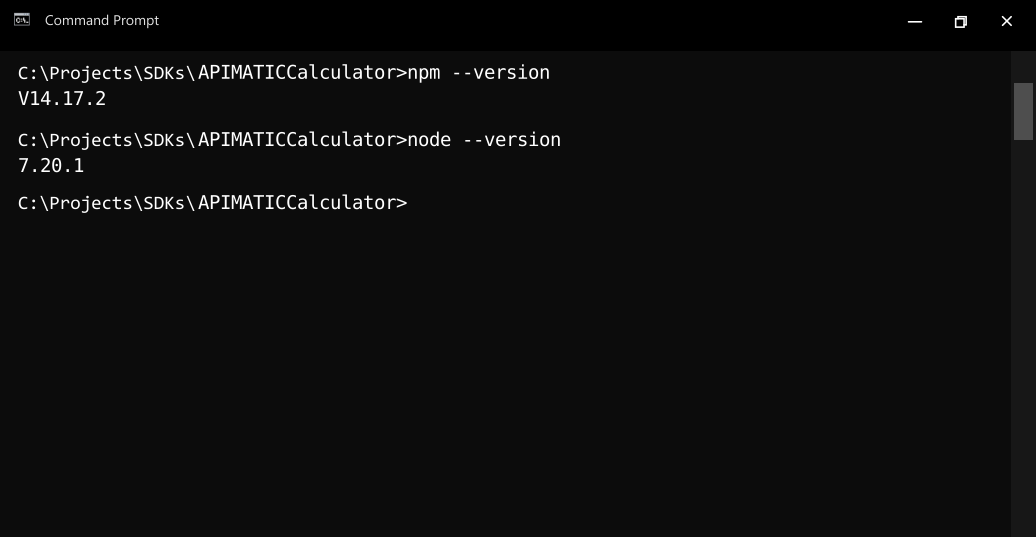
Run the following commands in the command prompt or shell of your choice to check if Node.js and npm are successfully installed:
* Node.js: `node --version`
* npm: `npm --version`
### Install Dependencies
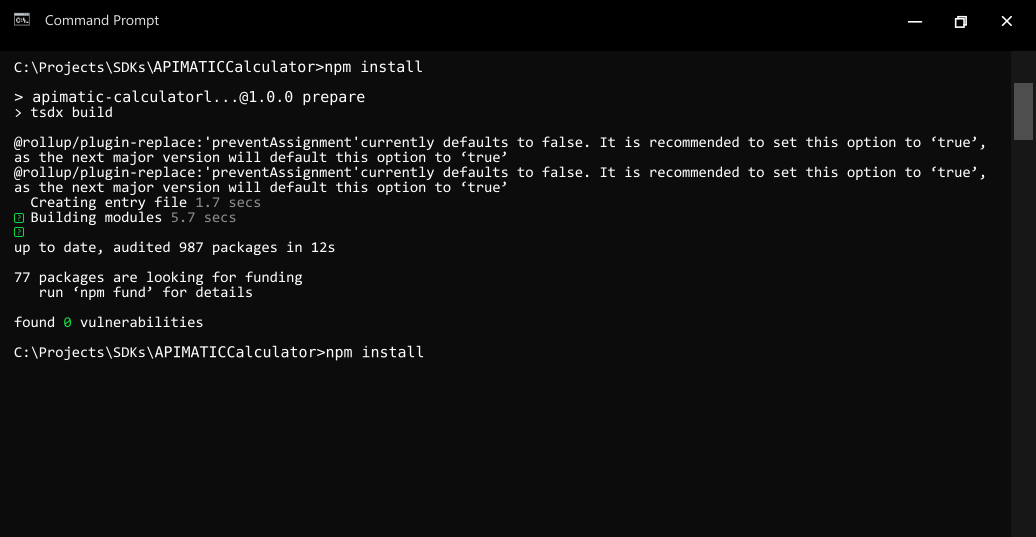
- To resolve all dependencies, go to the **SDK root directory** and run the following command with npm:
```bash
npm install
```
- This will install all dependencies in the **node_modules** folder.
## Installation
The following section explains how to use the generated library in a new project.
### 1. Initialize the Node Project
- Open an IDE/text editor for JavaScript like Visual Studio Code. The basic workflow presented here is also applicable if you prefer using a different editor or IDE.
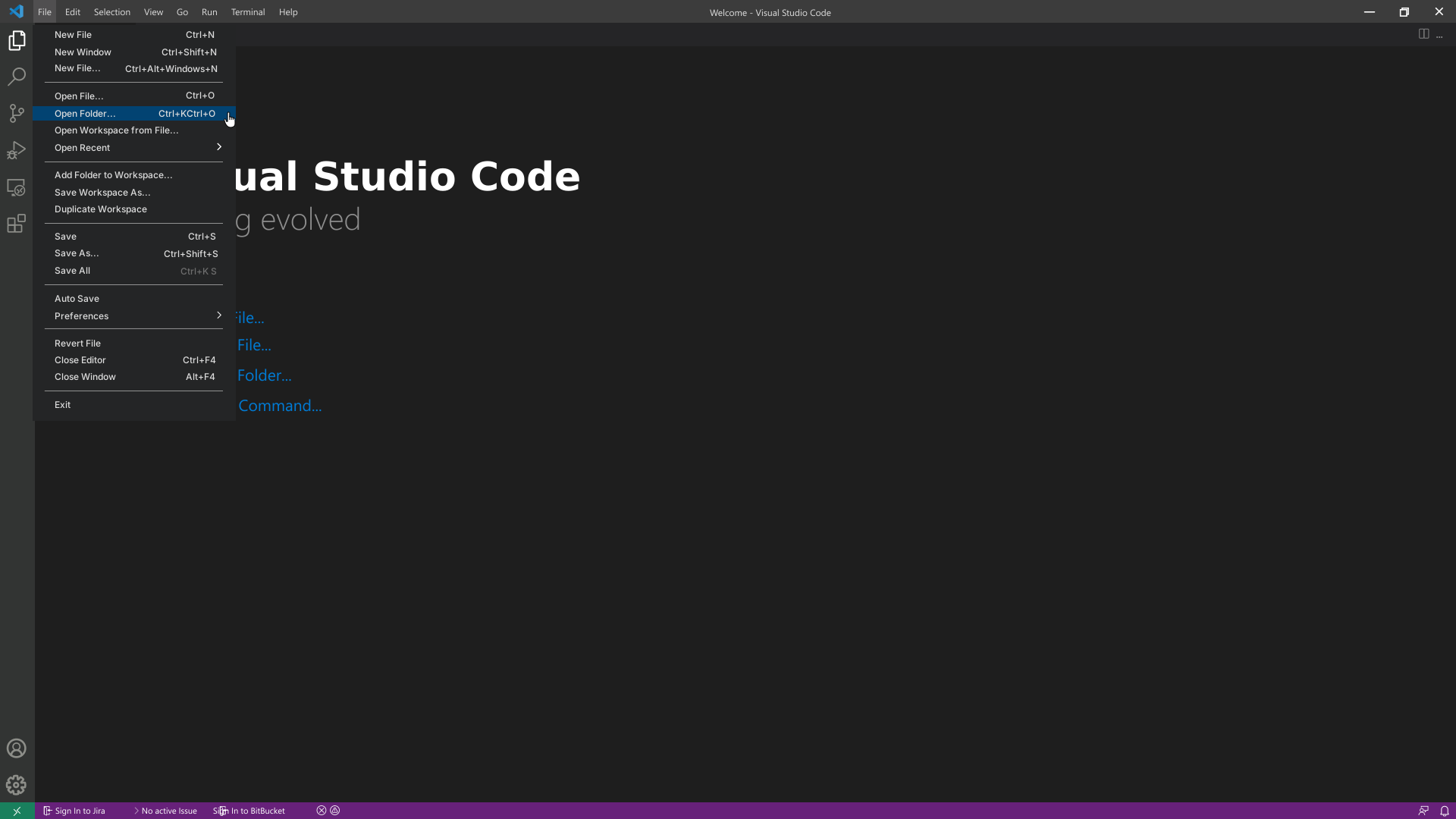
- Click on **File** and select **Open Folder**. Select an empty folder of your project, the folder will become visible in the sidebar on the left.
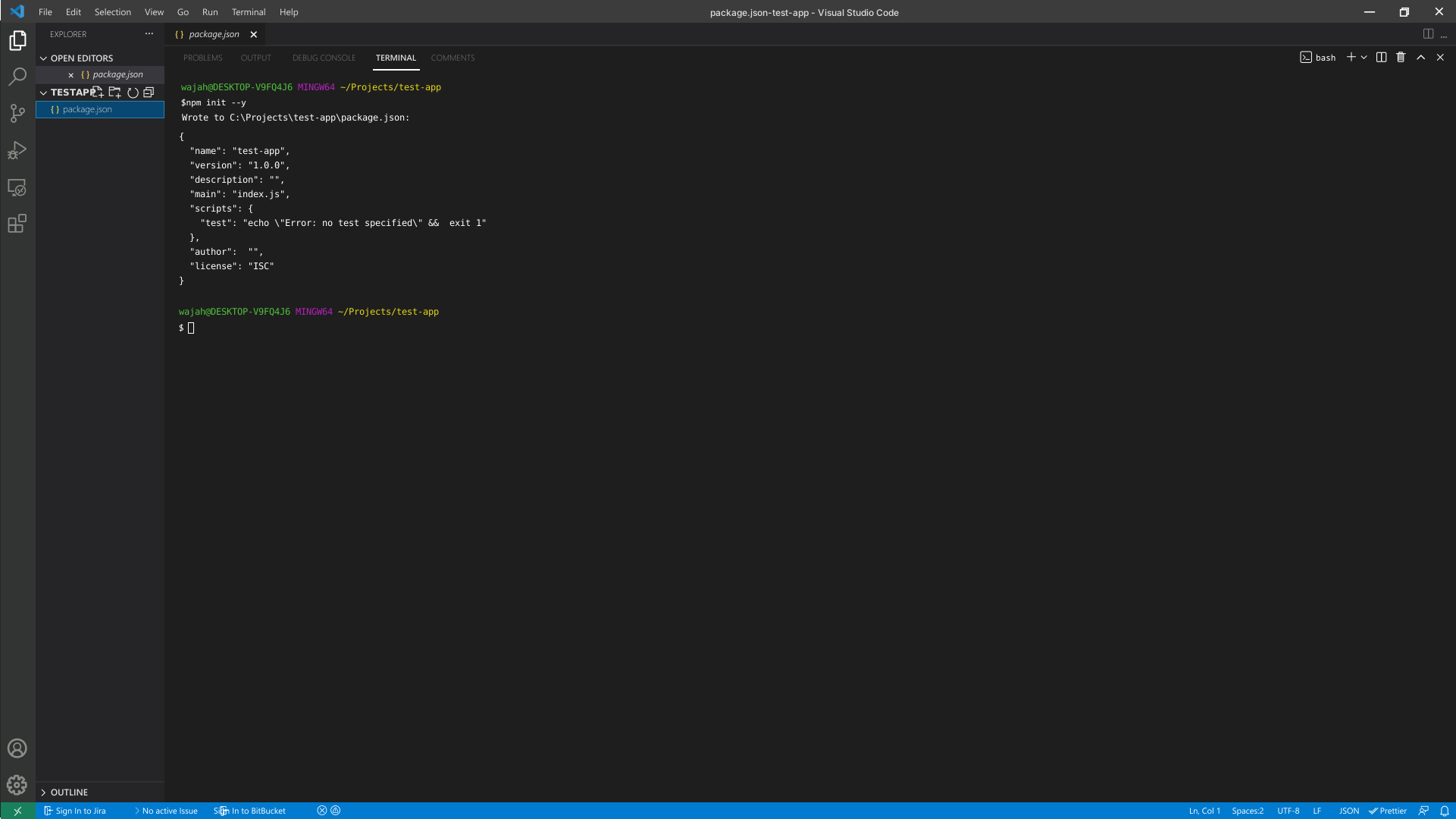
- To initialize the Node project, click on **Terminal** and select **New Terminal**. Execute the following command in the terminal:
```bash
npm init --y
```
### 2. Add Dependencies to the Client Library
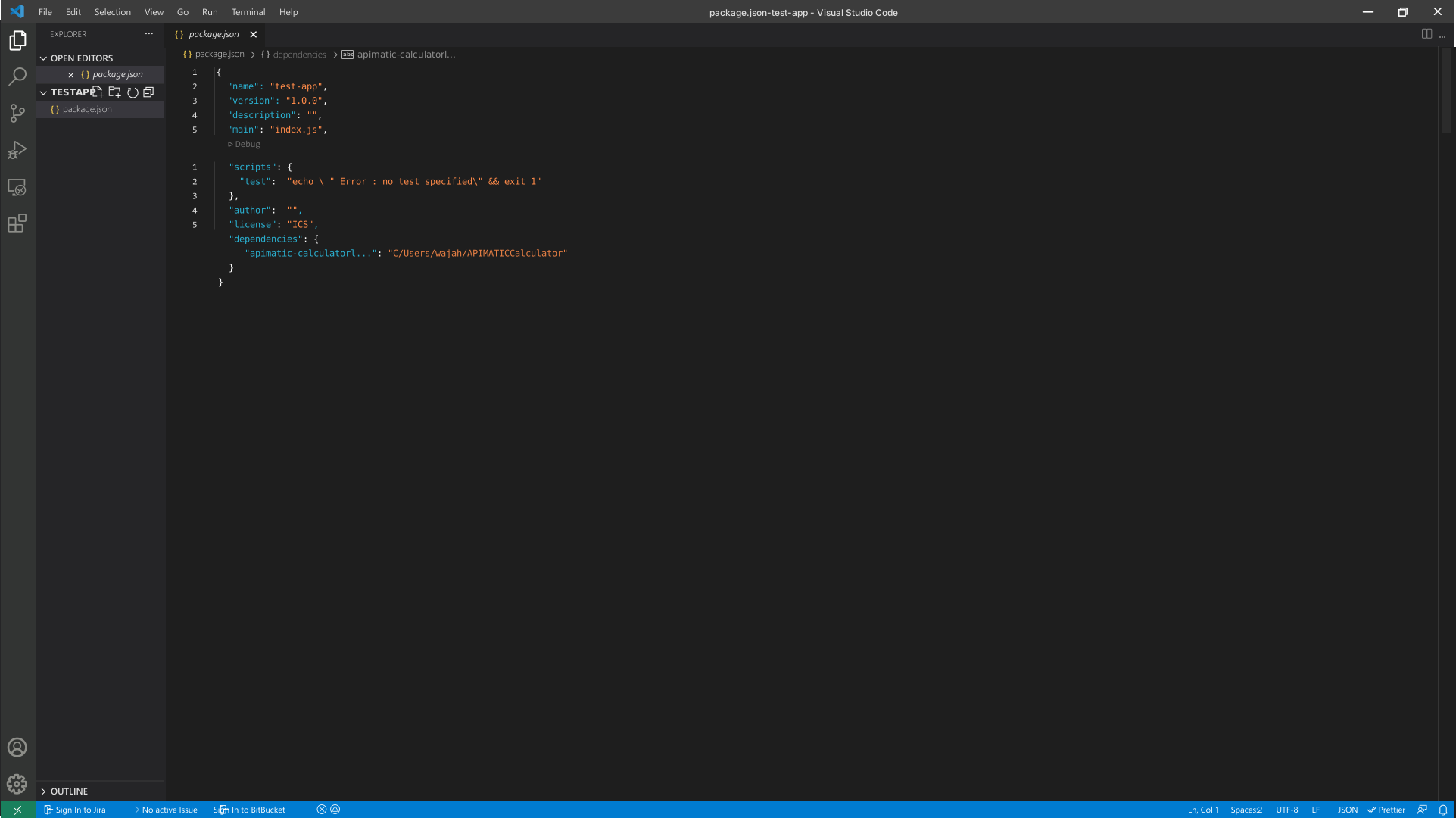
- The created project manages its dependencies using its `package.json` file. In order to add a dependency on the *APIMATIC CalculatorLib* client library, double click on the `package.json` file in the bar on the left and add the dependency to the package in it.
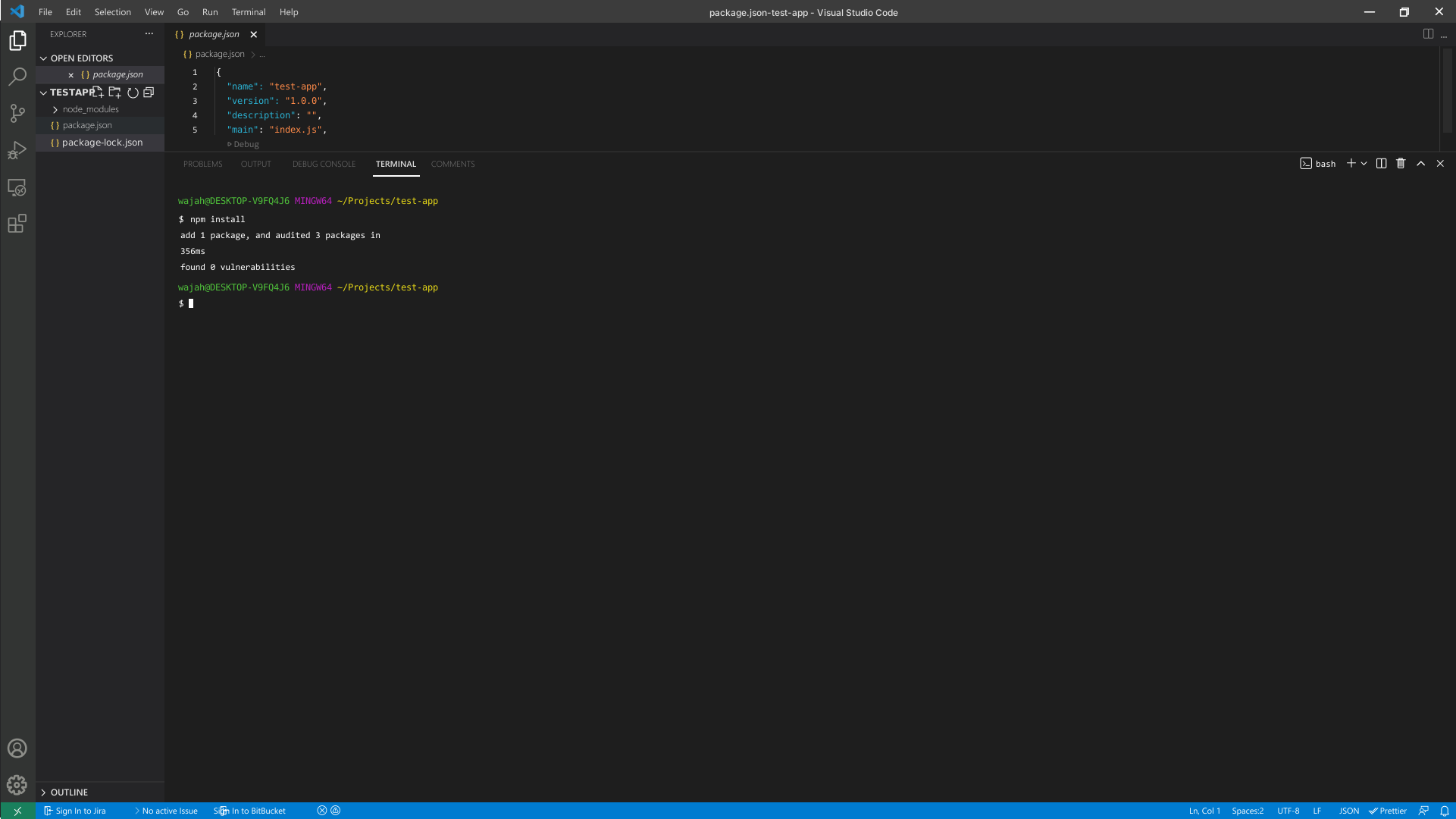
- To install the package in the project, run the following command in the terminal:
```bash
npm install
```
## Initialize the API Client
**_Note:_** Documentation for the client can be found [here.](doc/client.md)
The following parameters are configurable for the API Client:
| Parameter | Type | Description |
| --- | --- | --- |
| `environment` | Environment | The API environment.
**Default: `Environment.Production`** |
| `timeout` | `number` | Timeout for API calls.
*Default*: `0` |
| `httpClientOptions` | `Partial` | Stable configurable http client options. |
| `unstableHttpClientOptions` | `any` | Unstable configurable http client options. |
### HttpClientOptions
| Parameter | Type | Description |
| --- | --- | --- |
| `timeout` | `number` | Timeout in milliseconds. |
| `httpAgent` | `any` | Custom http agent to be used when performing http requests. |
| `httpsAgent` | `any` | Custom https agent to be used when performing http requests. |
| `retryConfig` | `Partial` | Configurations to retry requests. |
### RetryConfiguration
| Parameter | Type | Description |
| --- | --- | --- |
| `maxNumberOfRetries` | `number` | Maximum number of retries.
*Default*: `0` |
| `retryOnTimeout` | `boolean` | Whether to retry on request timeout.
*Default*: `true` |
| `retryInterval` | `number` | Interval before next retry. Used in calculation of wait time for next request in case of failure.
*Default*: `1` |
| `maximumRetryWaitTime` | `number` | Overall wait time for the requests getting retried.
*Default*: `0` |
| `backoffFactor` | `number` | Used in calculation of wait time for next request in case of failure.
*Default*: `2` |
| `httpStatusCodesToRetry` | `number[]` | Http status codes to retry against.
*Default*: `[408, 413, 429, 500, 502, 503, 504, 521, 522, 524]` |
| `httpMethodsToRetry` | `HttpMethod[]` | Http methods to retry against.
*Default*: `['GET', 'PUT']` |
The API client can be initialized as follows:
```ts
const client = new Client({
timeout: 0,
environment: Environment.Production,
});
```
## List of APIs
* [Simple Calculator](doc/controllers/simple-calculator.md)
## Classes Documentation
* [ApiResponse](doc/api-response.md)
* [ApiError](doc/api-error.md)