# Agentic Coding Boilerplate
A complete agentic coding boilerplate with authentication, PostgreSQL database, AI chat functionality, and modern UI components - perfect for building AI-powered applications and autonomous agents.
## 🚀 Features
- **🔐 Authentication**: Better Auth with Google OAuth integration
- **🗃️ Database**: Drizzle ORM with PostgreSQL
- **🤖 AI Integration**: Vercel AI SDK with OpenRouter (access to 100+ AI models)
- **🎨 UI Components**: shadcn/ui with Tailwind CSS
- **⚡ Modern Stack**: Next.js 15, React 19, TypeScript
- **📱 Responsive**: Mobile-first design approach
## 🎥 Video Tutorial
Watch the complete walkthrough of this agentic coding template:
[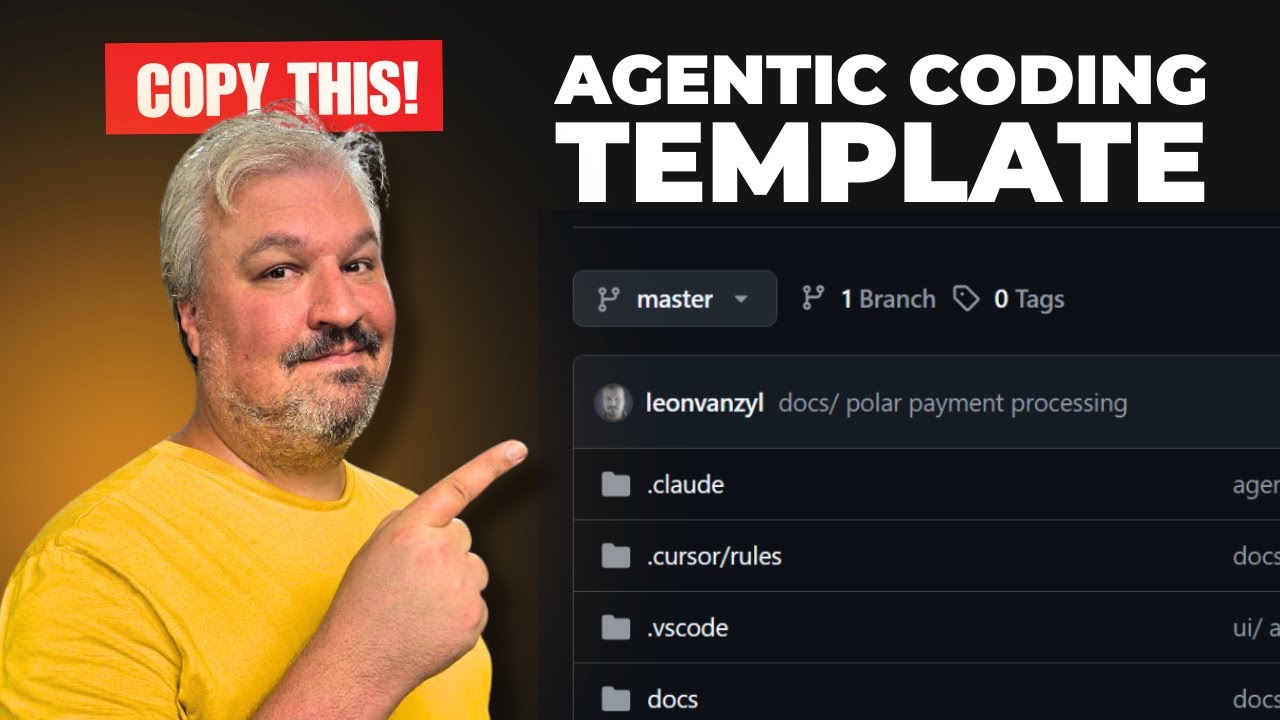](https://youtu.be/T0zFZsr_d0Q)
🔗 Watch on YouTube
## ☕ Support This Project
If this boilerplate helped you build something awesome, consider buying me a coffee!
[](https://www.buymeacoffee.com/leonvanzyl)
## 📋 Prerequisites
Before you begin, ensure you have the following installed on your machine:
- **Node.js**: Version 18.0 or higher (Download here)
- **Git**: For cloning the repository (Download here)
- **PostgreSQL**: Either locally installed or access to a hosted service like Vercel Postgres
## 🛠️ Quick Setup
### Automated Setup (Recommended)
Get started with a single command:
```bash
npx create-agentic-app@latest my-app
cd my-app
```
Or create in the current directory:
```bash
npx create-agentic-app@latest .
```
The CLI will:
- Copy all boilerplate files
- Install dependencies with your preferred package manager (pnpm/npm/yarn)
- Set up your environment file
**Next steps after running the command:**
1. Update `.env` with your API keys and database credentials
2. Start the database: `docker compose up -d`
3. Run migrations: `npm run db:migrate`
4. Start dev server: `npm run dev`
### Manual Setup (Alternative)
If you prefer to set up manually:
**1. Clone or Download the Repository**
**Option A: Clone with Git**
```bash
git clone https://github.com/leonvanzyl/agentic-coding-starter-kit.git
cd agentic-coding-starter-kit
```
**Option B: Download ZIP**
Download the repository as a ZIP file and extract it to your desired location.
**2. Install Dependencies**
```bash
npm install
```
**3. Environment Setup**
Copy the example environment file:
```bash
cp env.example .env
```
Fill in your environment variables in the `.env` file:
```env
# Database
POSTGRES_URL="postgresql://username:password@localhost:5432/your_database_name"
# Authentication - Better Auth
BETTER_AUTH_SECRET="your-random-32-character-secret-key-here"
# Google OAuth (Get from Google Cloud Console)
GOOGLE_CLIENT_ID="your-google-client-id"
GOOGLE_CLIENT_SECRET="your-google-client-secret"
# AI Integration via OpenRouter (Optional - for chat functionality)
# Get your API key from: https://openrouter.ai/settings/keys
# View available models at: https://openrouter.ai/models
OPENROUTER_API_KEY="sk-or-v1-your-openrouter-api-key-here"
OPENROUTER_MODEL="openai/gpt-5-mini"
# App URL (for production deployments)
NEXT_PUBLIC_APP_URL="http://localhost:3000"
```
**4. Database Setup**
Generate and run database migrations:
```bash
npm run db:generate
npm run db:migrate
```
**5. Start the Development Server**
```bash
npm run dev
```
Your application will be available at [http://localhost:3000](http://localhost:3000)
## ⚙️ Service Configuration
### PostgreSQL Database on Vercel
1. Go to Vercel Dashboard
2. Navigate to the **Storage** tab
3. Click **Create** → **Postgres**
4. Choose your database name and region
5. Copy the `POSTGRES_URL` from the `.env.local` tab
6. Add it to your `.env` file
### Google OAuth Credentials
1. Go to Google Cloud Console
2. Create a new project or select an existing one
3. Navigate to **Credentials** → **Create Credentials** → **OAuth 2.0 Client ID**
4. Set application type to **Web application**
5. Add authorized redirect URIs:
- `http://localhost:3000/api/auth/callback/google` (development)
- `https://yourdomain.com/api/auth/callback/google` (production)
6. Copy the **Client ID** and **Client Secret** to your `.env` file
### OpenRouter API Key
1. Go to OpenRouter
2. Sign up or log in to your account
3. Navigate to **Settings** → **Keys** or visit Keys Settings
4. Click **Create Key** and give it a name
5. Copy the API key and add it to your `.env` file as `OPENROUTER_API_KEY`
6. Browse available models at OpenRouter Models
## 🗂️ Project Structure
```
src/
├── app/ # Next.js app directory
│ ├── api/ # API routes
│ │ ├── auth/ # Authentication endpoints
│ │ └── chat/ # AI chat endpoint
│ ├── chat/ # AI chat page
│ ├── dashboard/ # User dashboard
│ └── page.tsx # Home page
├── components/ # React components
│ ├── auth/ # Authentication components
│ └── ui/ # shadcn/ui components
└── lib/ # Utilities and configurations
├── auth.ts # Better Auth configuration
├── auth-client.ts # Client-side auth utilities
├── db.ts # Database connection
├── schema.ts # Database schema
└── utils.ts # General utilities
```
## 🔧 Available Scripts
```bash
npm run dev # Start development server with Turbopack
npm run build # Build for production
npm run start # Start production server
npm run lint # Run ESLint
npm run db:generate # Generate database migrations
npm run db:migrate # Run database migrations
npm run db:push # Push schema changes to database
npm run db:studio # Open Drizzle Studio (database GUI)
npm run db:dev # Push schema for development
npm run db:reset # Reset database (drop all tables)
```
## 📖 Pages Overview
- **Home (`/`)**: Landing page with setup instructions and features overview
- **Dashboard (`/dashboard`)**: Protected user dashboard with profile information
- **Chat (`/chat`)**: AI-powered chat interface using OpenRouter (requires authentication)
## 🚀 Deployment
### Deploy to Vercel (Recommended)
1. Install the Vercel CLI globally:
```bash
npm install -g vercel
```
2. Deploy your application:
```bash
vercel --prod
```
3. Follow the prompts to configure your deployment
4. Add your environment variables when prompted or via the Vercel dashboard
### Production Environment Variables
Ensure these are set in your production environment:
- `POSTGRES_URL` - Production PostgreSQL connection string
- `BETTER_AUTH_SECRET` - Secure random 32+ character string
- `GOOGLE_CLIENT_ID` - Google OAuth Client ID
- `GOOGLE_CLIENT_SECRET` - Google OAuth Client Secret
- `OPENROUTER_API_KEY` - OpenRouter API key (optional, for AI chat functionality)
- `OPENROUTER_MODEL` - Model name from OpenRouter (optional, defaults to openai/gpt-5-mini)
- `NEXT_PUBLIC_APP_URL` - Your production domain
## 🎥 Tutorial Video
Watch my comprehensive tutorial on how to use this agentic coding boilerplate to build AI-powered applications:
📺 YouTube Tutorial - Building with Agentic Coding Boilerplate
## 🤝 Contributing
1. Fork this repository
2. Create a feature branch (`git checkout -b feature/amazing-feature`)
3. Commit your changes (`git commit -m 'Add amazing feature'`)
4. Push to the branch (`git push origin feature/amazing-feature`)
5. Open a Pull Request
## 📝 License
This project is licensed under the MIT License - see the [LICENSE](LICENSE) file for details.
## 🆘 Need Help?
If you encounter any issues:
1. Check the [Issues](https://github.com/leonvanzyl/agentic-coding-starter-kit/issues) section
2. Review the documentation above
3. Create a new issue with detailed information about your problem
---
**Happy coding! 🚀**