# AFrame GIF Shader
**A gif shader for [A-Frame](https://aframe.io) VR. Inspired by [@gtk2k](https://github.com/gtk2k)'s [awesome sample](https://github.com/gtk2k/gtk2k.github.io/tree/master/animation_gif).**
**To control, please use [`aframe-gif-component`](https://github.com/mayognaise/aframe-gif-component).**
**[DEMO](https://mayognaise.github.io/aframe-gif-shader/basic/index.html)**
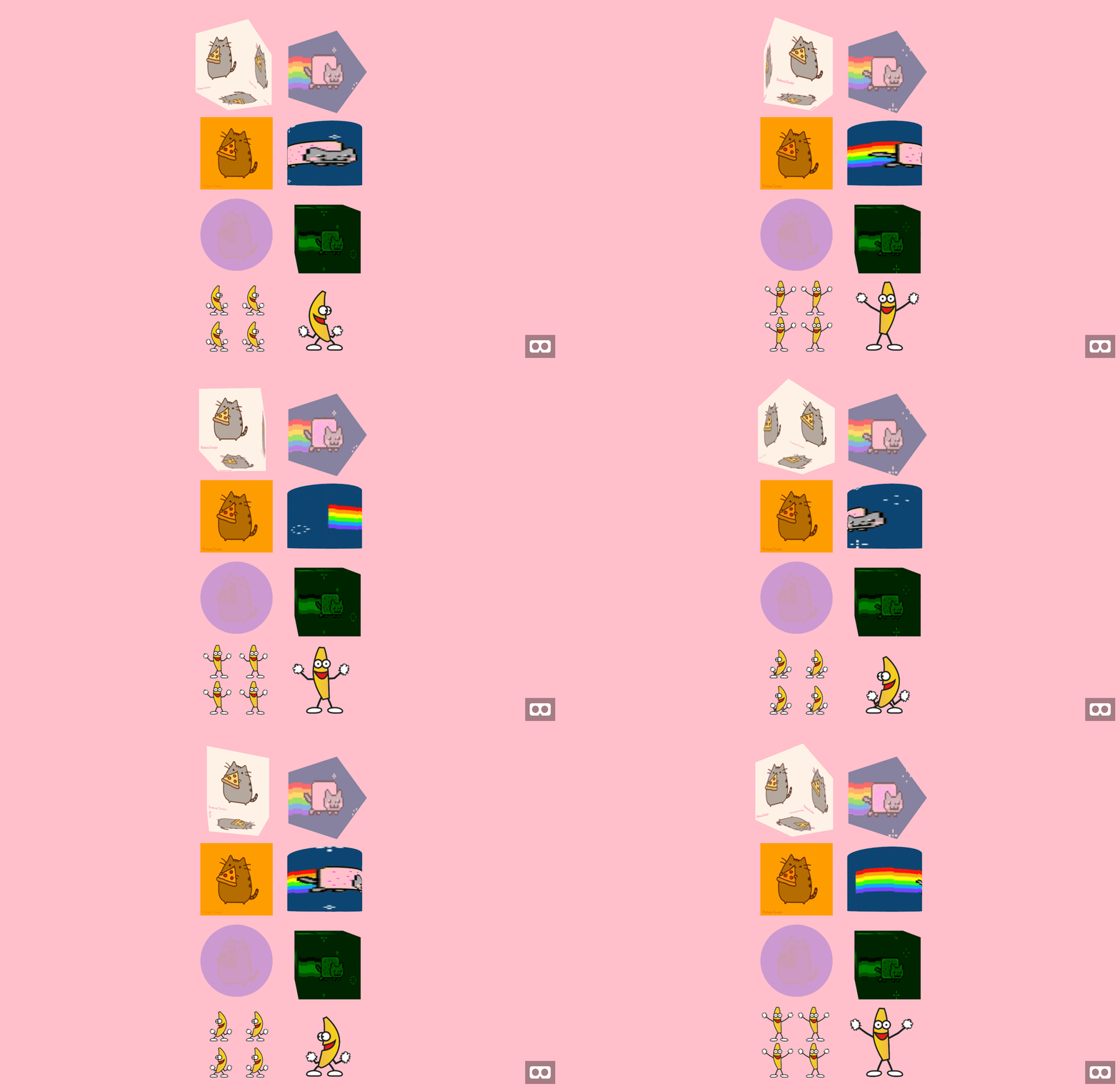
**Now transparent gif are supported!** 🎉🎊
## Properties
- Basic material's properties are supported.
- The property is pretty much same as `flat` shader.
| Property | Description | Default Value |
| -------- | ----------- | ------------- |
|src|image url. @see [Textures](https://aframe.io/docs/components/material.html#Textures)|null|
|autoplay|play automatecally once it's ready|true|
For refference, please check the following links:
- [Material](https://aframe.io/docs/master/components/material.html)
- [Textures](https://aframe.io/docs/master/components/material.html#textures)
- [Flat Shading Model](https://aframe.io/docs/core/shaders.html#Flat-Shading-Model)
## Usage
### Browser Installation
Install and use by directly including the [browser files](dist):
```html
My A-Frame Scene
```
### NPM Installation
Install via NPM:
```bash
npm i -D aframe-gif-shader
```
Then register and use.
```js
import 'aframe'
import 'aframe-gif-shader'
```
### Contributors
Thank you so much 🙏
- [@UXVirtual](https://github.com/UXVirtual)
- [@urish](https://github.com/urish)
- [@pablodiegoss](https://github.com/pablodiegoss)
- [@margauxdivernois](https://github.com/margauxdivernois)
- [@Danpollak](https://github.com/Danpollak)