# Emoji-Picker
An elegant emoji picker built with Vue.
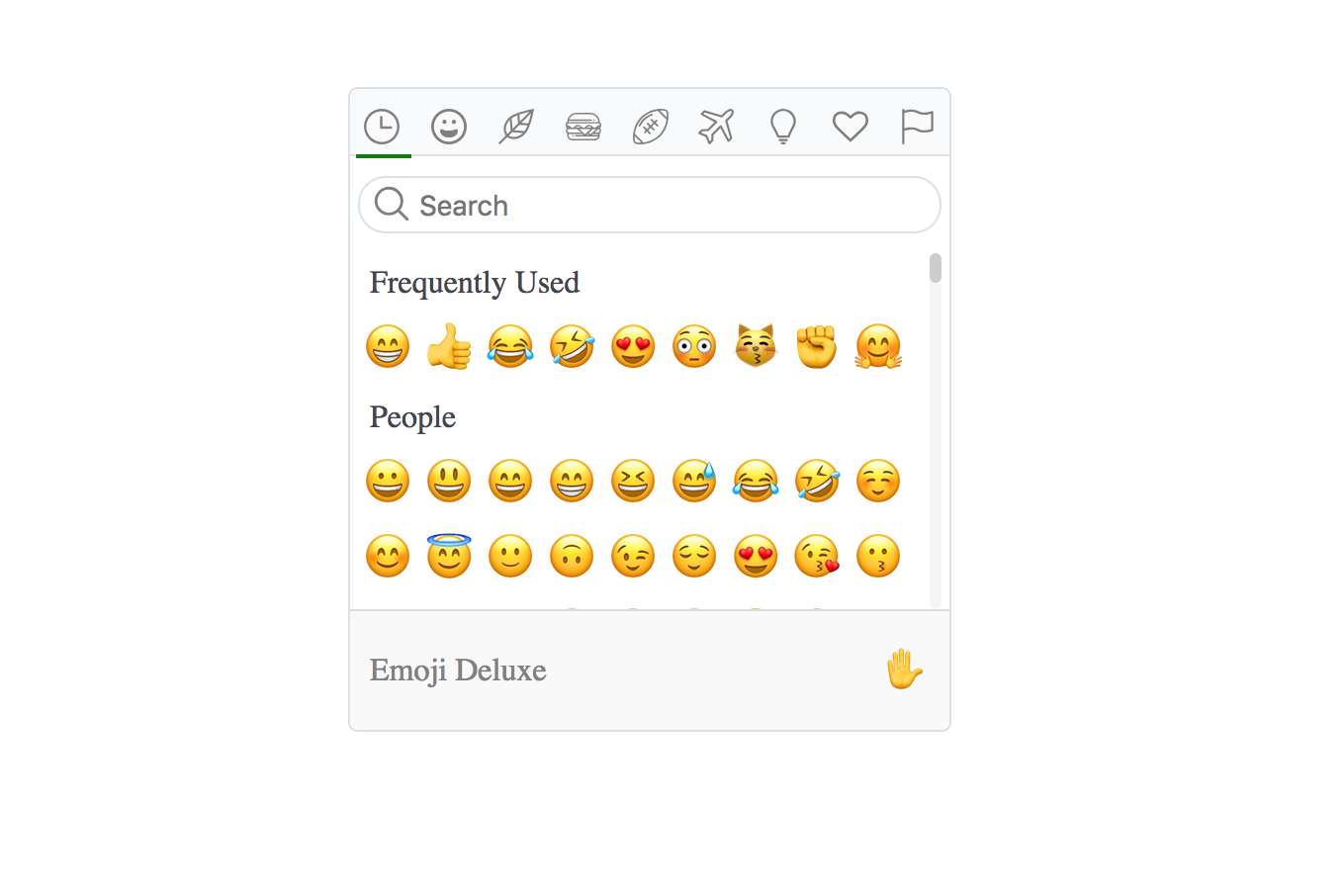
Play it on [code sandbox](https://codesandbox.io/s/zw4olply3l)
## Installation
```bash
npm install --save @zaichaopan/emoji-picker
```
## Usage
* Register the plugin
```js
import Vue from 'vue';
import EmojiPicker from '@zaichaopan/emoji-picker';
Vue.use(EmojiPicker);
```
Now you have the component __emoji-picker__ in your application.
* Import emoji json file
To reduce bundle size, this plugin __does not include emojis by default__. So when using this plugin, you need to __import__ a Json file which contains all the emojis and pass it as a property named __data__ to the __emoji-picker__ component.
```html
```
* Listen for emoji picked event
When a emoji gets picked, the component will emit event __emoji:picked__. You can listen to it and get the picked emoji to update your form
```html
```
__That is all you need to do to add emoji picker to your application__. A complete example can be found in [code sandbox](https://codesandbox.io/s/zw4olply3l).