---
title: Organization Switcher Widget
description: A widget for switching between organizations in your application.
originalPath: .tmp-workos-clone/packages/docs/content/widgets/organization-switcher.mdx
---
The `` widget allows users to switch between organizations. There are no special permissions required to use this widget as users can switch between organizations they have access to. If an organization requires SSO or MFA, the user will be redirected to reauthorize with the new organization.
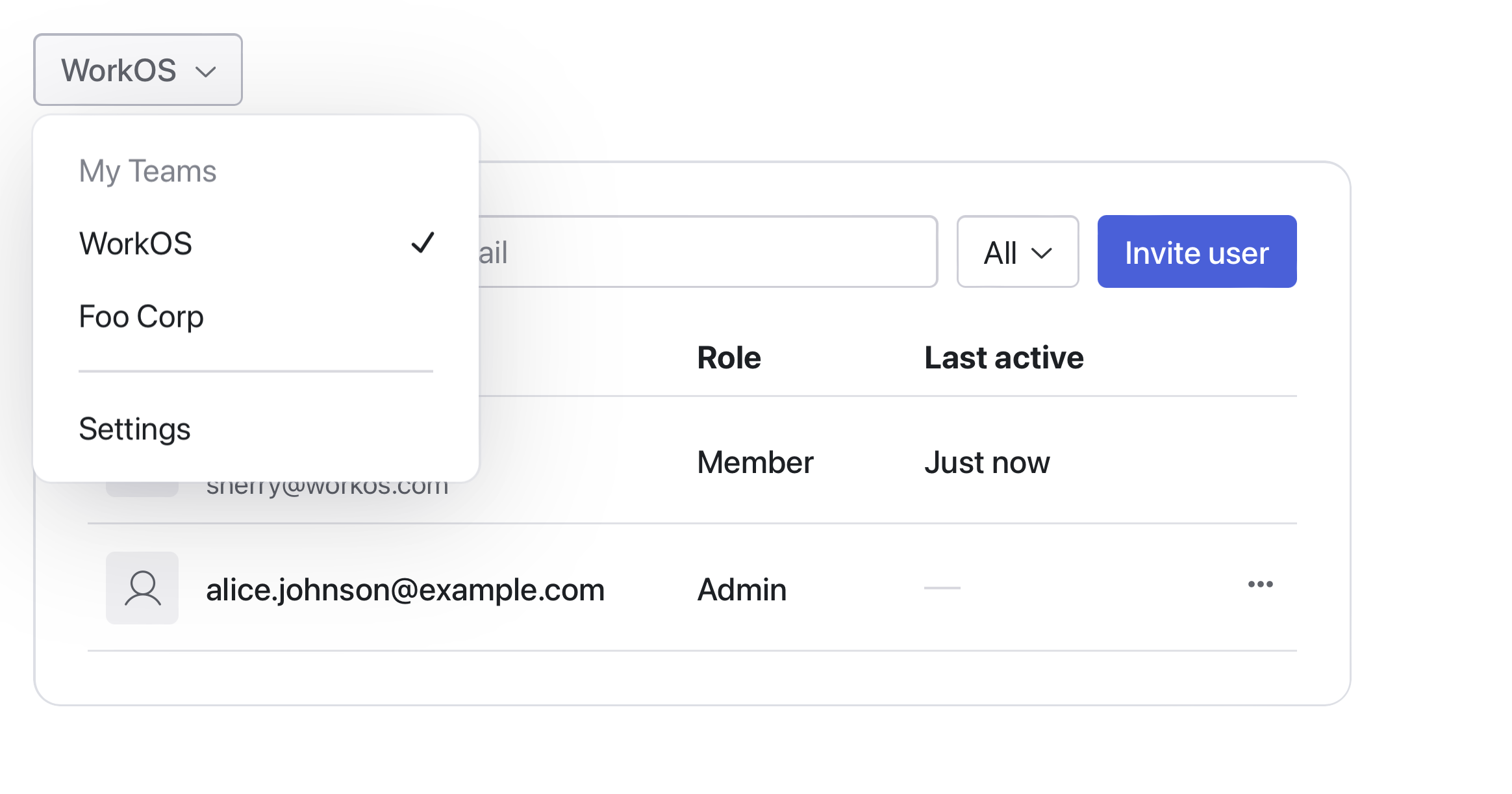
### Switching Organizations
There are multiple ways to integrate with the Organization Switcher widget depending on your library choice. If you are using either the `authkit-js` or `authkit-react` libraries, you can use the `useAuth` hook to get the current organization and pass it to the widget.
If you are using one of the backend SDKs, you can build the organization switcher action in the backend and pass it in as a prop to the widget to be called when the user attempts to switch organizations. See the [Switching Organizations](/authkit/sessions/integrating-sessions/switching-organizations) guide for more information to set up the backend actions. This can then be passed in as a prop to the widget.
### Creating Organizations
The widget accepts children components that can be used to either redirect the user to create an organization or to show a modal with a form to create an organization. You can use this to integrate with your existing organization creation flow that uses the WorkOS APIs to create organizations.
## API Reference