---
title: JWT Templates
description: Customize the claims in your application's access tokens.
showNextPage: true
originalPath: .tmp-workos-clone/packages/docs/content/authkit/jwt-templates.mdx
---
## Introduction
JWT templates allow you to customize the claims in your application's access tokens issued by WorkOS. You can leverage core attributes of users and organizations, in addition to [custom metadata](/authkit/metadata) you set on these objects.
---
## Create a JWT template
JWT templates are managed in the Authentication section of the [WorkOS Dashboard](https://dashboard.workos.com/). Under the sessions section, choose Configure JWT Template.
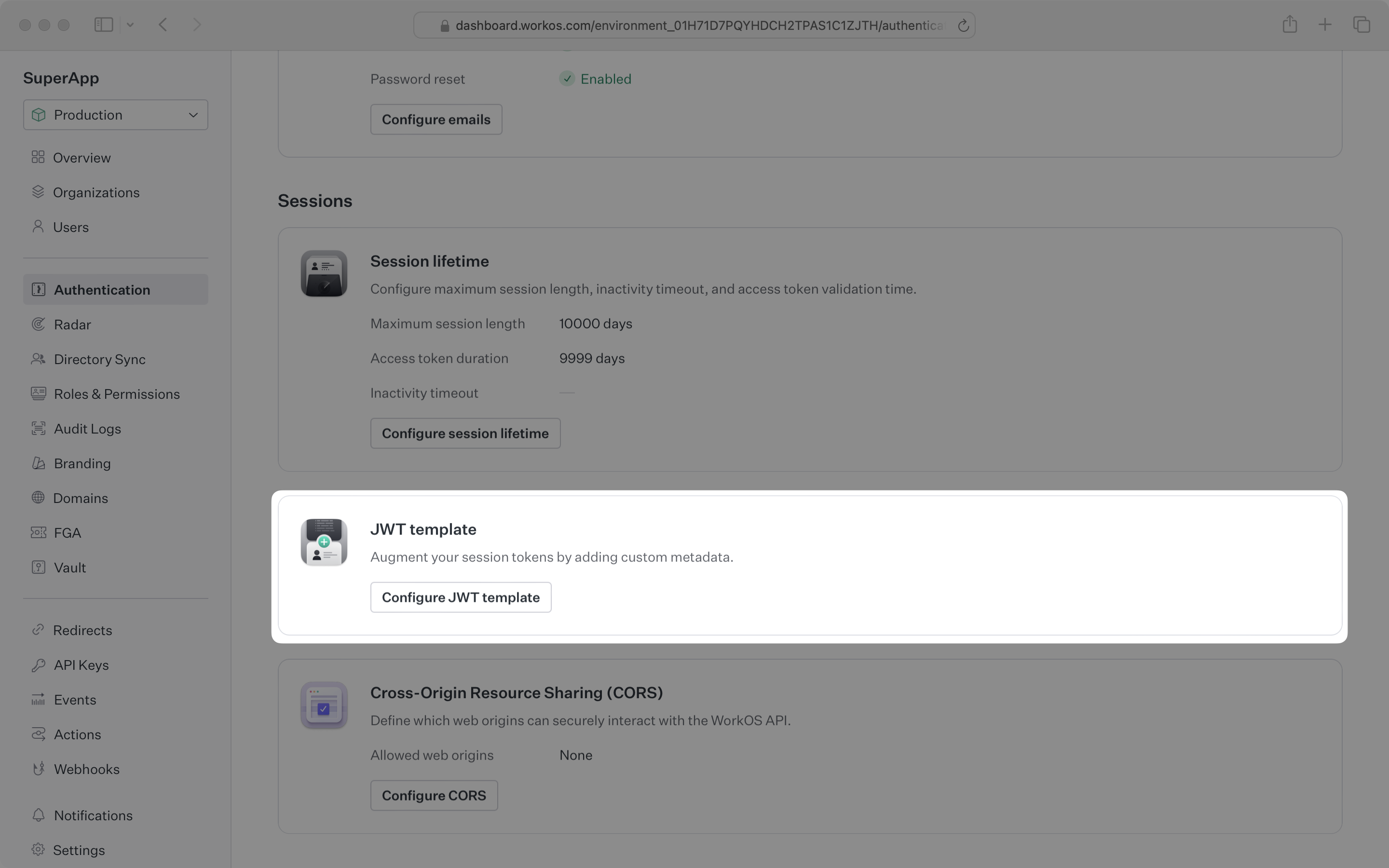
JWT templates are comprised of a template string which is rendered with the user and organization context after a user successfully authenticates.
## Example usage
---
## Custom attributes
You can include IdP-sourced attributes in your JWT claims using the `organization_membership.custom_attributes` context. These attributes are available from the linked [Directory User](/reference/directory-sync/directory-user) or [SSO Profile](/reference/sso/profile).
To configure custom attributes, see the [Profile Attributes](/sso/attributes) guide for SSO or the [User Attributes](/directory-sync/attributes) guide for Directory Sync.
### Example
### Priority rules
When a membership is linked to both a Directory User and an SSO Profile, the Directory User's `custom_attributes` take precedence. This ensures consistent data when both IdP sources are configured.
---
## Syntax
### 1. **Basic Variable Interpolation**
You can reference variables inside the template.
### 2. **Fallback Values** (`||` operator)
If the first value is `null` or undefined, the next value in the fallback chain is used.
### 3. **String Literals**
Strings can be used as fallback values.
### 4. **Concatenation in Strings**
Multiple variables can be used within a single string.
### 5. **Object Interpolation**
Interpolating entire objects and arrays is allowed if they are valid JSON objects. This is not allowed inside string literals and will throw a validation error.
### 6. **Reserved Keys Restriction**
The following keys cannot be used in templates:
- `iss`
- `sub`
- `exp`
- `iat`
- `nbf`
- `jti`
Any attempt to use these keys will result in a validation error.
## Whitespace Handling
The rendering engine trims whitespace from the beginning and end of string values.
## Error Handling
If the template contains invalid syntax, an error will be thrown:
- **Template must render to an object with at least one explicitly defined top-level key:** If the template does not evaluate to a valid JSON object (e.g., an array or primitive value). Example:
```js
[ {{ user.email }} ]
```
- **Keys reserved (`iss`, `sub`, `exp`, etc.):** These keys cannot be used in the template.
```js
{ "iss": {{ user.email }} }
```
- **String encapsulated expression cannot contain object reference:** Objects cannot be interpolated inside a string.
```js
{ "user": "{{ user.metadata }}" }
```
- **Invalid expression segment:** Logical operators (`||` with empty operands) or malformed expressions are not allowed.
```js
{{ user.email && user user }}
{{ user.email || || user.email }}
```
- **Template parse error: missing '}}':** A template block was opened but never closed.
```js
{{ user.id
```
- **Expression cannot be empty:** An empty expression inside `{{ }}` is invalid.
```html
{{}}
```
- **Missing closing braces:** `Template parse error: missing '}}'`
- **Invalid key usage:** `Keys reserved (iss, sub, exp, etc.)`
- **Unknown variables:** `Invalid path: "unknown.variable"`
## Null Handling
JWT templates provide built-in handling for `null` values to ensure access tokens only contain populated claims.
### **1. Removing Top-Level Null Values**
If an expression evaluates to `null`, the corresponding key is removed from the final JSON output.
#### **Example**
### **2. Handling Null Values in Concatenated Strings**
If a `null` value appears in a string concatenation, it is replaced with an empty string (`""`) instead of being removed.
### **3. Using Fallbacks to Avoid Null Values**
The `||` operator can be used to provide a fallback value when an expression evaluates to `null`.
## Size limits
JWT templates must render to a JSON object that is 3072 bytes or smaller due to cookie size constraints in web browsers.