# @viberaven/cli
[](https://www.npmjs.com/package/@viberaven/cli)
[](https://www.npmjs.com/package/@viberaven/cli)
[](https://www.npmjs.com/package/@viberaven/cli)
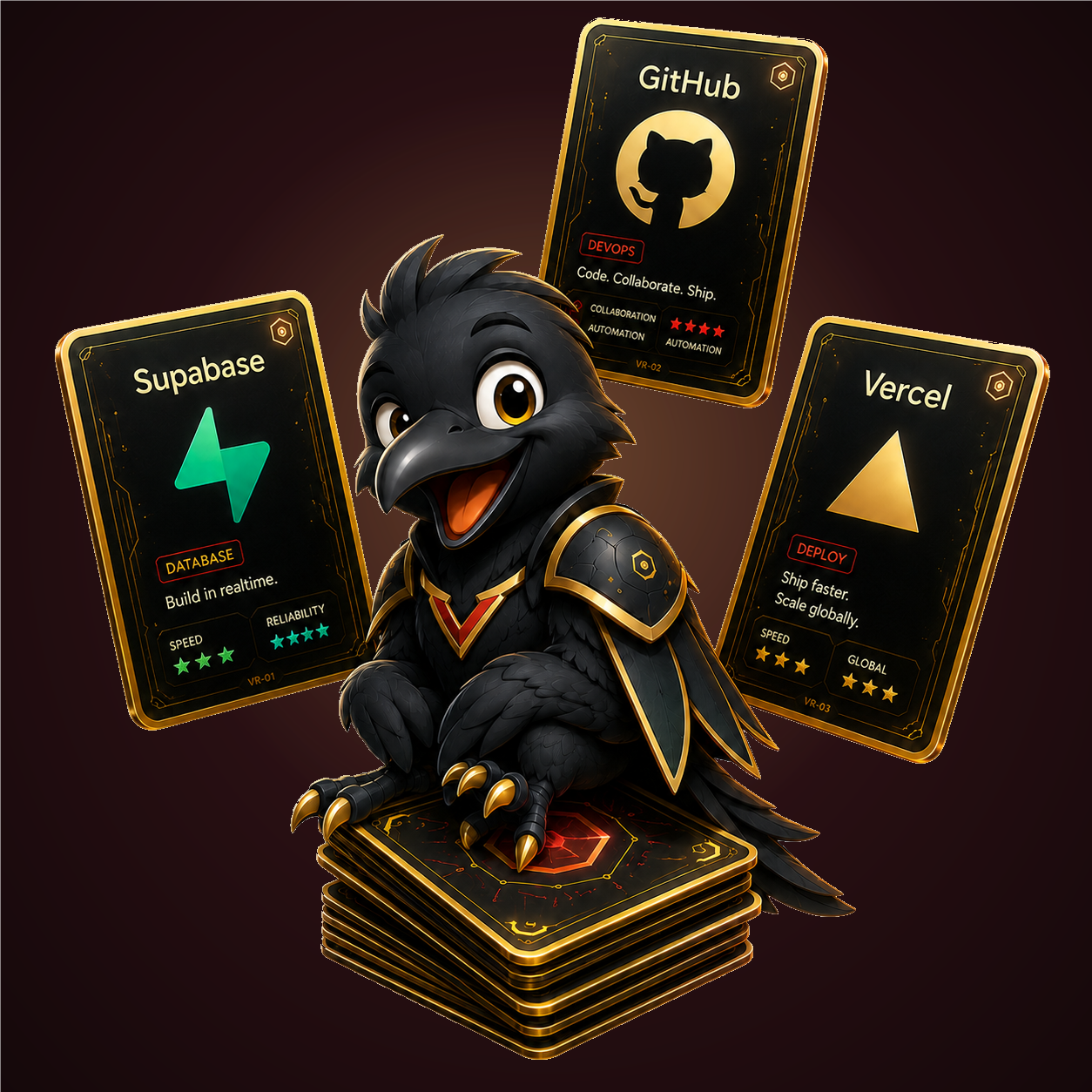
VibeRaven is **the Card Table** — a local Studio where your AI-built app is laid out in front of you. Every provider (Supabase, Vercel, Stripe, ...) is a graded trading card in your hand: play a card and its production checks run instantly in chat; a **RAVEN GRADE 10** means that territory is production-ready. Versions are a pile you can pull from, your whole architecture is a region map of cards, and Codex, Claude Code, or Gemini CLI does the actual work — with you controlling how much it's allowed to touch.

## Start the Studio
```bash
npx -y viberaven
```
That command opens the table:
- **Your hand** — providers as foil cards; click or drop one on the table and its launch checks run in chat, graded 1-10 from repo evidence.
- **The version pile** — pull a release card to see what changed (real git compare + changelog), view the diff, or ask the agent to explain it.
- **The region map** — your app as territory: pages, modules, and provider cards connected by routes, every card movable.
- **Agentic chat** — missions run through your connected CLI, with `ask` / `approve` / `full` access modes and inline approve for risky work.
- Provider MCP visibility, terminal, and diff views included.
The unscoped `viberaven` package is a small shim that launches this CLI package.
## Agent Connections
Inside the Studio, connect an installed CLI and test it before chat control:
- Codex CLI
- Claude Code
- Gemini CLI
Installed is not the same as connected. VibeRaven asks the selected CLI to prove it can run in the current repo before using it for real chat work.
## Provider And Release Context
Use the Studio side tabs and context chips to attach provider or version context to a chat mission:
- Providers: Supabase, Vercel, GitHub, Stripe, Sentry, PostHog, Clerk, Auth.js, Resend, Upstash.
- Releases: current and recent git tags, changelog snippets, rollback context, and release comparisons.
- Architecture: repo and provider boundaries for inspection and planning.
Provider dashboard checks are not cleared by repo-code edits. Billing/product configuration, DNS, webhooks, credentials, quotas, and live provider verification must still be completed or verified in the provider dashboard or through read-only provider evidence.
## Machine And CI Commands
The Studio is the default product surface. These commands remain available for automation and CI:
```bash
npx -y viberaven check --json
npx -y viberaven --strict --json
npx -y viberaven actions
npx -y viberaven verify --action VR-A1
```
For focused work:
```bash
npx -y viberaven next --json
npx -y viberaven prompt --gap
npx -y viberaven audit --vercel-supabase
```
## Legacy Agent Mode
`--agent-mode` is kept for older artifact-first agent workflows:
```bash
npx -y viberaven --agent-mode
```
It writes artifacts such as:
- `.viberaven/agent-tasklist.md`
- `.viberaven/gate-result.json`
- `.viberaven/context-map.json`
- `.viberaven/agent-summary.md`
- `.viberaven/launch-playbook.md`
New product work should prefer the Studio and MCP/chat context flow instead of the old tasklist-first loop.
## MCP
Use the MCP package when an agent host supports MCP tools:
```bash
npx -y @viberaven/mcp
```
The MCP server wraps the public CLI and exposes readiness, verification, action, audit, and healing tools without exposing secrets.
## Development
```bash
npm --prefix packages/cli run typecheck
npm --prefix packages/cli test -- local-ui/server.test.ts
npm --prefix packages/cli run build
```
For a local package publish check, run from this package directory:
```bash
cd packages/cli
npm pack --dry-run
```
## License
MIT