# React Native AR Viewer
[](https://www.npmjs.com/package/react-native-ar-viewer)
AR viewer for react native that uses Sceneform on Android and ARKit on iOS
## Installation
```sh
npm install react-native-ar-viewer
```
### Android
Required AR features:
- Add `com.google.ar.core` meta data to your `AndroidManifest.xml` as follows:
```xml
...
...
...
```
- Check that your `` tag contains `xmlns:tools="http://schemas.android.com/tools"` attribute.
### iOS
- Remember to add `NSCameraUsageDescription` entry in your Info.plist with a text explaining why you request camera permission.
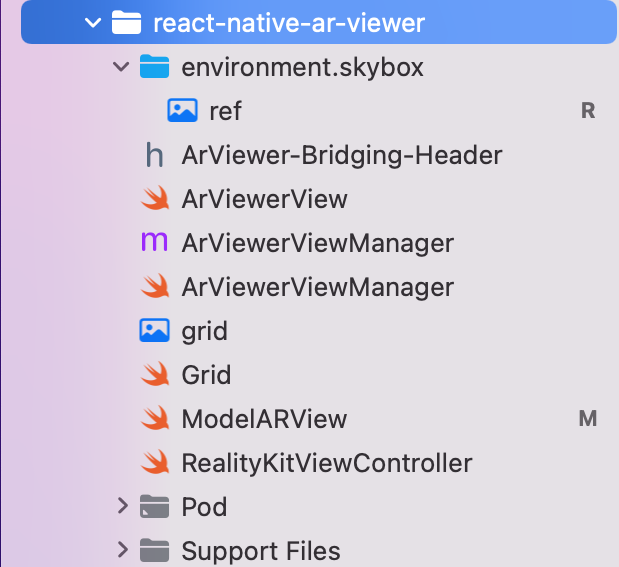
- In XCode file tree, go to Pods > Development pods > react-native-ar-viewer, right-click on "Add Files to Pods"... Then select the environment.skybox folder in your node_modules/react-native-ar-viewer/ios folder. In add file window, check "react-native-ar-viewer-ARViewerBundle". It should appear with a blue icon on the file tree. Check if res.hdr is present inside, if not, add it manually. It should look like that:
## File formats
The viewer only supports `USDZ` files for iOS and `GLB` for Android. Other formats may work, but are not officialy supported.
## Usage
You should download your model locally using for example React Native File System in order to run the viewer on iOS. Android supports natively file URL (https:// instead of file://)
```js
import { ArViewerView } from "react-native-ar-viewer";
import { Platform } from 'react-native';
function App() {
const ref = React.useRef() as React.MutableRefObject;
const load = () => {
ref.current?.loadModel();
};
return (
console.log('started')}
onEnded={() => console.log('ended')}
onModelPlaced={() => console.log('model displayed')}
onModelRemoved={() => console.log('model not visible anymore')}
onUserTap={(event) => console.log('User Tapped', event.nativeEvent)}
planeOrientation="both"
/>
);
}
```
### Props
| Prop | Type | Description | Required |
|---|---|---|---|
| `model`| `string` | Path to the model file (URL or local) | Yes |
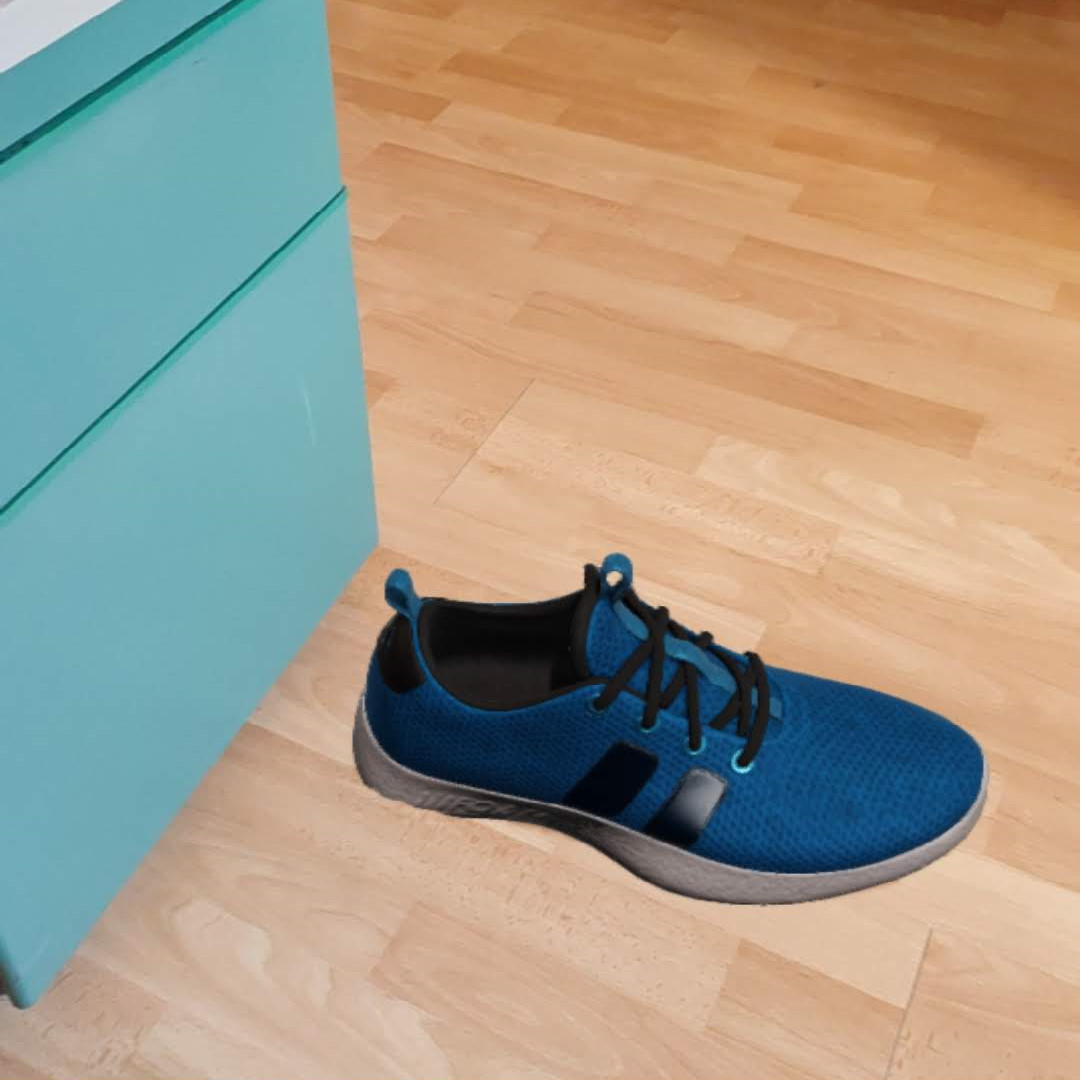
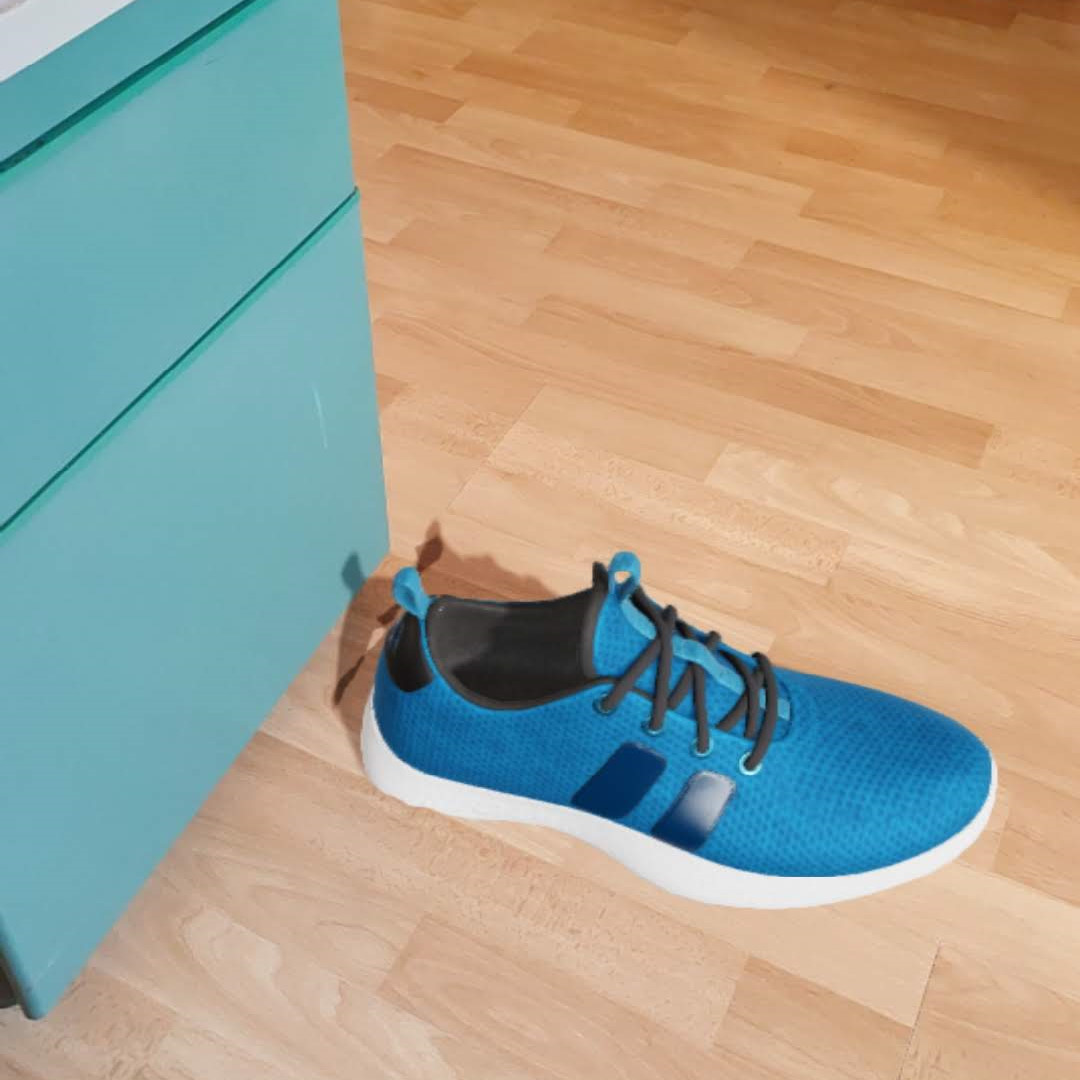
| `lightEstimation`| `bool` | Enables ambient light estimation (see below) | No |
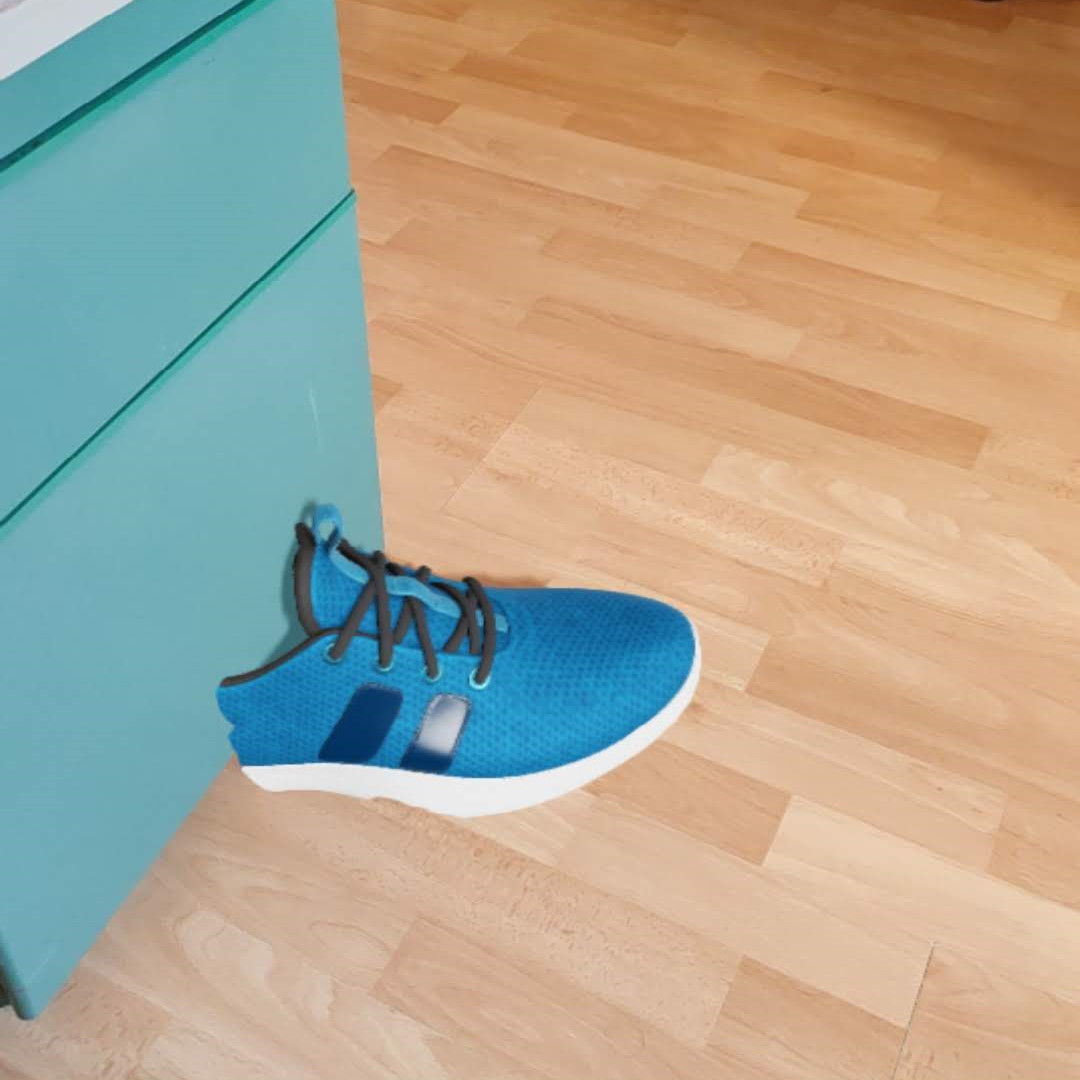
| `manageDepth` | `bool` | Enables depth estimation and occlusion (only iOS, see below) | No |
| `allowRotate` | `bool` | Allows to rotate model | No |
| `allowScale` | `bool` | Allows to scale model | No |
| `allowTranslate` | `bool` | Allows to translate model | No |
| `disableInstructions` | `bool` | Disables instructions view | No |
| `planeOrientation` | `"horizontal"`, `"vertical"`, `"both"` or `"none"` | Sets plane orientation (default: `both`) | No |
#### lightEstimation:
| With | Without |
|---|---|
|||
#### manageDepth:
| With | Without |
|---|---|
||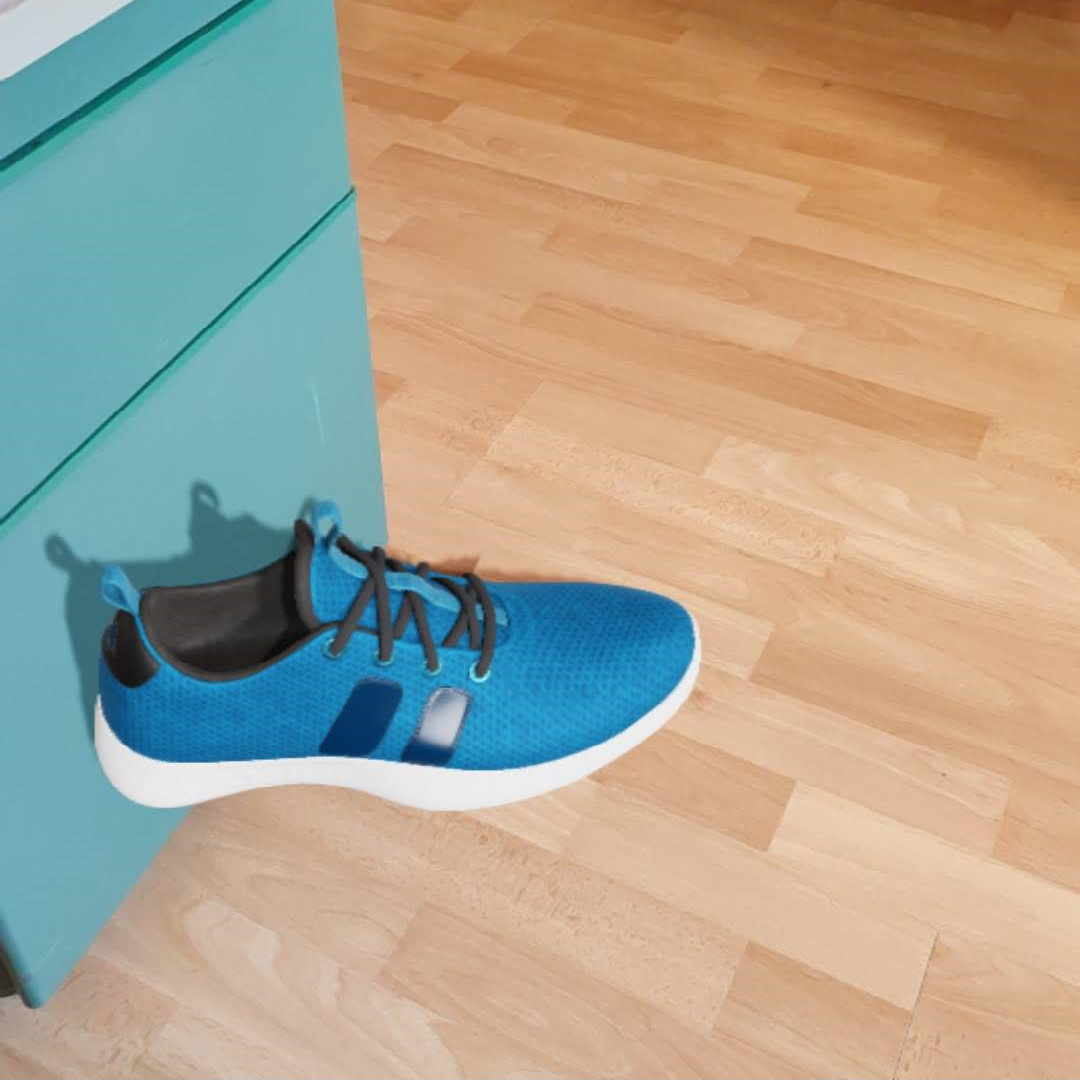|
#### Others:
| allowRotate | allowScale | planeOrientation: both |
|---|---|---|
|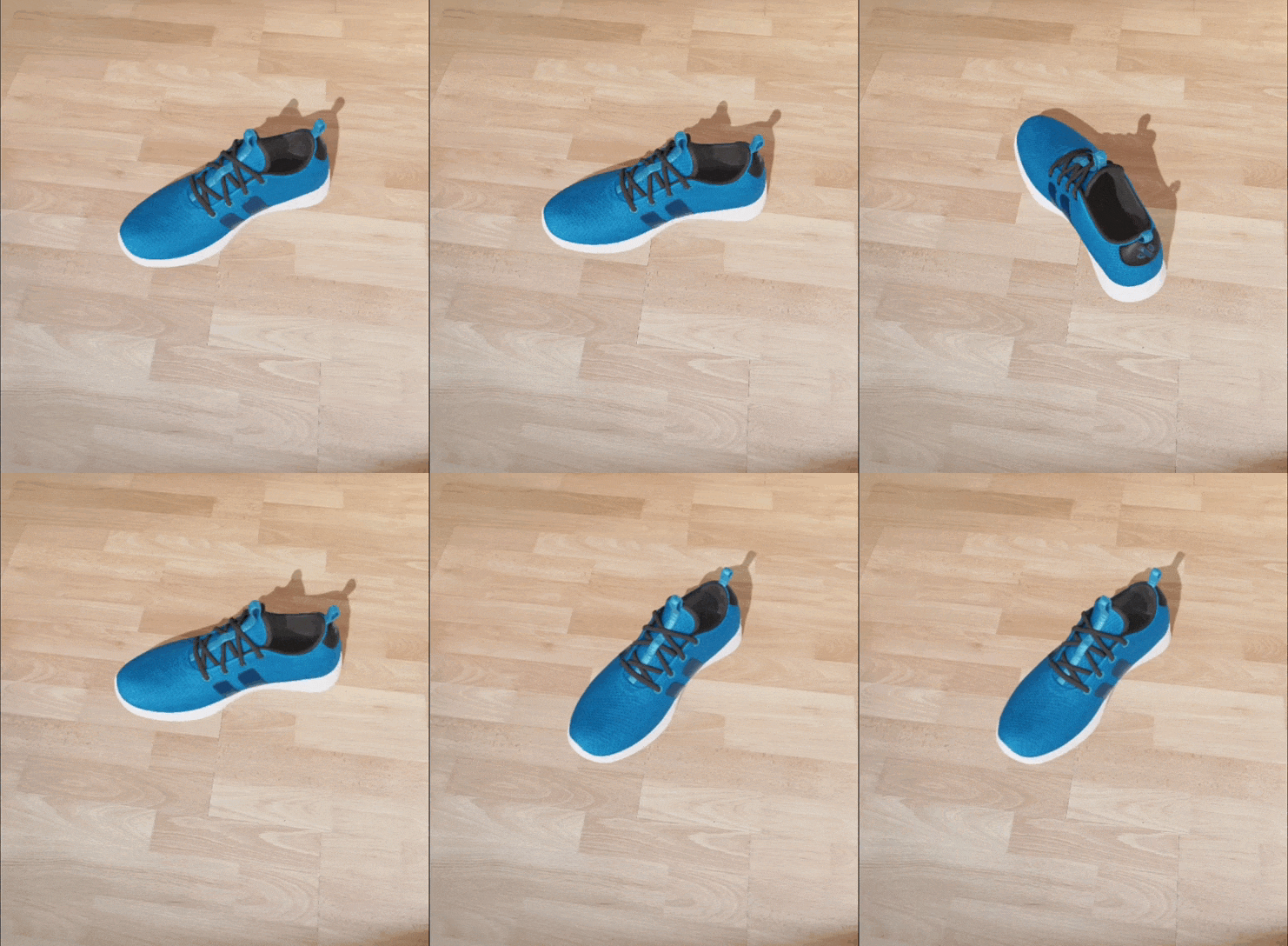|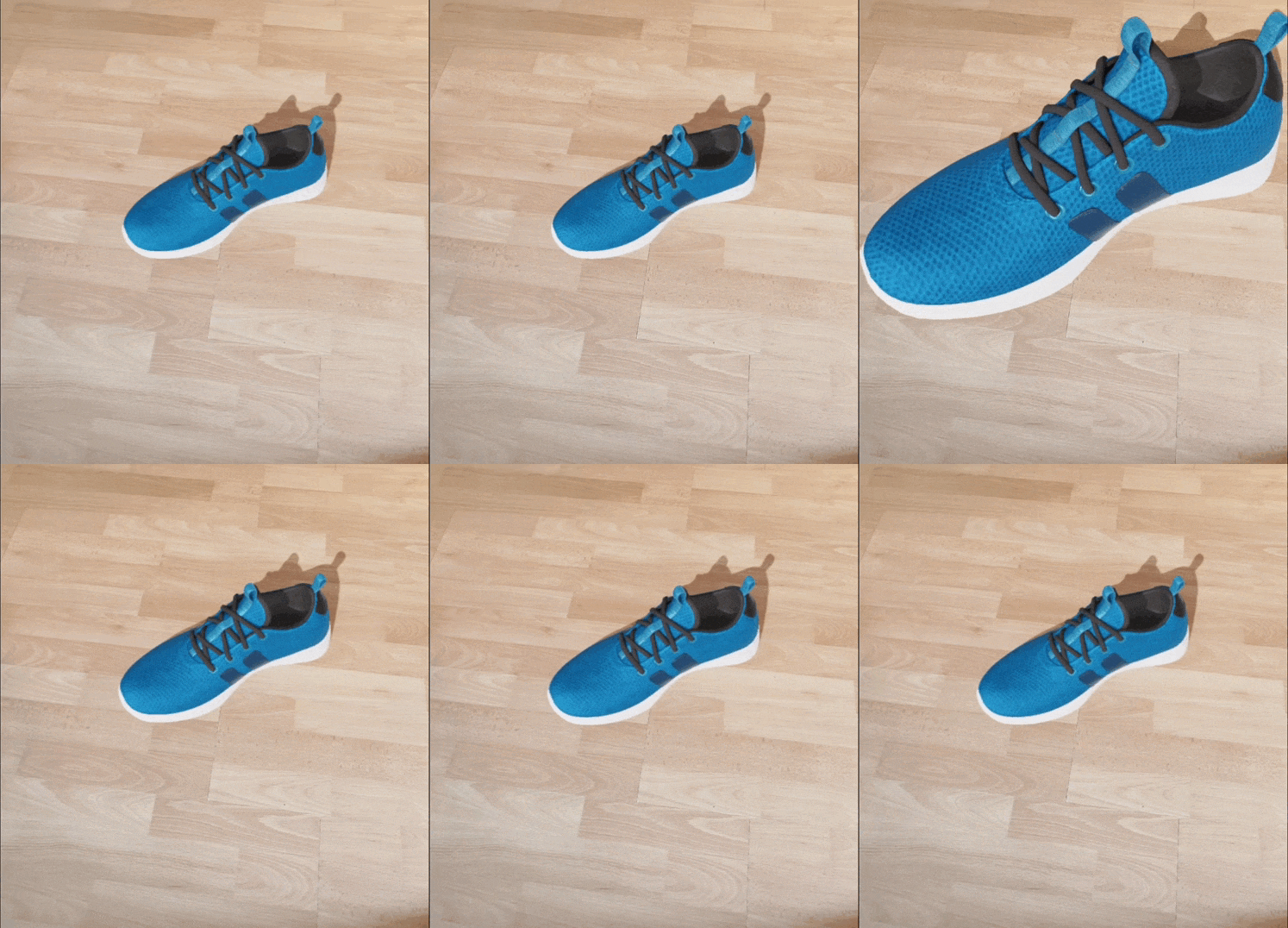|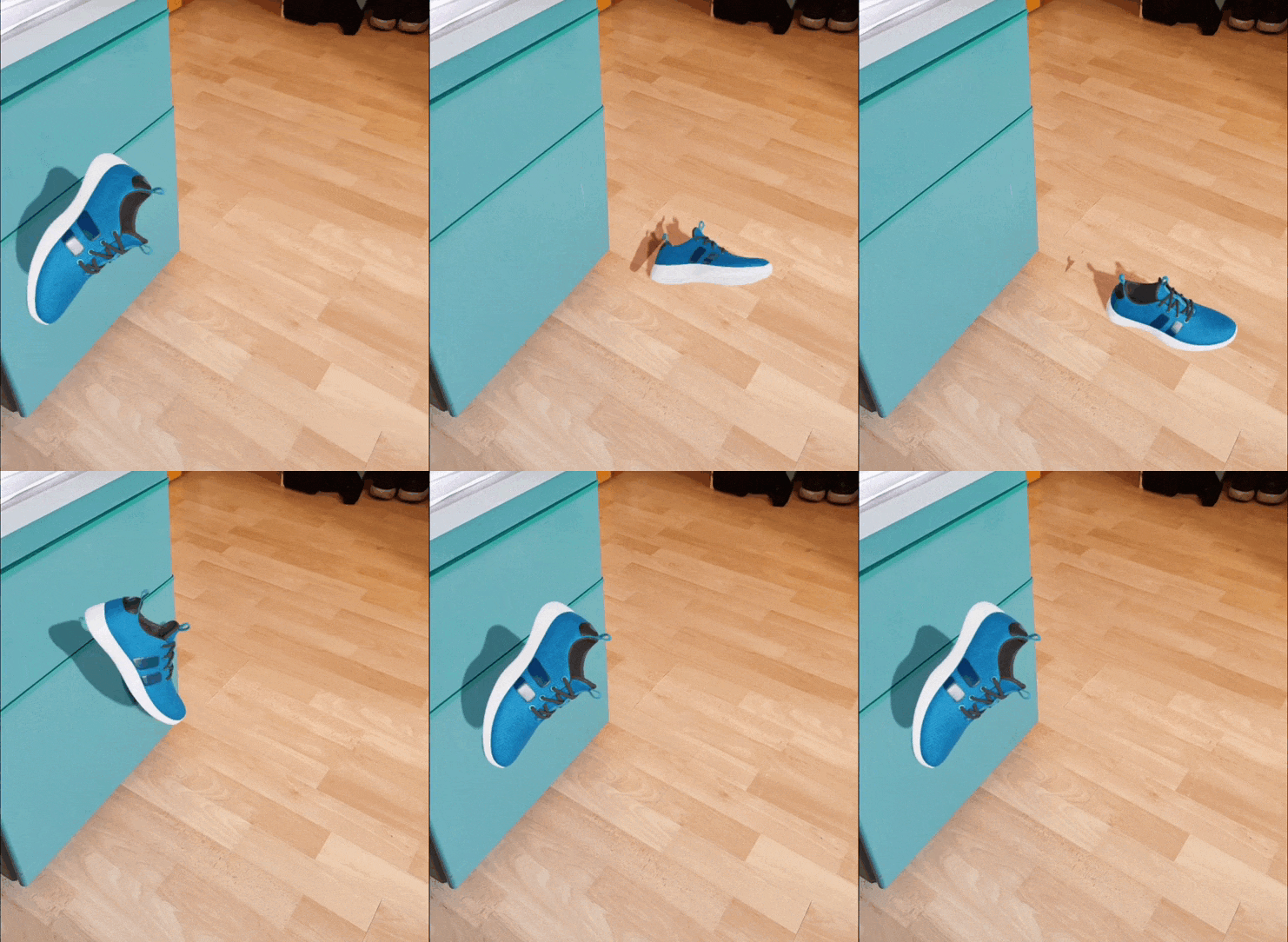|
### Events
| Prop | Parameter | Description |
|---|---|---|
| `onStarted` | `none` | Triggers on AR session started |
| `onEnded` | `none` | Triggers on AR session ended |
| `onModelPlaced` | `none` | Triggers when model is placed |
| `onModelRemoved` | `none` | Triggers when model is removed |
| `onUserTap` | `{ coordinates: { x: number, y: number } }` | Triggers when user taps on the AR view |
| `onError` | `{ message: string }` | Triggers on any error and returns an object containing the error message |
### Commands
Commands are sent using refs like the following example:
```js
// ...
const ref = React.useRef() as React.MutableRefObject;
const reset = () => {
ref.current?.reset();
};
return (
);
// ...
```
| Command | Args | Return | Description |
|---|---|---|---|
| `reset()` | `none` | `void` | Removes model from plane |
| `rotate()` | `pitch, yaw, roll` | `void` | Manually rotates the model using `pitch`, `yaw` and `roll` in degrees |
| `loadModel()` | `none` | `void` | Loads the model manually |
| `placeModel()` | `x, y, z` | `void` | Places the model at the specified coordinates |
| `placeText()` | `x, y, z, color, text` | `void` | Places text at the specified coordinates |
| `getPositionVector3()` | `x, y` | `Promise` | Returns the 3D position vector from 2D screen coordinates |
| `createLineAndGetDistance()` | `pos1, pos2, color` | `Promise` | Creates a line between two positions and returns the distance |
| `takeScreenshot()` | `none` | `Promise` | Takes a screenshot of the current view (camera + model) and returns a base64 jpeg string as a promise |
## Contributing
See the [contributing guide](CONTRIBUTING.md) to learn how to contribute to the repository and the development workflow.
## License
MIT