

<img src="https://i.ibb.co/Pr2KmHg/uc-logo.png" height="110" alt="Usercentrics" />

# Usercentrics
[![CI/CD](https://github.com/Usercentrics/react-native-sdk/actions/workflows/ci.yml/badge.svg?branch=develop)](https://github.com/Usercentrics/react-native-sdk/actions/workflows/ci.yml) [![npm version](https://img.shields.io/npm/v/@usercentrics/react-native-sdk)](https://www.npmjs.com/package/@usercentrics/react-native-sdk) <a href="https://twitter.com/intent/follow?screen_name=usercentrics">
    <img src="https://img.shields.io/twitter/follow/usercentrics?style=social&logo=twitter"
            alt="follow on Twitter">
</a>

# Already a customer?

In case you wish to report an issue, we provide a [dedicated page](https://usercentricssupport.zendesk.com/hc/en-us/requests/new) specifically for this purpose. By accessing the provided link and submitting a ticket our team will address your concerns with the utmost efficiency, ensuring a prompt resolution.

# Welcome!

You are now one step closer to make **privacy** a core feature in your application. We are very happy that you decided to make this a priority. We are here to help you **build trust** with your users.

## The Usercentrics Apps SDK

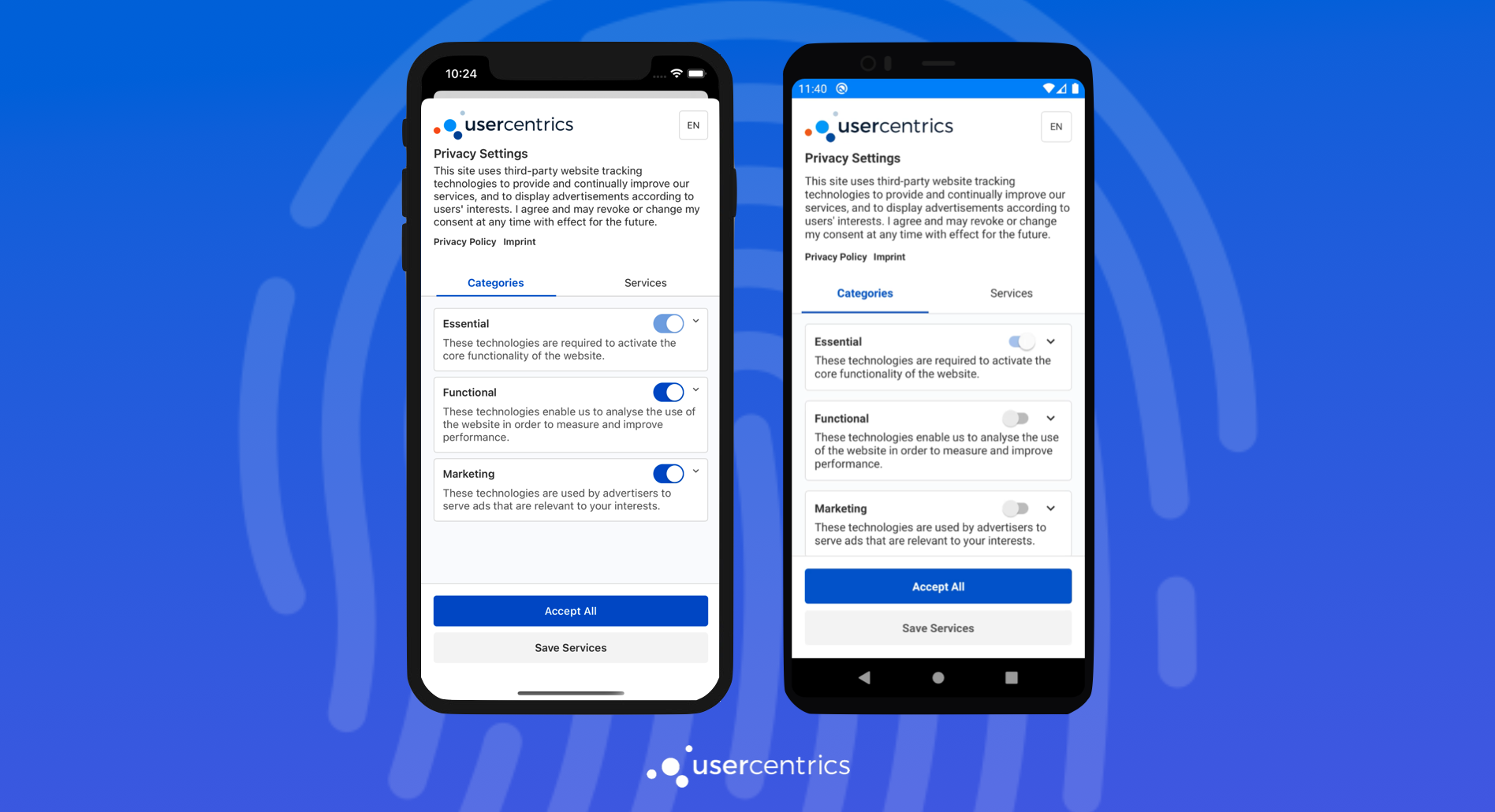
The Usercentrics Apps SDK is a native Consent Management Platform solution for mobile apps, mobile games & TV applications, that enables the collection, documentation, and management of your user's privacy choices, in order to ensure legal compliance for legal regulations around the world.
<p align="center">
<img src="https://docs.usercentrics.com/cmp_in_app_sdk/latest/assets/media/predefinedUI.png" alt="Usercentrics UI" />
</p>

## 📋 Requirements

### Mobile Platforms
* **Android 7.0 (API 24)** or higher
* **iOS 11** or higher

### Development Environment
* **Node.js 18.0+** (LTS recommended)
* **npm 9.0+** or **Yarn 1.22+**
* **TypeScript 5.1+**
* **React 18.2+** (React 19 supported)
* **React Native 0.74.3+** (with Fabric support)

### Android Development
* **Java 17+** (OpenJDK or Oracle JDK)
* **Android SDK** with API 34+ platforms
* **Android NDK 25+**
* **Gradle 8.2+** (Gradle 8.13 used)
* **Kotlin 1.9.22+** (Kotlin 2.0.21 recommended)
* **Android Gradle Plugin 8.2+**

### iOS Development (macOS only)
* **Xcode 15.0+** with iOS SDK
* **CocoaPods 1.12+**
* **iOS Simulators** (recommended)

### Optional but Recommended
* **Watchman** (for better file watching)
* **Git** (for version control)
* **SDKMan** (for Java version management)

## Get started!

In order to use and test the SDK, you will need a Usercentrics Account. Get [started with a free trial](https://usercentrics.com/in-app-sdk/).

## Integration

Continue to our [documentation](https://usercentrics.com/docs/apps/intro/) for a step by step integration guide.

## Sample app

This repository includes a **`sample/`** app that demonstrates integrating the SDK. Use it as a reference and for local development.

## Quick Start

### 🚀 Automated Setup (Recommended)

The easiest way to get started is using our automated setup script:

```sh
# Check your development environment
npm run check-requirements

# Automatically install missing dependencies
npm run auto-setup

# Verify everything is ready
npm run check-requirements
```

### 📱 Running the Sample Project

### Option 1: Using Helper Scripts
```sh
# Install all dependencies
npm run install-dependencies

# Run Android app
npm run run-android

# Run iOS app (macOS only)
npm run ios
```

### Option 2: Manual Setup
* From root folder:
    ```sh
    npm install --legacy-peer-deps
    ``` 
* From `sample` folder:
    ```sh
    npm install --legacy-peer-deps
    ``` 

### iOS (macOS only)

From `sample` folder: 
```sh
npx pod-install
npx react-native run-ios
``` 

### Android

Make sure you have Android SDK configured, then from `sample` folder:
```sh
npx react-native run-android
```

## 🛠️ Development Scripts

| Script | Description |
|--------|-------------|
| `npm run auto-setup` | 🤖 Automatically install all required dependencies |
| `npm run check-requirements` | 🔍 Check development environment requirements |
| `npm run clean-all-caches` | 🧹 Clean all project and system caches |
| `npm run install-dependencies` | 📦 Install dependencies in root and `sample/` |
| `npm run run-android` | 🤖 Kill conflicting ports and run Android app |

### 🔧 Troubleshooting

If you encounter issues:

1. **Check Requirements**: `npm run check-requirements`
2. **Clean & Reinstall**: `npm run clean-all-caches && npm run install-dependencies`
3. **Auto Setup**: `npm run auto-setup` (installs missing tools)
4. **Manual Setup**: Follow the detailed error messages from check-requirements

### 📋 Environment Setup

The project includes intelligent scripts that will:
- ✅ Detect your operating system (macOS/Linux)
- ✅ Check for required tools and versions
- ✅ Install missing dependencies automatically
- ✅ Configure environment variables
- ✅ Apply necessary patches
- ✅ Verify the setup works correctly

## Consent Mediation

You can enable and run the Consent Mediation flow in the sample app by following the [documentation](https://usercentrics.com/docs/apps/features/consent-mediation/#enable-mediation).

## Maintainers
- [Usercentrics](https://github.com/Usercentrics)
