# storybook-addon-figma
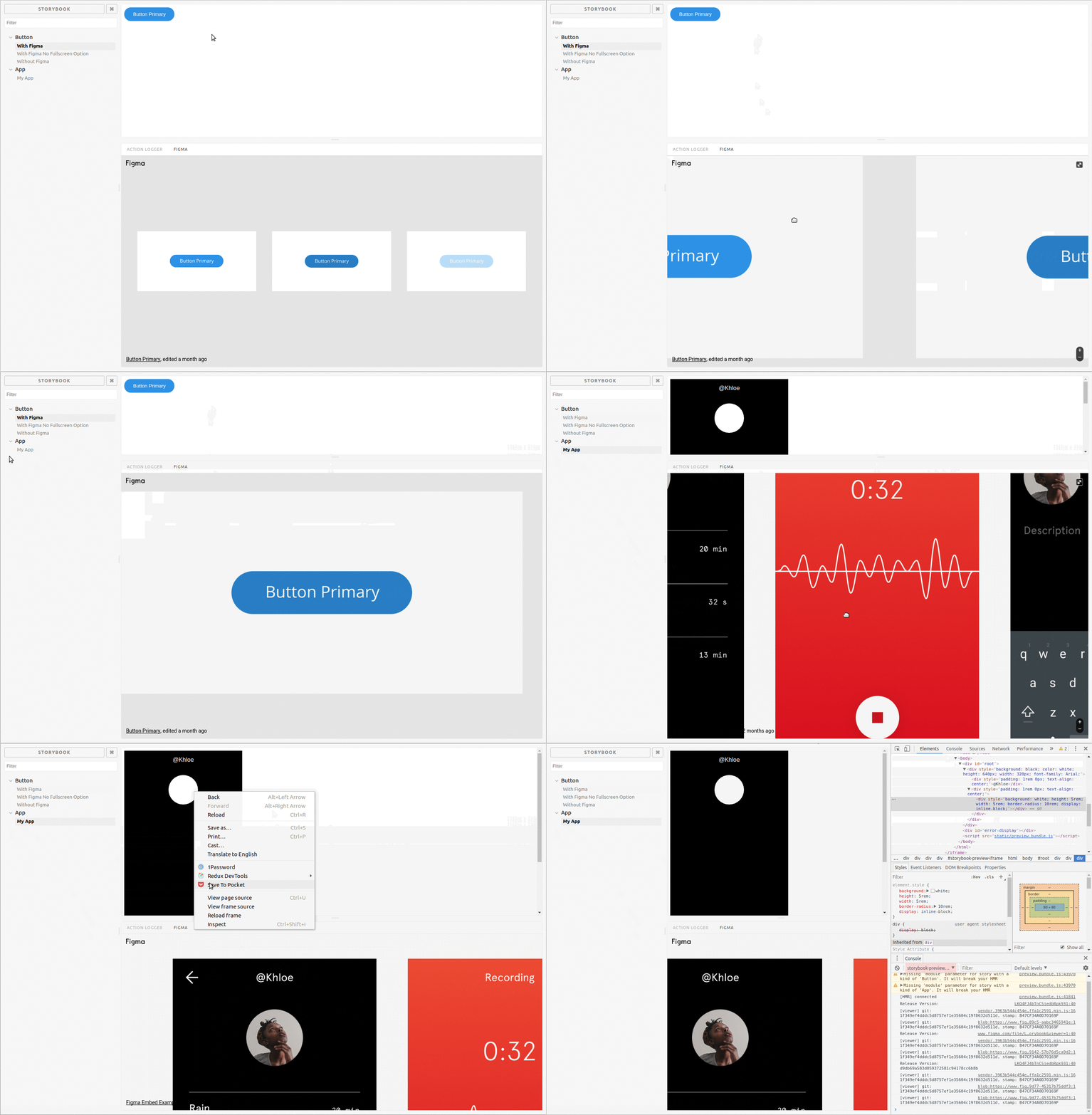
Live Demo: https://hharnisc.github.io/storybook-addon-figma
## Quickstart
Install the addon
```sh
npm i --save-dev storybook-addon-figma
```
Register the plugin
```jsx
// in .storybook/addons.js
import '@storybook/addon-actions/register'
// register the Figma addon
import 'storybook-addon-figma/register'
```
Link a Figma design to your story
```jsx
import React from 'react'
import { storiesOf } from '@storybook/react'
import { WithFigma } from 'storybook-addon-figma'
storiesOf('Button')
.add('With Figma', () => (
))
```
## Embed a different design on each story
```jsx
import React from 'react'
import { storiesOf } from '@storybook/react'
import { WithFigma } from 'storybook-addon-figma'
storiesOf('Button')
.add('primary', () => (
))
.add('secondary', () => (
))
```
## Or use the decorator to put the same design on each story
```jsx
import React from 'react'
import { storiesOf } from '@storybook/react'
import figmaDecorator from 'storybook-addon-figma'
import App from './components/App'
storiesOf('App')
.addDecorator(figmaDecorator({
url: 'https://www.figma.com/file/LKQ4FJ4bTnCSjedbRpk931/Sample-File',
}))
.add('My App', () => (
))
```
## Show Figma design in right panel
If you find that the Figma panel at the bottom is not big enough to fit your designs, it is possible to move the panel to the right of the window instead, where it is possible to give it more space. This requires the [@storybook/addons-options](https://github.com/storybooks/storybook/tree/master/addons/options) addon. Note however that it is only possible to do this for **all** stories at once, and will move all addon panels to the right. A simple setup is shown here.
Install the addon
```sh
npm install --save-dev @storybook/addon-options
```
Register the options addon in your `addons.js`
```jsx
// in .storybook/addons.js
import '@storybook/addon-actions/register'
import 'storybook-addon-figma/register'
// register the options addon
import '@storybook/addon-options/register';
```
Import and use the `setOptions` function in your `config.js` file
```jsx
// in .storybook/config.js
import * as storybook from '@storybook/react';
// import the options function
import { setOptions } from '@storybook/addon-options';
// set option to show panel in right side
setOptions({
downPanelInRight: true,
});
storybook.configure(() => require('./stories'), module);
```