Transifex Native is a full end-to-end, cloud-based localization stack for moderns apps.
# Transifex Native SDK: Vue i18n
Vue3 component for localizing Vue application using
[Transifex Native](https://www.transifex.com/native/).
Related packages:
- [@transifex/native](https://www.npmjs.com/package/@transifex/native)
- [@transifex/cli](https://www.npmjs.com/package/@transifex/cli)
Learn more about Transifex Native in the [Transifex Developer Hub](https://developers.transifex.com/docs/native).
# How it works
**Step1**: Create a Transifex Native project in [Transifex](https://www.transifex.com).
**Step2**: Grab credentials.
**Step3**: Internationalize the code using the SDK.
**Step4**: Push source phrases using the `@transifex/cli` tool.
**Step5**: Translate the app using over-the-air updates.
No translation files required.
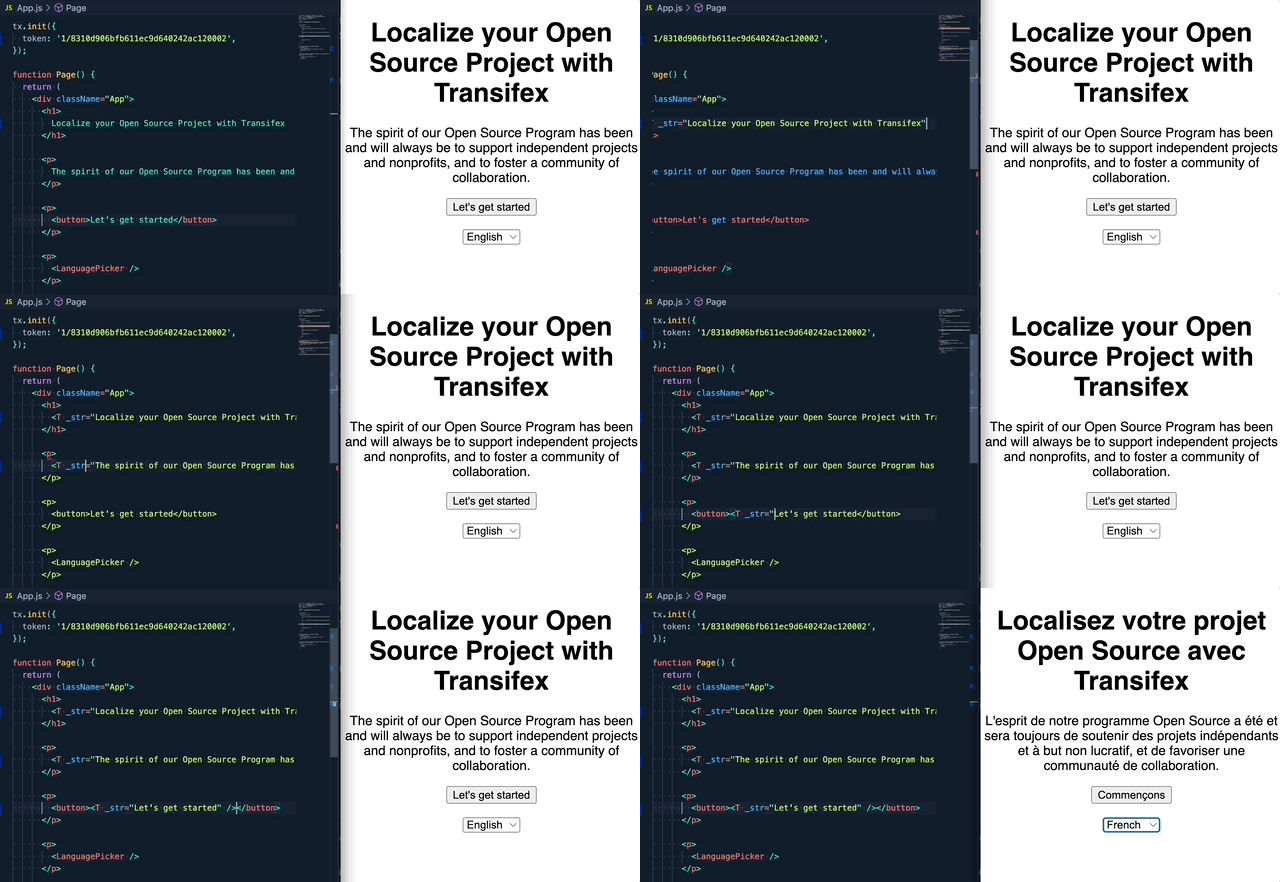
# Upgrade to v2
If you are upgrading from the `1.x.x` version, please read this [migration guide](https://github.com/transifex/transifex-javascript/blob/HEAD/UPGRADE_TO_V2.md), as there are breaking changes in place.
# Install
Install the library and its dependencies using:
```sh
npm install @transifex/native @transifex/vue3 --save
```
# Usage
## Initiate the plugin in a Vue App
```javascript
import { createApp } from 'vue';
import App from './App.vue';
import { tx } from '@transifex/native';
import { TransifexVue } from '@transifex/vue3';
tx.init({
token: '',
});
const app = createApp(App);
app.use(TransifexVue);
app.mount('#app');
```
## `T` Component
```javascript
```
Available optional props:
| Prop | Type | Description |
|------------|--------|---------------------------------------------|
| _context | String | String context, affects key generation |
| _key | String | Custom string key |
| _comment | String | Developer comment |
| _charlimit | Number | Character limit instruction for translators |
| _tags | String | Comma separated list of tags |
## `UT` Component
```javascript
```
`UT` has the same behaviour as `T`, but renders source string as HTML inside a
`div` tag.
Available optional props: All the options of `T` plus:
| Prop | Type | Description |
|---------|---------|-------------------------------------------------|
| _inline | Boolean | Wrap translation in `span` |
## `$t` template function or `this.t` alias for scripts
Makes the current component re-render when a language change is detected and
returns a t-function you can use to translate strings programmatically.
You will most likely prefer to use the `T` or `UT` components over this, unless
for some reason you want to have the translation output in a variable for
manipulation.
```javascript