# ngx-widget-grid
[](https://codebeat.co/projects/github-com-envyn-ngx-widget-grid-master)
A flexible grid layout for responsive dashboards
This library got its inspiration from [*angular-widget-grid*](http://patbuergin.github.io/angular-widget-grid/) and has been written as a pure Angular 2.x [+] module.
#### Demo: https://envyn.github.io/ngx-widget-grid
## Installation
Install with [npm](http://www.npmjs.com/):
```sh
$ npm install ngx-widget-grid
```
Add the ngx-widget-grid module as a dependency to your application module:
```
import { NgxWidgetGridModule } from 'ngx-widget-grid/dist';
@NgModule({
declarations: [
...
],
imports: [
...
NgxWidgetGridModule,
...
],
bootstrap: [AppComponent]
})
export class AppModule { }
```
If using SystemJS add this to systemJS config:
```javascript
packages: {
...
'ngx-widget-grid/dist': {main: 'bundles/ngx-widget-grid.umd.js', defaultExtension: 'js'},
...
}
```
## Usage
#### Minimal Example
```html
```

### Adding Traits
#### Widgets
##### `position`
```html
```
You can bind the position of the widget to data received from server so that even if the widget is moved, the new positions are always updated in the widget configuration.
##### `movable`
```html
```
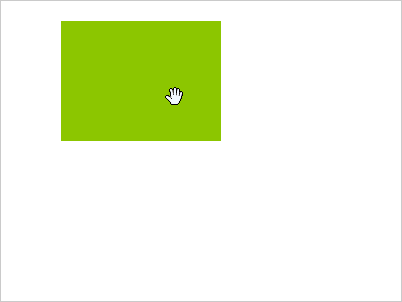
If `movable` is true, users will be able to move the respective widget.
##### `resizable`
```html
```
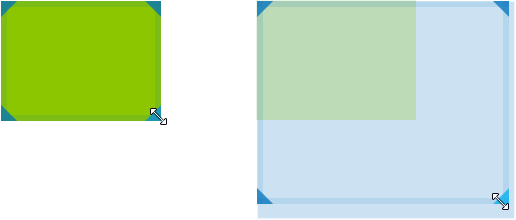
If `resizable` is true, users will be able to resize the respective widget.
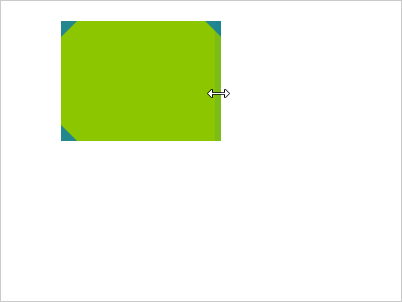
Optionally, you can limit the resize directions:
```html
```
#### Grid: Options
##### `showGrid` (default: `false`)
```html
```
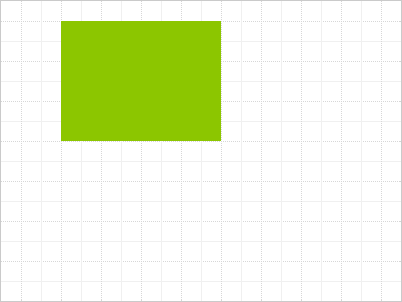
Toggles the gridlines.
##### `highlightNextPosition` (default: `false`)
```html
```
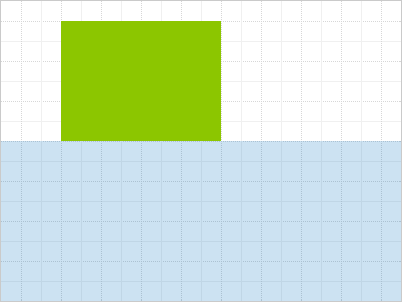
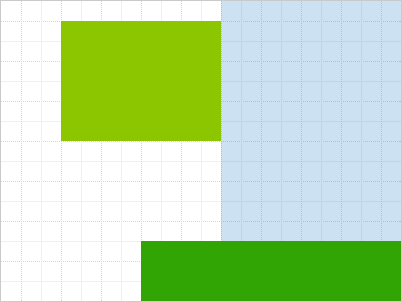
Highlights the largest free area in the grid, if any. This area will be automatically assigned to the next widget with a falsy or conflicting position.
### Events
##### `gridFull`
The grid emits `gridFull`event as `true` (when grid has been fully occupied) or `false` when there is still some space left in the grid, so that you can e.g. enable/disable UI elements accordingly.
```html
```
```javascript
function onGridFull(isGridFull) {
if(isGridFull){
...
//make add widget button disabled
...
}else{
...
//make add widget button enabled
...
}
}
```
##### `widgetPositionChange`
Emitted whenever the position of a widget is changed. The event comes with an attached object argument, which contains the affected widget's `index` and its `newPosition`.
```html
```
### Functions
#### getNextPosition
`getNextPosition` is a function you could call to get details about the next available position that is being highlighted as part of `highlightNextPosition`.
## Build
Check out `/src` for the original source code.
## License
MIT