---
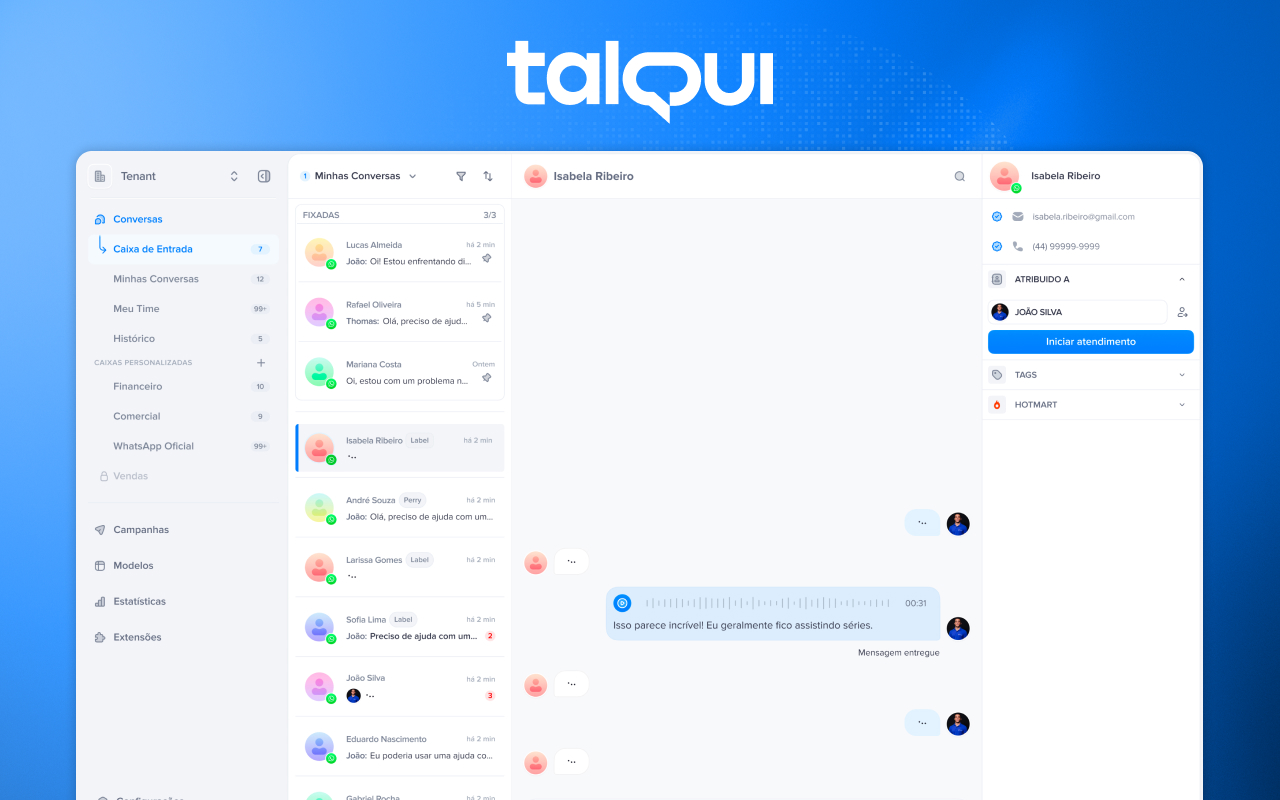
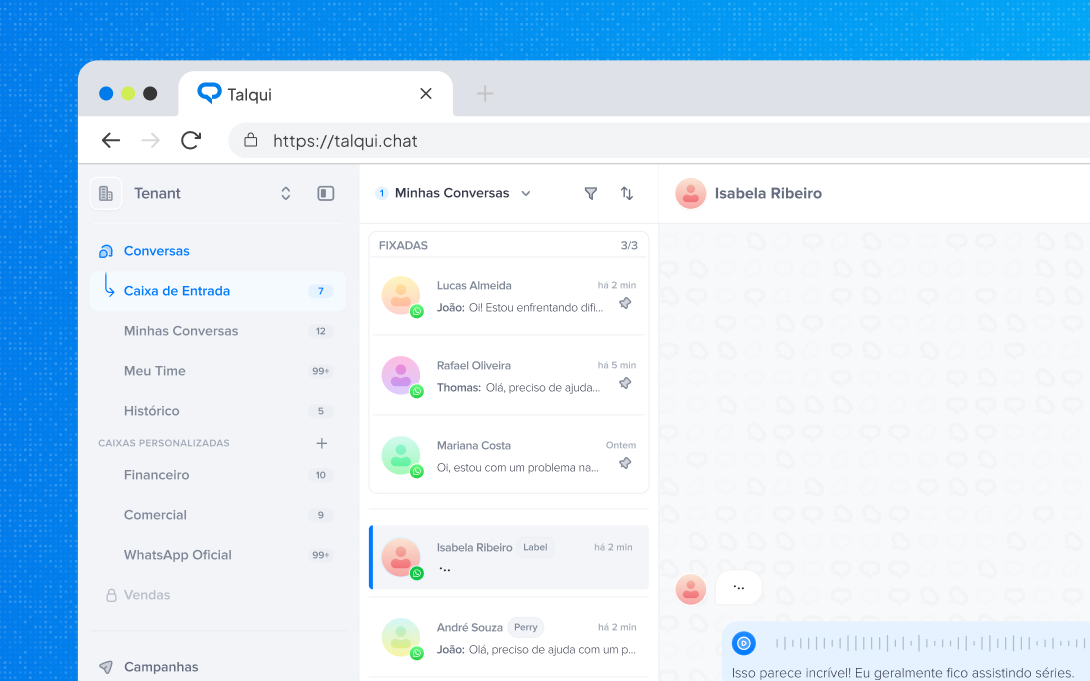
**Talqui** unifies your company's messaging channels into a single inbox — and, with this app, into your **Twenty** CRM. Every real conversation your team has with a customer becomes structured CRM data: the contact, the company, the opportunity, and the full story of what was said.
No exports. No spreadsheets. No copy‑pasting screenshots into notes. Your conversations simply *show up* where your team already works — and, if you want, an AI agent keeps them moving even when nobody is online.
## ✨ Why teams install it
- **Omnichannel, meet your CRM** — WhatsApp, Instagram, Webchat, Telegram, and Messenger all land in Twenty as first‑class records, in real time.
- **Contacts on autopilot** — the moment a new number or handle reaches out, the Person is created in Twenty and linked to the right Company and Opportunity. Nobody is ever *"not in the CRM"* again.
- **AI that answers for you** — turn on Talqui's AI to reply across your connected channels, day or night, in your tone — and every one of those AI conversations is logged in Twenty just like a human one.
- **AI summaries, not transcripts** — every conversation arrives with an AI‑written summary, the reason behind the contact, and a satisfaction score. The story in seconds, the full thread one click away.
- **A history your reps actually read** — a dedicated **Conversations** tab on every Person, Company, and Opportunity, so the last talk, the channel, and the sentiment are always at hand.
- **Zero upkeep** — tickets, service calls, and sales chats are recorded automatically, the instant they happen.
## 🤖 Let AI handle the conversation
Talqui isn't just a pipe into your CRM — it can **talk for you**. Enable an AI agent on any connected channel and it will:
- **Reply automatically** across WhatsApp, Instagram, Webchat, Telegram, and Messenger, in your brand's voice.
- **Qualify and route** — answer common questions, capture intent, and hand off to a human the moment it matters.
- **Never break the record** — everything the AI says and hears is captured in Twenty: the contact, the conversation, the summary, and the outcome stay perfectly in sync.
Your team scales its coverage without losing a single data point — the plugin makes sure the CRM always reflects reality.
## 💬 What lands in Twenty
Each conversation becomes a **Conversation** record, fully linked to the right Person, Company, and Opportunity:
| Field | What it tells you |
| --- | --- |
| **Channel** | WhatsApp, Instagram, Webchat, Telegram, or Messenger |
| **Started / Ended / Duration** | When it happened and how long it took |
| **AI summary** | The conversation, distilled |
| **Motive** | Why the customer reached out |
| **CSAT score** | How the interaction felt to the customer |
| **Direct link** | One click back to the live thread in Talqui |
| **Conversation notes** | Follow‑up notes tied to the exact talk |
## 🤝 Contacts & pipeline, created for you
- **Auto‑created contacts** — a first message is enough to spin up the Person in Twenty. No untracked leads.
- **Smart association** — new conversations attach to the existing contact instead of cluttering your base with duplicates.
- **Opportunities in sync** — deals are created and updated automatically from the lead behind each conversation, so your pipeline mirrors what's actually being said.
## 📊 Built for sales and support
- **Sales** — walk into every call knowing the entire conversation history with that contact: what they asked, what was promised, how they felt.
- **Support** — every service ticket and call is logged against the customer, so the next agent picks up exactly where the last one left off.
- **Leadership** — channels, motives, and CSAT on your records turn scattered chats into reporting you can trust.
## 🌐 Channels
Connect the channels your customers already use — every message from any of them flows into the same place in Twenty:
- **WhatsApp** — the number your customers text every day.
- **Instagram** — DMs from your profile, straight into the CRM.
- **Webchat** — the little chat bubble you install on your website, so visitors can talk to you (or your AI) without leaving the page.
- **Telegram** — conversations from your Telegram bot or channel.
- **Messenger** — Facebook Messenger threads from your page.
> More channels are added to Talqui over time — as you connect them, they show up in Twenty automatically, no extra setup on the CRM side.
## 🚀 Get started
1. **Install** — in Twenty, open **Settings → Marketplace**, search for **Talqui**, and click **Install**.
2. **Connect** — link your Talqui workspace and pick the channels you want to sync (and, optionally, turn on the AI agent).
3. **Done** — your existing history is backfilled and every new conversation flows into Twenty in real time.
> Requires an active [Talqui](https://talqui.chat/en/) account with at least one connected channel, and a Twenty server on **v2.8 or newer**.
## 💬 Support
- 🌐 Website — [talqui.chat](https://talqui.chat/en/)
- ✉️ Support — [support@talqui.com](mailto:support@talqui.com)
- 🐞 Report an issue — [support@talqui.com](mailto:support@talqui.com)
## 🖼️ See it in action