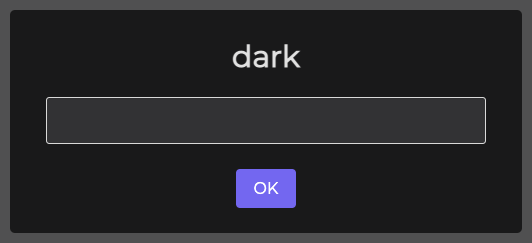
# @sweetalert2/theme-dark - Dark Theme for [SweetAlert2](https://github.com/sweetalert2/sweetalert2)
> [!CAUTION]
> **THIS PACKAGE IS DEPRECATED**, dark theme is now included in `sweetalert2` package itself:
> ```js
> Swal.fire({
> theme: 'dark'
> })
> ```
>
> Also, `auto` theme is supported. `auto` will switch between `light` and `dark` based on user browser preference:
> ```js
> Swal.fire({
> theme: 'auto'
> })
> ```
[](https://www.npmjs.com/package/@sweetalert2/theme-dark)
Installation
------------
```sh
npm install --save sweetalert2 @sweetalert2/theme-dark
```
Usage
-----
With CSS:
```html
```
With SASS:
`your-app.js`:
```js
import Swal from 'sweetalert2/dist/sweetalert2.js';
```
`your-app.scss`:
```scss
@import '@sweetalert2/theme-dark/dark.scss';
```