[简体中文](README.md) · **English**
# Docker
**Inspect containers and diagnose problems from DSH.**
[](https://www.npmjs.com/package/@stardustlc/dsh-docker) [](https://www.npmjs.com/package/@stardustlc/dsh-docker) [](https://www.npmjs.com/package/@stardustlc/dsh-docker)
**[Install](#install) · [Workflow](#start-using-it) · [Full guide](https://github.com/STARDUSTLC666/dsh-docker/blob/master/docs/REFERENCE.en.md)**
## Features
- Inspect containers, images and resource status.
- Read logs or run controlled commands against a specific target.
- Review the impact of start, stop and cleanup actions.
## Install
Open **Plugins** in the DSH desktop app and install `@stardustlc/dsh-docker`. If the CLI is available:
```bash
dsh plugin --profile desktop add @stardustlc/dsh-docker
```
For the web profile, replace `desktop` with `web`. Restart that DSH profile after installation. The package’s DSH requirement is `>=0.2.1-rc.3`.
## Start using it
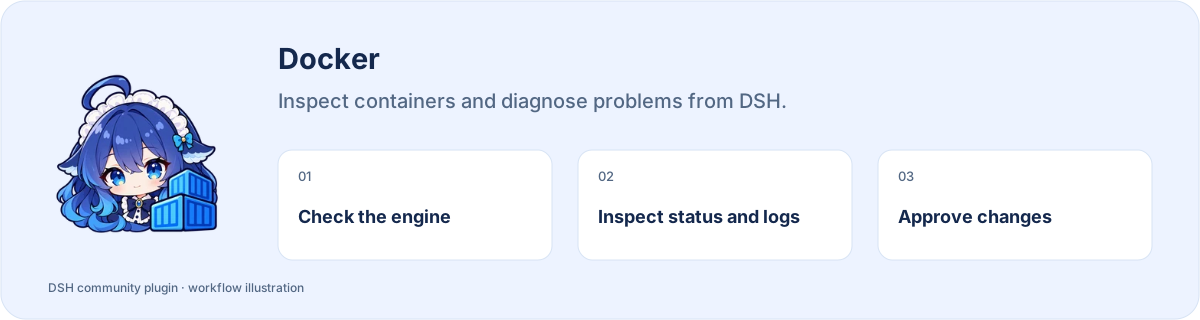
1. Start Docker Engine and confirm your user can access it through Docker commands.
2. List containers and images in DSH; select a target and inspect its status and logs.
3. Before starting, stopping or cleaning up, check the target and consequences, then confirm.
4. Recheck the result. Investigate actual permission or connection errors instead of treating an unexecuted action as success.
Example request:
> Check the Docker engine, list containers and read this container’s recent logs without changing anything.
## Before you start
Requires a running Docker Engine accessible to the current user. Actions follow host approval.
Configuration, detailed tools and troubleshooting: [full reference](https://github.com/STARDUSTLC666/dsh-docker/blob/master/docs/REFERENCE.en.md).
## Plugin updates
Check updates at the bottom of the workbench or native plugin details. Automatic checks are on by default; **automatic installation is off**. You choose whether to install and when to restart. Suite-managed components update with their bundle. [Update behavior](https://github.com/STARDUSTLC666/dsh-docker/blob/master/docs/REFERENCE.en.md).
## Documentation
- [Full usage, configuration and limits](https://github.com/STARDUSTLC666/dsh-docker/blob/master/docs/REFERENCE.en.md)
- [Release notes](https://github.com/STARDUSTLC666/dsh-docker/blob/master/CHANGELOG.md)
- [Validation scope and history](https://github.com/STARDUSTLC666/dsh-docker/blob/master/docs/VALIDATION.md)
## Feedback and contributions
If the plugin helps, a Star makes it easier for others to discover. Report problems or suggest improvements in [Issues](https://github.com/STARDUSTLC666/dsh-docker/issues); code and documentation [PRs](https://github.com/STARDUSTLC666/dsh-docker/pulls) are welcome. Include versions and reproduction steps, and remove credentials from reports.
## License
[MIT](https://github.com/STARDUSTLC666/dsh-docker/blob/master/LICENSE)