# `@remotelock/react-week-scheduler`
 
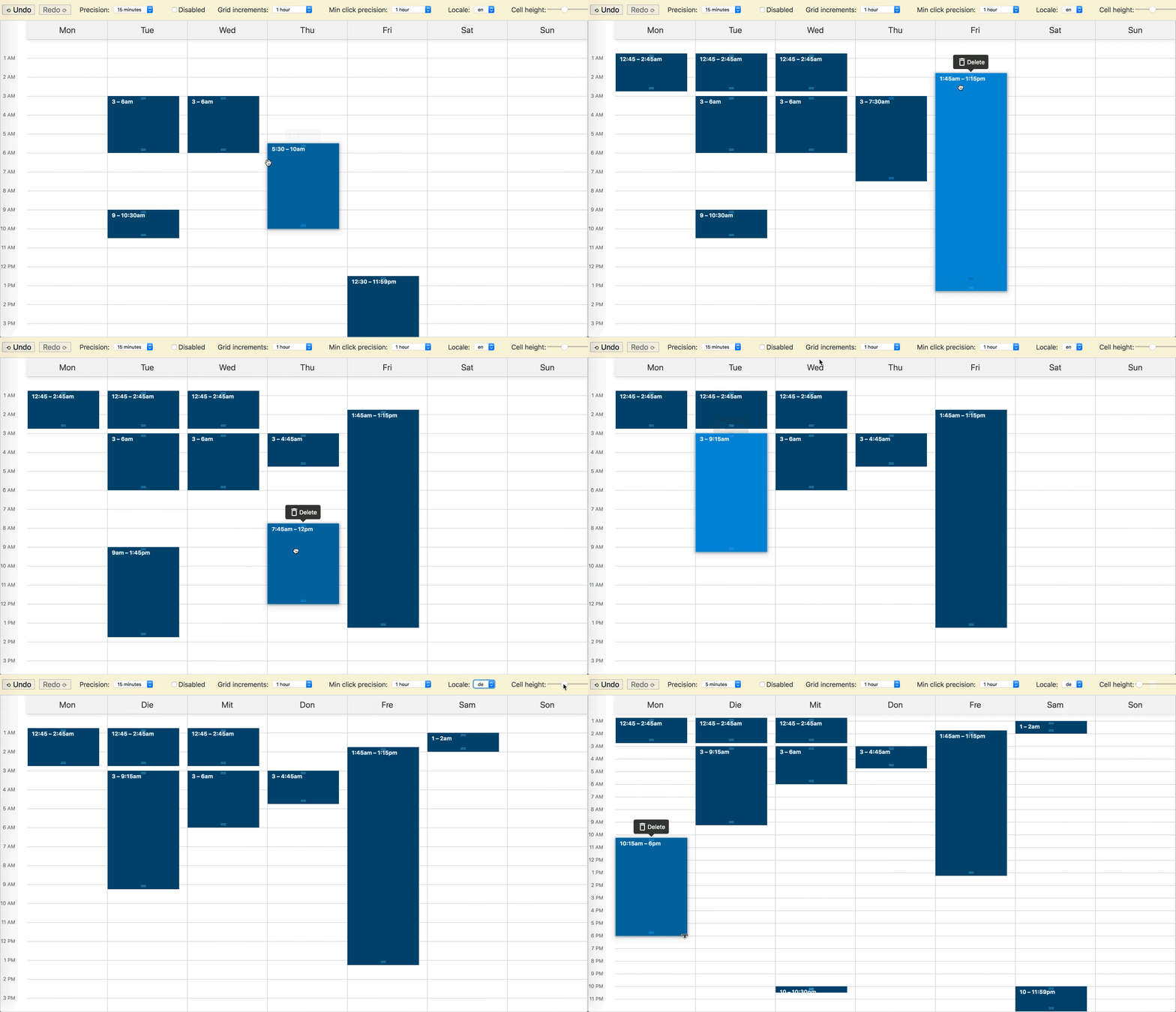
[Demo](https://remotelock.github.io/react-week-scheduler/)
[](https://codesandbox.io/s/mmj3xzk4x?fontsize=14)
## Installation
```
yarn add @remotelock/react-week-scheduler
```
## Basic Usage
```jsx
import React, { useState } from 'react';
import 'resize-observer-polyfill/dist/ResizeObserver.global';
import { TimeGridScheduler, classes } from '@remotelock/react-week-scheduler';
import '@remotelock/react-week-scheduler/index.css';
const rangeStrings = [
['2019-03-04 00:15', '2019-03-04 01:45'],
['2019-03-05 09:00', '2019-03-05 10:30'],
['2019-03-06 22:00', '2019-03-06 22:30'],
['2019-03-07 01:30', '2019-03-07 03:00'],
['2019-03-07 05:30', '2019-03-07 10:00'],
['2019-03-08 12:30', '2019-03-08 01:30'],
['2019-03-09 22:00', '2019-03-09 23:59'],
];
const defaultSchedule = rangeStrings.map(range =>
range.map(dateString => new Date(dateString)),
);
function App() {
const [schedule, setSchedule] = useState(defaultSchedule);
return (
);
}
```
## Customization
`react-week-scheduler` ships with a set of default styles for convenience. The styles are compiled as [CSS Modules](https://github.com/css-modules/css-modules) class names. The components exported from the package do not import the styles by default. Instead, they expect a `classes` prop to be passed.
The class names need to be available at runtime as a regular JS object.
### Using the default styles
To use the default styles, import the default classes object as well as the styles file and pass it to the component:
```jsx
import { TimeGridScheduler, classes } from '@remotelock/react-week-scheduler';
import '@remotelock/react-week-scheduler/index.css';
function App() {
return ;
}
```
The stylesheet `@remotelock/react-week-scheduler/index.css` has scoped class names precompiled, and the `classes` object has a mapping of class names to scoped class names. You do not need to have your bundle configured for CSS modules.
## Browser Support
This library should work on any modern browser.
However, [a _global_ polyfill for `ResizeObserver`](https://www.npmjs.com/package/resize-observer-polyfill) is required since `ResizeObserver` is [currently only supported by Chrome 64+](https://caniuse.com/#feat=resizeobserver).
The following web platform features are used:
- Flexbox
- `touch-action: none`
- `position: sticky`
- Touch Events
- [CSS containement](https://developers.google.com/web/updates/2016/06/css-containment) (optional)
- Custom CSS Properties (optional)
### Mobile Browser Support
Touch events are handled properly, with a 300ms delay on the initial touch start event to allow for scrolling.
The component should work fine on any modern mobile browser. However, due to lack of support for `touch-action: none`
on iOS Safari, dragging or resizing time blocks may not work very well.