@react-native-community/slider




React Native component used to select a single value from a range of values.
Currently supported on following platforms:
|iOS|Android|Windows|
|:-:|:-:|:-:|
|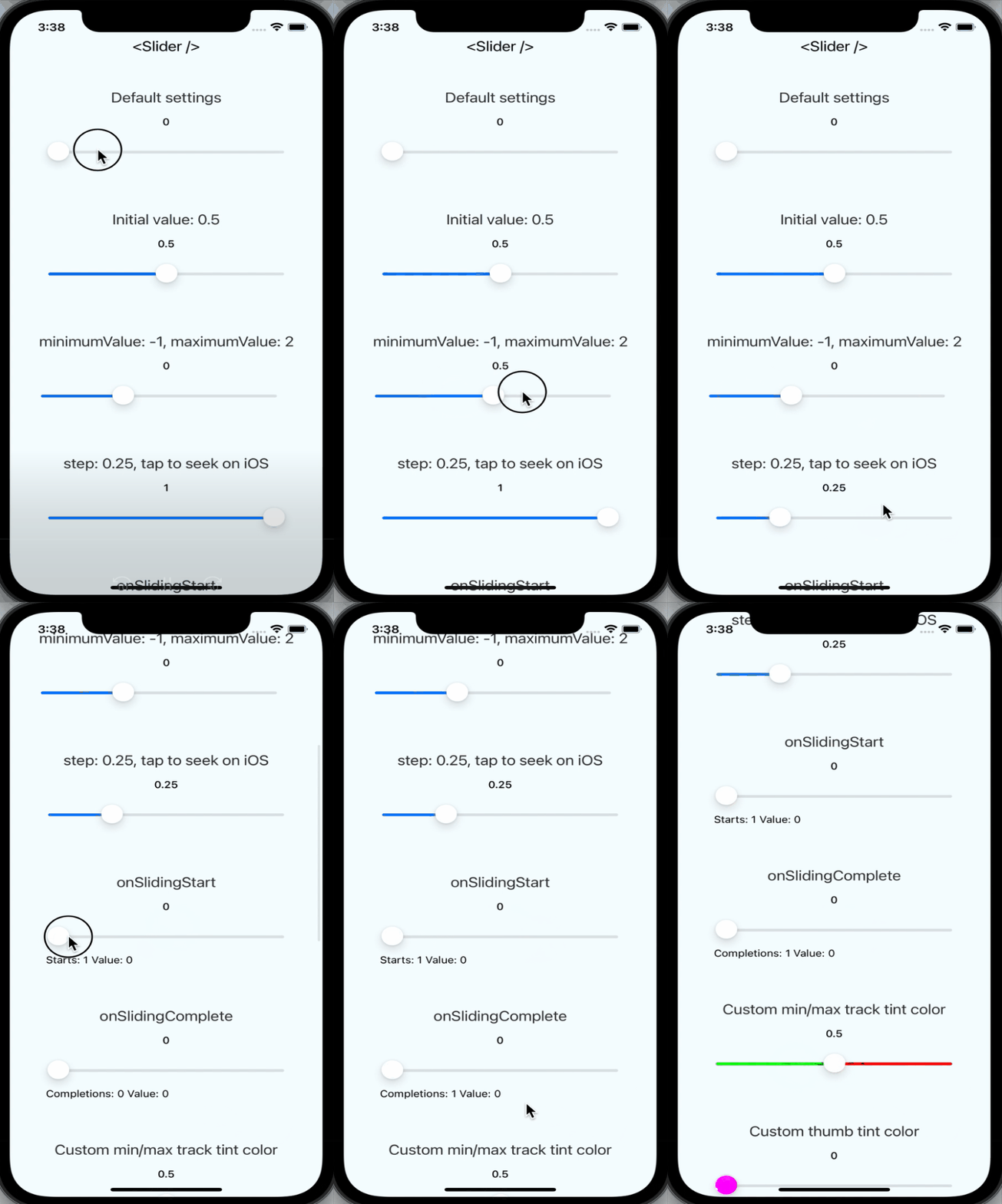|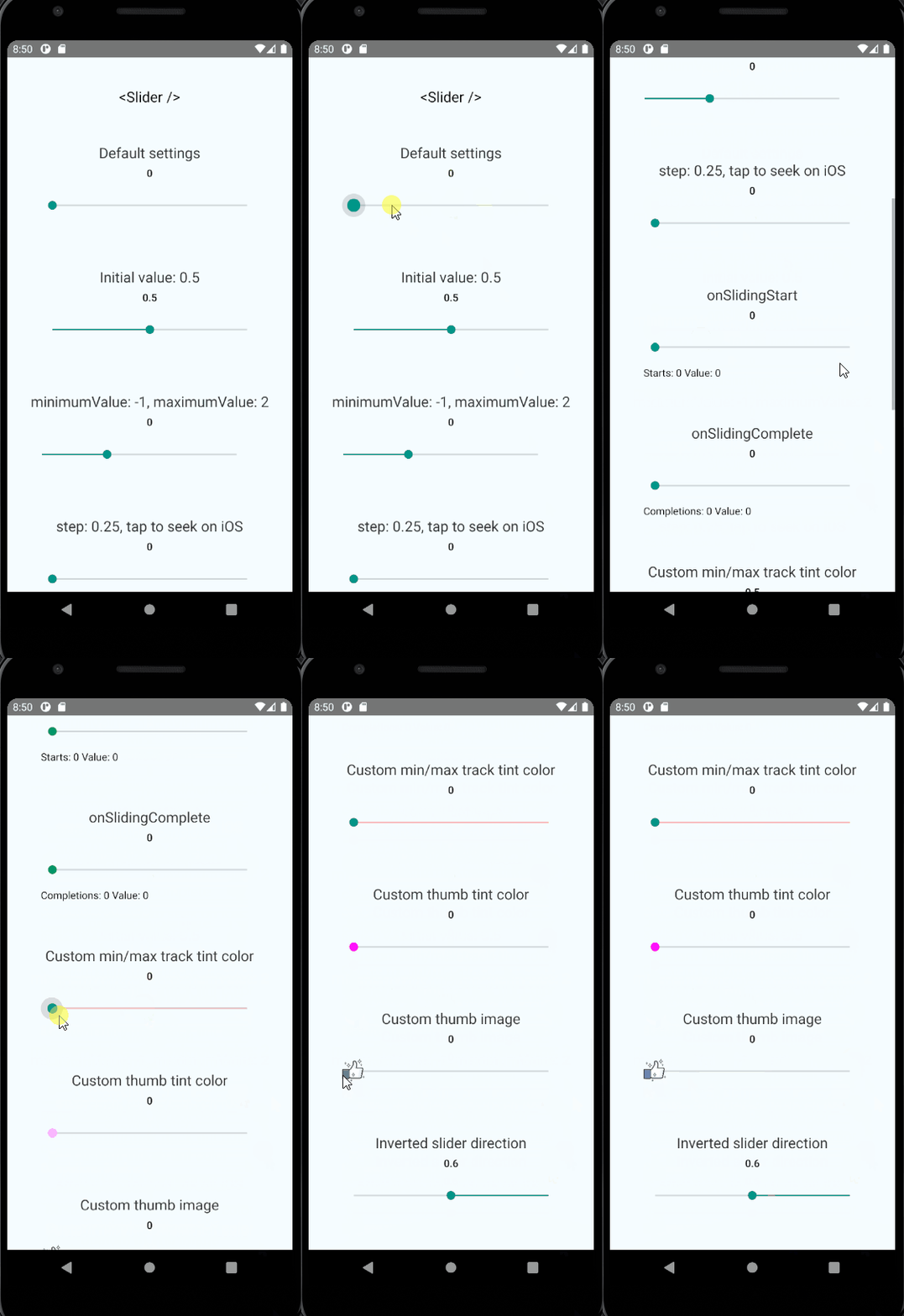|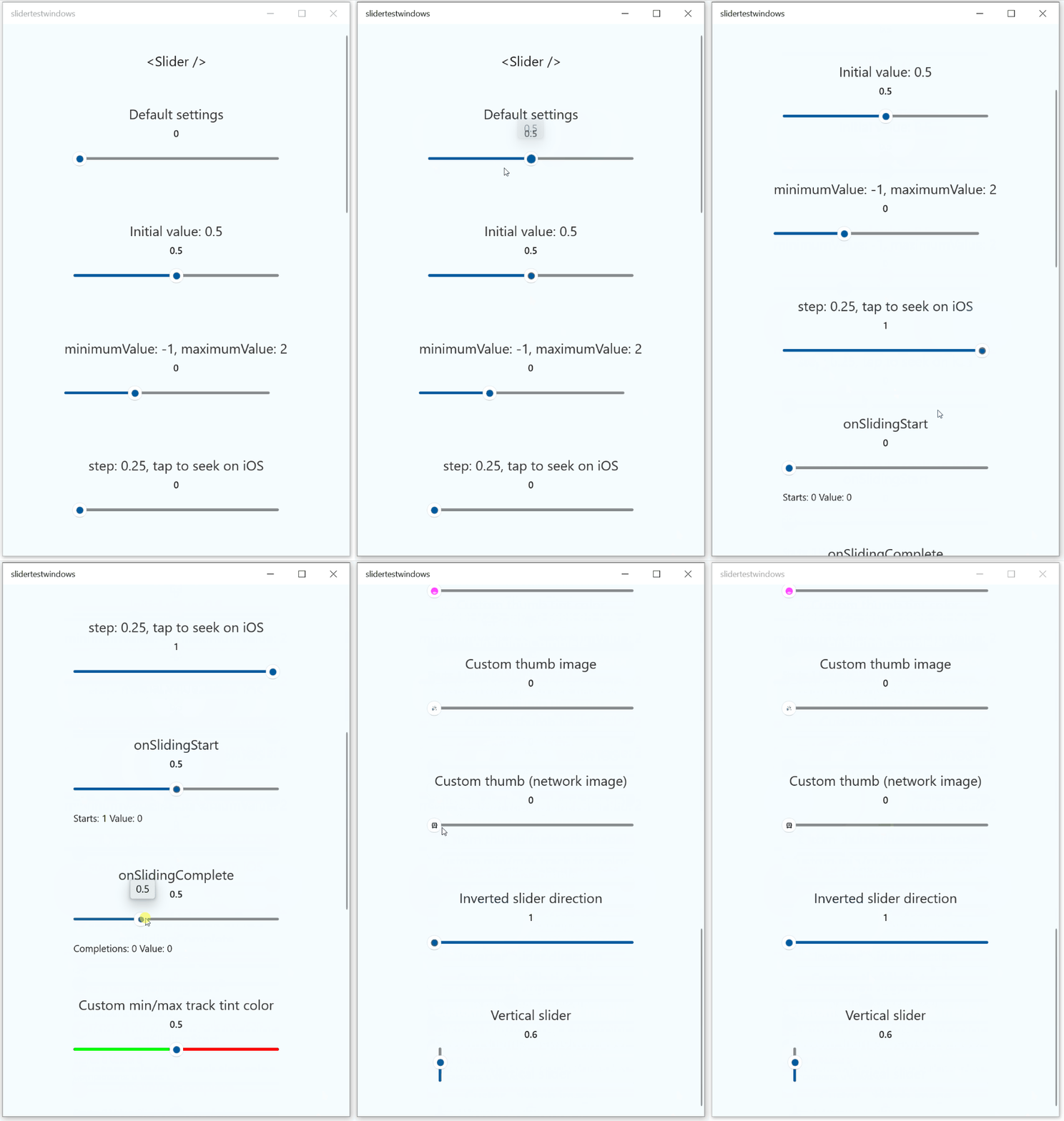|
## Installation & Usage
To install this module `cd` to your project directory and enter the following command:
```
yarn add @react-native-community/slider
```
or
```
npm install @react-native-community/slider --save
```
If using iOS please remember to install cocoapods by running: `npx pod-install`
For web support please use `@react-native-community/slider@next`
The following code presents the basic usage scenario of this library:
```javascript
import Slider from '@react-native-community/slider';
```
Check out the [example project](example) for more examples.
---
**Migrating from the core `react-native` module**
This module was created when the Slider was split out from the core of React Native.
To migrate to this module you need to follow the installation instructions above and then change you imports from:
```javascript
import { Slider } from 'react-native';
```
to:
```javascript
import Slider from '@react-native-community/slider';
```
## React Native Compatibility
To use this library you need to ensure you are using the correct version of React Native.
| `@react-native-community/slider` version | Required React Native Version |
| ---------------------------------------- | ----------------------------- |
| `4.x.x` | `>=0.60`; `>=0.62` (on Windows); |
| `3.1.x` | `>=0.60` |
| `2.x.x` | `>= 0.60` |
| [`1.x.x`](https://github.com/react-native-community/react-native-slider/tree/937f0942f1fffc6ed88b5cf7c88d73b7878f00f0) | `<= 0.59` |
## Properties
| Property | Description | Type | Required | Platform |
| -------- | ----------- | ---- | -------- | -------- |
| `style` | Used to style and layout the `Slider`. See `StyleSheet.js` and `ViewStylePropTypes.js` for more info. | View.style | No | |
| `disabled`| If true the user won't be able to move the slider.
Default value is false. | bool | No | |
| `maximumValue` | Initial maximum value of the slider.
Default value is 1. | number | No | |
| `minimumTrackTintColor` | The color used for the track to the left of the button.
Overrides the default blue gradient image on iOS. | [color](https://reactnative.dev/docs/colors) | No | |
| `minimumValue` | Initial minimum value of the slider.
Default value is 0. | number | No | |
| `onSlidingStart` | Callback that is called when the user picks up the slider.
The initial value is passed as an argument to the callback handler. | function | No | |
| `onSlidingComplete` | Callback that is called when the user releases the slider, regardless if the value has changed.
The current value is passed as an argument to the callback handler. | function | No | |
| `onValueChange` | Callback continuously called while the user is dragging the slider. | function | No | |
| `step` | Step value of the slider. The value should be between 0 and (maximumValue - minimumValue). Default value is 0.
On Windows OS the default value is 1% of slider's range (from `minimumValue` to `maximumValue`). | number | No | |
| `maximumTrackTintColor` | The color used for the track to the right of the button.
Overrides the default gray gradient image on iOS. | [color](https://reactnative.dev/docs/colors) | No | |
| `testID` | Used to locate this view in UI automation tests. | string | No | |
| `value` | Initial value of the slider. The value should be between minimumValue and maximumValue, which default to 0 and 1 respectively. Default value is 0.
_This is not a controlled component_, you don't need to update the value during dragging. | number | No | |
| `tapToSeek` | Permits tapping on the slider track to set the thumb position.
Defaults to false on iOS. No effect on Android or Windows. | bool | No | iOS |
| `inverted` | Reverses the direction of the slider.
Default value is false. | bool | No | |
| `vertical` | Changes the orientation of the slider to vertical, if set to `true`.
Default value is false. | bool | No | Windows |
| `thumbTintColor` | Color of the foreground switch grip. | [color](https://reactnative.dev/docs/colors) | No | Android |
| `maximumTrackImage` | Assigns a maximum track image. Only static images are supported. The leftmost pixel of the image will be stretched to fill the track. | Image
.propTypes
.source | No | iOS |
| `minimumTrackImage` | Assigns a minimum track image. Only static images are supported. The rightmost pixel of the image will be stretched to fill the track. | Image
.propTypes
.source | No | iOS |
| `thumbImage` | Sets an image for the thumb. Only static images are supported. Needs to be a URI of a local or network image; base64-encoded SVG is not supported. | Image
.propTypes
.source | No | |
| `trackImage` | Assigns a single image for the track. Only static images are supported. The center pixel of the image will be stretched to fill the track. | Image
.propTypes
.source | No | iOS | |
| `ref` | Reference object. | MutableRefObject | No | web |
| `View` | [Inherited `View` props...](https://github.com/facebook/react-native-website/blob/master/docs/view.md#props) | | | |
## Contributing
This project uses [yarn workspaces](https://classic.yarnpkg.com/en/docs/workspaces/) to handle its internal dependencies.
* Make sure to use `yarn` to install dependencies when implementing changes to this library.
```sh
yarn install
```
* Make sure your code passes Flow, ESLint and the tests. Run the following to verify:
```sh
yarn validate:flow
yarn validate:eslint --fix
yarn test:jest
```
or
```sh
yarn test
```
to run them all.
* Remember to cover your changes with tests if possible.
When [creating an issue](https://github.com/callstack/react-native-slider/issues/new/choose) please remember to specify the platform which the issue occurs on.
## Running the example app
While developing, you can run the example app to test your changes.
### Setup
- Clone the repository
- Run `yarn` in the root directory to install dependencies, and again in `src` to create the dist build.
- (on iOS) Run `npx pod-install` from the `example` directory
- (on Windows) You need to manually link the Slider module to your project.
### Start the app
- Run `yarn run:android` to run on Android
- Run `yarn run:ios` to run on iOS
- Run `yarn run:web` to run on web
- Run `yarn run:windows` to run on Windows.
## Maintainers
- [Michał Chudziak](https://github.com/michalchudziak) - [Callstack](https://callstack.com/)
- [Bartosz Klonowski](https://github.com/BartoszKlonowski) - [Callstack](https://callstack.com/)
## Contributors
This module was extracted from `react-native` core. Please, refer to [contributors graph](https://github.com/react-native-community/react-native-slider/graphs/contributors) for the complete list of contributors.
---
## Made with ❤️ at Callstack
`@callstack/react-native-slider` is an open source project and will always remain free to use. If you think it's cool, please star it 🌟. [Callstack](https://callstack.com/) is a group of React and React Native geeks, contact us at [hello@callstack.com](mailto:hello@callstack.com) if you need any help with these or just want to say hi!
Like the project? ⚛️ [Join the team](https://callstack.com/careers) who does amazing stuff for clients and drives React Native Open Source! 🔥