

<p align="center">
  <img src="https://raw.githubusercontent.com/raycast/extensions/main/images/store-logo.png" height="128">
  <h1 align="center">Raycast Extensions</h1>
</p>

<p align="center">
  <a aria-label="Follow Raycast on Twitter" href="https://twitter.com/raycastapp">
    <img alt="" src="https://img.shields.io/badge/Follow%20@raycastapp-black.svg?style=for-the-badge&logo=Twitter">
  </a>
  <a aria-label="Join the community on Slack" href="https://raycast.com/slack">
    <img alt="" src="https://img.shields.io/badge/Join%20the%20community-black.svg?style=for-the-badge&logo=Slack">
  </a>
</p>

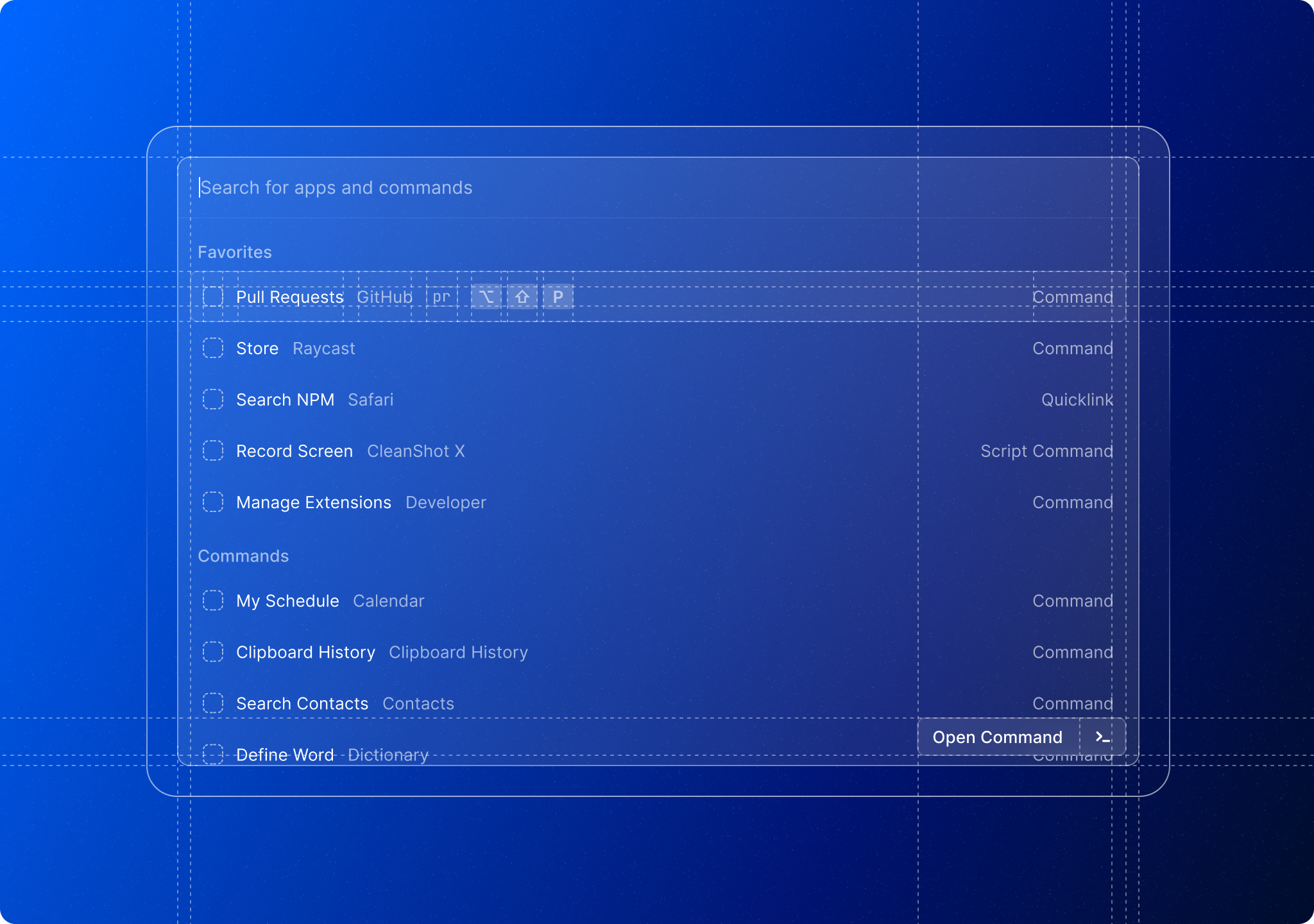
Raycast lets you control your tools with a few keystrokes. The Extensions API allows tailoring Raycast to your needs. List your open pull requests, control your light bulbs at home, or speed up any other everyday task.
![Header](https://raw.githubusercontent.com/raycast/extensions/main/images/header.png)

## Getting Started

Visit [https://developers.raycast.com](https://developers.raycast.com) to get started with our API. And if you want to discover what others have built, check out [our Store](https://raycast.com/store).

## Community

Join our [Slack community](https://raycast.com/community) to share your extension, debug nasty bugs or simply get to know like-minded folks.
