# React PDF viewer
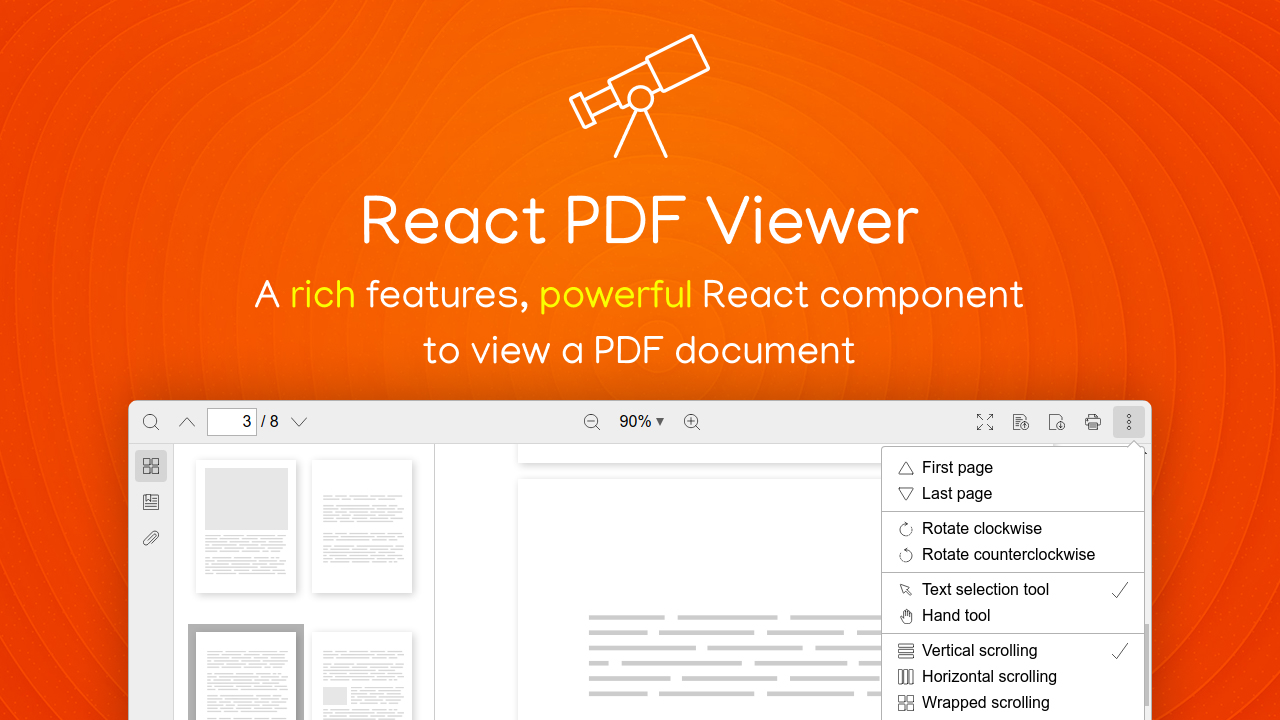
A React component to view a PDF document.
It's written in TypeScript, and powered by React hooks completely.
~~~ javascript
import Viewer from '@phuocng/react-pdf-viewer';
~~~
## Features
__Basic features__
* [x] Support password protected document
* [x] Zooming: Support custom levels such as actual size, page fit, and page width
* [x] Navigation between pages
* [x] Can go to the first and last pages quickly
* [x] Search for text
* [x] Preview page thumbnails
* [x] View and navigate the table of contents
* [x] List and download attachments
* [x] Rotating
* [x] Text selection and hand tool modes
* [x] Different scrolling modes
* [x] Full screen mode
* [x] Can open a file from local. Users can drag and drop a local file to view it
* [x] Download file
* [x] View the document properties
* [x] Support SSR
* [x] Print
__Customization__
* [x] The toolbar can be customized easily
* [x] All text items can be localized in another language
__Coming soon__
* [ ] Theming
* [ ] Darkmode
## License
You have to purchase a Commercial License at the [official website](https://react-pdf-viewer.dev).
## Usage
Perform the following steps to have the simplest example. For more demos, please look at the [demo](/demo) folder.
1. Install packages
~~~ console
$ npm install pdfjs-dist@2.4.456
$ npm install @phuocng/react-pdf-viewer
~~~
2. Import CSS and components
~~~ javascript
import Viewer, { Worker } from '@phuocng/react-pdf-viewer';
import '@phuocng/react-pdf-viewer/cjs/react-pdf-viewer.css';
~~~
3. Use the component
~~~ javascript
~~~
## Commands
1. Build:
~~~ console
$ npm run build
~~~
Then it will produce two formats available in the `dist` folder:
~~~
└─── dist
├─── cjs // CommonJS package
└─── umd // UMD package
~~~
2. Dev mode:
~~~ console
$ npm run dev
~~~
The bundler will watch the entire `src` folder and build the `cjs` package when any source file is changed.
3. Lint:
~~~ console
$ npm run lint
~~~
It will check if the entire source code compatible with
* [ESLint](https://eslint.org)
* [eslint-plugin-react](https://github.com/yannickcr/eslint-plugin-react)
* [typescript-eslint](https://github.com/typescript-eslint/typescript-eslint)
## About
This project is developed by _Nguyen Huu Phuoc_. I love building products and sharing knowledge.
Be my friend on
* [Twitter](https://twitter.com/nghuuphuoc)
* [dev.to](https://dev.to/phuocng)
* [Github](https://github.com/phuoc-ng)
## Products
You might be interested in my products:
| Product | Description |
|-------------------------------------------------------|-------------------------------------------------------------------|
| 01. [1 LOC](https://1loc.dev) | Favorite JavaScript utilities in single line of code |
| 02. [Blur Page](https://blur.page) | A browser extension to hide sensitive information on a web page |
| 03. [CSS Layout](https://csslayout.io) | A collection of popular layouts and patterns made with CSS |
| 04. [Fake Numbers](https://fakenumbers.io) | Generate fake and valid numbers |
| 05. [Form Validation](https://formvalidation.io) | The best validation library for JavaScript |
| 06. [HTML DOM](https://htmldom.dev) | How to manage HTML DOM with vanilla JavaScript |
| 07. [React PDF Viewer](https://react-pdf-viewer.dev) | A React component to view a PDF document |