# Web viewer documentation
Welcome to Panoramax __Web Viewer__ documentation ! It will help you through all phases of setup, run and develop on Panoramax JS pictures viewer.
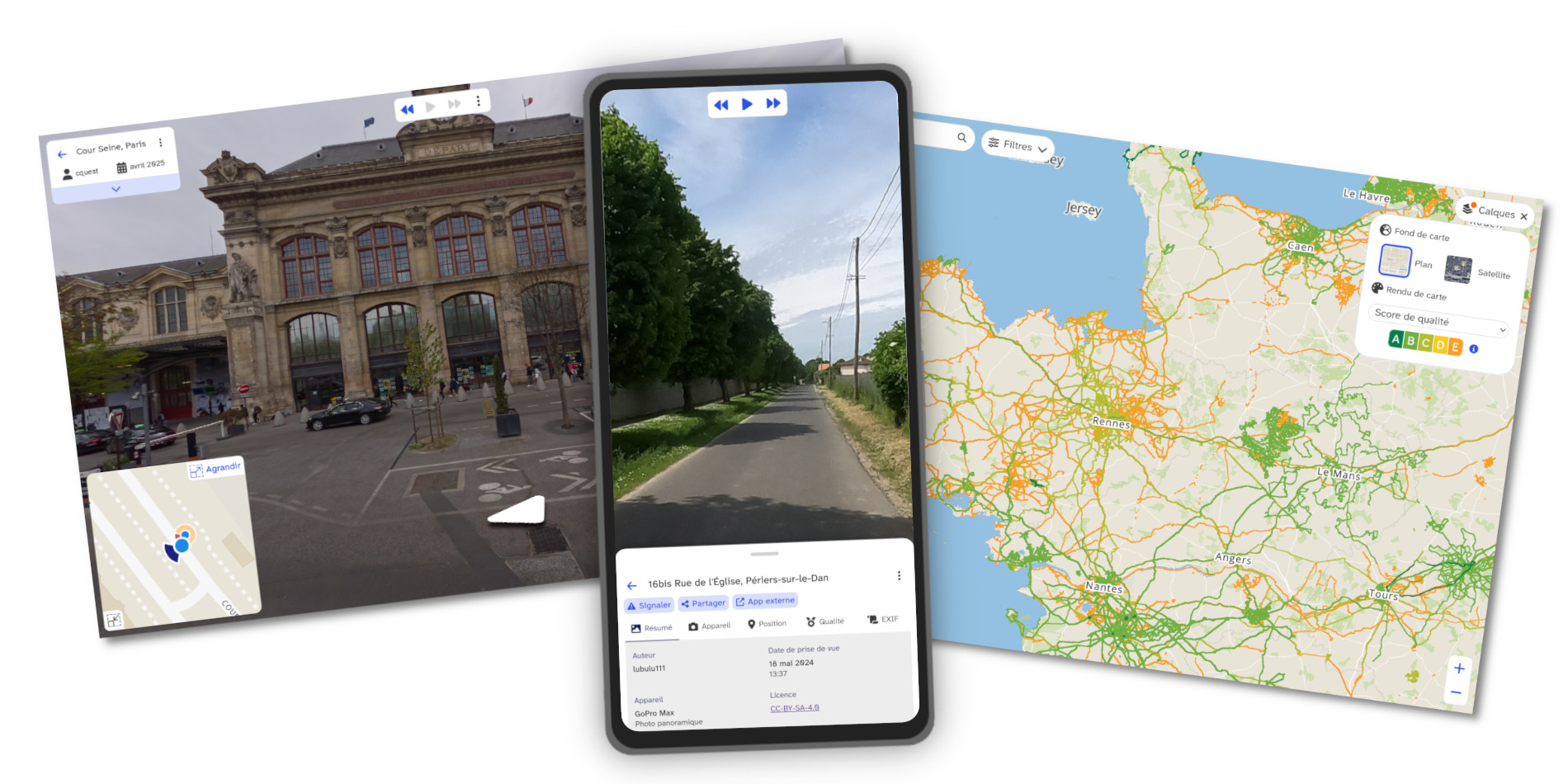
!!! note
If at some point you're lost or need help, you can contact us through [issues](https://gitlab.com/panoramax/clients/web-viewer/-/issues) or by [email](mailto:panoramax@panoramax.fr).
## Install
Many options are available for installing the viewer.
=== ":simple-npm: NPM"
Panoramax viewer is available on NPM as [@panoramax/web-viewer](https://www.npmjs.com/package/@panoramax/web-viewer) package.
```bash
npm install @panoramax/web-viewer
```
If you want the latest version (corresponding to the `develop` git branch), you can use the `develop` NPM dist-tag:
```bash
npm install @panoramax/web-viewer@develop
```
=== ":material-web: Hosted"
You can rely on various providers offering hosted NPM packages, for example JSDelivr.
```html
```
=== ":material-code-tags: Source code"
You can install and use Panoramax web client based on code provided in this repository.
This library relies on any recent __Node.js__ version, which should be installed on your computer. Then, you can build the library using these commands:
```bash
git clone https://gitlab.com/panoramax/clients/web-viewer.git
cd web-viewer/
npm install
npm build
```
## Basic usage
First, you need to import Panoramax code:
=== ":fontawesome-brands-js: Old-school JS"
Make sure to have both JS and CSS code available in your HTML `head` part:
```html
```
=== ":fontawesome-brands-node-js: New-style JS"
Make sure to import both JS and CSS in your code:
```js
import Panoramax from '@panoramax/web-viewer';
import '@panoramax/web-viewer/build/index.css';
```
If you prefer the lightweight version, only containing PhotoViewer component:
```js
import Panoramax from '@panoramax/web-viewer/build/photoviewer';
import '@panoramax/web-viewer/build/photoviewer.css';
```
Once ready, you can create for example a viewer. We use web components to do so, you can create it in HTML or in other web components:
```html
```
[Many options are available to configure it finely](./reference/components/core/Viewer.md).
You may also add some CSS to make sure your component has proper dimensions:
```css
pnx-viewer {
width: 300px;
height: 250px;
}
```
Beyond classic viewer, other widgets are available and [can be tested online](https://viewer.geovisio.fr/).
__Coverage map__
A simple map for showing Panoramax data availability.
```html
```
[Many options are available as well](./reference/components/core/CoverageMap.md).
__Photo Viewer__
A photo-only viewer, showing one picture at a time, and offering navigation through sequence and nearby pictures.
```html
```
If you'd like a photo viewer that looks like an iframe embed (with only a small legend widget), you may use this code:
```html
```
[Many options are available as well](./reference/components/core/PhotoViewer.md).
__Editor__
A map and photo viewer, focused on a single sequence, for previewing edits made to it.
```html
```
[Many options are available as well](./reference/components/core/Editor.md).