# storybook-addon-a11y
This storybook addon can be helpfull to make your UI components more accessibile.
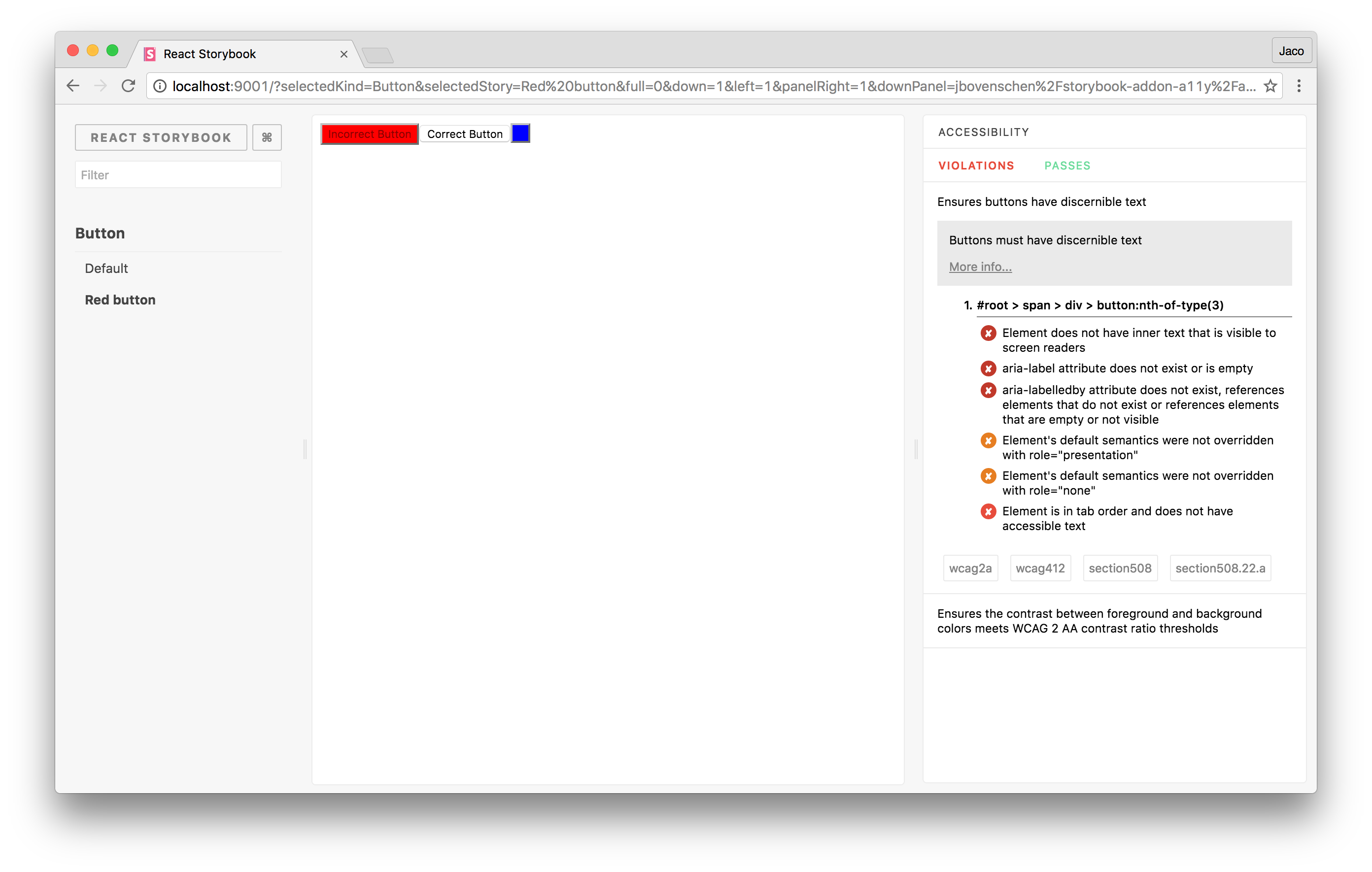
## Getting started
First, install the addon.
```sh
$ npm install -D @nlabs/storybook-addon-a11y
```
Add this line to your `addons.js` file (create this file inside your storybook config directory if needed).
```js
import '@nlabs/storybook-addon-a11y/register';
```
import the `'checkA11y'` decorator to check your stories for violations within your components.
```js
import React from 'react';
import { storiesOf } from '@nlabs/storybook-react';
import { checkA11y } from '@nlabs/storybook-addon-a11y';
storiesOf('button', module)
.addDecorator(checkA11y)
.add('Accessible', () => (
))
.add('Inaccessible', () => (
));
```
## Roadmap
* Make UI accessibile
* Add color blindness filters ([Example](http://lowvision.support/))
* Show in story where violations are.
* Make it configurable
* Add more example tests
* Add tests
* Make CI integration possible