{{ load:../../tools/readme/edit-warning.md }}
{{ template:title }}
{{ template:badges }}
{{ template:description }}
| 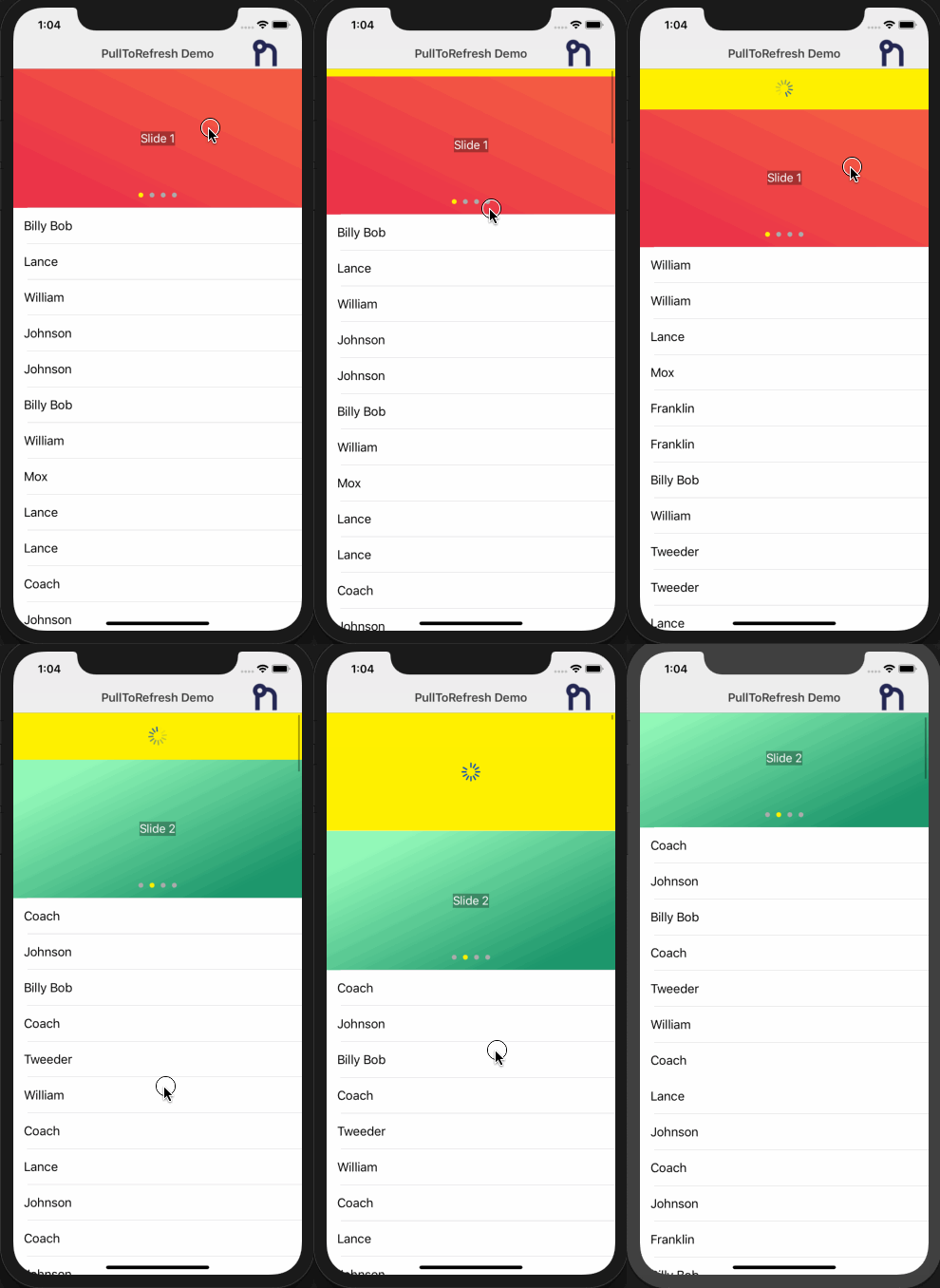 |
| 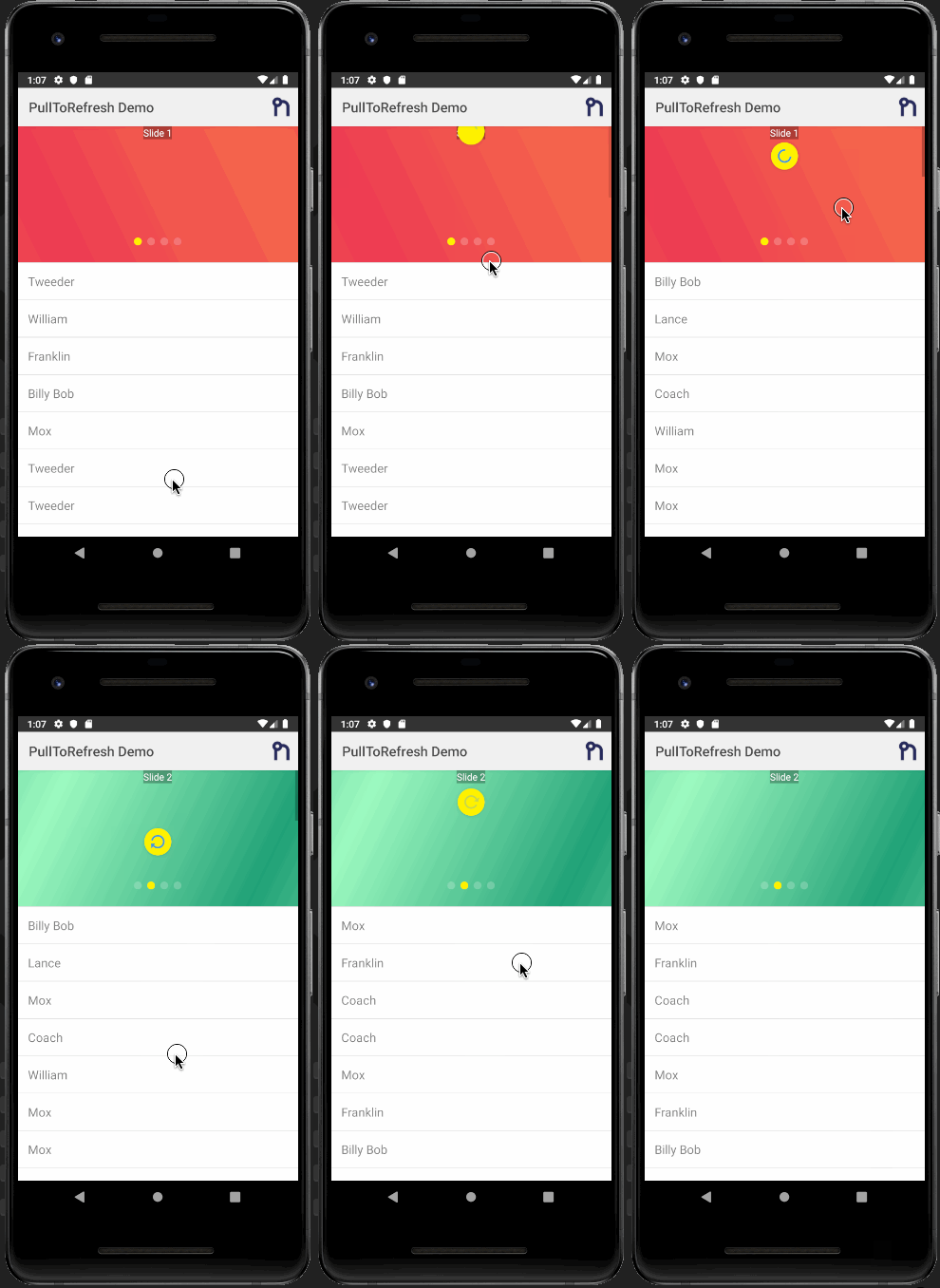 |
| --- | ----------- |
| iOS Demo | Android Demo |
{{ template:toc }}
## Installation
Run the following command from the root of your project:
`ns plugin add {{ pkg.name }}`
[Android - _SwipeRefreshLayout_](http://developer.android.com/reference/android/support/v4/widget/SwipeRefreshLayout.html)
[iOS - _UIRefreshControl_](https://developer.apple.com/library/ios/documentation/UIKit/Reference/UIRefreshControl_class/)
## Usage
### NativeScript Core
#### XML
```xml
```
#### JS
```javascript
function refreshList(args) {
// Get reference to the PullToRefresh component;
var pullRefresh = args.object;
// Do work here... and when done call set refreshing property to false to stop the refreshing
loadItems().then(
resp => {
// ONLY USING A TIMEOUT TO SIMULATE/SHOW OFF THE REFRESHING
setTimeout(() => {
pullRefresh.refreshing = false;
}, 1000);
},
err => {
pullRefresh.refreshing = false;
}
);
}
exports.refreshList = refreshList;
```
### Angular NativeScript
```typescript
import { registerElement } from '@nativescript/angular';
import { PullToRefresh } from '@nativescript-community/ui-pulltorefresh';
registerElement('PullToRefresh', () => PullToRefresh);
refreshList(args) {
const pullRefresh = args.object;
setTimeout(function () {
pullRefresh.refreshing = false;
}, 1000);
}
```
#### HTML
```html
```
### NativeScript Vue
```javascript
import Vue from 'nativescript-vue';
Vue.registerElement(
'PullToRefresh',
() => require('@nativescript-community/ui-pulltorefresh').PullToRefresh
);
```
#### Component
```vue
```
## Properties
- **refresh : function** _required_
- **refreshing: boolean** - Notifies the widget that the refresh state has
changed.
- **indicatorColor: Color** - The color of the indicator icon.
- **indicatorFillColor: Color** - The background color of the indicator.
{{ load:../../tools/readme/demos-and-development.md }}
{{ load:../../tools/readme/questions.md }}
|
| --- | ----------- |
| iOS Demo | Android Demo |
{{ template:toc }}
## Installation
Run the following command from the root of your project:
`ns plugin add {{ pkg.name }}`
[Android - _SwipeRefreshLayout_](http://developer.android.com/reference/android/support/v4/widget/SwipeRefreshLayout.html)
[iOS - _UIRefreshControl_](https://developer.apple.com/library/ios/documentation/UIKit/Reference/UIRefreshControl_class/)
## Usage
### NativeScript Core
#### XML
```xml
```
#### JS
```javascript
function refreshList(args) {
// Get reference to the PullToRefresh component;
var pullRefresh = args.object;
// Do work here... and when done call set refreshing property to false to stop the refreshing
loadItems().then(
resp => {
// ONLY USING A TIMEOUT TO SIMULATE/SHOW OFF THE REFRESHING
setTimeout(() => {
pullRefresh.refreshing = false;
}, 1000);
},
err => {
pullRefresh.refreshing = false;
}
);
}
exports.refreshList = refreshList;
```
### Angular NativeScript
```typescript
import { registerElement } from '@nativescript/angular';
import { PullToRefresh } from '@nativescript-community/ui-pulltorefresh';
registerElement('PullToRefresh', () => PullToRefresh);
refreshList(args) {
const pullRefresh = args.object;
setTimeout(function () {
pullRefresh.refreshing = false;
}, 1000);
}
```
#### HTML
```html
```
### NativeScript Vue
```javascript
import Vue from 'nativescript-vue';
Vue.registerElement(
'PullToRefresh',
() => require('@nativescript-community/ui-pulltorefresh').PullToRefresh
);
```
#### Component
```vue
```
## Properties
- **refresh : function** _required_
- **refreshing: boolean** - Notifies the widget that the refresh state has
changed.
- **indicatorColor: Color** - The color of the indicator icon.
- **indicatorFillColor: Color** - The background color of the indicator.
{{ load:../../tools/readme/demos-and-development.md }}
{{ load:../../tools/readme/questions.md }}