<!-- ⚠️ This README has been generated from the file(s) "blueprint.md" ⚠️-->
<!--  !!!!!!!!!!!!!!!!!!!!!!!!!!!!!!!!!!!!!!!!!!!!!!!!!!!!!!!!!!!!!!!
      !!!!!!!!!!!!!!!!!!!!!!!!!!!!!!!!!!!!!!!!!!!!!!!!!!!!!!!!!!!!!!!
      !!!!!!!!!!!!!!!!!!!!!!!!!!!!!!!!!!!!!!!!!!!!!!!!!!!!!!!!!!!!!!!
      !!!!!!!!!!!!!!!!!!!!!!!!!!!!!!!!!!!!!!!!!!!!!!!!!!!!!!!!!!!!!!!
      !!!!!!!!!!!!!!!!!!!!!!!!!!!!!!!!!!!!!!!!!!!!!!!!!!!!!!!!!!!!!!!
      !!!!!!!!!!!!!!!!!!!!!!!!!!!!!!!!!!!!!!!!!!!!!!!!!!!!!!!!!!!!!!!
      !!!!!!!!!!!!!!!!!!!!!!!!!!!!!!!!!!!!!!!!!!!!!!!!!!!!!!!!!!!!!!!
      !!!!!!!!!!!!!!!!!!!!!!!!!!!!!!!!!!!!!!!!!!!!!!!!!!!!!!!!!!!!!!!
      !!!!!!!!!!!!!!!!!!!!!!!!!!!!!!!!!!!!!!!!!!!!!!!!!!!!!!!!!!!!!!!
      DO NOT EDIT THIS READEME DIRECTLY! Edit "bluesprint.md" instead.
      !!!!!!!!!!!!!!!!!!!!!!!!!!!!!!!!!!!!!!!!!!!!!!!!!!!!!!!!!!!!!!!
      !!!!!!!!!!!!!!!!!!!!!!!!!!!!!!!!!!!!!!!!!!!!!!!!!!!!!!!!!!!!!!!
      !!!!!!!!!!!!!!!!!!!!!!!!!!!!!!!!!!!!!!!!!!!!!!!!!!!!!!!!!!!!!!!
      !!!!!!!!!!!!!!!!!!!!!!!!!!!!!!!!!!!!!!!!!!!!!!!!!!!!!!!!!!!!!!!
      !!!!!!!!!!!!!!!!!!!!!!!!!!!!!!!!!!!!!!!!!!!!!!!!!!!!!!!!!!!!!!!
      !!!!!!!!!!!!!!!!!!!!!!!!!!!!!!!!!!!!!!!!!!!!!!!!!!!!!!!!!!!!!!!
      !!!!!!!!!!!!!!!!!!!!!!!!!!!!!!!!!!!!!!!!!!!!!!!!!!!!!!!!!!!!!!!
      !!!!!!!!!!!!!!!!!!!!!!!!!!!!!!!!!!!!!!!!!!!!!!!!!!!!!!!!!!!!!!!
      !!!!!!!!!!!!!!!!!!!!!!!!!!!!!!!!!!!!!!!!!!!!!!!!!!!!!!!!!!!!!!! -->
<h1 align="center">@nativescript-community/ui-pulltorefresh</h1>
<p align="center">
		<a href="https://npmcharts.com/compare/@nativescript-community/ui-pulltorefresh?minimal=true"><img alt="Downloads per month" src="https://img.shields.io/npm/dm/@nativescript-community/ui-pulltorefresh.svg" height="20"/></a>
<a href="https://www.npmjs.com/package/@nativescript-community/ui-pulltorefresh"><img alt="NPM Version" src="https://img.shields.io/npm/v/@nativescript-community/ui-pulltorefresh.svg" height="20"/></a>
	</p>

<p align="center">
  <b>A NativeScript plugin to provide the Pull to Refresh control on any view.</b></br>
  <sub><sub>
</p>

<br />


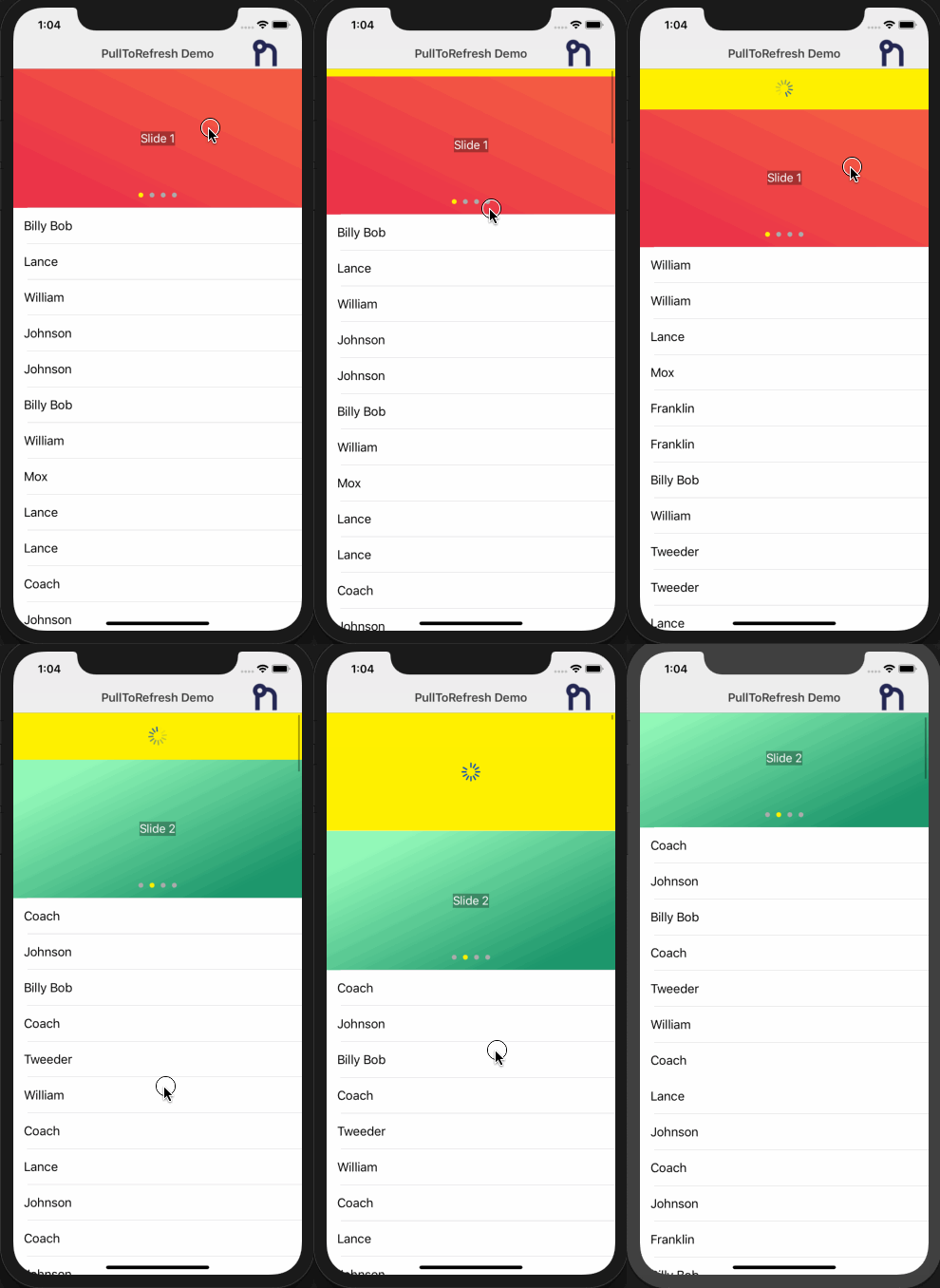
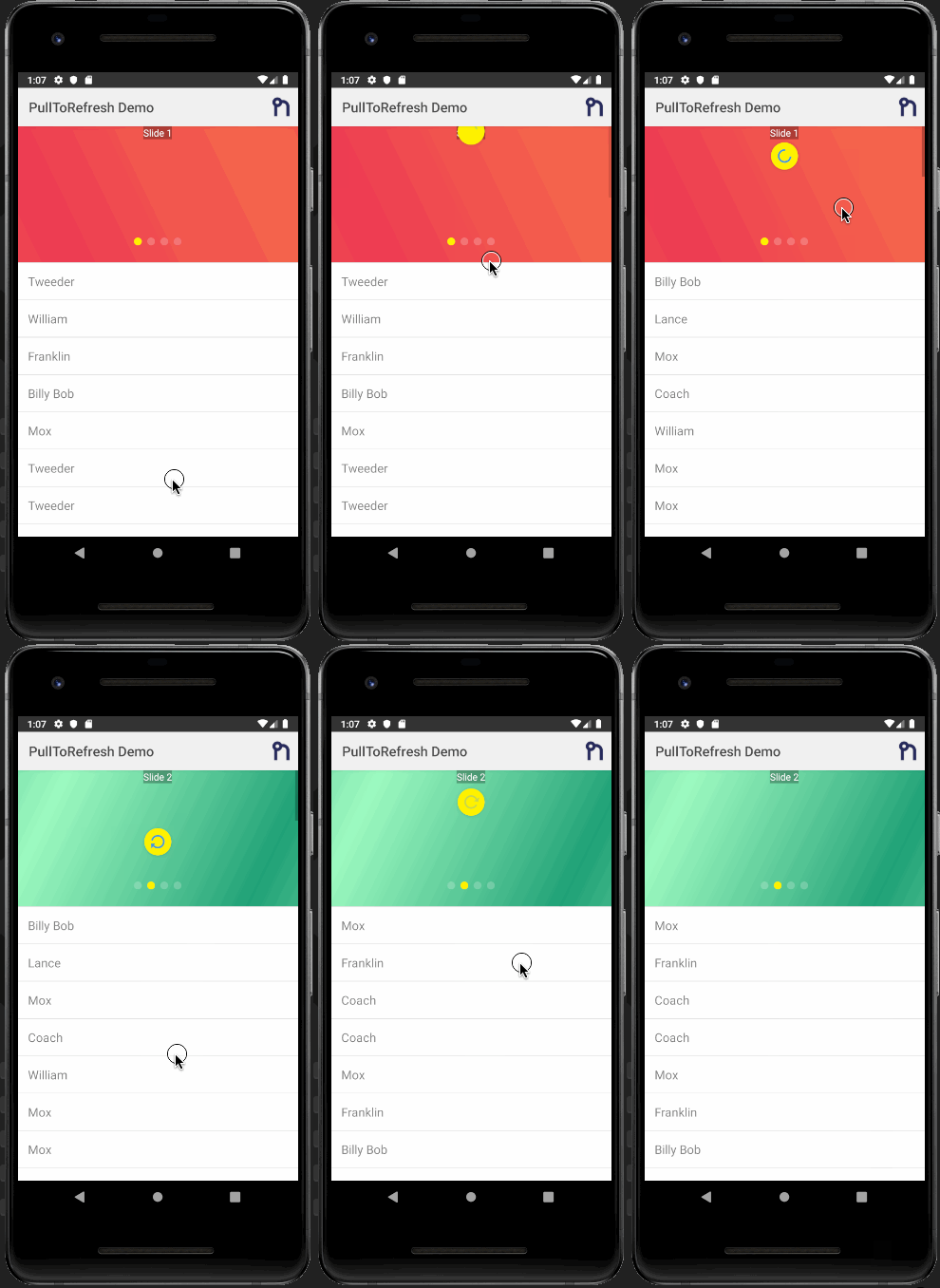
| <img src="https://raw.githubusercontent.com/nativescript-community/ui-pulltorefresh/master/screens/ios_refresh.gif" height="500" /> | <img src="https://raw.githubusercontent.com/nativescript-community/ui-pulltorefresh/master/screens/android_refresh.gif" height="500" /> |
| --- | ----------- |
| iOS Demo | Android Demo |


[](#table-of-contents)

## Table of Contents

* [Installation](#installation)
* [Usage](#usage)
	* [NativeScript Core](#nativescript-core)
		* [XML](#xml)
		* [JS](#js)
	* [Angular NativeScript](#angular-nativescript)
		* [HTML](#html)
	* [NativeScript Vue](#nativescript-vue)
		* [Component](#component)
* [Properties](#properties)
* [Demos and Development](#demos-and-development)
	* [Repo Setup](#repo-setup)
	* [Build](#build)
	* [Demos](#demos)
* [Contributing](#contributing)
	* [Update repo ](#update-repo-)
	* [Update readme ](#update-readme-)
	* [Update doc ](#update-doc-)
	* [Publish](#publish)
	* [modifying submodules](#modifying-submodules)
* [Questions](#questions)


[](#installation)

## Installation
Run the following command from the root of your project:

`ns plugin add @nativescript-community/ui-pulltorefresh`

[Android - _SwipeRefreshLayout_](http://developer.android.com/reference/android/support/v4/widget/SwipeRefreshLayout.html)

[iOS - _UIRefreshControl_](https://developer.apple.com/library/ios/documentation/UIKit/Reference/UIRefreshControl_class/)


[](#usage)

## Usage

### NativeScript Core

#### XML

```xml
<page xmlns="http://schemas.nativescript.org/tns.xsd"
      xmlns:PullRefresh="@nativescript-community/ui-pulltorefresh"
      loaded="pageLoaded">
    <PullRefresh:PullToRefresh refresh="refreshList">
        <list-view items="users">
            <list-view.itemTemplate>
                <label text="name" row="0" col="1" textWrap="true" class="message" />
            </list-view.itemTemplate>
        </list-view>
    </PullRefresh:PullToRefresh>
</page>
```

#### JS

```javascript
function refreshList(args) {
  // Get reference to the PullToRefresh component;
  var pullRefresh = args.object;

  // Do work here... and when done call set refreshing property to false to stop the refreshing
  loadItems().then(
    resp => {
      // ONLY USING A TIMEOUT TO SIMULATE/SHOW OFF THE REFRESHING
      setTimeout(() => {
        pullRefresh.refreshing = false;
      }, 1000);
    },
    err => {
      pullRefresh.refreshing = false;
    }
  );
}
exports.refreshList = refreshList;
```

### Angular NativeScript

```typescript
import { registerElement } from '@nativescript/angular';
import { PullToRefresh } from '@nativescript-community/ui-pulltorefresh';
registerElement('PullToRefresh', () => PullToRefresh);

refreshList(args) {
         const pullRefresh = args.object;
         setTimeout(function () {
            pullRefresh.refreshing = false;
         }, 1000);
    }
```

#### HTML

```html
<PullToRefresh (refresh)="refreshList($event)">
  <ListView [items]="itemList">
    <template let-item="item">
      <label [text]="item.id"></label>
    </template>
  </ListView>
</PullToRefresh>
```

### NativeScript Vue

```javascript
import Vue from 'nativescript-vue';

Vue.registerElement(
  'PullToRefresh',
  () => require('@nativescript-community/ui-pulltorefresh').PullToRefresh
);
```

#### Component

```vue
<template>
  <Page>
    <PullToRefresh @refresh="refreshList">
      <ListView for="item in listOfItems" @itemTap="onItemTap">
        <v-template>
          <!-- Shows the list item label in the default color and style. -->
          <label :text="item.text" />
        </v-template>
      </ListView>
    </PullToRefresh>
  </Page>
</template>

<script>
export default {
  methods: {
    refreshList(args) {
      var pullRefresh = args.object;
      setTimeout(function() {
        pullRefresh.refreshing = false;
      }, 1000);
    }
  }
};
</script>
```


[](#properties)

## Properties

- **refresh : function** _required_
- **refreshing: boolean** - Notifies the widget that the refresh state has
  changed.
- **indicatorColor: Color** - The color of the indicator icon.
- **indicatorFillColor: Color** - The background color of the indicator.


[](#demos-and-development)

## Demos and Development


### Repo Setup

The repo uses submodules. If you did not clone with ` --recursive` then you need to call
```
git submodule update --init
```

The package manager used to install and link dependencies must be `pnpm` or `yarn`. `npm` wont work.

To develop and test:
if you use `yarn` then run `yarn`
if you use `pnpm` then run `pnpm i`

**Interactive Menu:**

To start the interactive menu, run `npm start` (or `yarn start` or `pnpm start`). This will list all of the commonly used scripts.

### Build

```bash
npm run build.all
```
WARNING: it seems `yarn build.all` wont always work (not finding binaries in `node_modules/.bin`) which is why the doc explicitly uses `npm run`

### Demos

```bash
npm run demo.[ng|react|svelte|vue].[ios|android]

npm run demo.svelte.ios # Example
```

Demo setup is a bit special in the sense that if you want to modify/add demos you dont work directly in `demo-[ng|react|svelte|vue]`
Instead you work in `demo-snippets/[ng|react|svelte|vue]`
You can start from the `install.ts` of each flavor to see how to register new demos 


[](#contributing)

## Contributing

### Update repo 

You can update the repo files quite easily

First update the submodules

```bash
npm run update
```

Then commit the changes
Then update common files

```bash
npm run sync
```
Then you can run `yarn|pnpm`, commit changed files if any

### Update readme 
```bash
npm run readme
```

### Update doc 
```bash
npm run doc
```

### Publish

The publishing is completely handled by `lerna` (you can add `-- --bump major` to force a major release)
Simply run 
```shell
npm run publish
```

### modifying submodules

The repo uses https:// for submodules which means you won't be able to push directly into the submodules.
One easy solution is t modify `~/.gitconfig` and add
```
[url "ssh://git@github.com/"]
	pushInsteadOf = https://github.com/
```


[](#questions)

## Questions

If you have any questions/issues/comments please feel free to create an issue or start a conversation in the [NativeScript Community Discord](https://nativescript.org/discord).