# React Image Editor
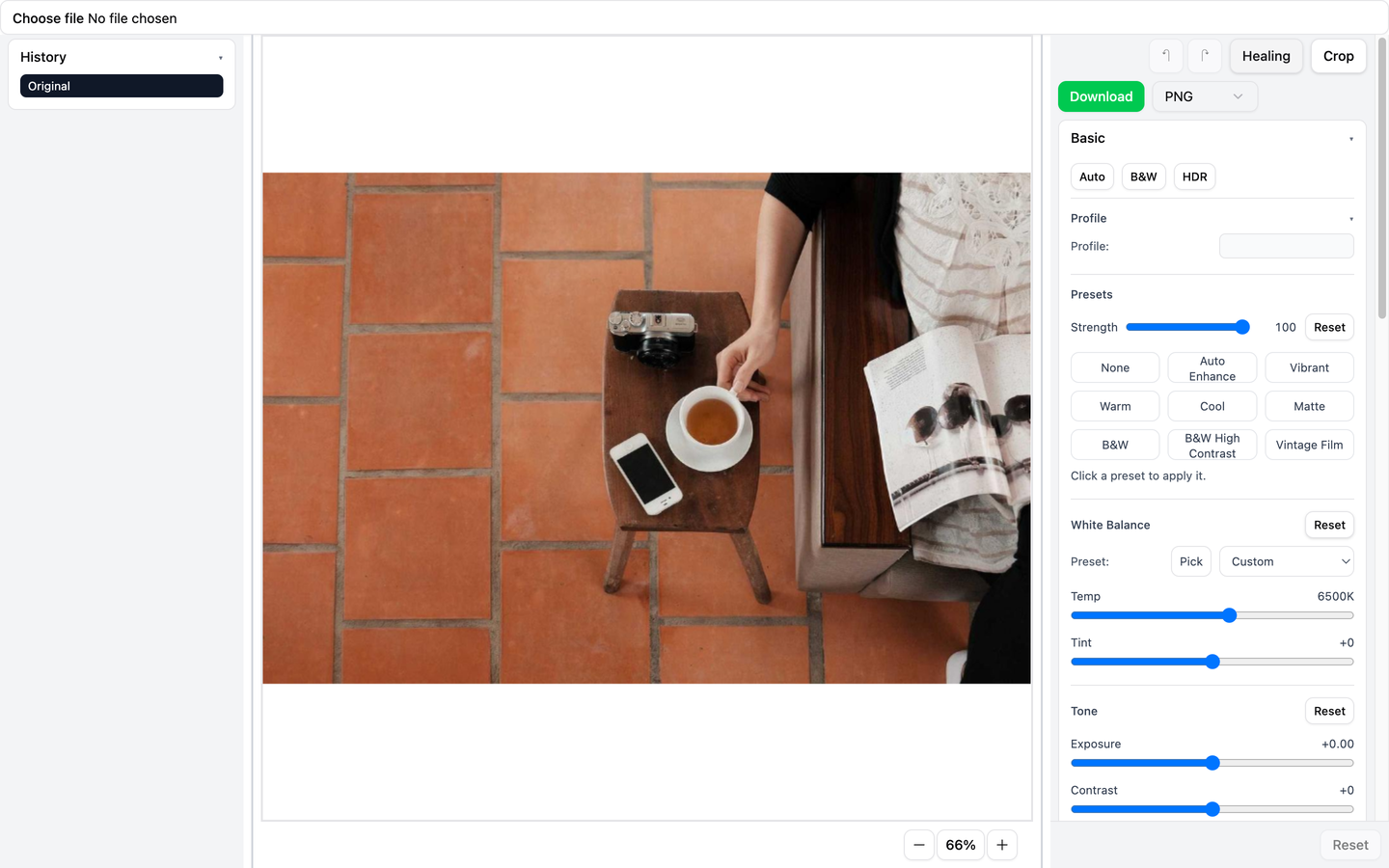
A Lightroom-style, non-destructive image editor for React, built on top of the HTML Canvas 2D API.
- Drop-in React component: pass an `imageSrc`
- Non-destructive pipeline: edits are re-applied from the original for preview + export
- Crop/straighten, healing, tone/color adjustments, history + undo/redo
- Export PNG/JPEG (with JPEG quality)
[Link to demo](https://mukeshsoni.github.io/react-image-editor/)
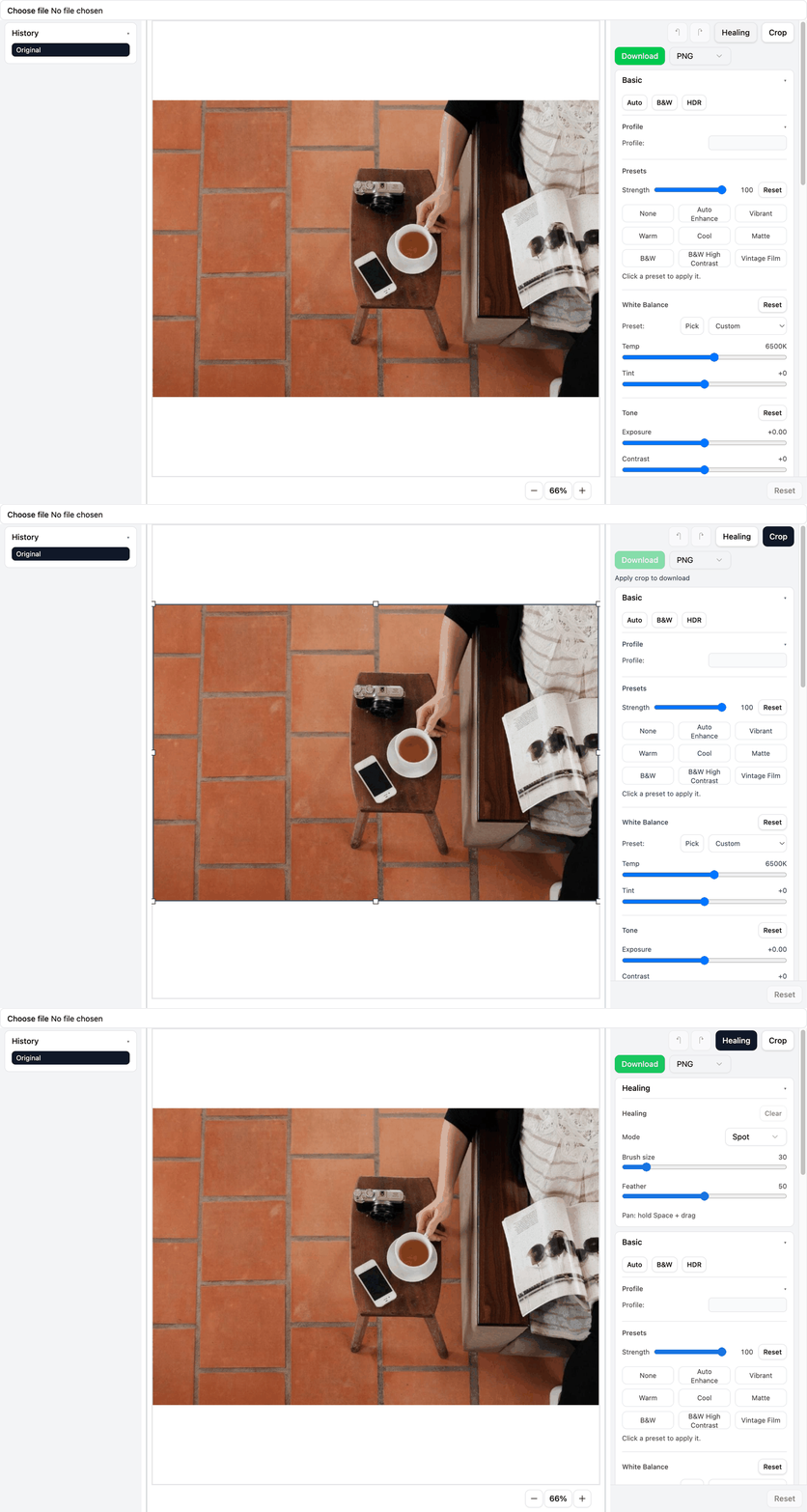
## Demo
## Features
### Viewer (zoom/pan)
- Zoom with mouse wheel/trackpad, pinch-to-zoom on touch devices
- Zoom centers on the cursor/touch point (makes it easy to inspect details)
- Double-click / double-tap toggles between fit-to-canvas and a closer zoom
- Drag-to-pan with inertial panning
### Crop & straighten
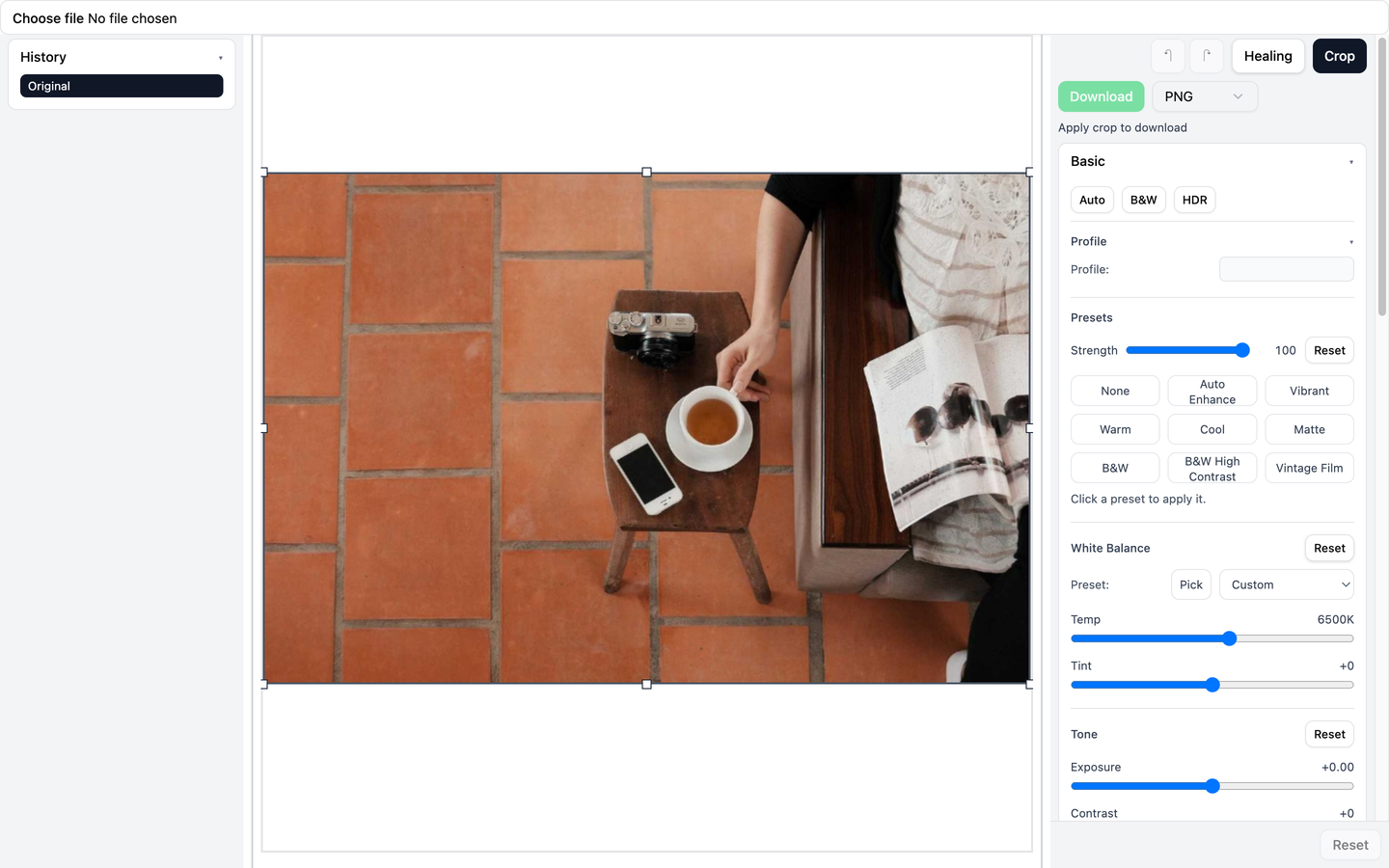
- Interactive crop overlay: drag to move, drag handles to resize
- Aspect ratio presets + custom ratio input, optional aspect lock
- Rotate/straighten with live preview
- Apply crop (commits it) or reset crop
- Auto-straighten estimates a rotation angle from the image
### Adjustments (non-destructive)
- White balance: temperature/tint, presets, and a click-to-pick eyedropper
- Tone: exposure, contrast, highlights/shadows, whites/blacks
- Color: vibrance and saturation
- Presets: built-in presets with adjustable strength (applies into manual sliders)
- Color mixer: per-color-band HSL tuning + point color picker with a configurable range
- Tone curve: point curve editing and region/parametric controls
- Details: sharpening and denoising controls
### Geometry & optics
- Perspective correction (vertical/horizontal/aspect)
- Lens corrections (distortion + chromatic aberration toggle)
- Optics: vignette, grain, dehaze
### Healing / clone
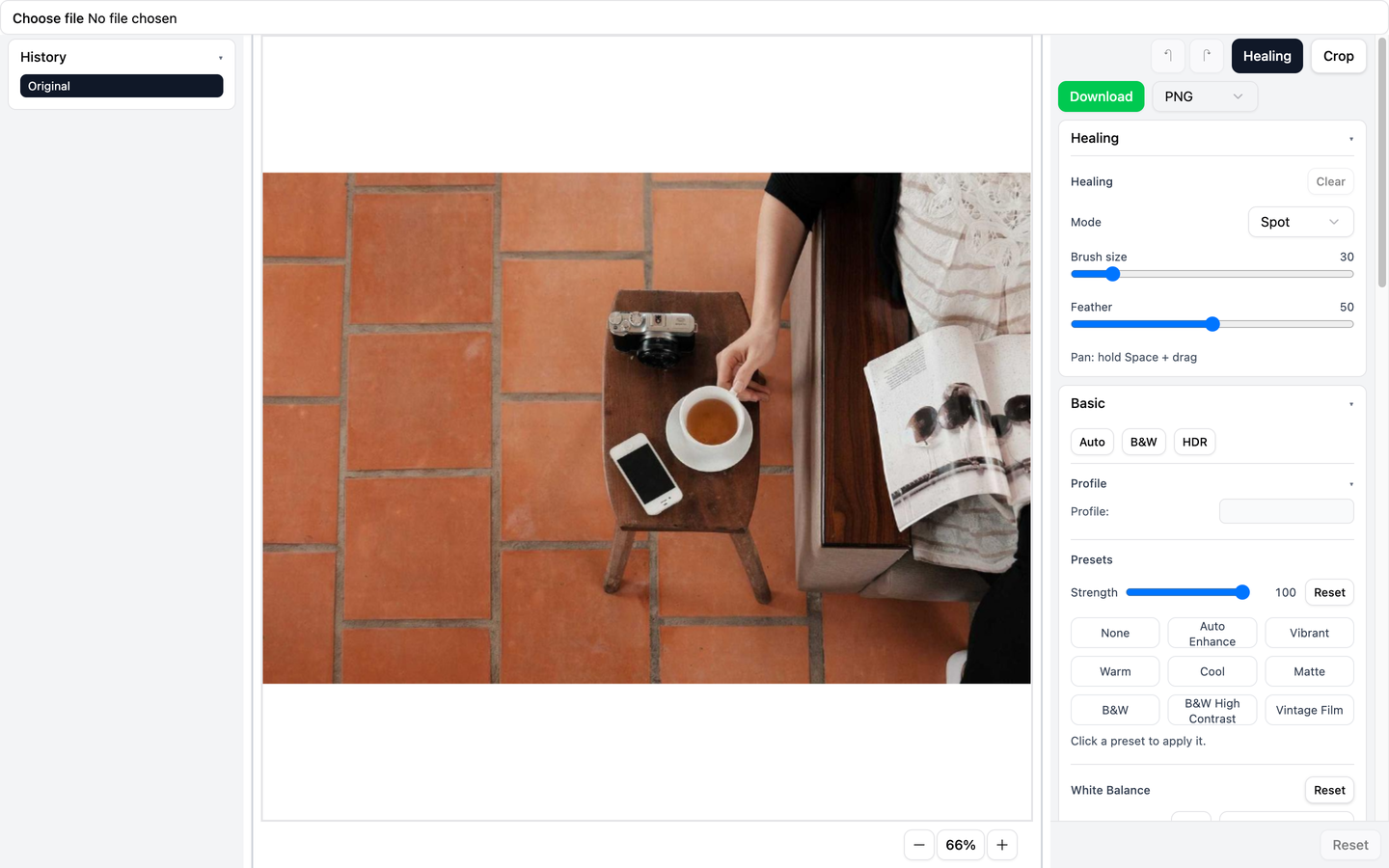
- Spot removal, heal brush, and clone brush modes
- Brush size + feather
- Clone source selection (Alt/Option + click), plus pan while editing (Space + drag)
- Select spots and adjust their sample/source point; delete selected spots
### History
- Undo/redo (buttons + shortcuts)
- History list with time travel (click an entry to jump)
- Reset back to the original baseline
## Tools & Adjustments
- Crop: aspect ratios, rotation/straighten, constrain crop, apply/reset
- Zoom & pan: wheel/pinch zoom to cursor, drag-to-pan with inertia, reset zoom
- Export: PNG/JPEG, JPEG quality
- Tone: exposure, contrast, highlights, shadows, whites, blacks
- Color: vibrance, saturation, per-band HSL color mixer, point color
- Tone curve: point curve + region/parametric
- Details: sharpening, denoise
- Geometry: perspective, lens distortion, chromatic aberration
- Optics: vignette, grain, dehaze
- Healing: spot/heal/clone with adjustable brush
- Presets: built-in presets with strength
## Export
- Formats: PNG and JPEG
- JPEG quality control
- Export uses the committed crop and ignores the current zoom/pan (view-only)
- Download is disabled while crop mode is active; apply the crop first
## Known gaps
- The "Auto", "B&W", and "HDR" buttons are currently present but do not apply edits
- The "Profile" control is present as a placeholder (disabled)
- "Guided Upright" UI is present, but the guided workflow is not implemented yet
## Install
```bash
npm install @mukeshsoni/react-image-editor
```
Peer dependencies:
- `react`
- `react-dom`
## Quick Start
```tsx
import { useMemo, useState } from "react";
import { ReactImageEditor, type ImageEditorEdits } from "@mukeshsoni/react-image-editor";
import "@mukeshsoni/react-image-editor/styles.css";
export function MyEditor() {
const [file, setFile] = useState(null);
const imageSrc = useMemo(() => {
if (!file) return null;
return URL.createObjectURL(file);
}, [file]);
return (
setFile(e.target.files?.[0] ?? null)}
/>
{imageSrc ? (
{
// Persist edits in your app, sync to server, etc.
console.log(edits);
}}
/>
) : null}
);
}
```
## Component API
### `ReactImageEditor`
Props:
- `imageSrc: string`
- URL to load into the editor (e.g. `URL.createObjectURL(file)` or a CDN URL).
- `onEditsChange?: (edits: ImageEditorEdits) => void`
- Called when committed edits change (crop apply/reset, slider commits, healing ops, etc).
### `ImageEditorEdits`
`onEditsChange` emits a serializable snapshot of the editor state.
If you want to inspect the full shape, see `src/store/edits.ts`.
## Keyboard + Interaction Cheatsheet
- Undo / redo: `Cmd+Z`, `Shift+Cmd+Z`
- Zoom:
- Mouse wheel / trackpad pinch over the canvas
- Double-click / double-tap toggles fit vs zoomed
- Buttons: zoom in/out + reset
- Keyboard: `Cmd/Ctrl +`, `Cmd/Ctrl -`, `Cmd/Ctrl 0`
- Crop:
- Rotate: `[` / `]` (hold `Shift` for bigger step)
- Reset rotation: `R`
- Pickers:
- Cancel white balance / point color picking: `Esc`
- Healing:
- Pan while healing: hold `Space` + drag
- Clone source: hold `Alt/Option` and click (Clone mode)
- Delete selected spot: `Delete` / `Backspace`
## Styling / CSS
The editor UI is built with Tailwind CSS v4 + shadcn/ui components.
When consumed as a library, Tailwind CSS is required in the host app (Tailwind v3 or v4).
1. Import the editor styles once in your app entry (Tailwind will compile it):
```ts
import "@mukeshsoni/react-image-editor/styles.css";
```
2. Ensure Tailwind scans the editor package output in `node_modules` so its class names are included in your build. Without this, the UI will look partially unstyled.
Example `tailwind.config.{js,ts}`:
```ts
export default {
content: [
"./index.html",
"./src/**/*.{js,ts,jsx,tsx}",
"./node_modules/@mukeshsoni/react-image-editor/dist/**/*.{js,ts,jsx,tsx}",
],
};
```
## CORS / Tainted Canvas Notes
If `imageSrc` points to a remote image without permissive CORS headers, the canvas can become tainted.
That breaks features that read pixels (eyedroppers) and can block export.
Recommendation: use same-origin images, or serve images with `Access-Control-Allow-Origin` and proper CORS configuration.
## Limitations
- State is managed with Zustand stores; multiple editors on the same page may conflict unless the library is adapted to use per-instance stores.
## Local Development (repo)
```bash
npm install
npm run dev
```
Other useful commands:
```bash
npm run build
npm run lint
npx vitest run
```
## Roadmap
See `ROADMAP.md`.