# @mrclrchtr/supi-prompt-suggestions
Advisory ghost-text prompt suggestions for the [pi coding agent](https://github.com/earendil-works/pi).
## Install
```bash
pi install npm:@mrclrchtr/supi-prompt-suggestions
```
## What it does
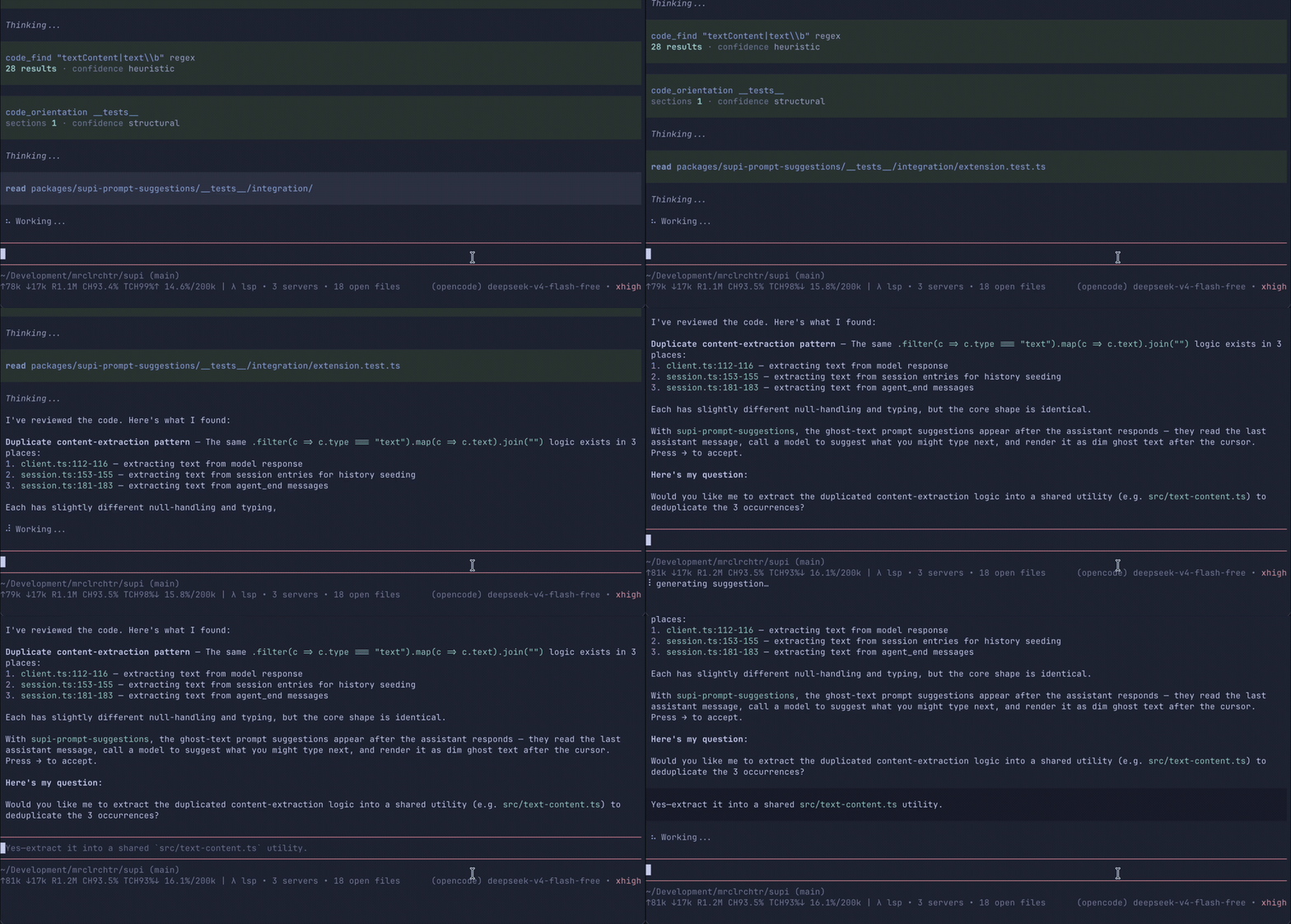
After each assistant response, the extension can suggest a concise next prompt as dim ghost text in the editor.
Suggestions only appear when:
- you selected a suggestion model in `/supi-settings`
- the editor is empty
- the model finds a useful follow-up
## Using suggestions
| Key | Action |
|-----|--------|
| `→` / Right Arrow | Accept the suggestion into the editor without submitting it |
| `Esc` | Dismiss the suggestion |
| Any text input | Dismiss the suggestion and continue typing |
Accepted suggestions are inserted into the editor so you can edit them before sending.
## Configuration
Open `/supi-settings` → **Prompt suggestions**.
- **Suggestion model** — choose `disabled` or one of PI's scoped enabled models
The default is `disabled`. Pick a cheap, fast model if you want lightweight suggestions after assistant turns.
Settings follow SuPi's normal scoped config behavior: set a global default, then override it per project when needed.
## Privacy
When suggestions are enabled, the suggestion model receives only the last assistant message, trimmed to the final 8,000 characters.
The extension does **not** send:
- the full conversation transcript
- tool outputs
- file contents
- project metadata
- session metadata
## Troubleshooting
If no suggestion appears:
- confirm **Suggestion model** is not `disabled`
- confirm the selected model is still enabled in PI for the current scope
- confirm the selected model has an API key configured
- make sure the editor is empty after the assistant finishes
- wait for the suggestion spinner to finish; generation times out after about 20 seconds