# microlink-og

[](https://coveralls.io/github/microlinkhq/microlink-og)
[](https://www.npmjs.org/package/microlink-og)
> Shareable Microlink images, rendered on the server with [Takumi](https://takumi.kane.tw) — no headless browser required.
It renders an on-brand Open Graph card for any kind of Microlink page. Every
card shares the same frame (mark, type scale, gradient bar); per-page context
comes from a handful of optional slots, so the whole site reads as one family.
## Install
```bash
$ npm install @microlink/og --save
```
## Usage
Render a card to an image buffer:
```js
const { writeFile } = require('fs/promises')
const microlinkOg = require('@microlink/og')
const main = async () => {
const image = await microlinkOg({
title: 'Faster WebGL screenshots',
description: 'How we made 3D pages render up to 3× faster.',
tags: ['WebGL', 'Performance']
})
await writeFile('og.png', image)
}
main()
```
## Template
Every page uses one layout ([`src/template.js`](src/template.js)): the Microlink
mark, a title, a description, an optional `tags` chip row, and a `url` footer,
over the brand gradient bar. Customer-story cards use the same type system with
a dedicated customer logo tile and soft brand-color backdrop.
In URL mode the fields are filled automatically: the **kind** from the slug
(`/blog/*`, `/docs/*`, `/recipes/*`, `/alternative/*`…) and the **content**
(title, description) from the Microlink API.
Start the [server](#server) (`npm start`) and open for
the full live grid — or preview a single page:
| Page kind | Example |
| :---------- | :------ |
| Docs | |
| Blog post | |
| Product | |
| Tools | |
| Recipe | |
| Alternative | |
## Examples
One card per kind of Microlink page. The runnable sources live in [`examples/`](examples).
| | |
| :------------------------: | :------------------------: |
| **Docs** | **Blog post** |
| 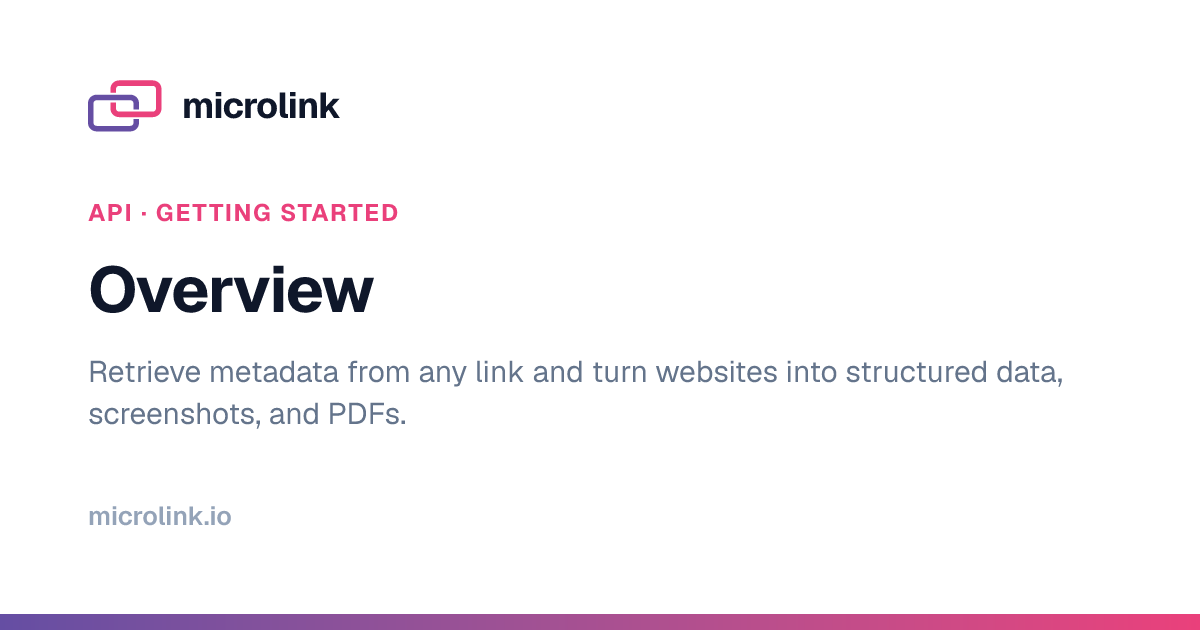 | 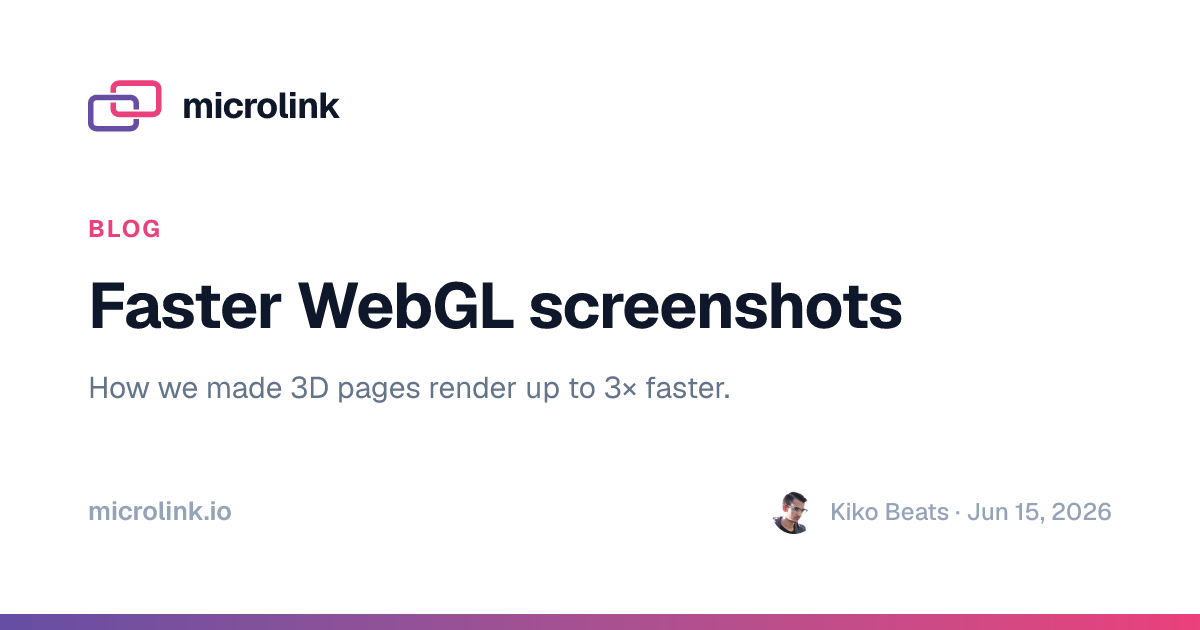 |
| **Product** | **Tools** |
|  | 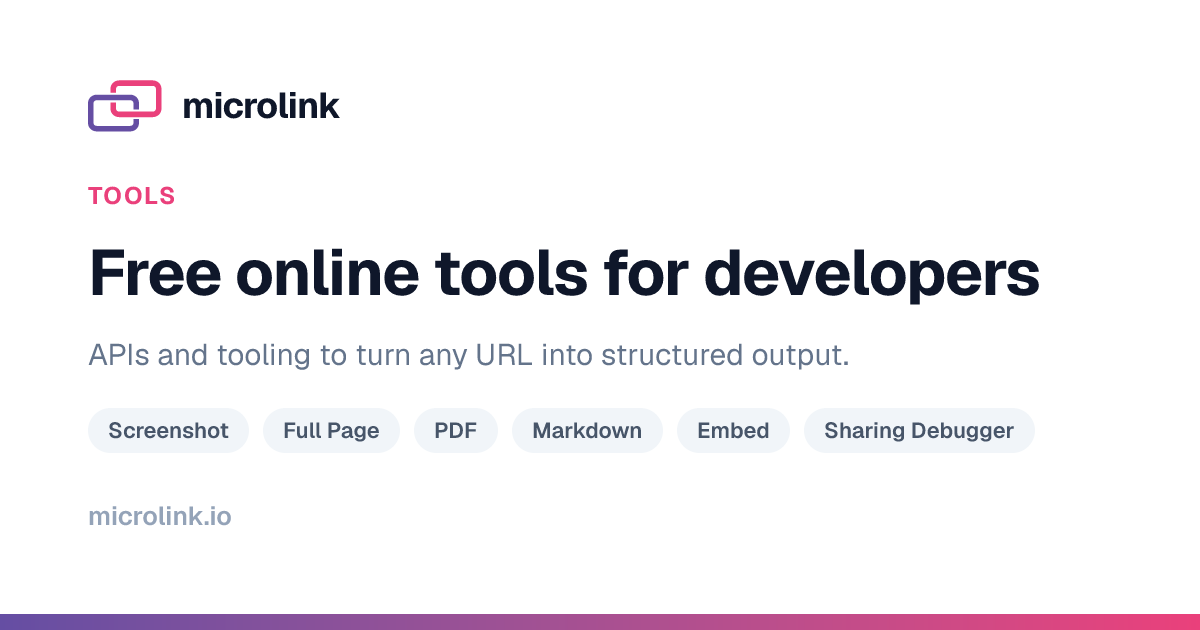 |
| **Embed** | **Alternative** |
|  | 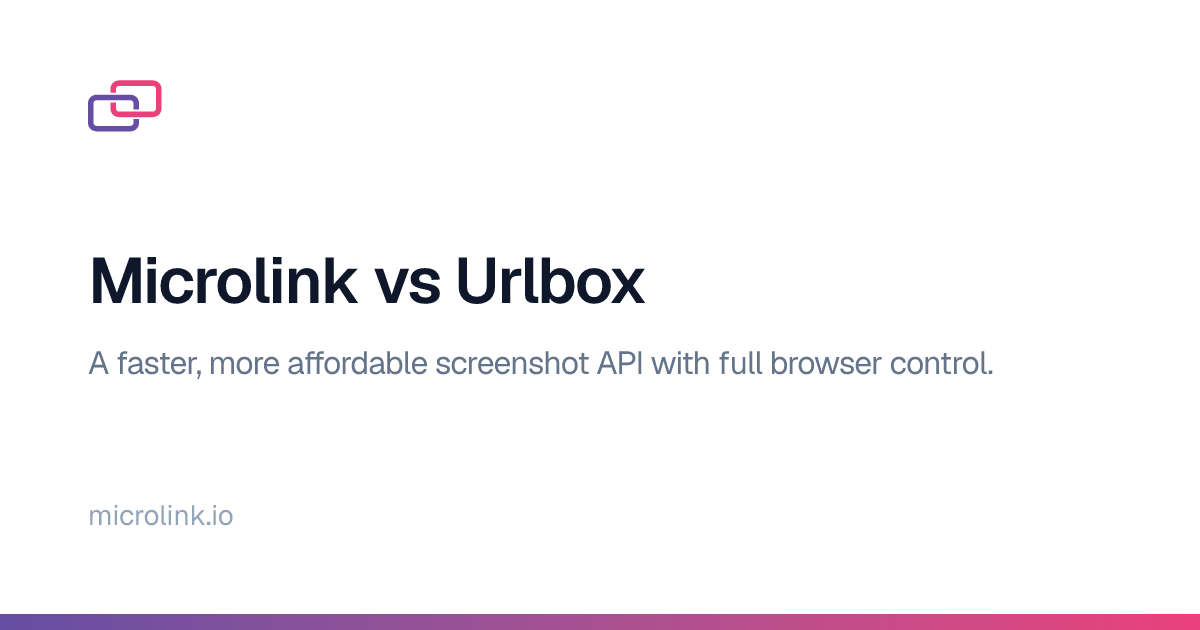 |
## API
### microlinkOg(options)
Returns a `Promise` with the rendered image.
#### options
##### title
Type: `string`
Default: `'microlink'`
The headline shown on the card.
##### description
Type: `string`
Default: `'Browser as an API'`
The supporting text shown under the title.
##### tags
Type: `string[]`
A row of chips under the description (e.g. the tools directory).
##### url
Type: `string`
Default: `'microlink.io'`
The footer label.
##### customerLogo
Type: `string`
Remote image URL used in a `variant: 'customer'` card's customer logo tile.
For direct rendering, pair it with `customer` (the customer name):
```js
await microlinkOg({
variant: 'customer',
customer: { name: 'R-Advertising' },
customerLogo: 'https://microlink.io/images/clients/r-advertising.com.png',
title: 'R-Advertising: Tinder-style sales prospecting',
description: 'How R-Advertising qualifies prospects faster with Microlink.',
url: 'microlink.io/use-cases/r-advertising'
})
```
##### customerBackground
Type: `string`
Optional full-bleed image URL for a `variant: 'customer'` card. If it cannot
be fetched, the renderer retries without it.
##### customerBackgroundOpacity
Type: `number`
Default: `0.8`
Opacity for `customerBackground`, from `0` (transparent) to `1` (original
image). Use `0.7` to blend the background more gently into white.
##### width
Type: `number`
Default: `1200`
##### height
Type: `number`
Default: `630`
##### format
Type: `string`
Default: `'png'`
One of `'png'`, `'jpeg'` or `'webp'`.
##### scale
Type: `number`
Default: `2`
Pixel density the card is rasterized at; the canvas grows by this factor so the
card stays crisp on retina and zoom.
## Server
A tiny HTTP server is bundled so cards can be generated on demand:
```bash
$ npm start
# microlink-og · gallery on http://localhost:3000
```
During development, `npm run dev` runs the same server on port `1337` and
restarts it on every change under `src/` (requires
[watchexec](https://github.com/watchexec/watchexec)).
- `/` renders a live grid of every URL in the [sitemap](https://microlink.io/sitemap-0.xml),
grouped by section (falls back to a few curated presets when offline).
- `/og?url=…` renders the card for a Microlink page: the **kind** comes from the
slug and the **content** from the [Microlink API](https://microlink.io/docs/api/getting-started/overview):
```
http://localhost:3000/og?url=https://microlink.io/blog/faster-webgl-screenshots
```
- `/og` also accepts the [card fields](#api) directly, to override or render
ad-hoc cards (`tags` is comma-separated):
```
http://localhost:3000/og?title=Hello&description=World&format=png
```
Customer cards can be rendered directly with `variant=customer`, `customer`,
and `customerLogo`:
```
http://localhost:3000/og?variant=customer&customer=R-Advertising&customerLogo=https%3A%2F%2Fmicrolink.io%2Fimages%2Fclients%2Fr-advertising.com.png
```
Metadata is fetched with [MQL](https://github.com/microlinkhq/mql). Set
`MICROLINK_API_KEY` to use your [Pro plan](https://microlink.io/#pricing) (higher
rate limits); without it, the free tier is used. If the API can't be reached,
the card falls back to what the slug alone implies.
Image responses are served with a one-year immutable `cache-control` (and
`no-store` under `npm run dev`). The port is set via the `PORT` env var.
## Generate
`npm run generate` reads the live [Microlink sitemap](https://microlink.io/sitemap-0.xml),
renders an OG image for every URL, and writes a browsable grid:
```bash
$ npm run generate
# microlink-og · wrote 359 images → dist/index.html
```
Each URL is mapped to a card straight from its path — `/blog/*` becomes a blog
card, `/alternative/*` becomes a "Microlink vs …" card, and so on (see
[`src/sitemap.js`](src/sitemap.js)). Open `dist/index.html` to see them all.
This also runs on `postinstall`, so the grid is ready after install. It is a
no-op when the package is installed as a dependency, and never fails an install
on a network or render error. Overrides: `SITEMAP_URL`, `OG_CONCURRENCY`.
## License
**microlink-og** © [microlink.io](https://microlink.io), released under the [MIT](https://github.com/microlinkhq/microlink-og/blob/master/LICENSE.md) License.
Authored and maintained by [microlink.io](https://microlink.io) with help from [contributors](https://github.com/microlinkhq/microlink-og/contributors).
> [microlink.io](https://microlink.io) · GitHub [microlink.io](https://github.com/microlinkhq) · Twitter [@microlinkhq](https://twitter.com/microlinkhq)