# @markdy/mdx





MDX & remark plugin for [MarkdyScript](https://markdy.com/docs/) animated diagrams with Lighthouse-safe, zero-CLS lazy hydration:
> 🚀 **Try it live**: Test MarkdyScript in the browser at **[markdy.com/playground](https://markdy.com/playground/)**
> 📚 **Documentation**: Complete syntax guide and examples at **[markdy.com/docs](https://markdy.com/docs/)**
> 💼 **Enterprise & Commercial**: Free under MIT. Access production architectural templates, custom diagram kits, and direct support via **[GitHub Sponsors & Pro Blueprints](https://github.com/sponsors/HoangYell)**.
- `remarkMarkdy` converts fenced code blocks (` ```markdy `) into a diagram component.
- `MarkdyDiagram` hydrates only when visible and lazy-loads `@markdy/renderer-dom`.
- Rendered diagrams use the same semantic SVG node cards as `@markdy/renderer-dom`.
## Install
```sh
pnpm add @markdy/mdx react react-dom
```
## Package position (text)
```text
@markdy/core -> @markdy/renderer-dom -> @markdy/mdx
MDX integration transforms fenced markdy blocks into lazy diagram components.
```
## Output preview
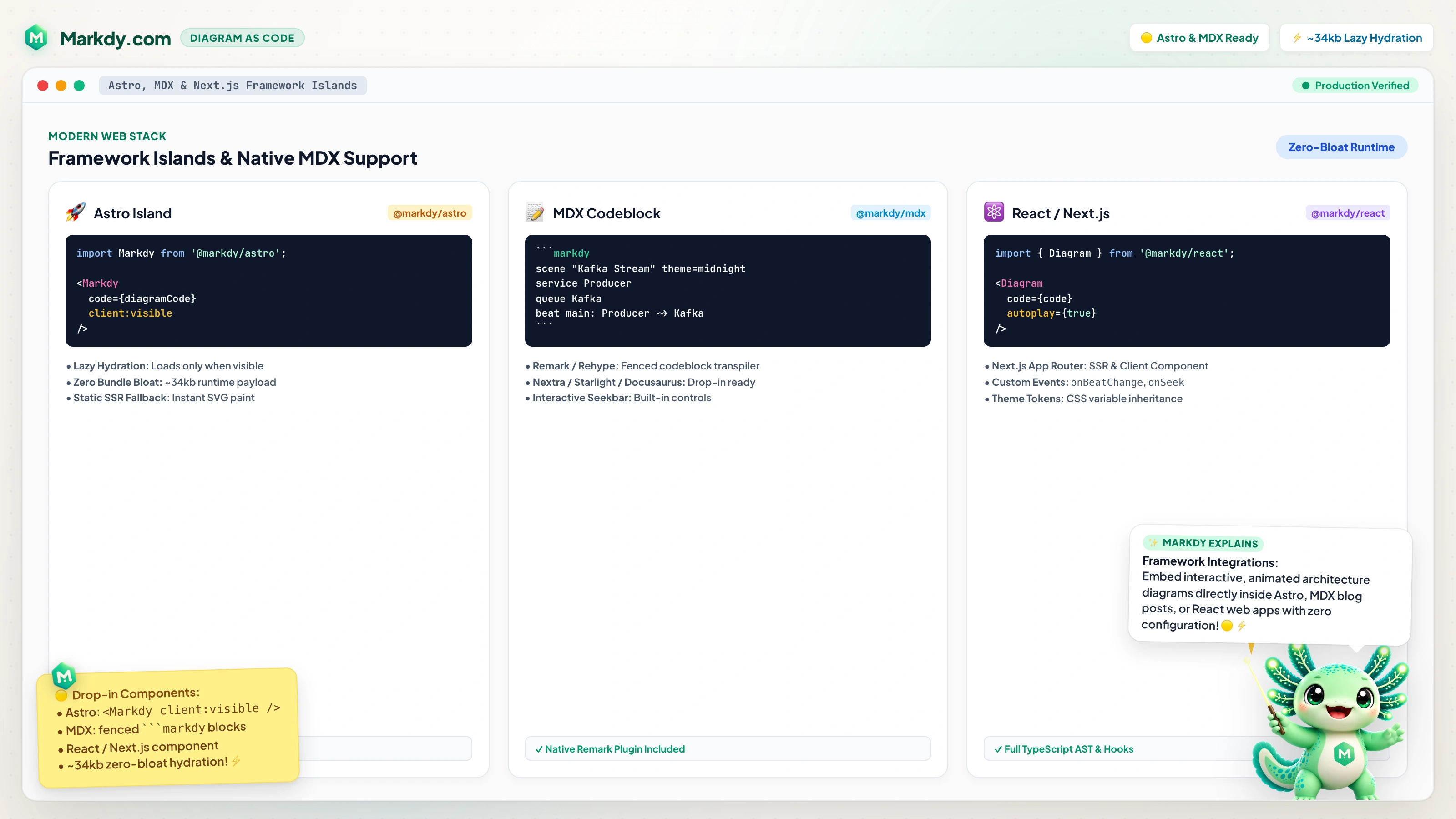
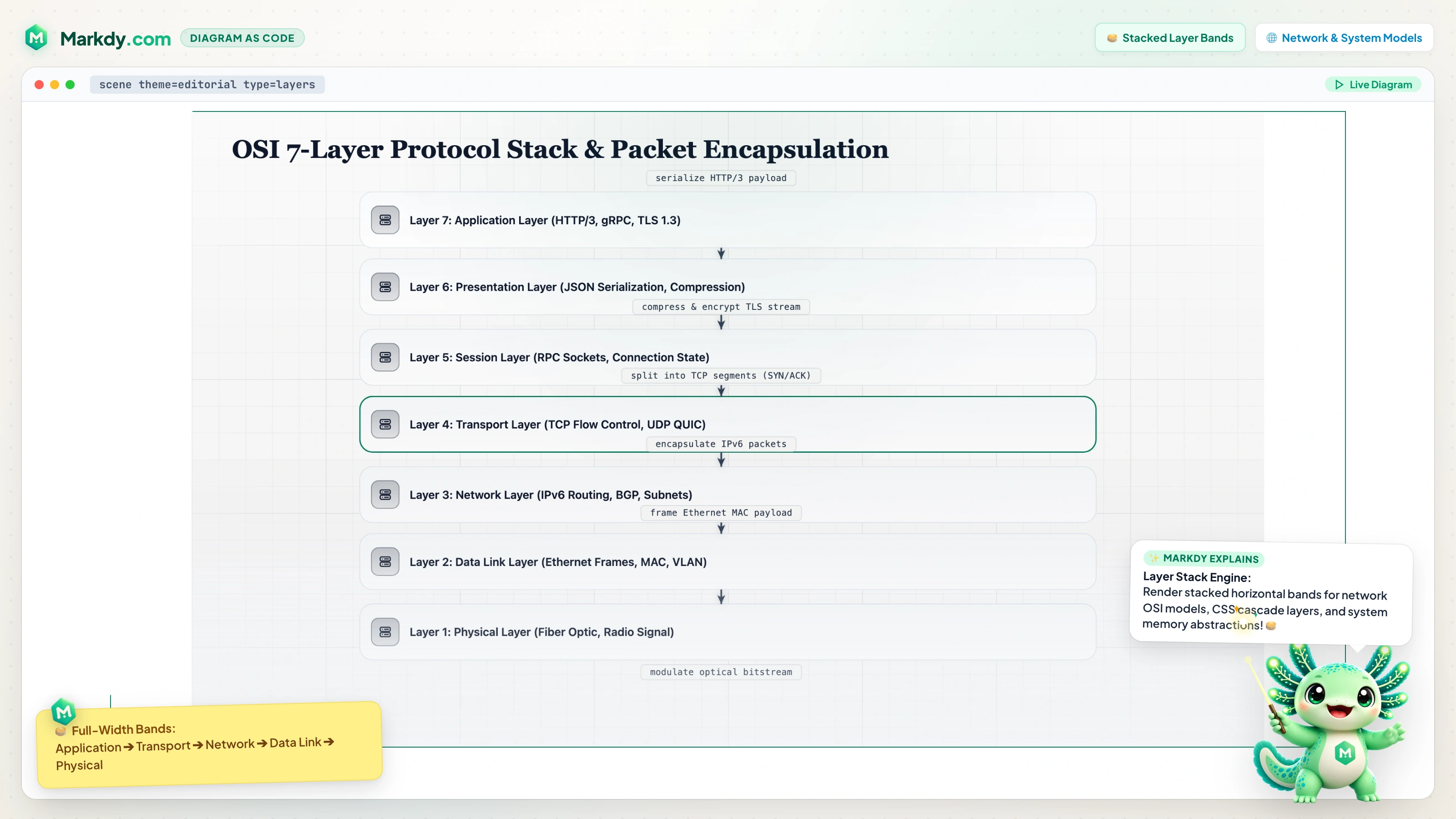
## Usage
```ts
// mdx config
import { remarkMarkdy } from "@markdy/mdx";
export default {
remarkPlugins: [[remarkMarkdy, { componentName: "MarkdyDiagram" }]],
};
```
```tsx
// shared MDX components map
import { MarkdyDiagram } from "@markdy/mdx";
export const mdxComponents = {
MarkdyDiagram,
};
```
Then write Markdown:
````md
```markdy width=800 height=400 autoplay=true loop=true
scene "Cache-Aside Architecture" theme=paper width=800 height=400
layout LR
browser Client "Web Client"
gateway Gateway "API Gateway"
service Shortener "URL Service"
cache Redis "Redis Cluster"
beat hit:
show $nodes stagger=60ms
Client -> Gateway "GET /x9" -> Shortener "resolve"
Shortener -> Redis "GET slug:x9"
Shortener <- Redis "200 Target URL"
Client <- Gateway "301 Redirect"
```
````
## Performance Notes
- The transform adds no implicit props, so a scene's own `player:` config stays authoritative. Pass `remarkMarkdy({ defaults: { autoplay: false, loop: false, progressBar: false } })` to restore the previous static-page behavior for every block.
- Runtime diagram component does not import renderer code until the block enters viewport.
- Placeholder is SSR-safe and keeps stable layout ratio to avoid CLS.
## Fence Metadata
Fenced block metadata is passed as props to `MarkdyDiagram`. Snake-case aliases are normalized for renderer options:
| Metadata | Prop | Description |
|---|---|---|
| `progress_bar=false` | `progressBar={false}` | Deprecated compatibility flag for the scene-boundary progress bar |
| `scene_boundary_progress=false` | `sceneBoundaryProgress={false}` | Preferred flag for the scene-boundary progress bar |
| `progress_color="#3b82f6"` | `progressColor="#3b82f6"` | Custom progress bar color or gradient |
| `playback_rate=0.5` | `playbackRate={0.5}` | Normalized timeline speed multiplier; `1` is Markdy's normal pace |
| `interactive_viewport=true` | `interactiveViewport={true}` | Enable wheel zoom and drag pan on the rendered viewport |
| `controls=true` | `controls={true}` | Supply legacy toolbar defaults; `false` suppresses controls declared by the script |
## Ecosystem & Documentation
- ⚡ **[Interactive Studio / Playground](https://markdy.com/playground/)** — edit MarkdyScript with instant live preview in your browser
- 📖 **[Syntax Guide & Reference](https://markdy.com/docs/)** — complete language specification and keywords
- 🌟 **[Canonical Blueprints](https://markdy.com/examples/)** — production-grade distributed system and cloud architectures
- 📦 **[GitHub Repository](https://github.com/HoangYell/markdy-com)** — source code, benchmarks, and issue tracker
## 📐 Production Architecture Blueprints & Pro Support
Ship production diagrams faster with proven starting points and expert help:
- 🌟 **Canonical Blueprints Showcase**: Browse 30+ production-grade architectures for fintech, SaaS, AI, and cloud-native stacks at [markdy.com/examples](https://markdy.com/examples/) - copy any blueprint and adapt it to your stack in minutes.
- 📦 **Pro Architecture Kits on GitHub Sponsors**: Unlock private production templates, enterprise layout kits, and prioritized support at [github.com/sponsors/HoangYell](https://github.com/sponsors/HoangYell) - built for teams shipping docs at scale.
- ⚡ **Interactive Studio**: Prototype and share live diagrams instantly in your browser at [markdy.com/playground](https://markdy.com/playground/) - no install, no setup, just paste MarkdyScript and present.
## License
[MIT](https://github.com/HoangYell/markdy-com/blob/main/LICENSE)