# 5 Minute Quick Start
## Hello World Plugin
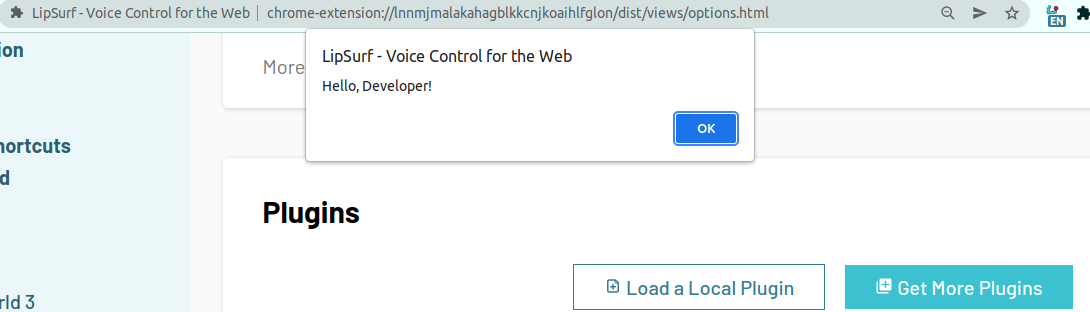
Let's create a simple "Hello World" plugin that responds with a JavaScript alert "Hello, Developer!" when a user says hello world.
1. Install the LipSurf CLI.
```shell
yarn global add @lipsurf/cli
```
2. Scaffold a project.
```shell
lipsurf-cli init HelloWorld && cd lipsurf-plugin-helloworld
```
The most important bit is the plugin created in `src/HelloWorld/HelloWorld.ts`. It should be something like this:
<<< @/assets/HelloWorld.ts
The meat of the plugin lives in the array of commands. Each [Command](/api-reference/command.md) object has a `match` property for what the user needs to say to run it, a `pageFn` property for the code that's actually run and a bunch of meta properties like `name`, `description` etc.
::: tip NOTE
If you change the plugin id, "HelloWorld" in this case, make sure to change the directory name as well so it matches.
:::
3. Compile our TypeScript file and make the LipSurf plugin.
```shell
yarn watch
```
::: tip NOTE
This will watch our *.ts files for changes and compile them to JavaScript, and finally a LipSurf plugin whenever a change is detected :)
:::
4. Time to _load 'er up_. Open up Google Chrome and right click the LipSurf icon then "Options".
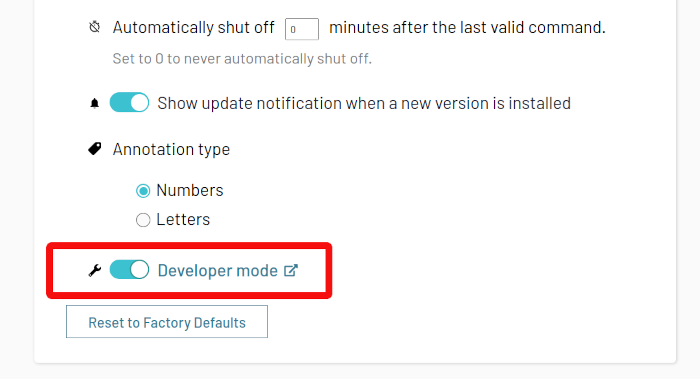
5. Turn on "Developer mode" by checking its box.
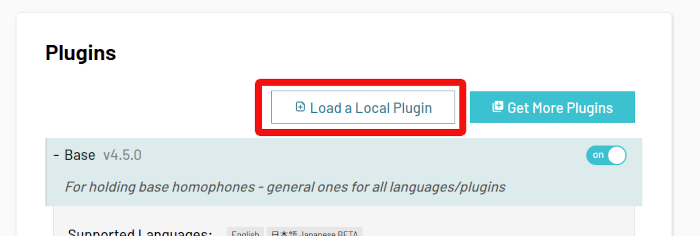
6. Click "Load a Local Plugin" under "Plugins" and navigate to the compiled `.ls` file `dist/HelloWorld.1-0-0.0.ls`.
::: tip NOTE
The `ls` extension is special for LipSurf extensions. It's basically 3 JavaScript files rolled into one.
:::
:checkered_flag: **That's it!** :checkered_flag:
---
## Verifying
After a few seconds your plugin should appear in the plugins list if there were no installation problems.
::: tip
Check the developer console (<F12>) for hints if there are installation issues.
:::
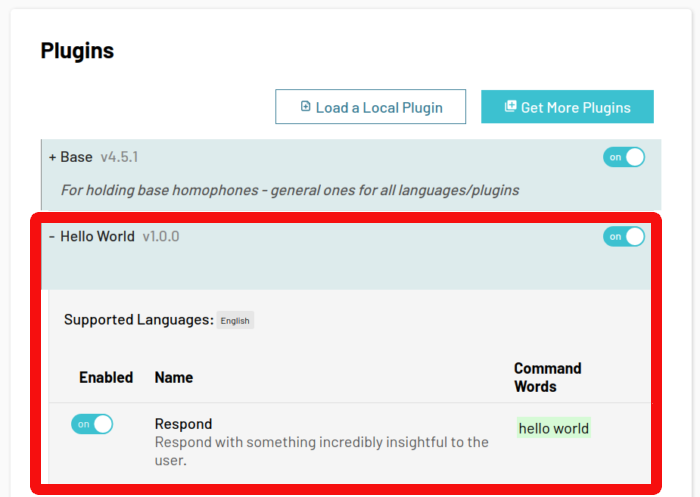
Now try saying hello world in any tab (since this plugin has a catch-all `/.*/` regex for the `match` property it should run on any non-special URL).
If everything went smoothly, you should see a JavaScript alert like this one:
---
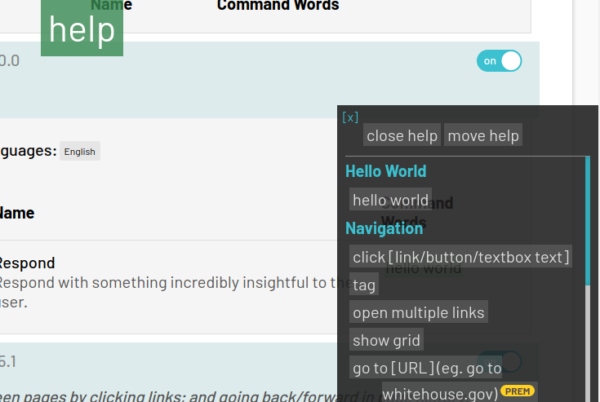
You can also say help to see your new command listed in the auto-generated help overlay.
---
## What's Next
If you think that's nifty, we've just scratched the surface! LipSurf can handle homophones, dynamic match commands, multiple languages and more!
Check out the "Advanced" topics after you take a deep breath and regain your composure from all this excitement!