# Fluent UI System Icons
([中文](README.zh-cn.md)/**English**)
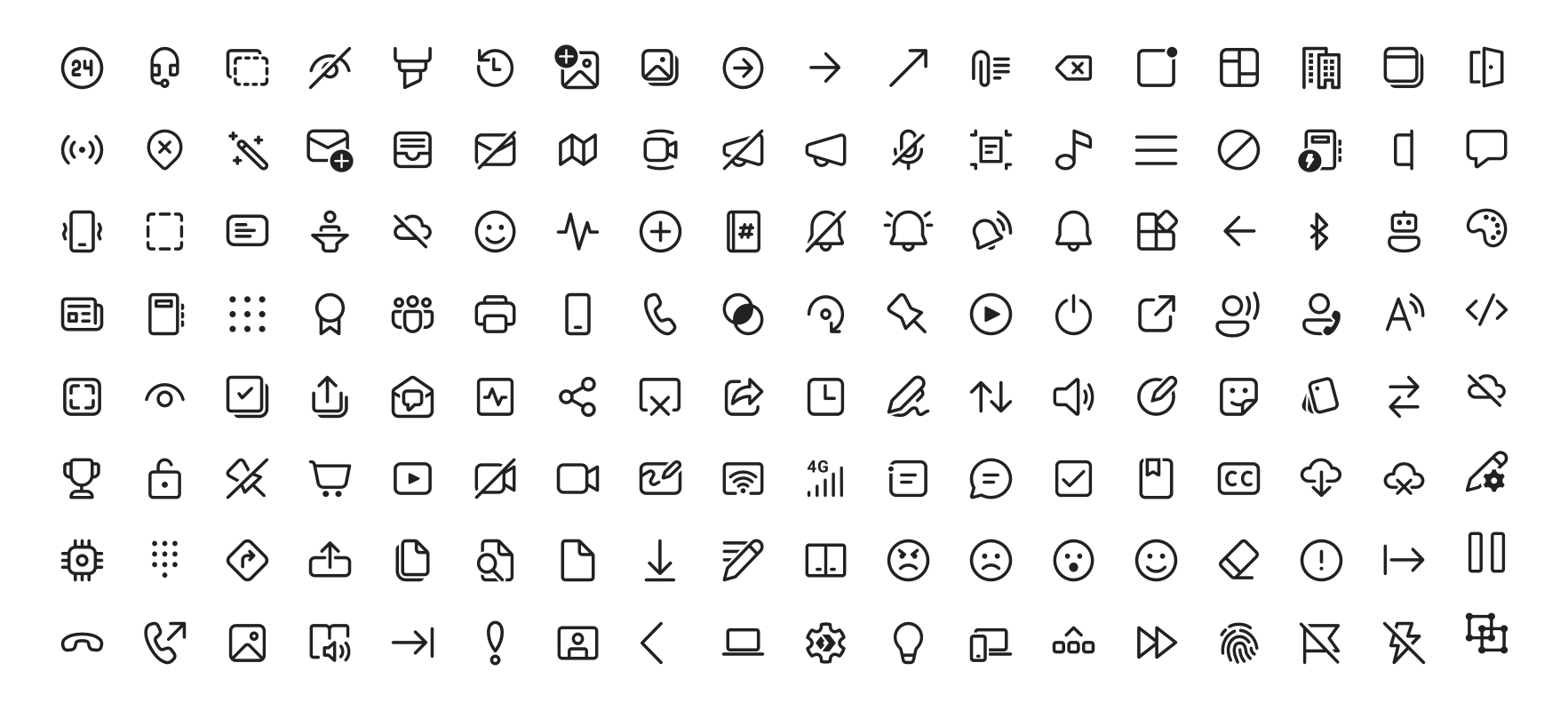
[Fluent UI System Icons](https://github.com/microsoft/fluentui-system-icons) are a collection of familiar, friendly and modern icons from Microsoft.
This project regenerates the icon library based on the icon files from [Fluent UI System Icons](https://github.com/microsoft/fluentui-system-icons). It is suitable for LCUI applications. For specific generation rules, please refer to the file: [scripts/convert.js](scripts/convert.js).
## Installation
```sh
npm install @lcui/react-icons
```
## Usage
To use these icons, you need to first import the CSS file in your root component file:
```tsx
// src/App.tsx
import '@lcui/react-icons/dist/style.css';
```
And then simply import them as `import { [IconName][Style] } from @lcui/react-icons.` For example:
```tsx
// src/MyComponent.tsx
import { AccessTime, AccessTimeFilled } from '@lcui/react-icons';
import styles from './MyCompoennt.module.css';
export default function MyComonent() {
return (
);
}
```
There are two styles of icons: Regular and Filled. Among them, Regular is the default style, which can be used as `AccessTime` without needing to write it as `AccessTimeRegular`.
If you don't like this usage, you can also use only the `Icon` component:
```tsx
// src/MyComponent.tsx
import { Icon } from '@lcui/react-icons';
import styles from './MyCompoennt.module.css';
export default function MyComonent() {
return (
);
}
```
If you don't like writing TypeScript React code, you can use it in C code:
```c
#include
...
int main(int argc, char **argv)
{
ui_widget_t *icon;
lcui_init();
ui_load_css_file("FluentSystemIcons-Regular.css");
ui_load_css_file("FluentSystemIcons-Filled.css");
icon = ui_create_widget("text"):
ui_widget_add_class(icon, "fui-icon-regular access-time-24-regular");
ui_widget_set_style_unit_value(w, css_prop_font_size, 24, CSS_UNIT_PX)
ui_root_append(icon);
icon = ui_create_widget("text"):
ui_widget_add_class(icon, "fui-icon-filled access-time-24-filled");
ui_root_append(icon);
return lcui_main();
}
```
Afterwards, manually copy the CSS and TTF files from the `node_modules/@lcui/react-icons/dist` directory to the application's working directory.
## Update
Download the latest source code package of [fluentui-system-icons](https://github.com/microsoft/fluentui-system-icons), extract it, and then run:
```sh
npm run build
```
## License
[MIT](./LICENSE)