# @karim04/image-slider
A javascript package that provides quick and easy-to-use image sliders/carousels
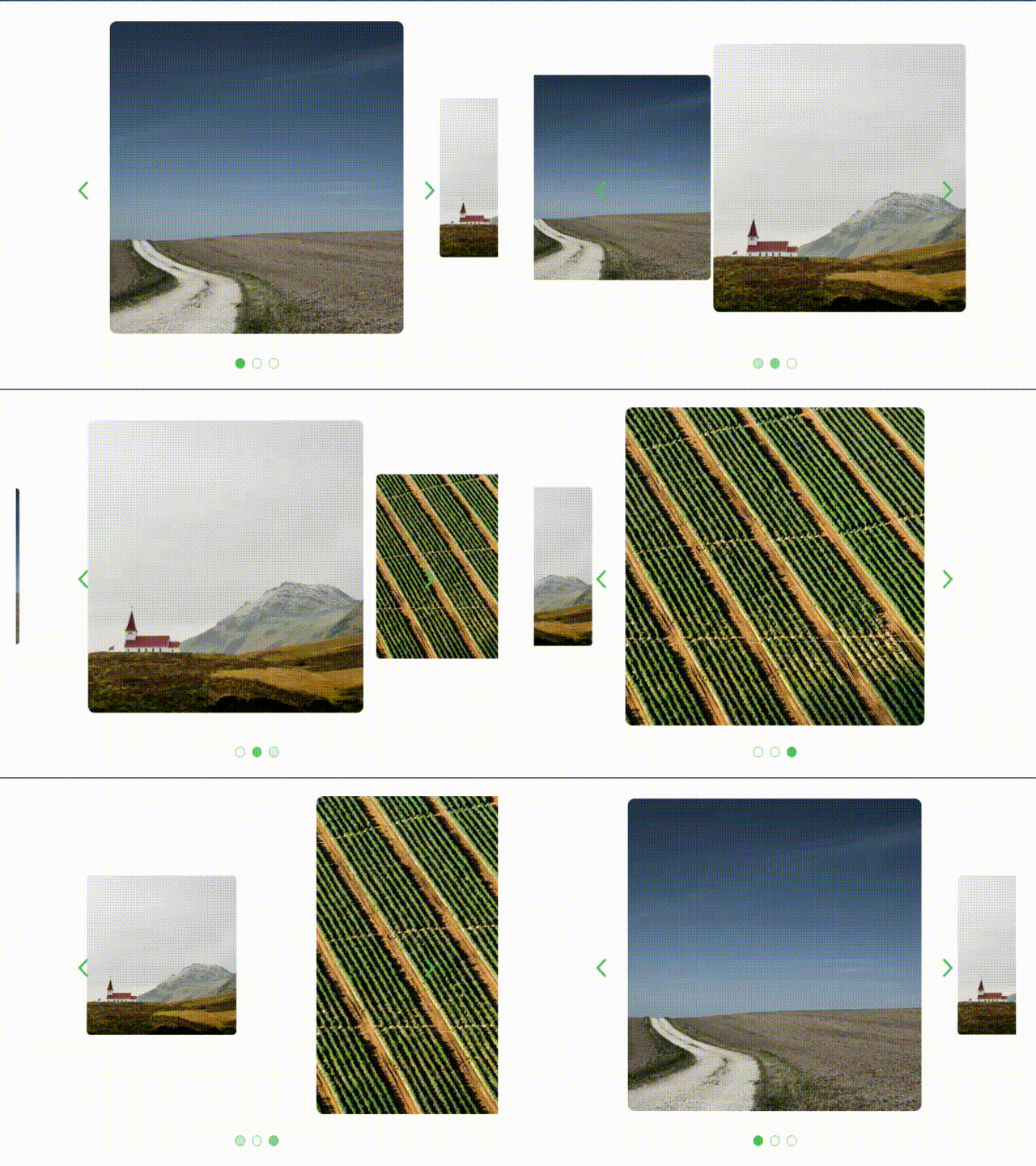
```javascript
// code used to generate the carousel in the GIF above
import ImageSlider from '@karim04/image-slider';
const body = document.querySelector('body');
const random1 = 'https://picsum.photos/500/500.jpg';
const random2 = 'https://picsum.photos/600/600.jpg';
const random3 = 'https://picsum.photos/700/700.jpg';
const slider = ImageSlider(random1, random2,
random3, {color: '#43af56', slidingTimer: 1000});
body.appendChild(slider);
```
# Installation
Run:
```
npm install --save @karim04/image-slider
```
# Usage
Import the module into your code:
```javascript
import ImageSlider from '@karim04/image-slider';
```
Create and store the slider element using:
```javascript
const myCarousel = ImageSlider(image1Source, image2Source, ...)
```
pass the module all the image sources 'strings' you want in the slider as parameters.
# Options
additionally you can modifiy the default options by passing an object to the slider with the options as properties
##### Example:
```javascript
const myCarousel = ImageSlider({color: 'blue', slidingTimer: 4000},
image1Source, image2Source, image3Source, ...);
```
## All Tweakable Options
### color
###### (Default: #6b7280)
takes a string and Sets the color of the navigation buttons
```javascript
const myCarousel = ImageSlider({color: 'blue'}, image1Source, image2Source, image3Source, ...);
```
### slidingTimer
###### (Default: 5000)
takes a number and sets the time between automatic sliding in milliseconds, you can set it to false to disable automatic sliding
```javascript
const myCarousel = ImageSlider({slidingTimer: 5000},
image1Source, image2Source, image3Source, ...);
```
### transitionFunc
###### (Default: 'ease-in-out')
sets the transition function used for some slider elements
```javascript
const myCarousel = ImageSlider({transitionFunc: 'ease-in'}, image1Source, ...)
```
### transitionSpeed
###### (Default: 700)
takes a number and sets the transition speed in milliseconds for some elements
```javascript
const myCarousel = ImageSlider({transitionSpeed: '1000'}, image1Source, ...)
```
# License
This project is licensed under the MIT license