# Timeline-React(React 时间轴)
```
████████╗██╗███╗ ███╗███████╗██╗ ██╗███╗ ██╗███████╗
╚══██╔══╝██║████╗ ████║██╔════╝██║ ██║████╗ ██║██╔════╝
██║ ██║██╔████╔██║█████╗ ██║ ██║██╔██╗ ██║█████╗
██║ ██║██║╚██╔╝██║██╔══╝ ██║ ██║██║╚██╗██║██╔══╝
██║ ██║██║ ╚═╝ ██║███████╗███████╗██║██║ ╚████║███████╗
╚═╝ ╚═╝╚═╝ ╚═╝╚══════╝╚══════╝╚═╝╚═╝ ╚═══╝╚══════╝
```
## [live demo](https://jyoketsu.github.io/timeline/)
## Installation
```bash
yarn add @jyoketsu/timeline-react
```
or
```
npm i @jyoketsu/timeline-react
```
## Screenshot
[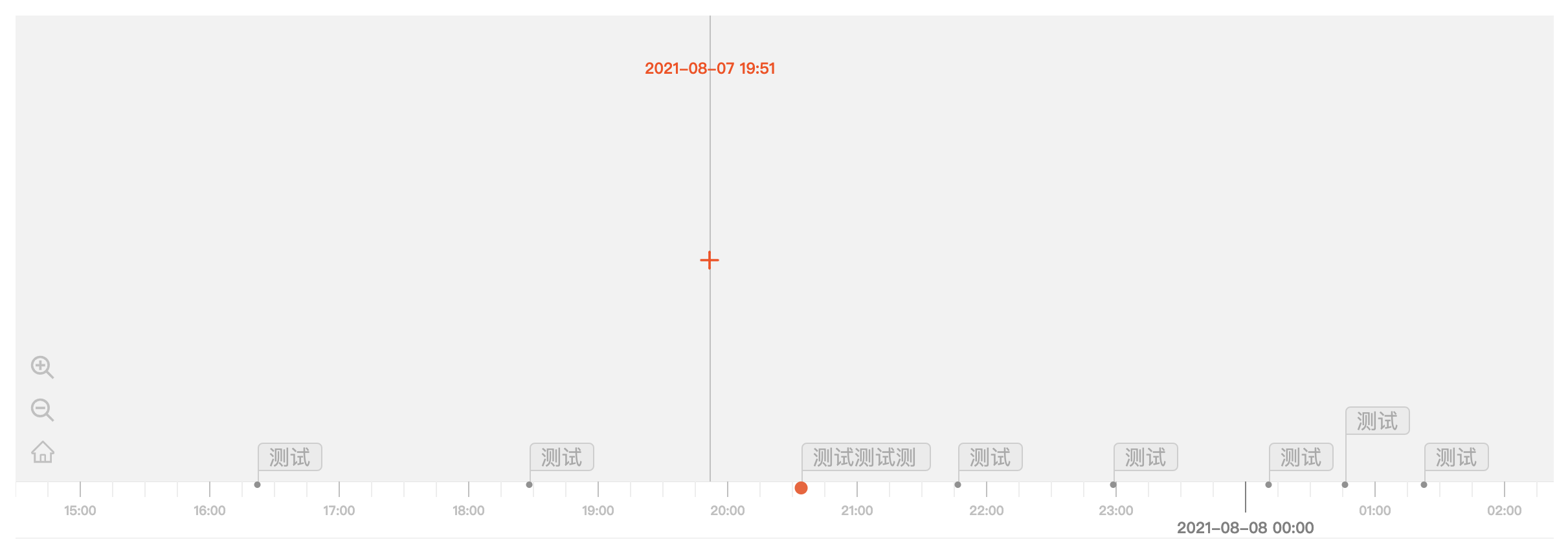](https://imgtu.com/i/fMg2wD)
## Use case
[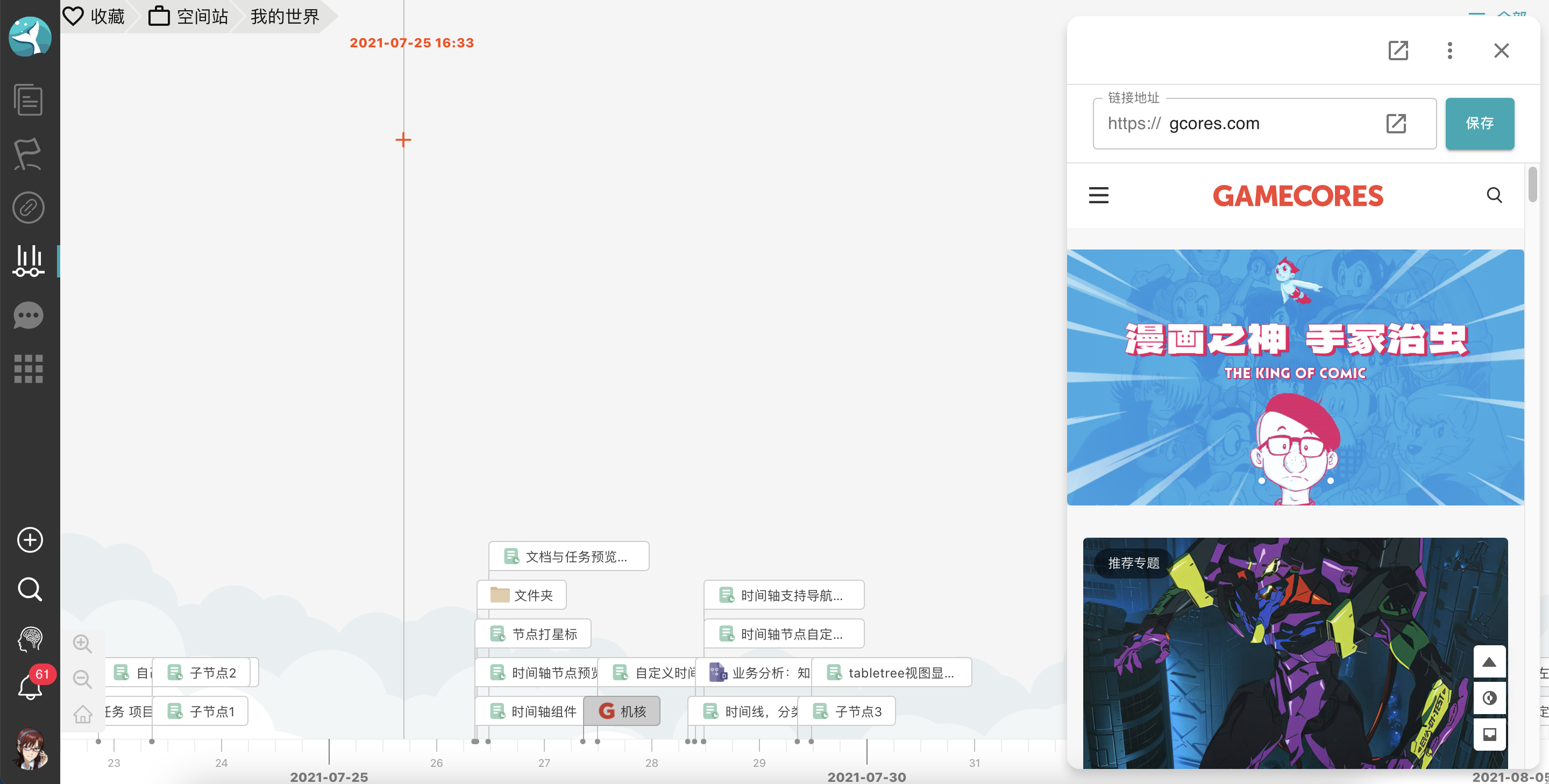](https://imgtu.com/i/fB2aq0)
## Usage
```jsx
import TimeLevel from '@jyoketsu/timeline-react/dist/interface/TimeLevel';
{/* children component */}
;
```
### Hold down the right button and drag
## Props
| Props | Description | Type | isRequire | Default |
| ---------------------- | ------------------------------------------------------------------------------------- | ------------------------- | --------- | ---------------------- |
| timeLevels | 时间等级列表 | TimeLevel[] | 否 | 见下 |
| initTimeLevel | 初始化时间等级 | TimeLevel | 否 | `timeLevels[0]` |
| initTime | 初始化时间 | number (Millis Timestamp) | 否 | `new Date().getTime()` |
| backgroundColor | 背景色 | string | 否 | `#2C3C4E` |
| shiftX | 横向偏移,用于调整 hover 时竖线的位置 | number | 否 | `0` |
| nodeList | 时间轴中的子节点列表 | NodeItem[] | 是 | - |
| nodeHeight | 子节点元素高度 | number | 是 | - |
| handleDateChanged | 数据变化事件 | DateChangedFunc | 否 | - |
| handleClickAdd | 点击添加按钮 | ClickAddFunc | 否 | - |
| wheelable | 是否可以滚动缩放 | boolean | 否 | `true` |
| changeLevelRequestData | 切换 timeLevel 时是否重新获取数据,如果是,清空当前数据并在新的数据获得前不要重新渲染 | boolean | 否 | `false` |
| ref | ref | | 否 | - |
### TimeLevel
```js
interface TimeLevel {
name: string;
dateUnit: 'year' | 'month' | 'day' | 'hour';
amount: number;
// 能被keyDate个dateUnit整除,则为keyDate
keyDate: number;
}
```
### NodeItem
```js
export default interface NodeItem {
_key: string;
time: number;
itemRender: Function;
}
```
### DateChangedFunc
```js
interface DateChangedFunc {
(
startDate: number,
endDate: number,
amount: number,
currentTimeLevel: TimeLevel
): void;
}
```
### ClickAddFunc
```js
interface ClickAddFunc {
(time: number, clientX: number, clientY: number): void;
}
```
### defaultTimeLevels
```js
const defaultTimeLevels: TimeLevel[] = [
{ name: 'hour', dateUnit: 'hour', amount: 1, keyDate: 12 },
{ name: 'day', dateUnit: 'day', amount: 1, keyDate: 5 },
{ name: 'week', dateUnit: 'day', amount: 7, keyDate: 5 },
{ name: 'month', dateUnit: 'month', amount: 1, keyDate: 5 },
{ name: 'year', dateUnit: 'year', amount: 1, keyDate: 5 },
{
name: 'ten-year',
dateUnit: 'year',
amount: 10,
keyDate: 5,
},
];
```
## Functions
| Function name | Description | Props |
| --------------------- | ---------------------- | --------------- |
| handleChangeLevel | 更改 timeLevel(缩放) | zoomIn: boolean |
| handleClickMoveButton | 左右移动 | next: boolean |
### Function usage
```javascript
const timelineRef = useRef < any > null;
timelineRef.current.handleClickMoveButton(true);
;
```