Get Started ·
Documentation ·
Discord



# InsForge
**InsForge is the backend built for AI-assisted development.**
Connect InsForge with any agent. Add authentication, database, storage, functions, and AI integrations to your app in seconds.
## Key Features & Use Cases
### Core Features:
- **Authentication** - Complete user management system
- **Database** - Flexible data storage and retrieval
- **Storage** - File management and organization
- **AI Integration** - Chat completions and image generation (OpenAI-compatible)
- **Serverless Functions** - Scalable compute power
- **Site Deployment** *(coming soon)* - Easy application deployment
### Use Cases: Building full-stack applications using natural language
- **Connect AI agents to InsForge** - Enable Claude, GPT, or other AI agents to manage your backend
## Prompt Examples:
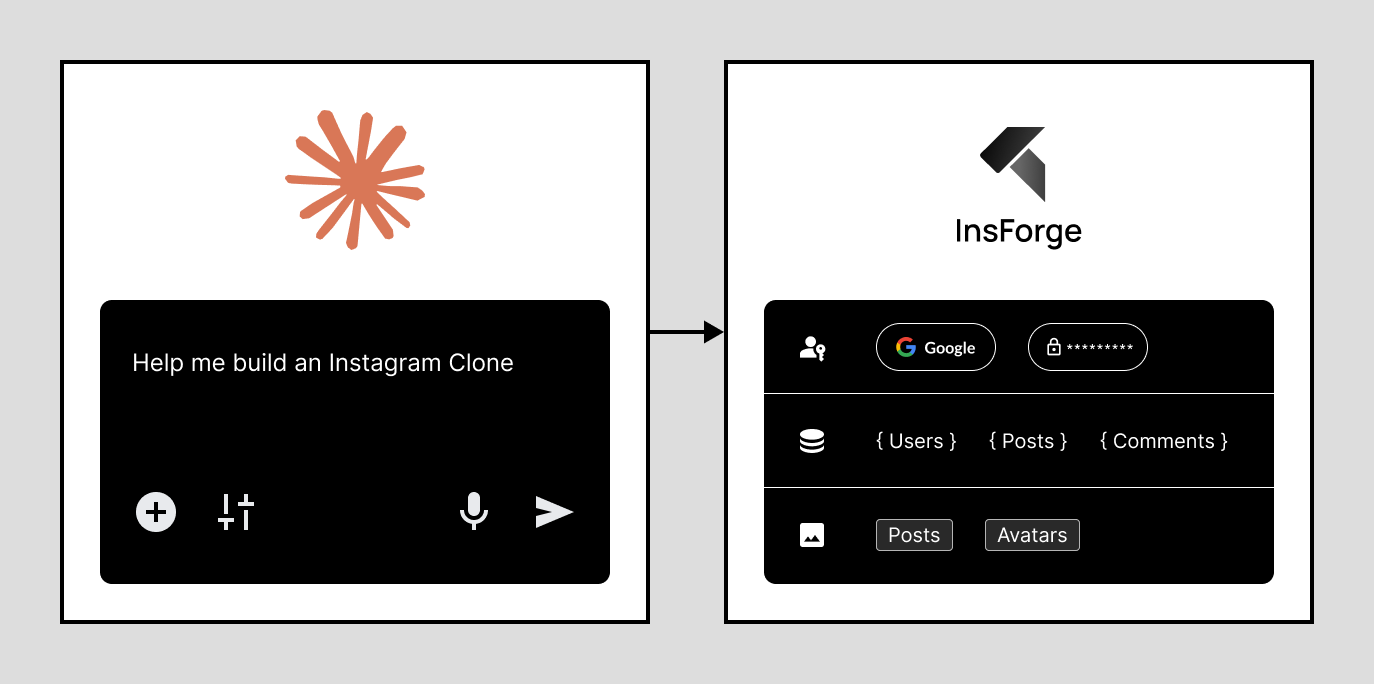
|
## Quickstart TLDR;
### 1. Install and run InsForge
**Use Docker (Recommended)**
Prerequisites: [Docker](https://www.docker.com/) + [Node.js](https://nodejs.org/)
```bash
# Run with Docker
git clone https://github.com/insforge/insforge.git
cd insforge
cp .env.example .env
docker compose up
```
### 2. Connect an AI Agent
Visit InsForge Dashboard (default: http://localhost:7131), log in, and follow the "Connect" guide, and set up your MCP.
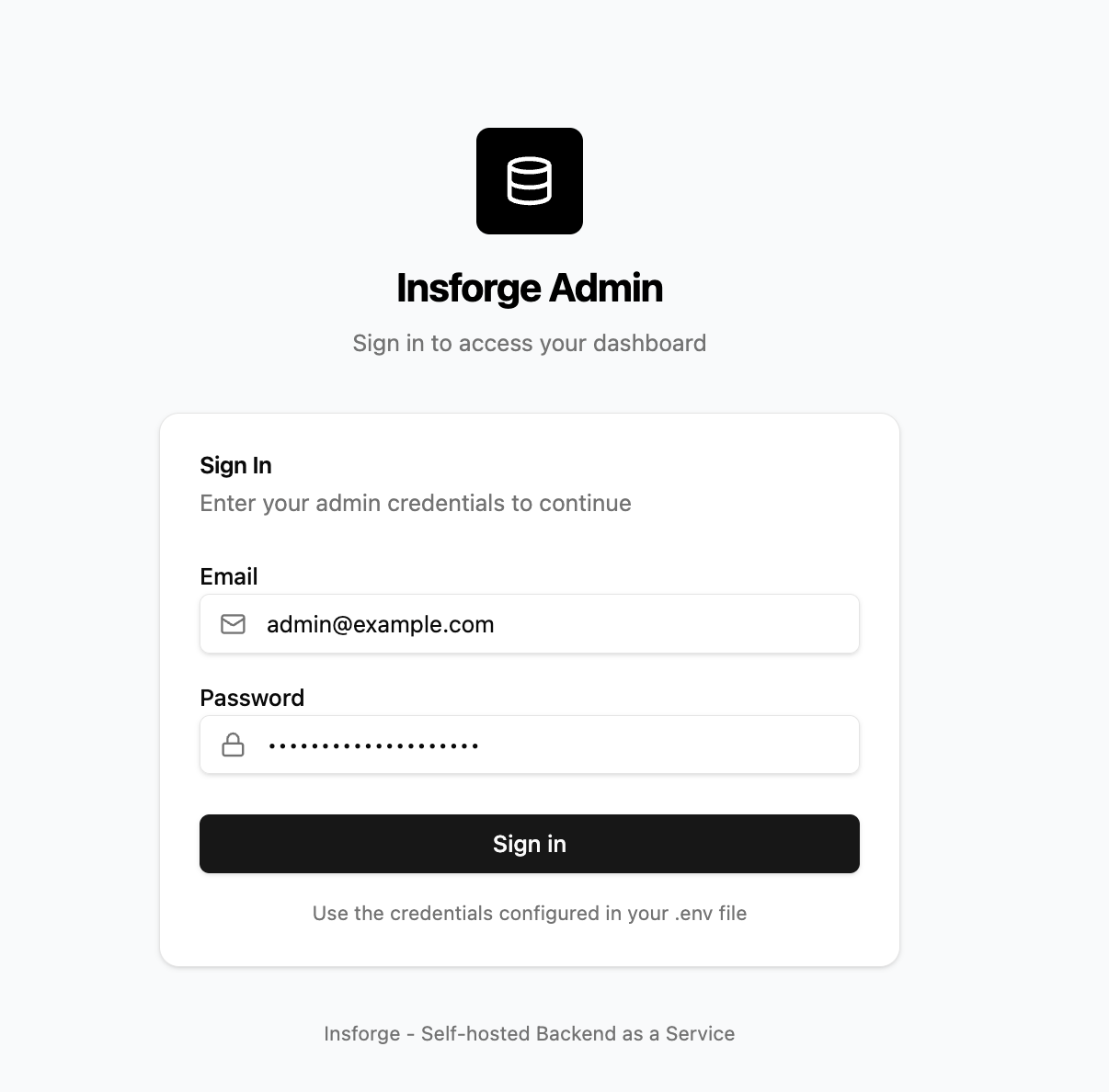
Sign in to InsForge
|
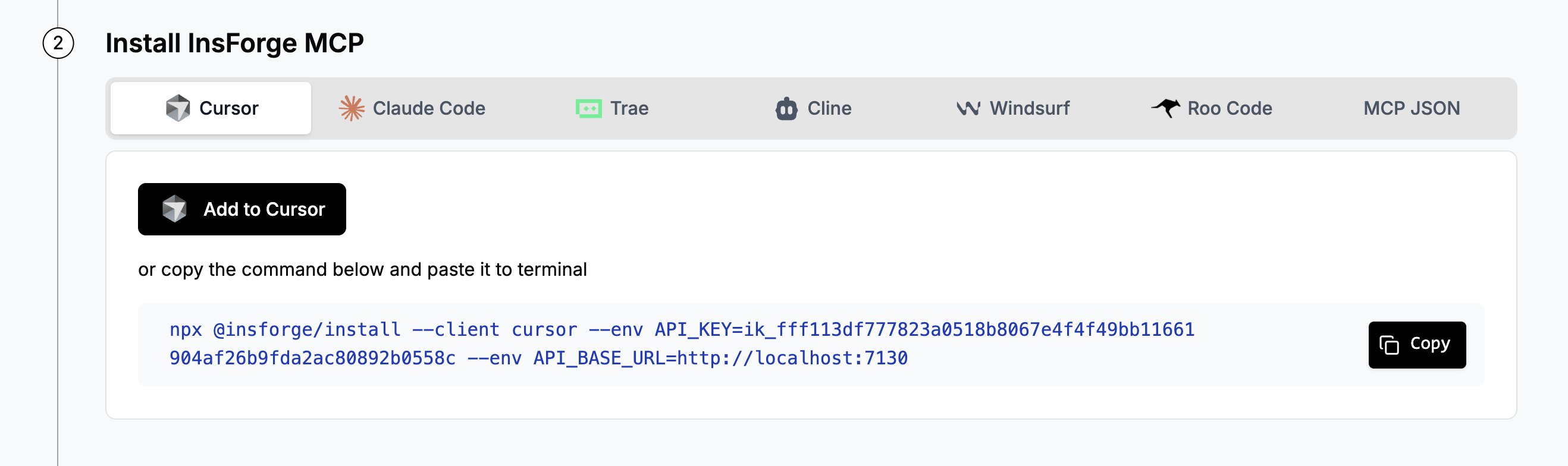
Configure MCP connection
|
### 3. Test the Connection
In your agent, send:
```
I'm using InsForge as my backend platform, fetch InsForge instruction doc to learn more about InsForge.
```
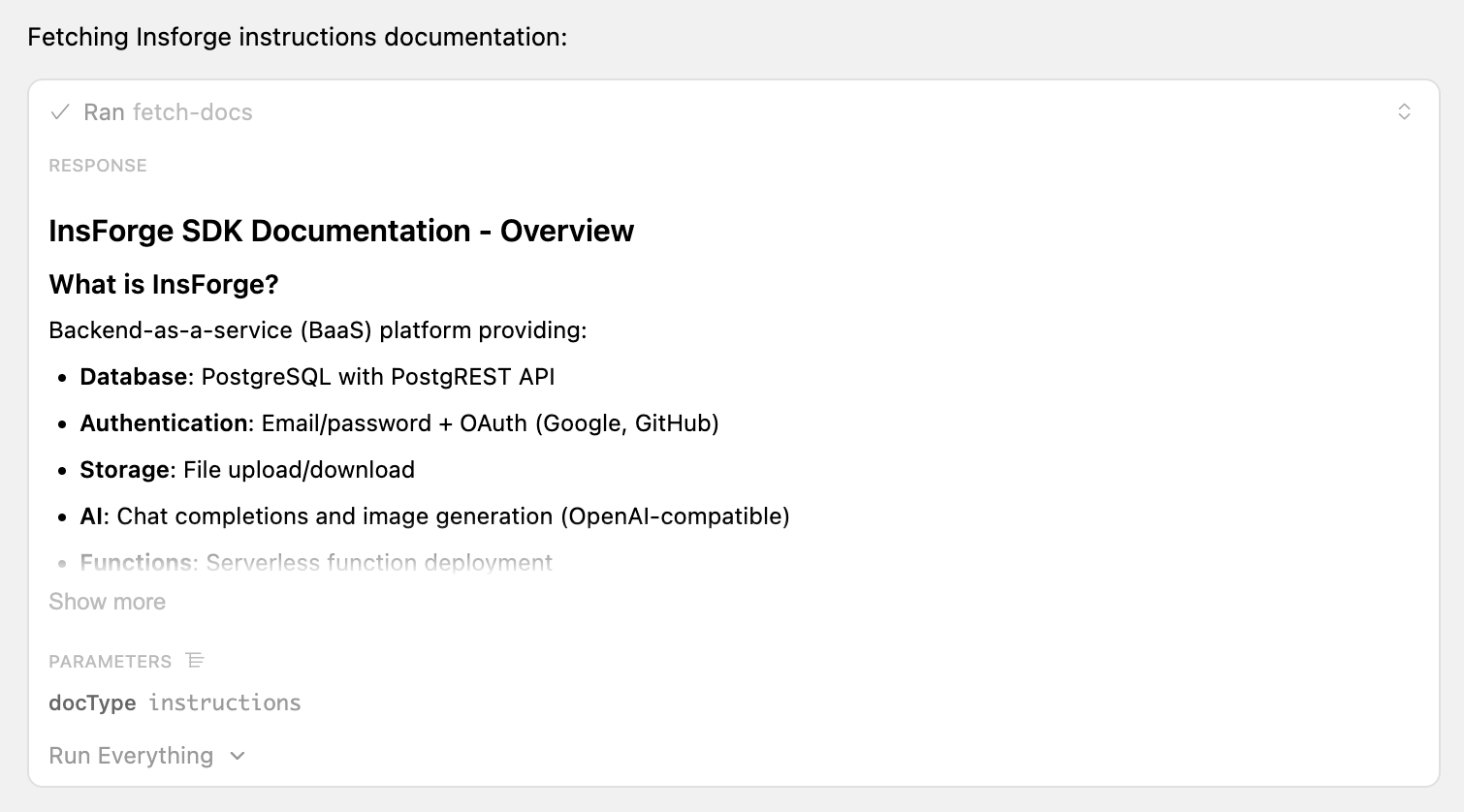 Sample successful response calling insforge MCP tools
### 4. Start Using InsForge
Start building your project in a new directory! Build your next todo app, Instagram clone, or online platform in seconds!
**Sample Project Prompt:**
"Build an app similar to Reddit with community-based discussion threads using InsForge as the backend platform that has these features:
- Has a "Communities" list where users can browse or create communities
- Each community has its own posts feed
- Users can create posts with a title and body (text or image upload to InsForge storage)
- Users can comment on posts and reply to other comments
- Allows upvoting and downvoting for both posts and comments
- Shows vote counts and comment counts for each post"
## Architecture
```mermaid
graph TD
subgraph agents[" "]
A1[Claude]
A2[Cursor]
A3[Windsurf]
A4[Coding Agent]
end
A1 --> MCP[Model Context Protocol]
A2 --> MCP
A3 --> MCP
A4 --> MCP
MCP -->|fetch-docs| INS[InsForge Instructions]
MCP -->|create-bucket| S[Storage]
MCP --> AUTH[Auth]
MCP -->|run-raw-sql| DB[Database]
MCP -->|create-function| EF[Edge Function]
MCP --> AI[AI Integration]
style agents fill:#1a1a1a,stroke:#666,color:#fff
style MCP fill:#000,stroke:#666,color:#fff
style INS fill:#4a5568,stroke:#666,color:#fff
style S fill:#4a5568,stroke:#666,color:#fff
style AUTH fill:#4a5568,stroke:#666,color:#fff
style DB fill:#4a5568,stroke:#666,color:#fff
style EF fill:#4a5568,stroke:#666,color:#fff
style AI fill:#4a5568,stroke:#666,color:#fff
style A1 fill:#4a5568,stroke:#666,color:#fff
style A2 fill:#4a5568,stroke:#666,color:#fff
style A3 fill:#4a5568,stroke:#666,color:#fff
style A4 fill:#4a5568,stroke:#666,color:#fff
```
## Contributing
**Contributing**: If you're interested in contributing, you can check our guide here [CONTRIBUTING.md](CONTRIBUTING.md). We truly appreciate pull requests, all types of help are appreciated!
**Support**: If you need any help or support, we're responsive on our [Discord channel](https://discord.com/invite/MPxwj5xVvW), and also feel free to email us [info@insforge.dev](mailto:info@insforge.dev) too!
## Documentation & Support
### Documentation
- **[Official Docs](https://docs.insforge.dev/introduction)** - Comprehensive guides and API references
### Community
- **[Discord](https://discord.com/invite/MPxwj5xVvW)** - Join our vibrant community
- **[Twitter](https://x.com/InsForge_dev)** - Follow for updates and tips
### Contact
- **Email**: info@insforge.dev
## License
This project is licensed under the Apache License 2.0 - see the [LICENSE](LICENSE) file for details.
---
[](https://www.star-history.com/#InsForge/insforge&Date)
## Translations
- [Arabic | العربية](/i18n/README.ar.md)
- [Spanish | Español](/i18n/README.es.md)
- [French | Français](/i18n/README.fr.md)
- [Hindi | हिंदी](/i18n/README.hi.md)
- [Japanese | 日本語](/i18n/README.ja.md)
- [Korean | 한국어](/i18n/README.ko.md)
- [Portuguese (Brazilian) / Português Brasileiro](/i18n/README.pt-BR.md)
- [Russian | Русский](/i18n/README.ru.md)
- [Chinese (Simplified) | 简体中文](/i18n/README.zh-CN.md)