# HTML (`@hint/formatter-html`)
The `html` formatter outputs the result in a HTML file.
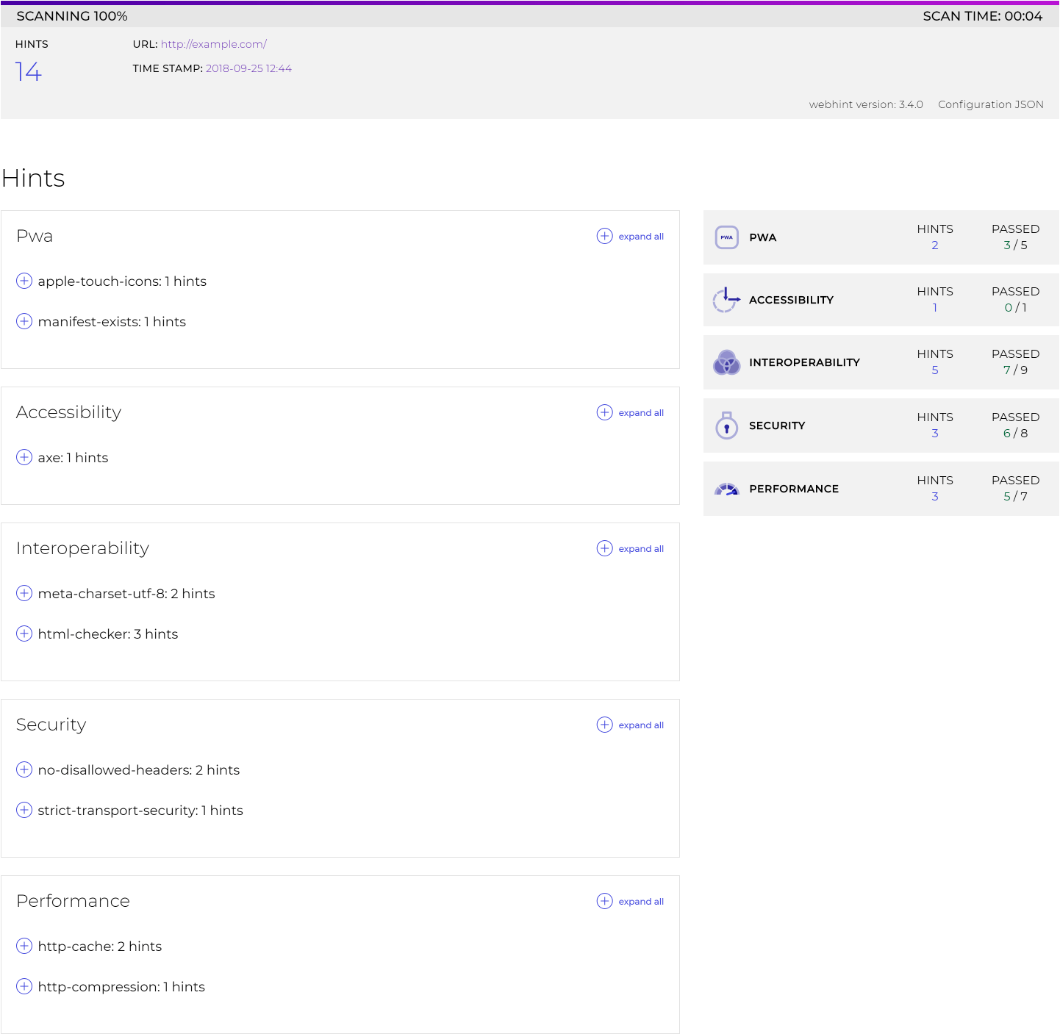
A new folder `hint-report` will be created with the results.
This package is installed automatically by webhint:
```bash
npm install hint --save-dev
```
To use it, activate it via the [`.hintrc`][hintrc] configuration file:
```json
{
"connector": {...},
"formatters": ["html"],
"hints": {
...
},
...
}
```
**Note**: The recommended way of running webhint is as a `devDependency` of
your project.
[hintrc]: https://webhint.io/docs/user-guide/configuring-webhint/summary/