# pi-pretty-bash
> **Bash tool calls should look like Bash.**
[](https://github.com/earendil-works/pi)
[](https://www.npmjs.com/package/@giladbarnea/pi-pretty-bash)
[](LICENSE)
[](https://www.typescriptlang.org/)
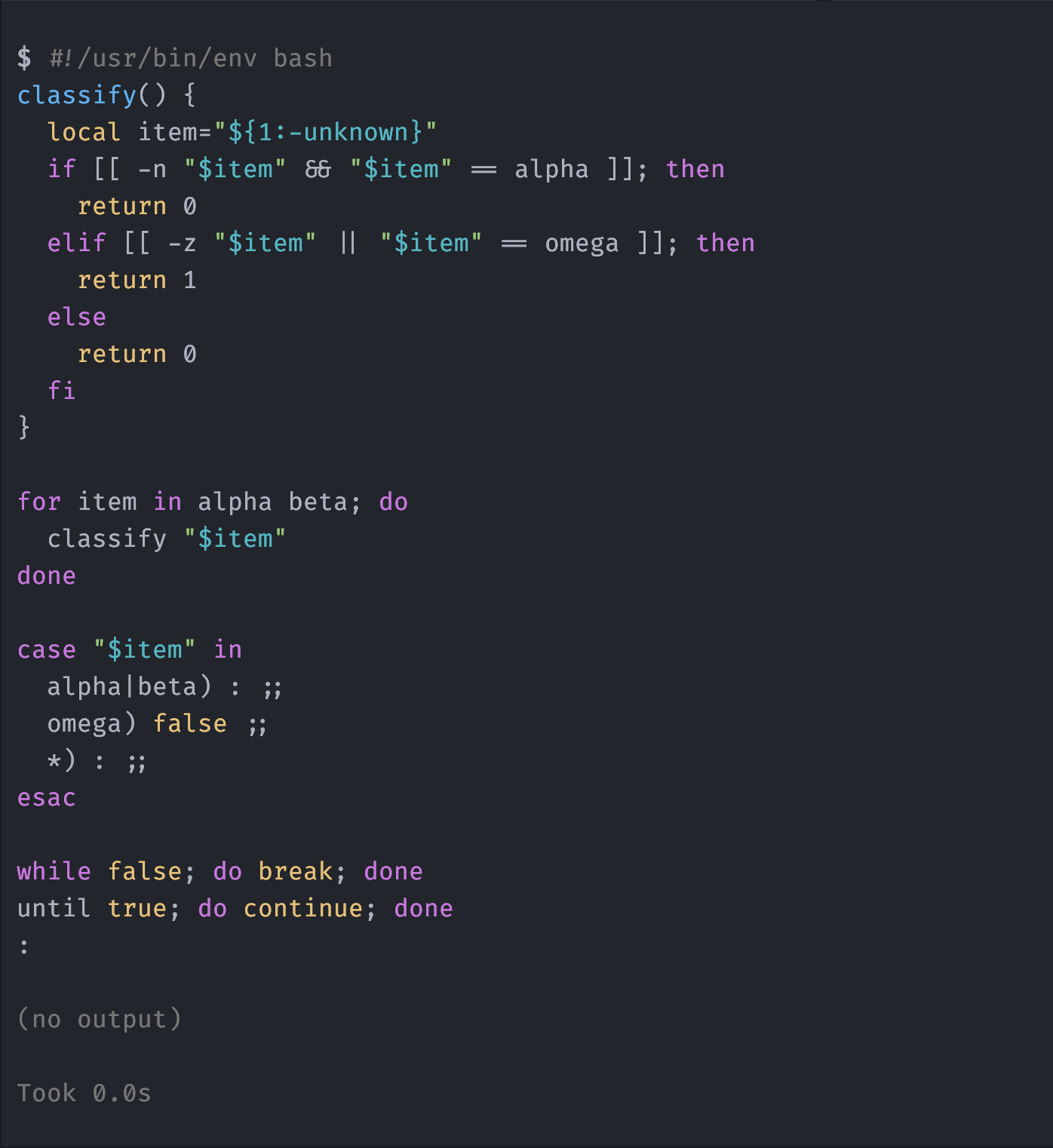
`pi-pretty-bash` adds theme-aware syntax colors to Bash tool calls and JSON output in Pi's TUI.
## Install
```sh
pi install npm:@giladbarnea/pi-pretty-bash
```
Start a new Pi session, or run `/reload` in the current session. Every later Bash tool call is highlighted automatically.
## Bash commands and JSON output get syntax colors
The extension starts from Pi's complete built-in Bash definition. It highlights the visible command with Pi's Bash colors.
After a command finishes, the extension checks its complete output with `JSON.parse()`. Valid JSON gets Pi's JSON colors without reformatting. All other output keeps Pi's built-in rendering.
Pi still owns command execution, streaming output, timing, truncation, expansion, and error display.
## Compatibility
`pi-pretty-bash` requires Pi `0.83.0` or newer.
## License
[MIT](LICENSE)