# gatsby-plugin-preview
Adds Preview UI to Gatsby sites that have `preview` enabled.
## Install
```properties
npm install --save @gatsby-cloud-pkg/gatsby-plugin-preview
# or
yarn add @gatsby-cloud-pkg/gatsby-plugin-preview
```
```js
// In your gatsby-config.js
plugins: [`@gatsby-cloud-pkg/gatsby-plugin-preview`]
```
## How to use
Once installed you will be greeted by the `Preview UI` floating bar.
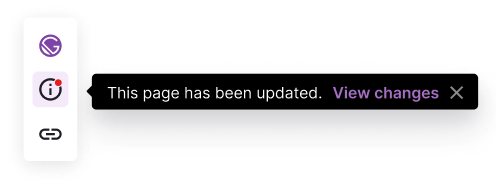
You can interact with the different buttons in the bar. The info button will display different messages and actions depending on the status of the build for the page your currently on.
### Default Status

### Page Updated Status