## dcli
[](https://www.codefactor.io/repository/github/enesusta/dcli)

[](https://standardjs.com)
[](https://packagephobia.now.sh/result?p=@enesusta/dcli)
**dcli** is cli for Docker.

- [dcli](#dcli)
- [Installation](#installation)
- [Commands](#commands)
- [default](#default)
- [-c](#-c)
- [-i](#-i)
- [-v](#-v)
- [start](#start)
- [start all](#start-all)
- [stop](#stop)
- [stop all](#stop-all)
- [rm](#rm)
- [rm force](#rm-force)
- [rmi](#rmi)
- [rmi -f](#rmi--f)
- [inspect](#inspect)
- [inspect only IPAddress](#inspect-only-ipaddress)
- [dump](#dump)
### Installation
```npm
npm i @enesusta/dcli -g
```
**Note:**
Make sure that variables like **grep**, **docker**, **sh** are defined on your `$PATH` variable.
Otherwise it may not work.
### Commands
#### default
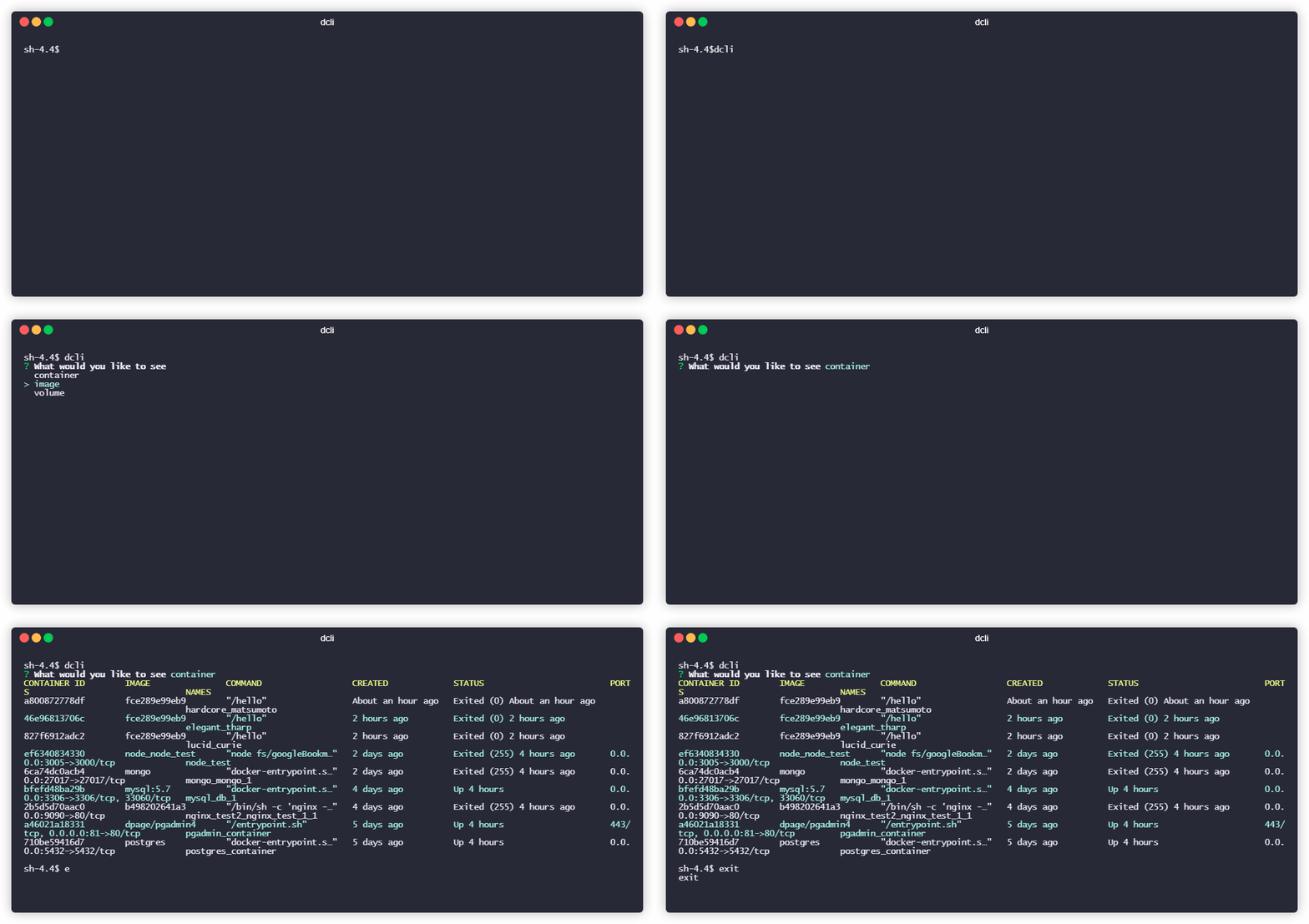
default command has **three** options.
| Command | Description |
| -- | -- |
| **-c** | List only containers and prints information of each container |
| **-ci** | Prints only container IDs and names
##### -c
Lists only **containers**
```bash
dcli -c
```
##### -i
Lists only **images**
```bash
dcli -i
```
##### -v
Lists only **volumes**
```bash
dcli -v
```
#### start
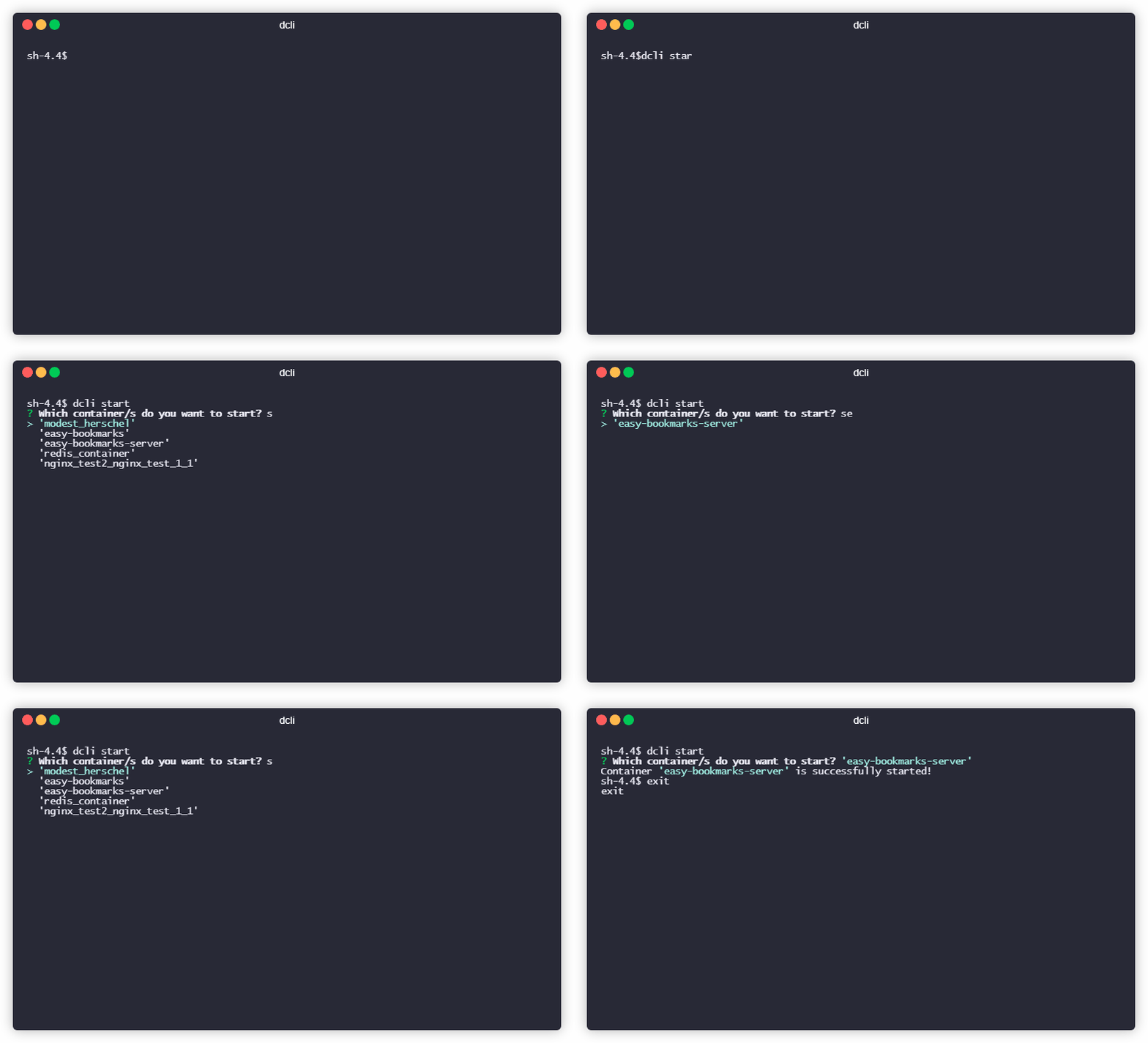
**Starts** a container that you already have.
**start** command has **1 option**.
```bash
dcli start
```
##### start all
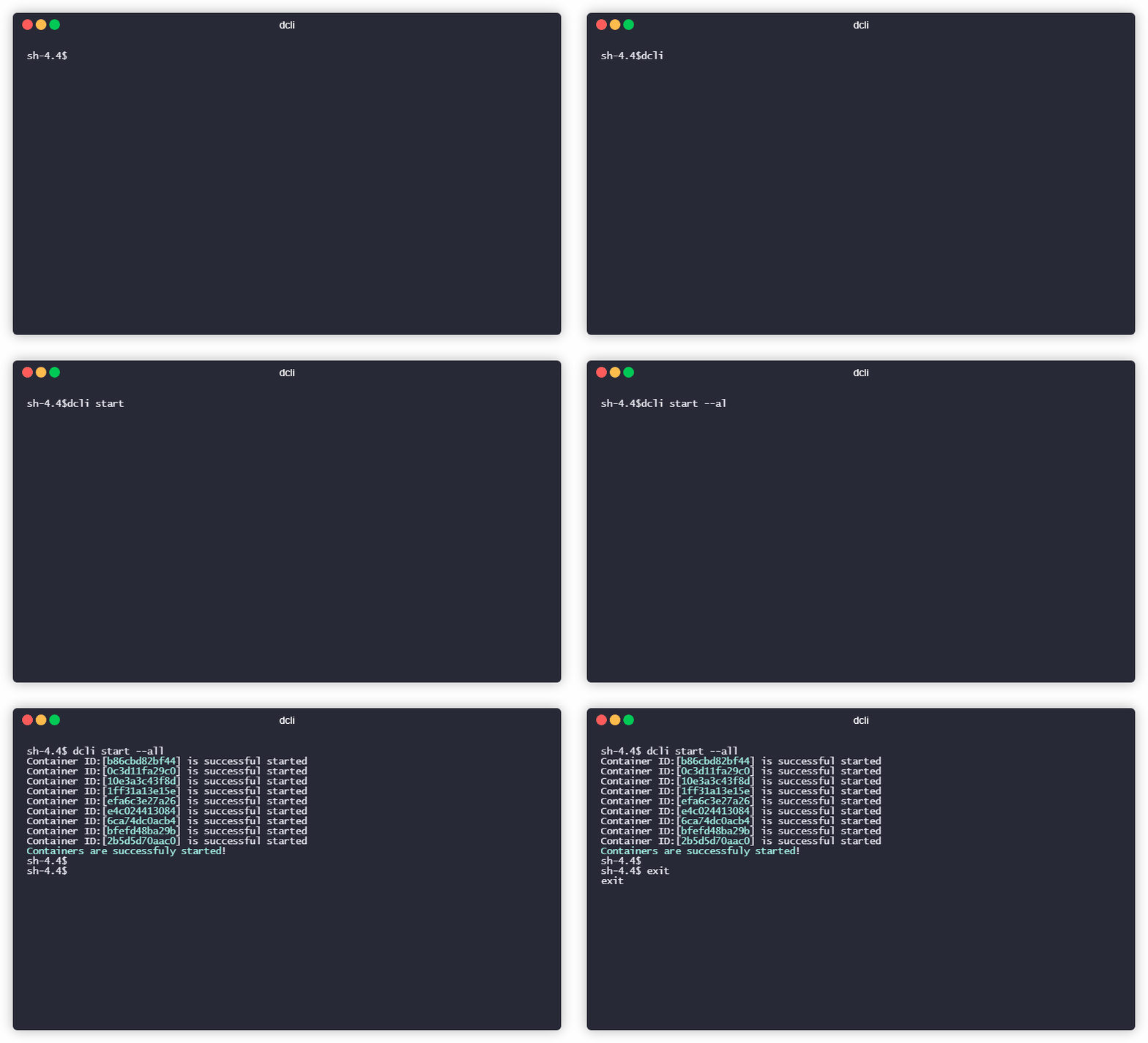
Starts **whole** containers that you already have.
```bash
dcli start --all
```
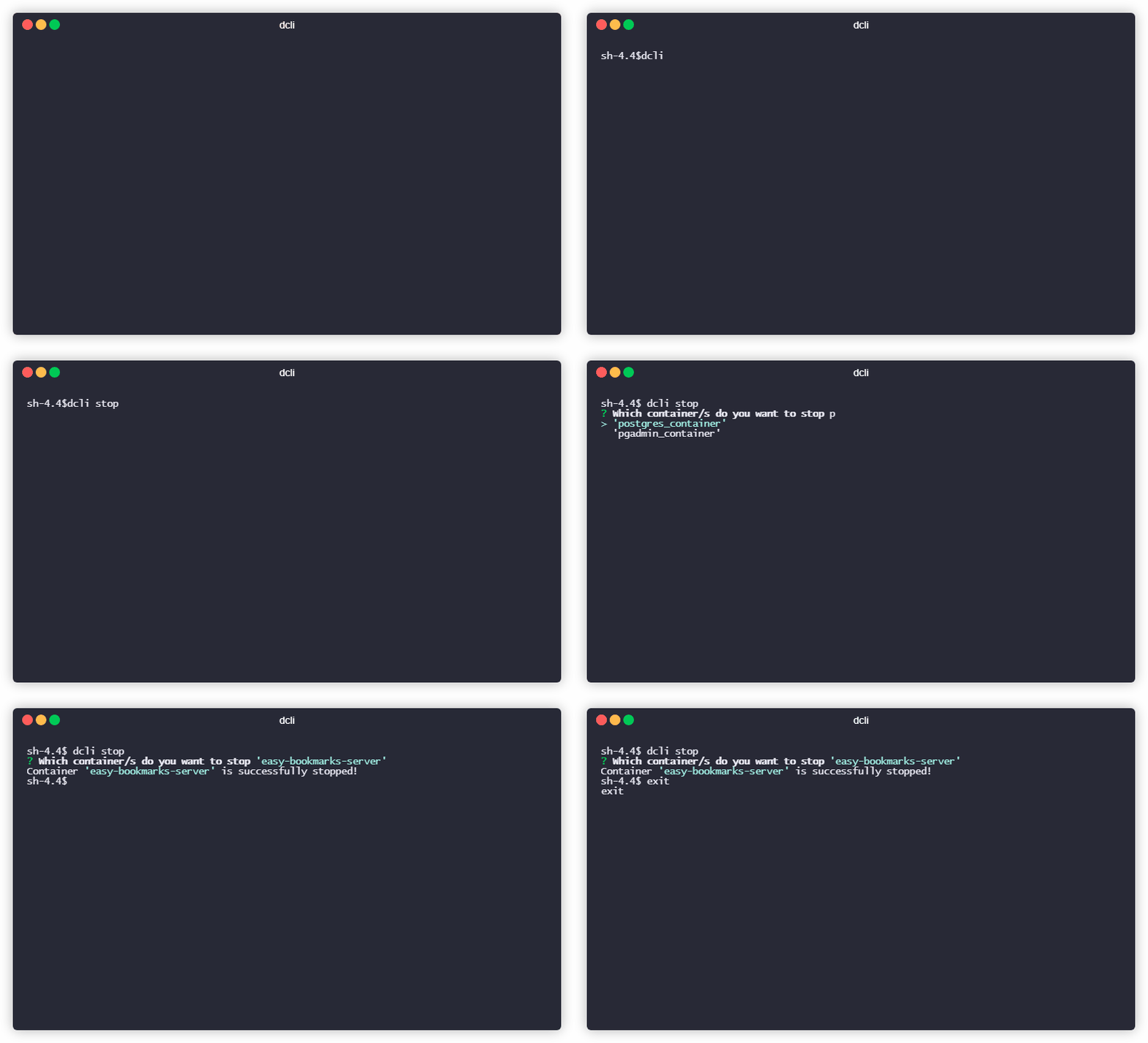
#### stop
**Stops** a container that you already have.
```bash
dcli stop
```
##### stop all
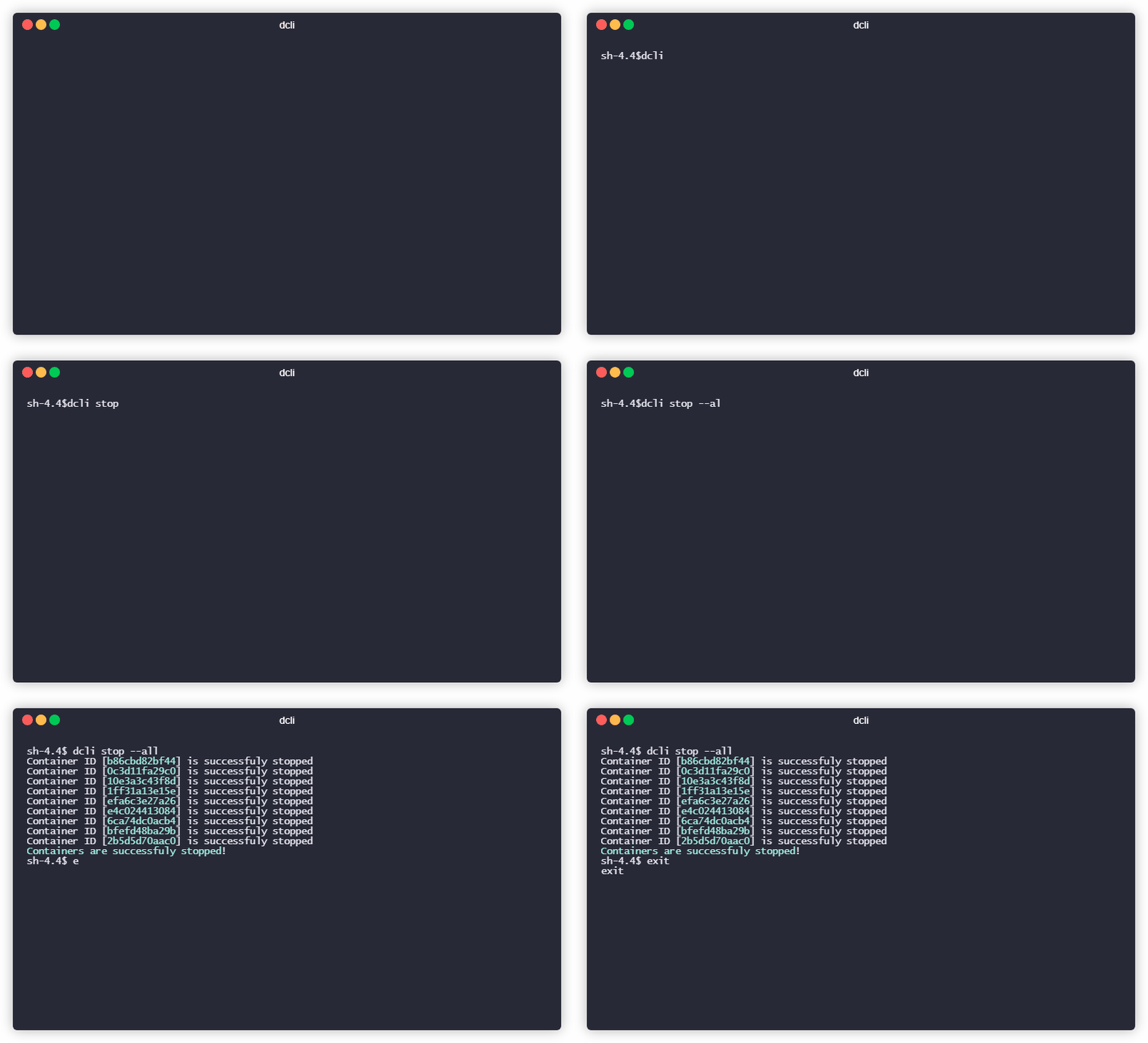
Stops **whole** containers that you already have.
```bash
dcli stop --all
```
#### rm
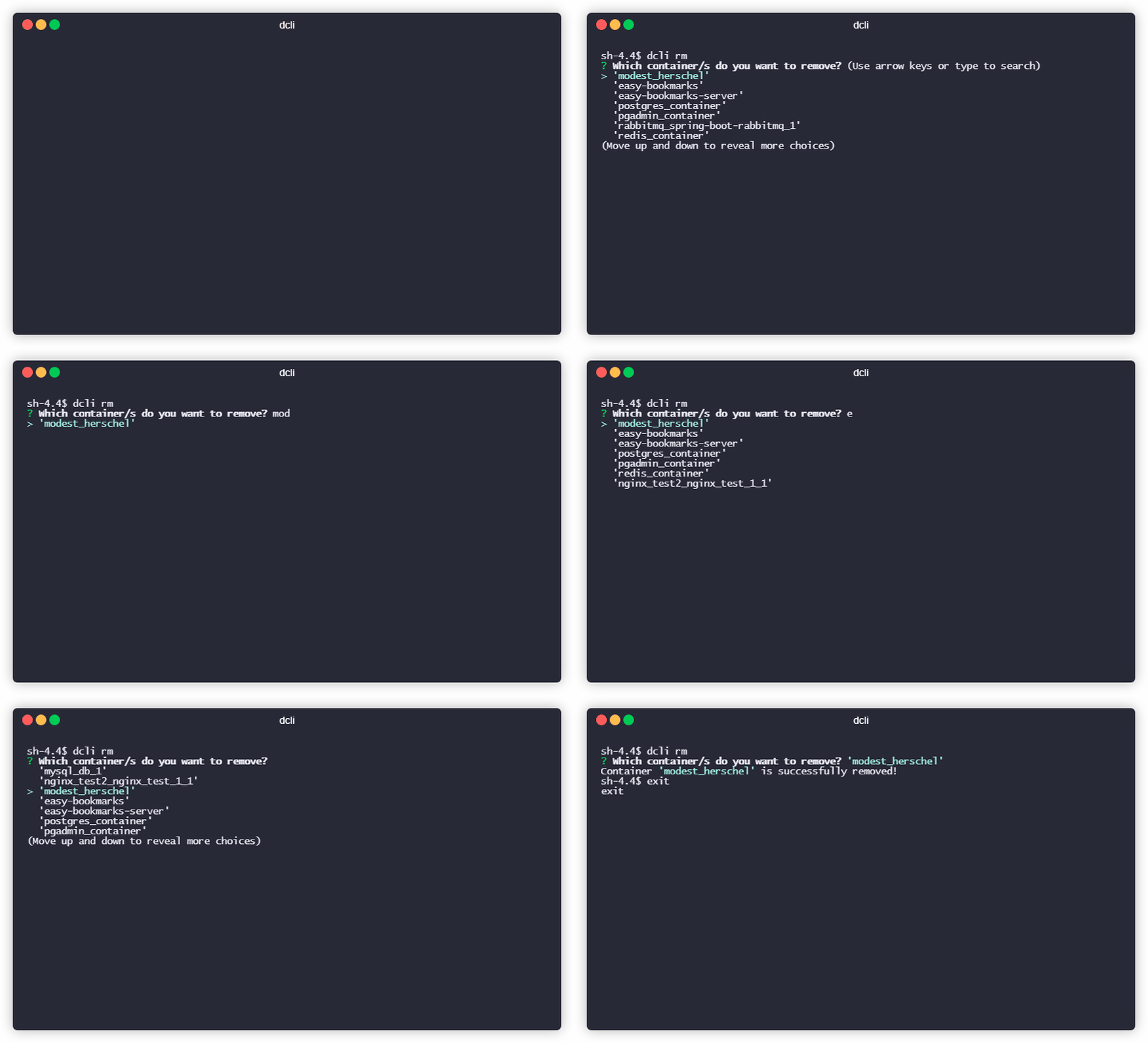
Removes a container that you already have.
**rm** command has **1 option**
```bash
dcli rm
```
##### rm force
Removes a contaniner that is **running**
```bash
dcli rm -f
```
or
```bash
dcli rm --force
```
#### rmi
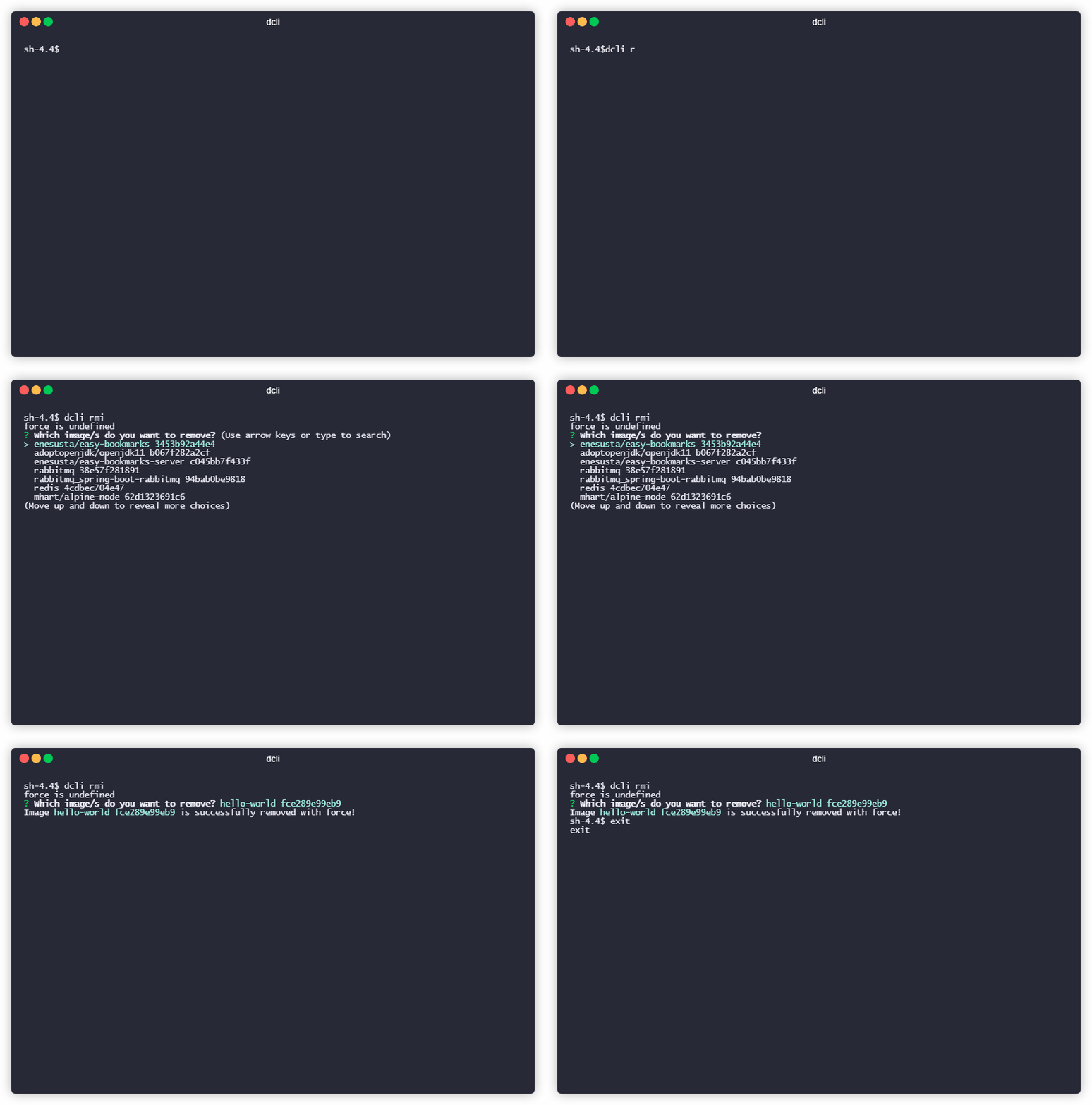
Removes a image that you already have.
```bash
dcli rmi
```
##### rmi -f
#### inspect
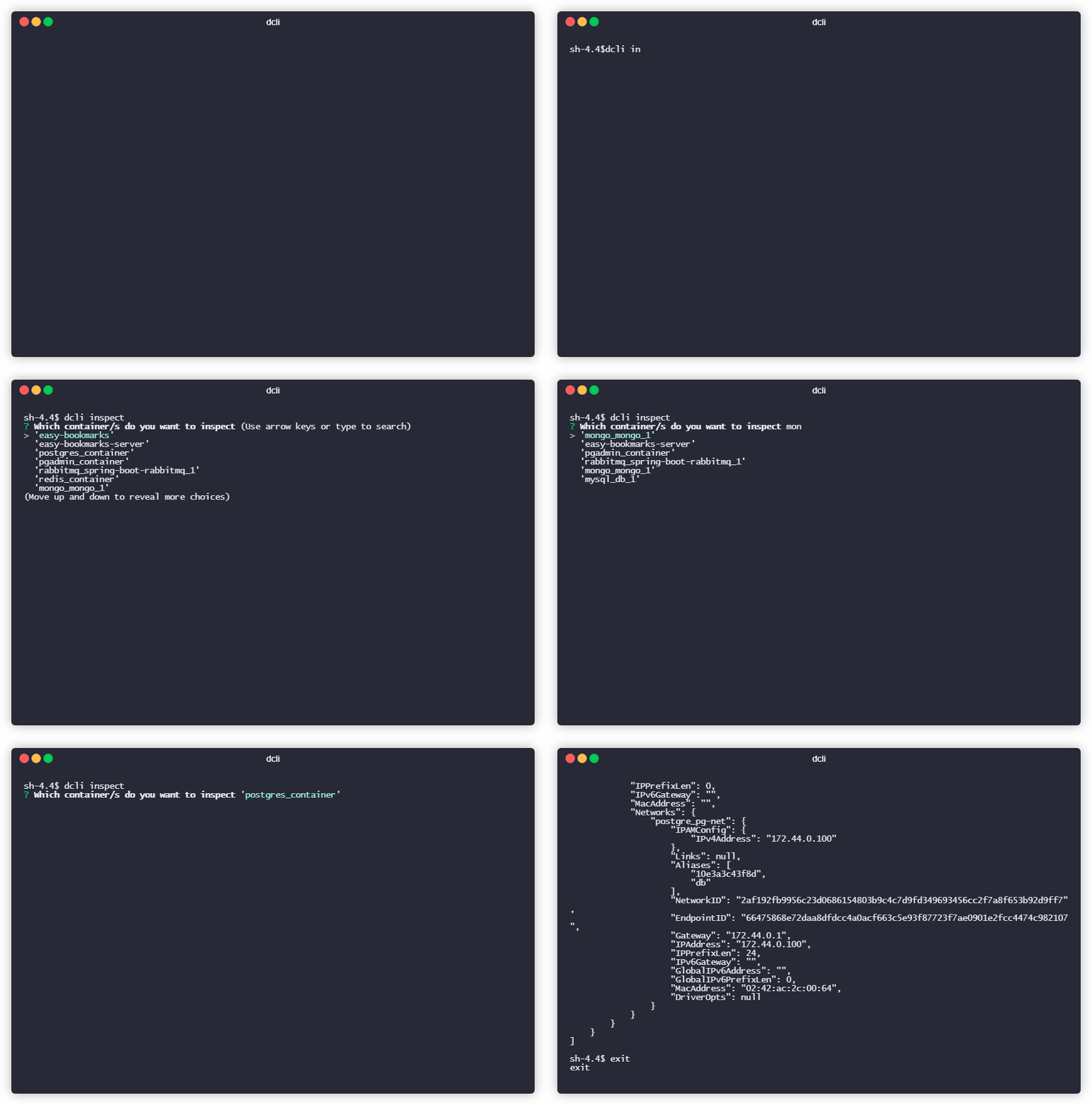
Inspects a container that you already have.
**inspect** command has **1 option**.
```bash
dcli inspect
```
##### inspect only IPAddress
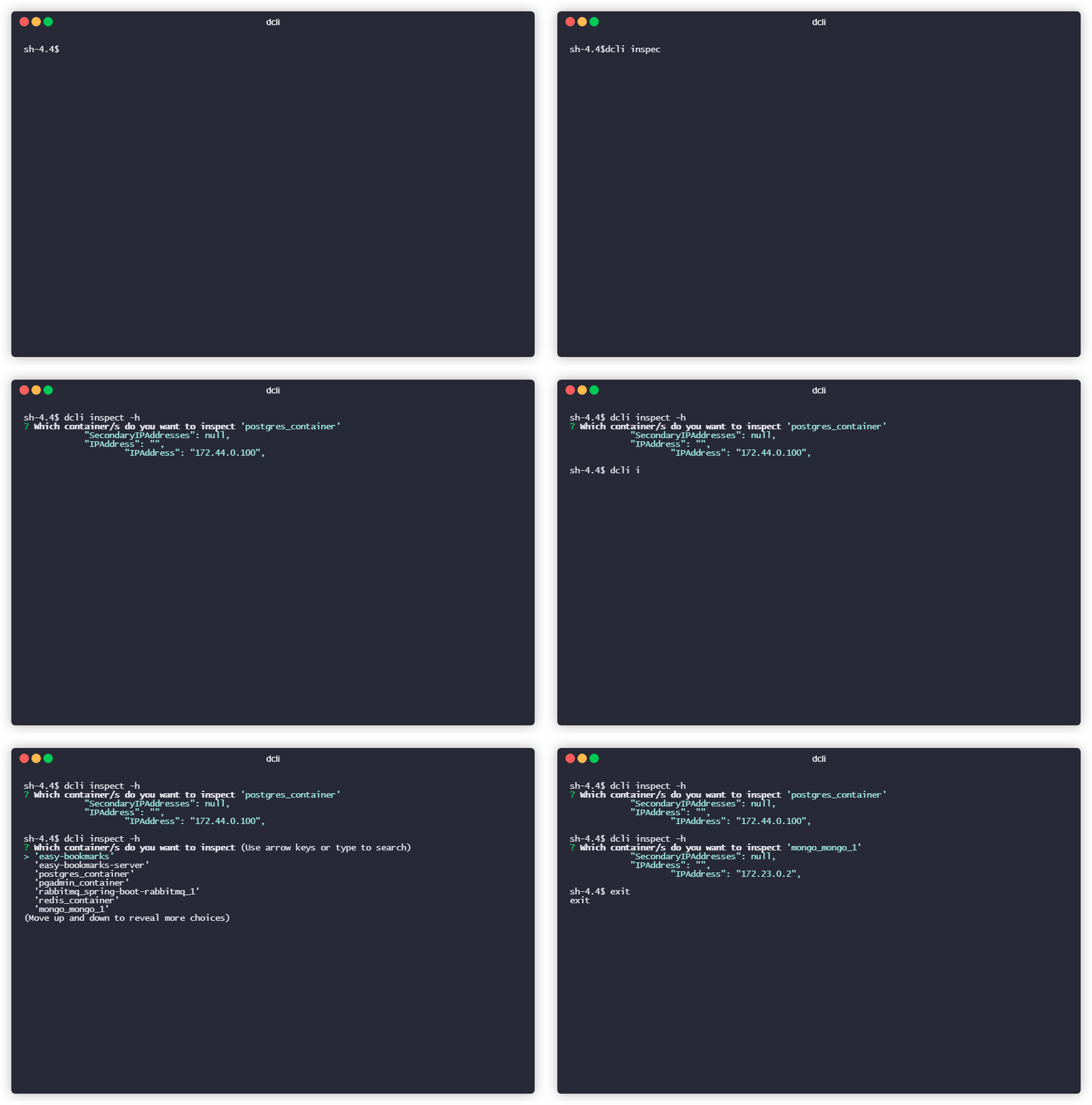
This option uses `grep` via `unix pipes`.
```bash
dcli inspect -h
```
`-h` means host.
#### dump
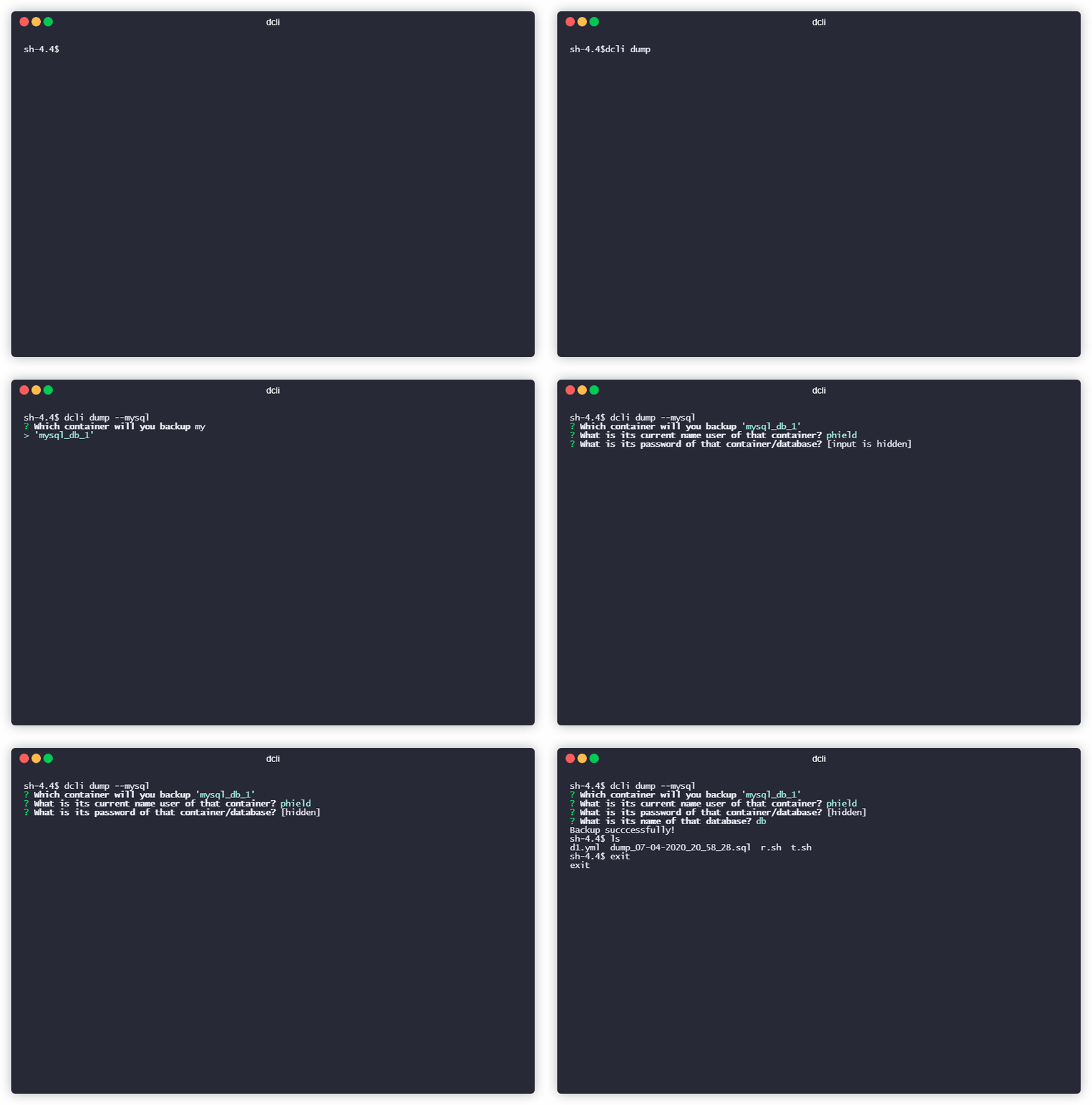
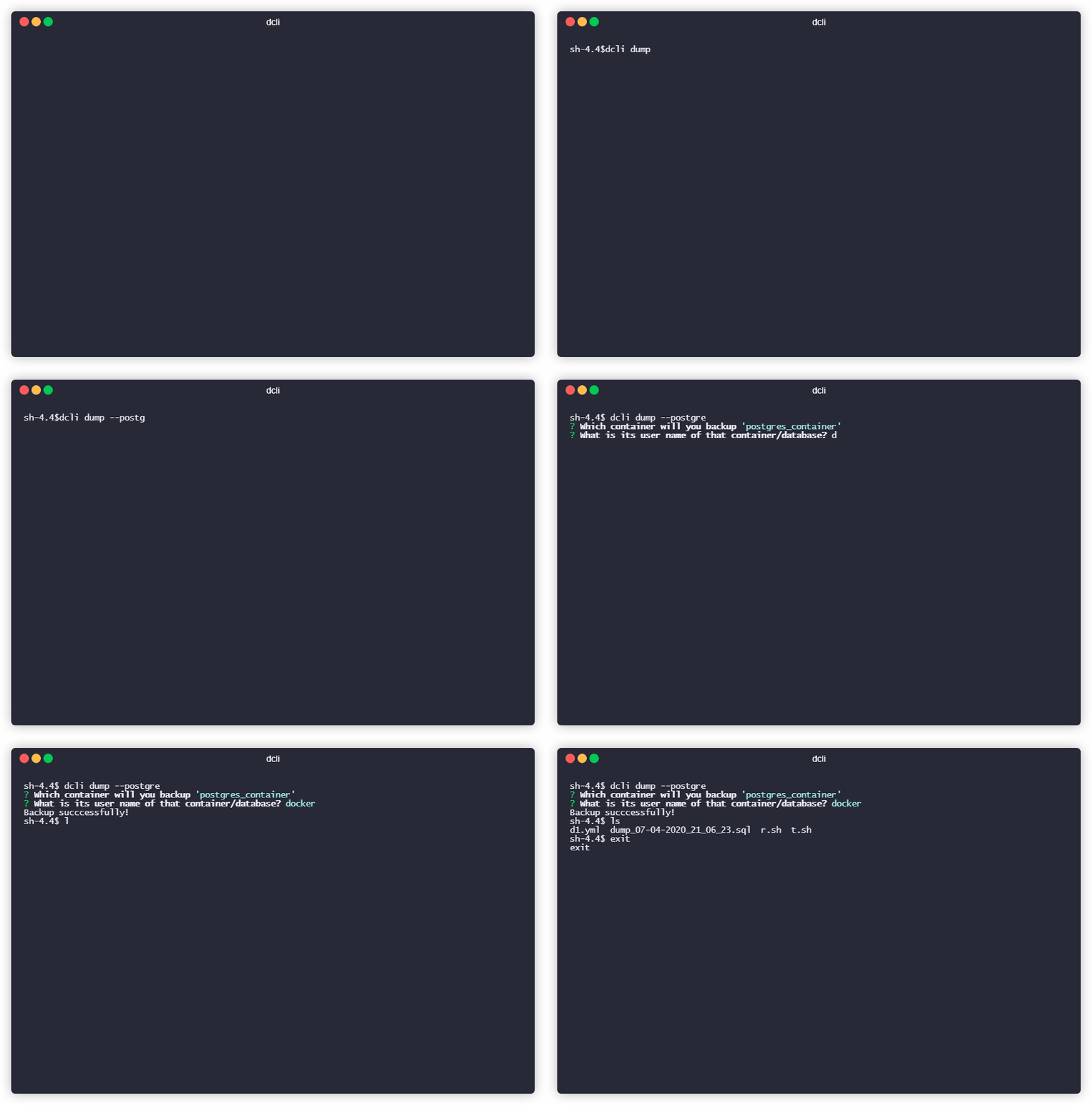
**dcli** can even dump your database containers.
- For **postgre** containers;
```bash
dcli dump --postgre
```
- For **mysql** containers;
```bash
dcli dump --mysql
```