

Word report export for agents
中文 · Install · Quick Start · Preview
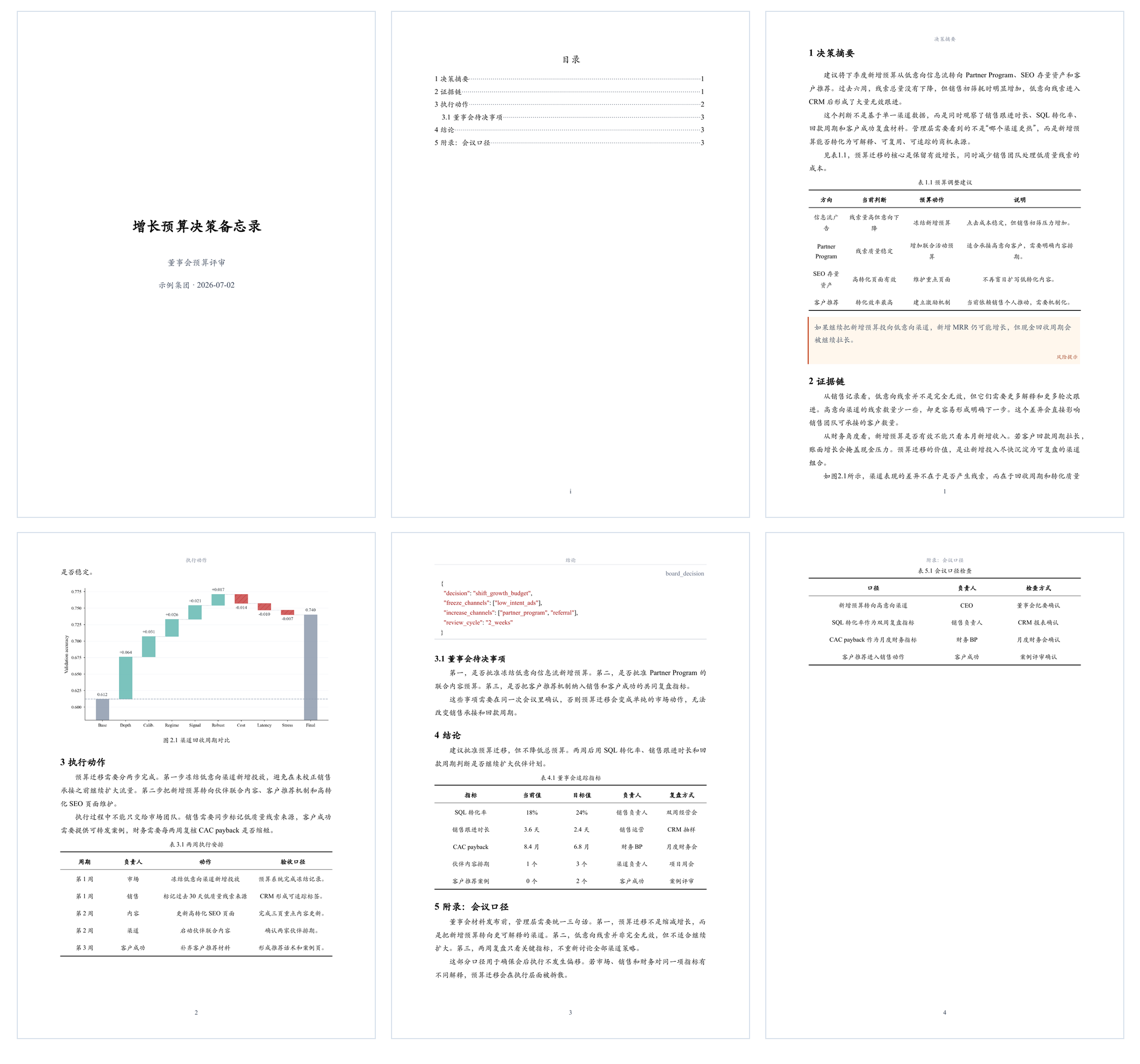 |
| 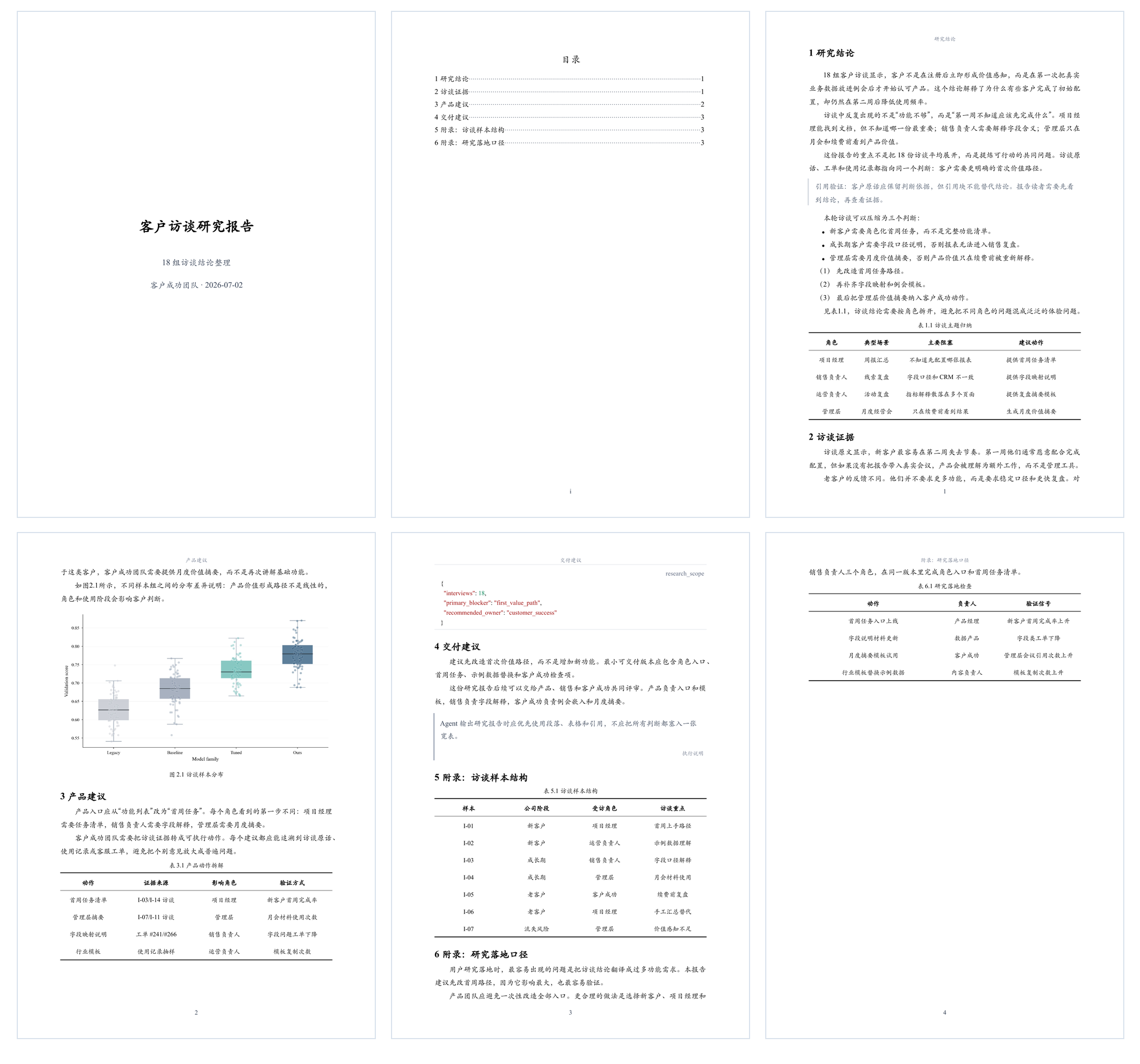 |
| 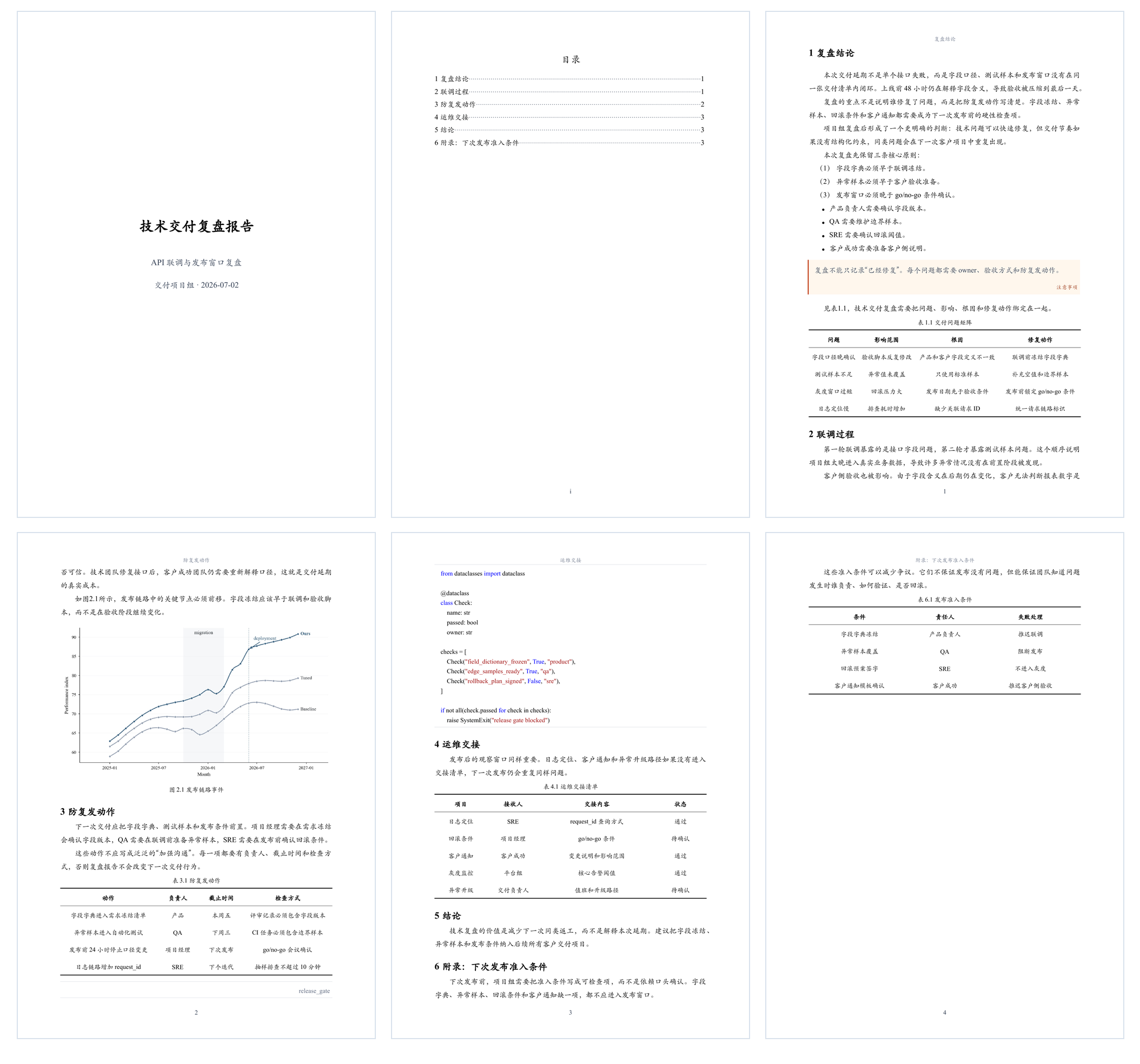 |
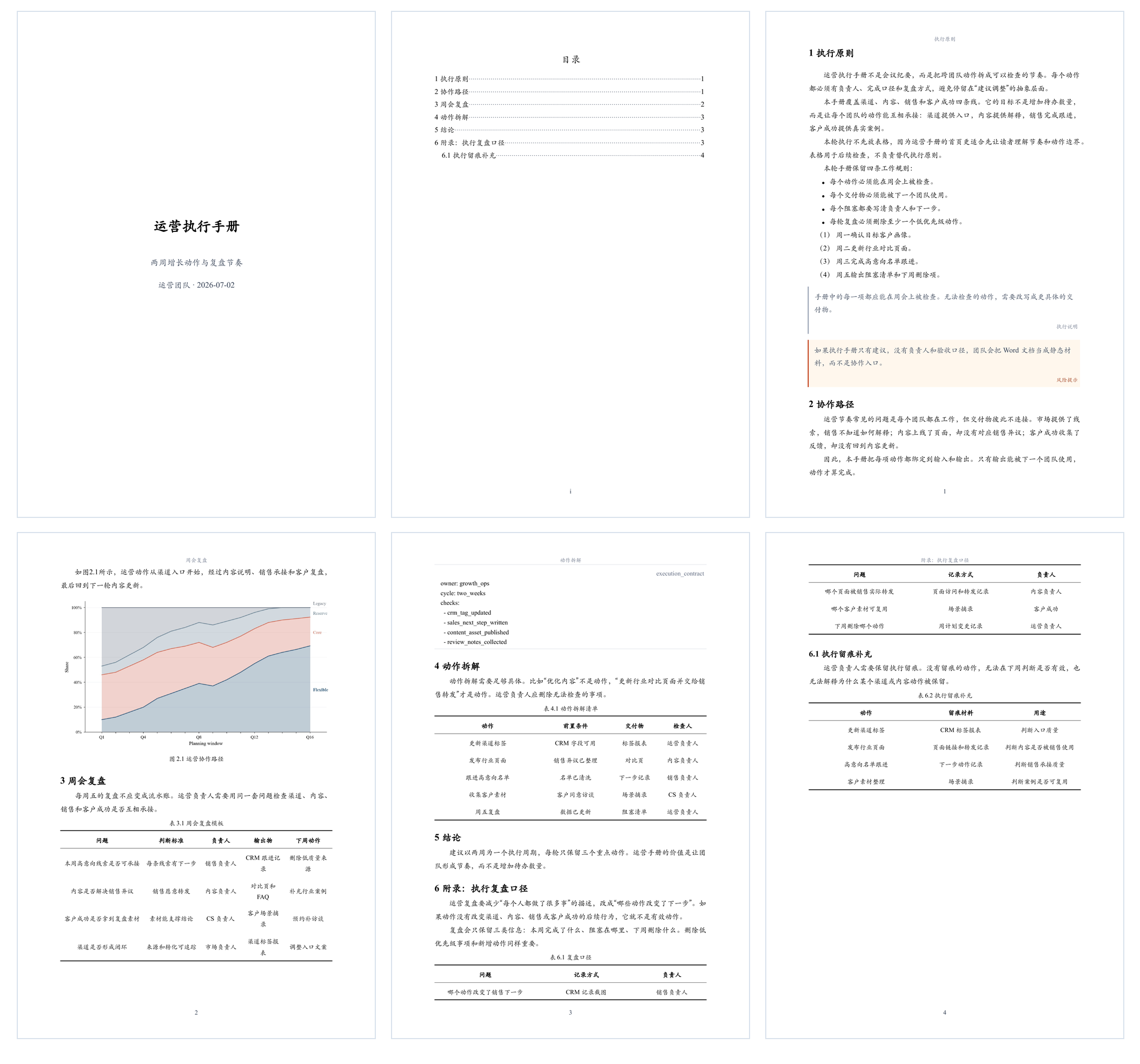
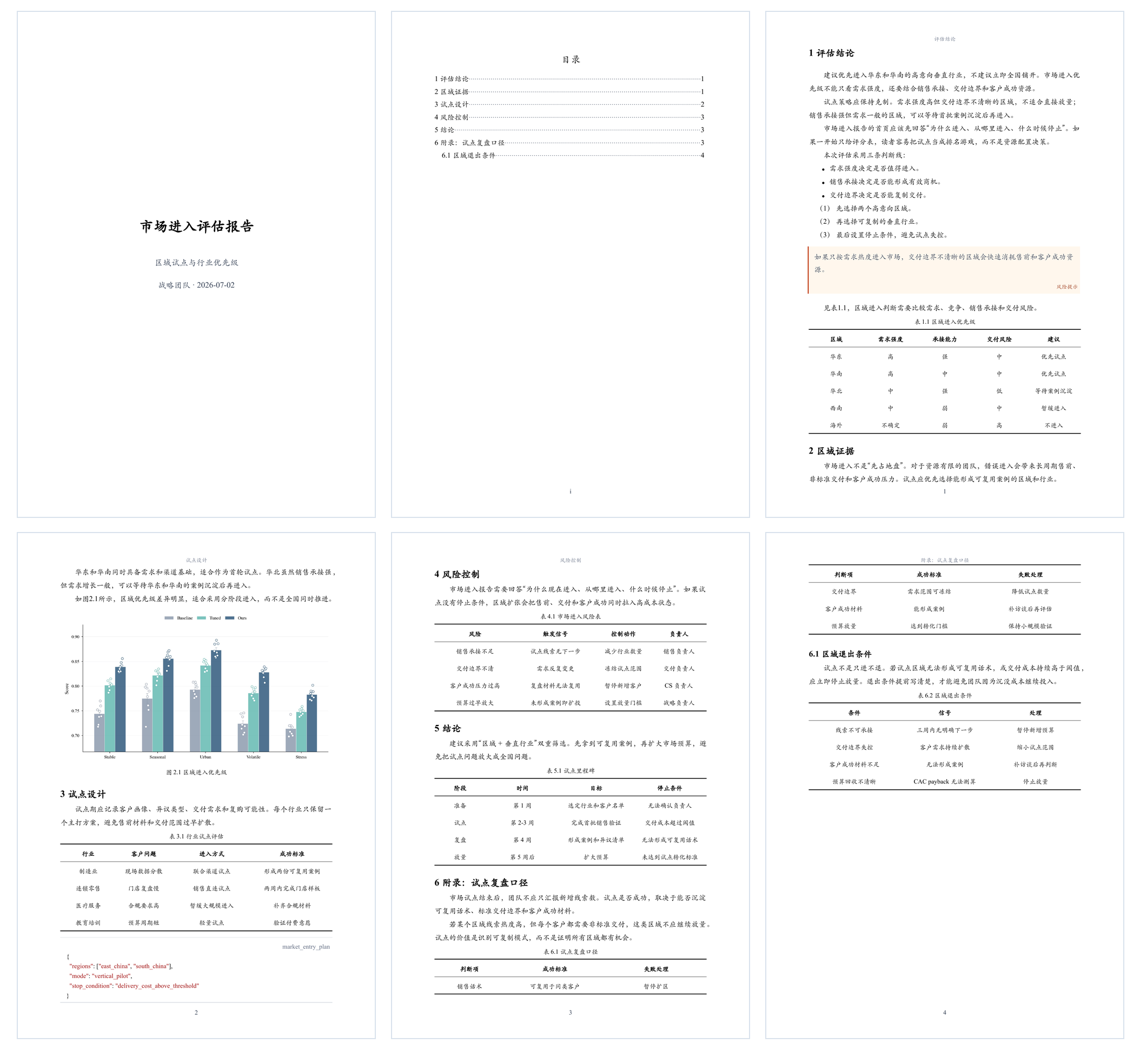
| Cash-flow risk brief | Operations playbook | Market entry assessment |
|
|
| Cash-flow risk brief | Operations playbook | Market entry assessment |
| 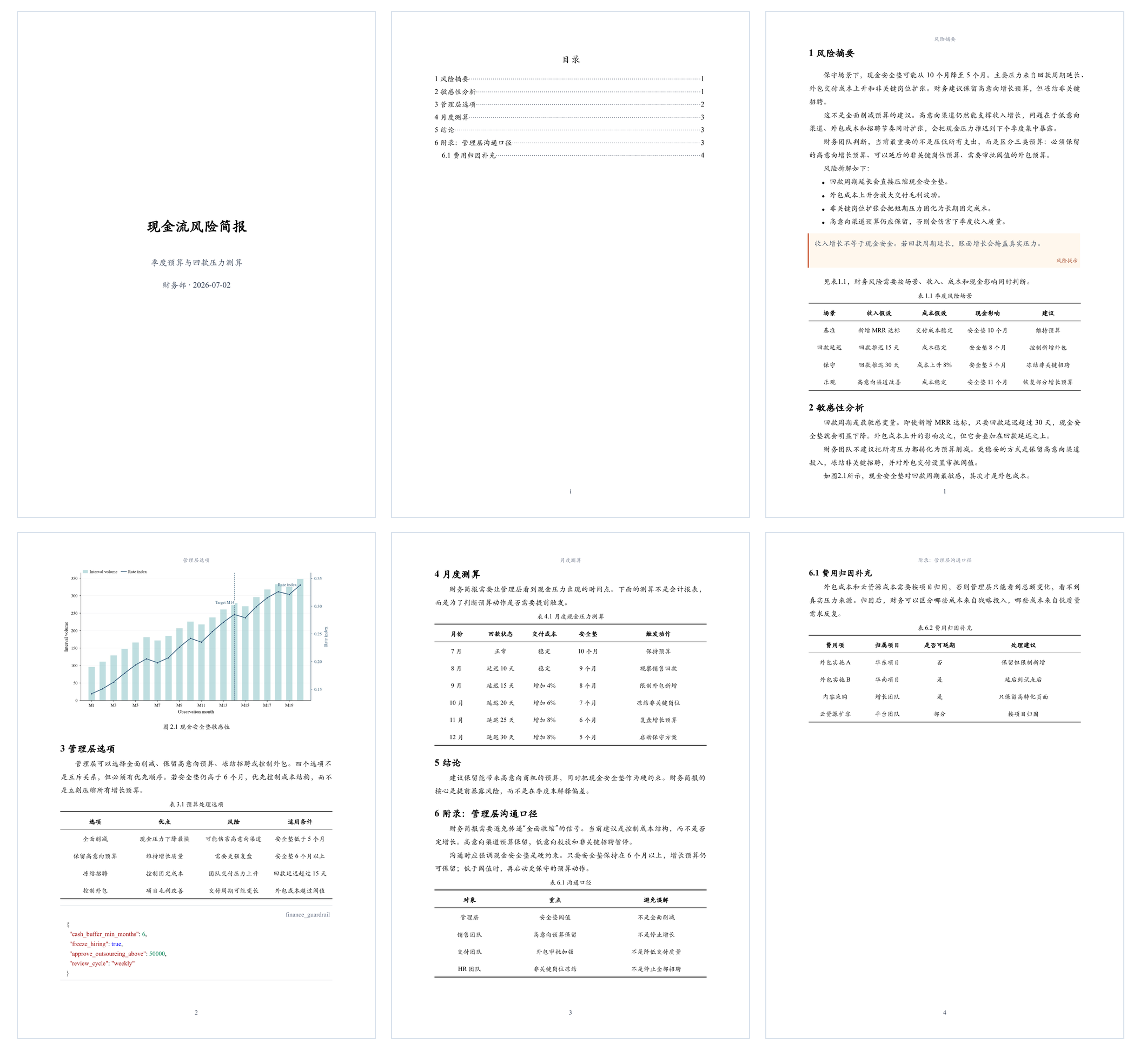 |
|  |
|  |
## Install
### 1. Install the CLI
```bash
npm install -g @dztabel/docxkit
docx-kit --version
```
Output like this means the CLI is installed:
```text
docx-kit 0.1.62 (cli-contract 0.2)
```
### 2. Install one agent skill
#### 2.1 Codex
```bash
node -e "const fs=require('fs'),os=require('os'),path=require('path'),cp=require('child_process');const root=cp.execSync('npm root -g',{encoding:'utf8'}).trim();const src=path.join(root,'@dztabel','docxkit','skills','docxkit');const dest=path.join(os.homedir(),'.agents','skills','docxkit');fs.rmSync(dest,{recursive:true,force:true});fs.mkdirSync(path.dirname(dest),{recursive:true});fs.cpSync(src,dest,{recursive:true});console.log('Codex skill installed');"
```
Check the Codex skill in your terminal:
```bash
node -e "const fs=require('fs'),os=require('os'),path=require('path');const p=path.join(os.homedir(),'.agents','skills','docxkit','SKILL.md');if(!fs.existsSync(p))process.exit(1);console.log('Codex skill installed');"
```
This output means the skill is installed:
```text
Codex skill installed
```
Open Codex and type `$docxkit`. If you can select the skill with `Tab`, it is ready. If it does not appear, press `Cmd+K` / `Ctrl+K`, choose `Force Reload Skills`, or reopen Codex.
#### 2.2 Claude Code
```bash
node -e "const fs=require('fs'),os=require('os'),path=require('path'),cp=require('child_process');const root=cp.execSync('npm root -g',{encoding:'utf8'}).trim();const src=path.join(root,'@dztabel','docxkit','skills','docxkit');const dest=path.join(os.homedir(),'.claude','skills','docxkit');fs.rmSync(dest,{recursive:true,force:true});fs.mkdirSync(path.dirname(dest),{recursive:true});fs.cpSync(src,dest,{recursive:true});console.log('Claude Code skill installed');"
```
Check the Claude Code skill in your terminal:
```bash
node -e "const fs=require('fs'),os=require('os'),path=require('path');const p=path.join(os.homedir(),'.claude','skills','docxkit','SKILL.md');if(!fs.existsSync(p))process.exit(1);console.log('Claude Code skill installed');"
```
This output means the skill is installed:
```text
Claude Code skill installed
```
Open Claude Code and type `/docxkit`. If you can select the skill, it is ready. If it does not appear, run `/reload-skills` and try again. Older Claude Code versions may need a new window.
## Quick Start
### 1. Generate a Word report from provided material
```text
$docxkit Read my uploaded Excel, PDF, and meeting notes, then turn them into a formal project review report and export it as Word.
/docxkit Read my uploaded Excel, PDF, and meeting notes, then turn them into a formal project review report and export it as Word.
```
### 2. Research a topic and generate a Word report
```text
$docxkit Research recent developments in China's energy storage industry, organize the findings into an industry report, and export it as Word.
/docxkit Research recent developments in China's energy storage industry, organize the findings into an industry report, and export it as Word.
```
### 3. Turn a rough draft into a deliverable report
```text
$docxkit Rewrite this rough draft into a clear formal analysis report and export it as Word.
/docxkit Rewrite this rough draft into a clear formal analysis report and export it as Word.
```
### 4. Revise a generated report from feedback
```text
$docxkit Compress the report you just generated to 8 pages, rewrite chapter 2 for management readers, and export a new Word document.
/docxkit Compress the report you just generated to 8 pages, rewrite chapter 2 for management readers, and export a new Word document.
```
The agent handles source reading, research, writing, formatting, and Word export.
## Technical Details
The agent turns the material into DocxKit-ready intermediate content and runs:
```bash
docx-kit build prepared-report.md --out ./report --filename project-review.docx
docx-kit qa ./report/project-review.docx --report-json ./report/report.json --out ./report/qa
```
DocxKit outputs:
```text
report/project-review.docx
report/report.json
report/build-result.json
report/qa/qa-result.json
```
Generated `.docx` files do not embed fonts by default. Each template declares its required font names and cross-platform fallback chain in the font table, so Word/WPS uses fonts installed on the recipient's computer while keeping the document editable. Pass `--embed-fonts` only to embed locally available fonts that may legally be embedded.
Three templates are built in: `executive-cn-docx` (default KaiTi business style), `executive-cn-song-docx` (SimSun body with non-bold SimHei headings), and `executive-cn-official-docx` (16 pt FangSong_GB2312 body, 12 pt tables and table captions, bold level-2/3 official headings, no header, fixed 30 pt line spacing, and no callouts). The official template defaults to an inline title/subtitle with no separate cover or TOC; set `document_mode: report` only when a cover and TOC are required. Select one with `template:` in the Markdown frontmatter.
Supports equations (block and inline LaTeX, editable native Word math), clickable cross-references for tables/figures/equations/sources, and optional lists of figures/tables; every build runs a content lint gate (dangling references fail the build — see the checks field in the output JSON).
## Troubleshooting
The public beta supports macOS Apple Silicon and Windows x64.
If global npm install skips optional dependencies, install the matching platform package explicitly:
```bash
npm install -g @dztabel/docxkit @dztabel/docxkit-darwin-arm64
```
When reporting a build failure, include:
- `docx-kit --version`
- `report/build-result.json`
- A minimal `content.md` that reproduces the issue
## Repository Scope
This public repository contains npm wrapper metadata, the command shim, public skills, documentation, and lightweight preview assets.
Renderer source, private templates, schemas, visual regression samples, and platform binaries are not included here. Platform binaries are distributed through npm platform packages.
## License
DocxKit is distributed through npm as a proprietary CLI binary. This repository provides the public wrapper, skills, and documentation for installing and using the CLI.
|
## Install
### 1. Install the CLI
```bash
npm install -g @dztabel/docxkit
docx-kit --version
```
Output like this means the CLI is installed:
```text
docx-kit 0.1.62 (cli-contract 0.2)
```
### 2. Install one agent skill
#### 2.1 Codex
```bash
node -e "const fs=require('fs'),os=require('os'),path=require('path'),cp=require('child_process');const root=cp.execSync('npm root -g',{encoding:'utf8'}).trim();const src=path.join(root,'@dztabel','docxkit','skills','docxkit');const dest=path.join(os.homedir(),'.agents','skills','docxkit');fs.rmSync(dest,{recursive:true,force:true});fs.mkdirSync(path.dirname(dest),{recursive:true});fs.cpSync(src,dest,{recursive:true});console.log('Codex skill installed');"
```
Check the Codex skill in your terminal:
```bash
node -e "const fs=require('fs'),os=require('os'),path=require('path');const p=path.join(os.homedir(),'.agents','skills','docxkit','SKILL.md');if(!fs.existsSync(p))process.exit(1);console.log('Codex skill installed');"
```
This output means the skill is installed:
```text
Codex skill installed
```
Open Codex and type `$docxkit`. If you can select the skill with `Tab`, it is ready. If it does not appear, press `Cmd+K` / `Ctrl+K`, choose `Force Reload Skills`, or reopen Codex.
#### 2.2 Claude Code
```bash
node -e "const fs=require('fs'),os=require('os'),path=require('path'),cp=require('child_process');const root=cp.execSync('npm root -g',{encoding:'utf8'}).trim();const src=path.join(root,'@dztabel','docxkit','skills','docxkit');const dest=path.join(os.homedir(),'.claude','skills','docxkit');fs.rmSync(dest,{recursive:true,force:true});fs.mkdirSync(path.dirname(dest),{recursive:true});fs.cpSync(src,dest,{recursive:true});console.log('Claude Code skill installed');"
```
Check the Claude Code skill in your terminal:
```bash
node -e "const fs=require('fs'),os=require('os'),path=require('path');const p=path.join(os.homedir(),'.claude','skills','docxkit','SKILL.md');if(!fs.existsSync(p))process.exit(1);console.log('Claude Code skill installed');"
```
This output means the skill is installed:
```text
Claude Code skill installed
```
Open Claude Code and type `/docxkit`. If you can select the skill, it is ready. If it does not appear, run `/reload-skills` and try again. Older Claude Code versions may need a new window.
## Quick Start
### 1. Generate a Word report from provided material
```text
$docxkit Read my uploaded Excel, PDF, and meeting notes, then turn them into a formal project review report and export it as Word.
/docxkit Read my uploaded Excel, PDF, and meeting notes, then turn them into a formal project review report and export it as Word.
```
### 2. Research a topic and generate a Word report
```text
$docxkit Research recent developments in China's energy storage industry, organize the findings into an industry report, and export it as Word.
/docxkit Research recent developments in China's energy storage industry, organize the findings into an industry report, and export it as Word.
```
### 3. Turn a rough draft into a deliverable report
```text
$docxkit Rewrite this rough draft into a clear formal analysis report and export it as Word.
/docxkit Rewrite this rough draft into a clear formal analysis report and export it as Word.
```
### 4. Revise a generated report from feedback
```text
$docxkit Compress the report you just generated to 8 pages, rewrite chapter 2 for management readers, and export a new Word document.
/docxkit Compress the report you just generated to 8 pages, rewrite chapter 2 for management readers, and export a new Word document.
```
The agent handles source reading, research, writing, formatting, and Word export.
## Technical Details
The agent turns the material into DocxKit-ready intermediate content and runs:
```bash
docx-kit build prepared-report.md --out ./report --filename project-review.docx
docx-kit qa ./report/project-review.docx --report-json ./report/report.json --out ./report/qa
```
DocxKit outputs:
```text
report/project-review.docx
report/report.json
report/build-result.json
report/qa/qa-result.json
```
Generated `.docx` files do not embed fonts by default. Each template declares its required font names and cross-platform fallback chain in the font table, so Word/WPS uses fonts installed on the recipient's computer while keeping the document editable. Pass `--embed-fonts` only to embed locally available fonts that may legally be embedded.
Three templates are built in: `executive-cn-docx` (default KaiTi business style), `executive-cn-song-docx` (SimSun body with non-bold SimHei headings), and `executive-cn-official-docx` (16 pt FangSong_GB2312 body, 12 pt tables and table captions, bold level-2/3 official headings, no header, fixed 30 pt line spacing, and no callouts). The official template defaults to an inline title/subtitle with no separate cover or TOC; set `document_mode: report` only when a cover and TOC are required. Select one with `template:` in the Markdown frontmatter.
Supports equations (block and inline LaTeX, editable native Word math), clickable cross-references for tables/figures/equations/sources, and optional lists of figures/tables; every build runs a content lint gate (dangling references fail the build — see the checks field in the output JSON).
## Troubleshooting
The public beta supports macOS Apple Silicon and Windows x64.
If global npm install skips optional dependencies, install the matching platform package explicitly:
```bash
npm install -g @dztabel/docxkit @dztabel/docxkit-darwin-arm64
```
When reporting a build failure, include:
- `docx-kit --version`
- `report/build-result.json`
- A minimal `content.md` that reproduces the issue
## Repository Scope
This public repository contains npm wrapper metadata, the command shim, public skills, documentation, and lightweight preview assets.
Renderer source, private templates, schemas, visual regression samples, and platform binaries are not included here. Platform binaries are distributed through npm platform packages.
## License
DocxKit is distributed through npm as a proprietary CLI binary. This repository provides the public wrapper, skills, and documentation for installing and using the CLI.