# figma-use
CLI for Figma. Control it from the terminal — with commands or JSX.
```bash
# Create and style
figma-use create frame --width 400 --height 300 --fill "#FFF" --layout VERTICAL --gap 16
figma-use create icon mdi:home --size 32 --color "#3B82F6"
figma-use set fill 1:23 "$Colors/Primary"
# Or render JSX
echo '
Hello Figma
' | figma-use render --stdin --x 100 --y 100
```
## Why
Figma's official MCP plugin can read files but can't modify them. This one can.
LLMs know CLI. LLMs know React. This combines both.
CLI commands are compact — easy to read, easy to generate, easy to chain. When a task involves dozens of operations, every saved token matters. MCP and JSON-RPC work too, but they add overhead.
JSX is how LLMs already think about UI. They've seen millions of React components. Describing a Figma layout as `` is natural for them — no special training, no verbose schemas.
## Demo
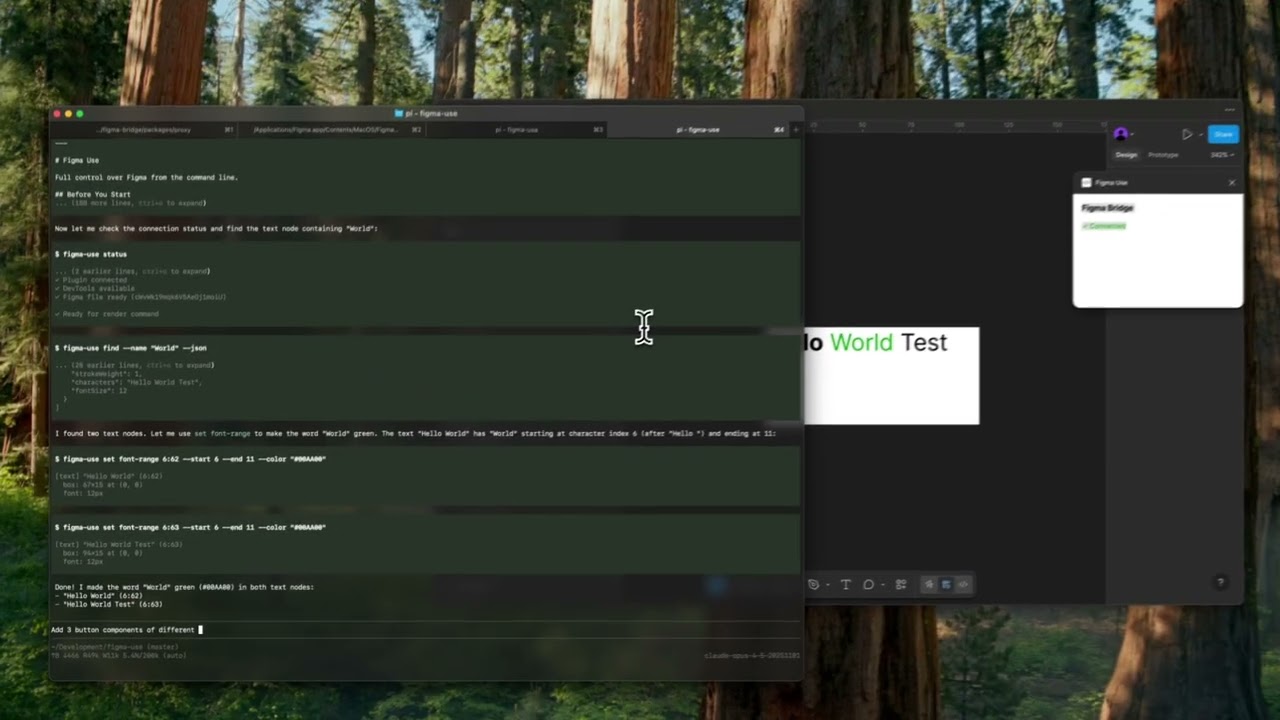
▶️ Button components
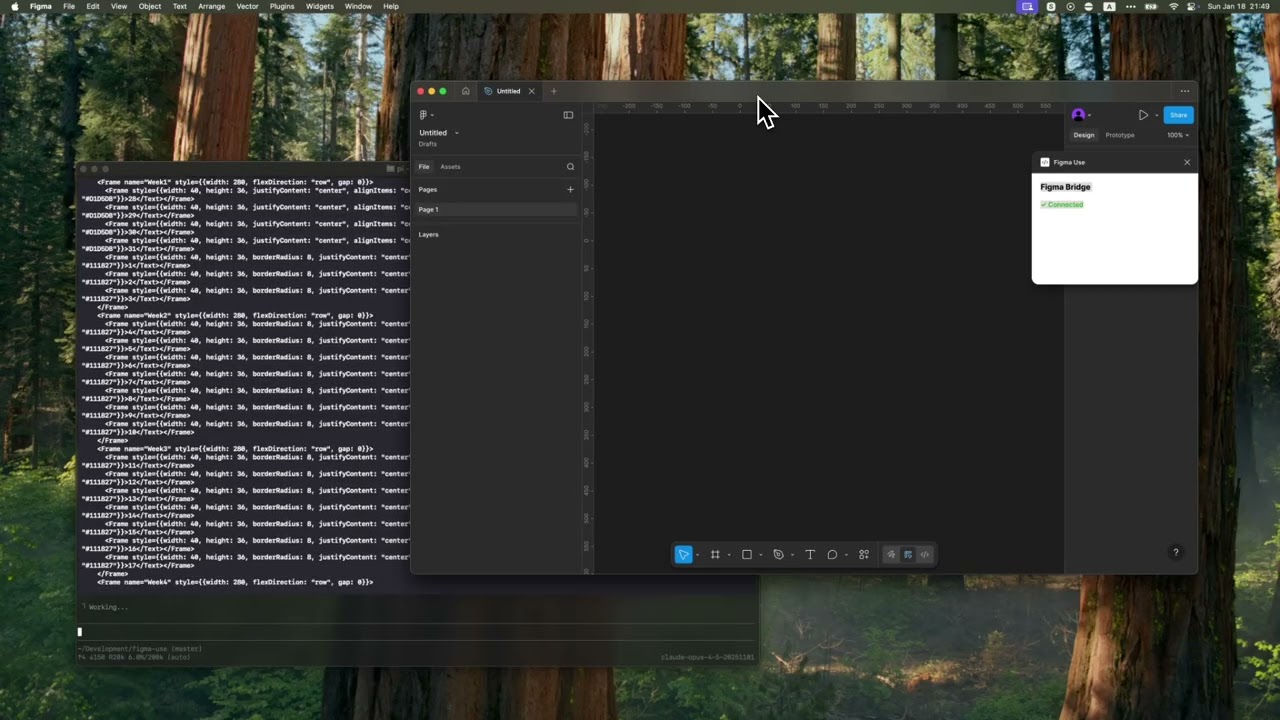
▶️ Tailwind UI calendar
## Installation
```bash
npm install -g @dannote/figma-use
figma-use plugin install # Quit Figma first
figma-use proxy # Start proxy server
```
Open Figma → Plugins → Development → **Figma Use**
## Two Modes
Imperative — one command at a time:
```bash
figma-use create frame --width 400 --height 300 --fill "#FFF" --radius 12 --layout VERTICAL --gap 16
```
Or declaratively — describe the structure in JSX and render it:
```bash
echo '
Card TitleDescription
' | figma-use render --stdin --x 100 --y 200
```
The stdin mode accepts pure JSX only — no variables, no logic. For components, variants, and conditions, use `.figma.tsx` files.
## Examples
### Icons
Insert any icon from Iconify by name. No downloading, no importing, no cleanup.
```bash
figma-use create icon mdi:home
figma-use create icon lucide:star --size 48 --color "#F59E0B"
```
In JSX:
```tsx
```
Browse 150k+ icons: [icon-sets.iconify.design](https://icon-sets.iconify.design/)
### Components
In a `.figma.tsx` file you can define components. First call creates the master, the rest create instances:
```tsx
import { defineComponent, Frame, Text } from '@dannote/figma-use/render'
const Card = defineComponent(
'Card',
Card
)
export default () => (
)
```
### Variants
ComponentSet with all combinations:
```tsx
import { defineComponentSet, Frame, Text } from '@dannote/figma-use/render'
const Button = defineComponentSet(
'Button',
{
variant: ['Primary', 'Secondary'] as const,
size: ['Small', 'Large'] as const,
},
({ variant, size }) => (
{variant} {size}
)
)
export default () => (
)
```
This creates a real ComponentSet in Figma with all 4 variants, not just 4 separate buttons.
### Variables as Tokens
Bind colors to Figma variables by name. The hex value is a fallback:
```tsx
import { defineVars, Frame, Text } from '@dannote/figma-use/render'
const colors = defineVars({
bg: { name: 'Colors/Gray/50', value: '#F8FAFC' },
text: { name: 'Colors/Gray/900', value: '#0F172A' },
})
export default () => (
Bound to variables
)
```
In CLI, use `var:Colors/Primary` or `$Colors/Primary` in any color option.
### Diffs
Compare two frames and get a patch:
```bash
figma-use diff create --from 123:456 --to 789:012
```
```diff
--- /Card/Header #123:457
+++ /Card/Header #789:013
@@ -1,5 +1,5 @@
type: FRAME
size: 200 50
pos: 0 0
-fill: #FFFFFF
+fill: #F0F0F0
-opacity: 0.8
+opacity: 1
```
Apply the patch to the original frame. On apply, current state is validated against expected — if they don't match, it fails.
Visual diff highlights changed pixels in red:
```bash
figma-use diff visual --from 49:275096 --to 49:280802 --output diff.png
```
| Before | After | Diff |
|--------|-------|------|
|  |  |  |
### Inspection
Page tree in readable form:
```
$ figma-use node tree
[0] frame "Card" (1:23)
400×300 at (0, 0) | fill: #FFFFFF | layout: col gap=16
[0] text "Title" (1:24)
"Hello World" | 24px Inter Bold
```
Export any node or screenshot with one command.
### Vectors
Import SVG or work with paths directly — read, modify, translate, scale, flip:
```bash
figma-use path get
figma-use path set "M 0 0 L 100 100 Z"
figma-use path scale --factor 1.5
figma-use path flip --axis x
```
### Query
Find nodes using XPath selectors:
```bash
figma-use query "//FRAME" # All frames
figma-use query "//FRAME[@width < 300]" # Narrower than 300px
figma-use query "//COMPONENT[starts-with(@name, 'Button')]" # Name starts with
figma-use query "//FRAME[contains(@name, 'Card')]" # Name contains
figma-use query "//SECTION/FRAME" # Direct children
figma-use query "//SECTION//TEXT" # All descendants
figma-use query "//*[@cornerRadius > 0]" # Any node with radius
```
Full XPath 3.1 support — predicates, functions, arithmetic, axes.
## Render via Multiplayer Protocol
The `render` command uses Figma's internal multiplayer protocol, not just Plugin API. It's faster, but the protocol is internal and may change. Good for generation and prototyping.
## Full Command Reference
See [REFERENCE.md](./REFERENCE.md) for the complete list of 100+ commands.
## For AI Agents
Includes [SKILL.md](./SKILL.md) — a reference for Claude Code, Cursor, and other agents.
```bash
mkdir -p ~/.claude/skills/figma-use
curl -o ~/.claude/skills/figma-use/SKILL.md \
https://raw.githubusercontent.com/dannote/figma-use/master/SKILL.md
```
## MCP Server
The proxy exposes an MCP endpoint at `http://localhost:38451/mcp` with 90+ tools. Run `figma-use mcp` for config.
See [MCP.md](./MCP.md) for full documentation.
## How It Works
```
┌─────────────┐ ┌─────────────┐ ┌─────────────┐
│ Terminal │────▶│ figma-use │────▶│ Plugin │
│ │ CLI │ proxy │ WS │ │
└─────────────┘ └──────┬──────┘ └─────────────┘
│
MCP ───┤ WebSocket (multiplayer)
▼
┌─────────────┐
│ Figma │
└─────────────┘
```
## License
MIT