# ChordBook Editor
A web-based editor for editing chord sheets in the [ChordPro](https://chordpro.org) format, built on [CodeMirror](https://codemirror.net).
[](https://chordbook.github.io/editor)
### Features
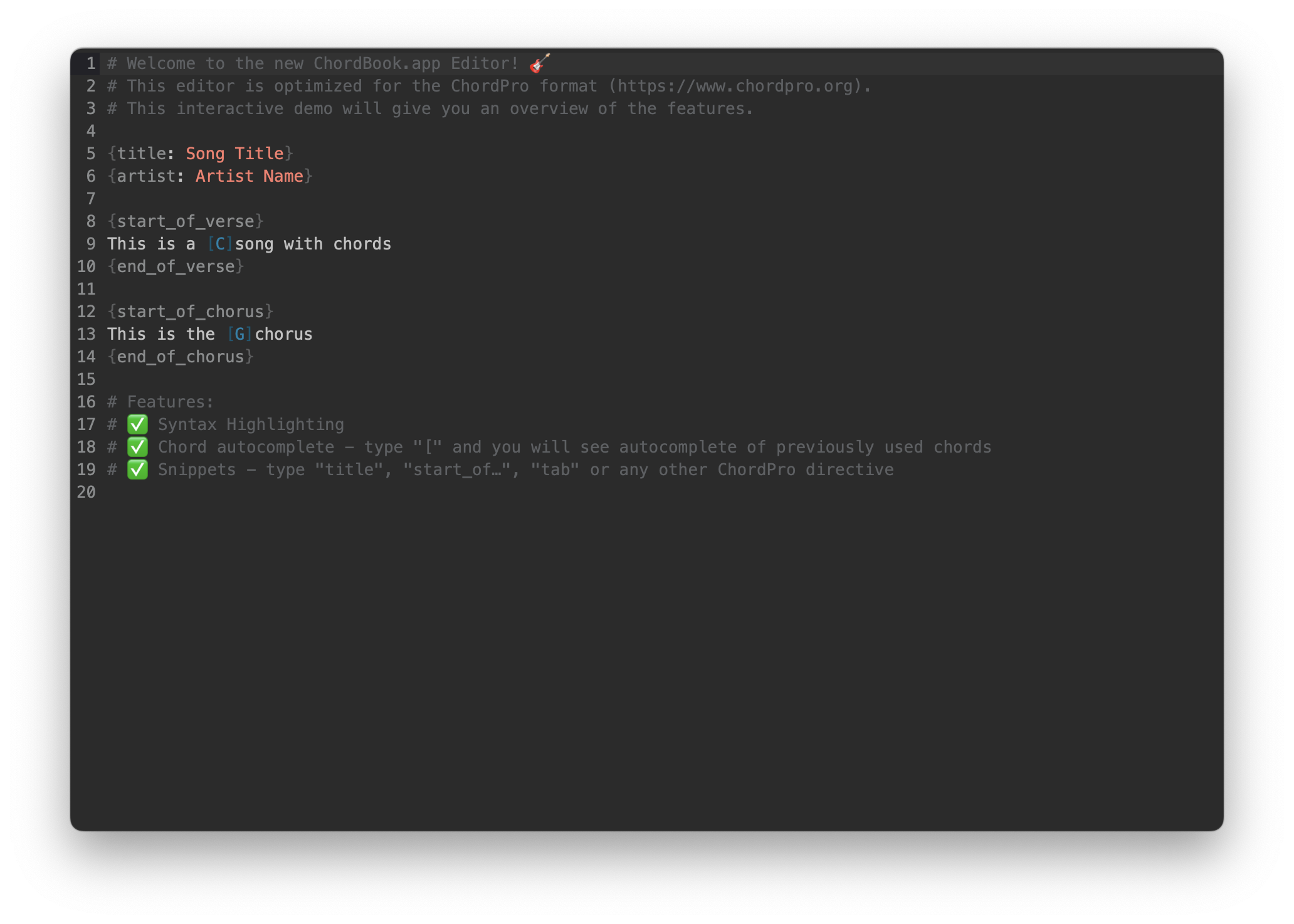
* ✅ ChordPro Syntax Highlighting
* ✅ Chord autocomplete - type "[" and you will see autocomplete of previously used chords
* ✅ Snippets - type "title", "start_of…", "tab" or any other ChordPro directive
## Installation
```console
npm install @chordbook/editor
```
## Usage
Put an element on the page that will be the container for the editor.
```html
```
Then, import the editor and create an instance of it.
```js
import { createEditor } from '@chordbook/editor'
createEditor({
parent: document.querySelector('#editor'),
state: {
doc: "Initial content",
events: {
onChange: (doc, viewUpdate) => console.log("onChange", doc, viewUpdate),
onChangeInterval: 500, // onChange events are debounced by default (300ms)
onFocus: viewUpdate => console.log("onFocus", viewUpdate),
onBlur: viewUpdate => console.log("onBlur", viewUpdate),
onPaste: (event, view) => console.log("onPaste", event, view)
}
}
})
```
## Contributing
Contributions are welcome!
1. Clone this repository: `git clone https://github.com/chordbook/editor.git`
2. Install dependencies: `npm install`
3. Start the development server: `npm run dev`
4. Open [http://localhost:5173/](http://localhost:5173/) in your browser
## Acknowledgements
This editor is built on some [previous work](https://github.com/bettermusic/studio) by @isaiahdahl and @marijnh.
## License
This project is licensed under the [AGPLv3](./LICENSE) license.