
Reka UI
Craft accessible web apps with Vue.


Get involved!
Documentation | Getting Started | Examples | Why Reka UI?
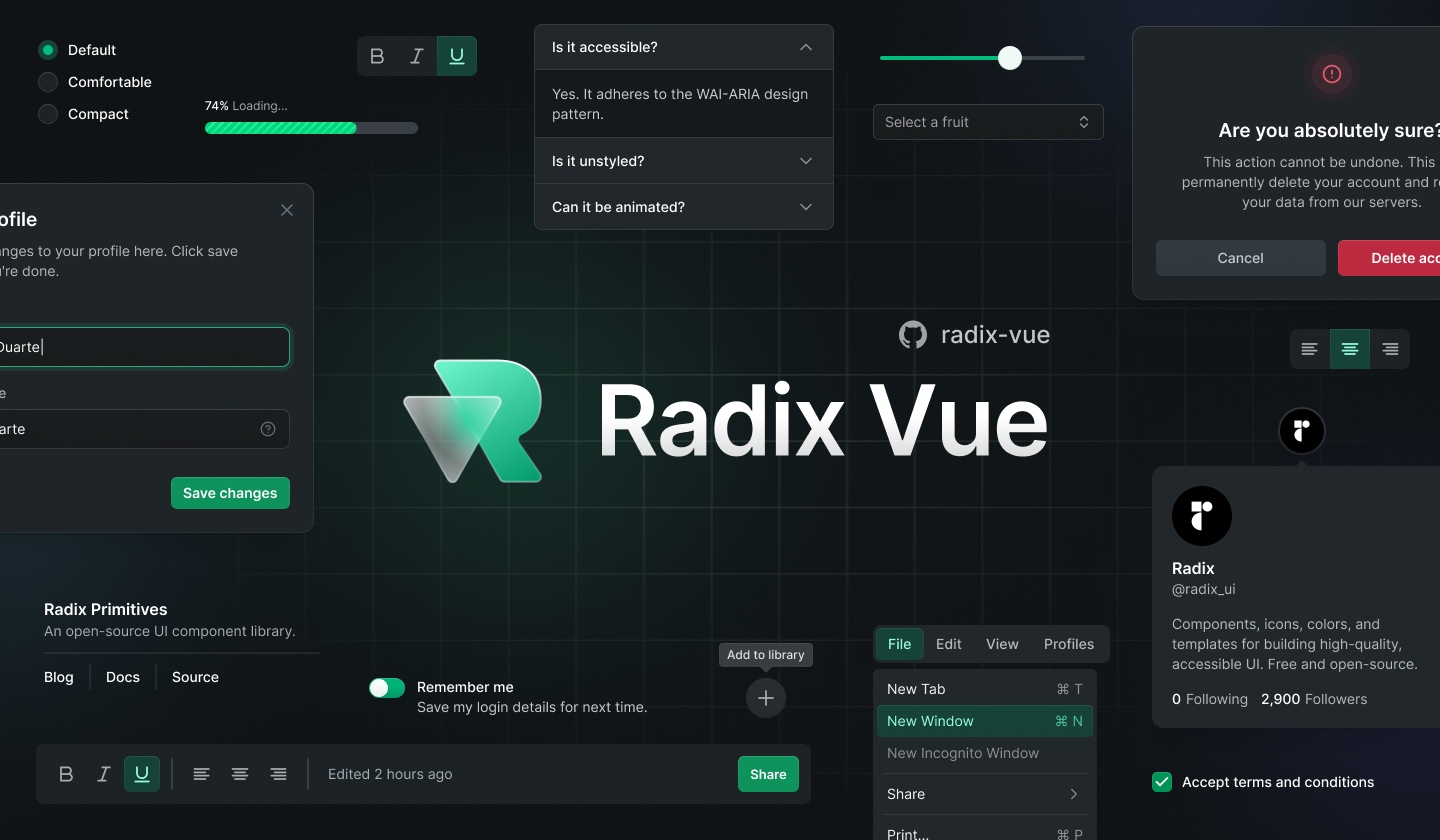
design by: [icarusgkx](https://twitter.com/icarusgkx), [melkam](https://github.com/MellKam)
## Installation
```bash
pnpm add reka-ui
```
```bash
npm install reka-ui
```
```bash
yarn add reka-ui
```
## Documentation
For full documentation, visit [reka-ui.com](https://reka-ui.com).
## Releases
For changelog, visit [releases](https://github.com/unovue/reka-ui/releases).
## Contributing
We would love to have your contributions! All PRs are welcome! We need help building the core components, docs, tests, stories! Join our discord and we will get you up and running!
## Dev Setup
### Docs
1. Clone the repo
2. Run `pnpm i`
3. Run `pnpm build` to run build `reka-ui` locally
3. Run `pnpm docs:dev` to run vitepress
4. Open `http://localhost:5173`
### Package
1. Clone the repo
2. Run `pnpm i`
3. Run `pnpm story:dev` to run histoire (storybook)
4. Open `http://localhost:6006`
5. Run `pnpm test` to test changes
## Credits
All credits go to these open-source works and resources
- [Radix UI](https://radix-ui.com)
- [React Spectrum](https://react-spectrum.adobe.com/index.html)
- [Floating UI](https://floating-ui.com)
- [Headless UI](https://headlessui.com)