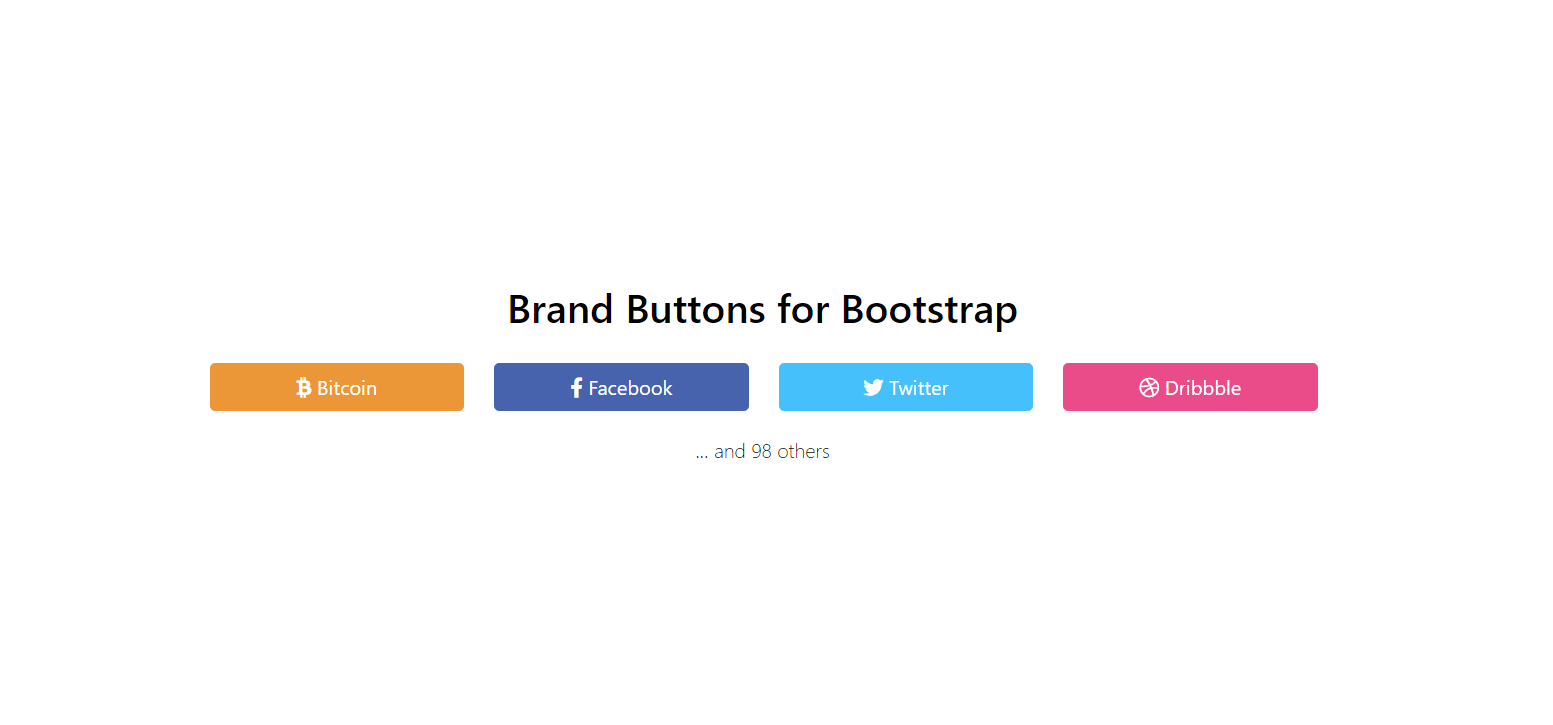
### Usage
* Install: npm i @cdgco/brand-buttons
* Include `dist/brand-buttons.min.css` to your file: ``
* Use as Bootstrap button: `` or `Facebook`
* You can:
* Use different sizes: `btn-xs`, `btn-sm`, `btn-lg` or `btn-block`
* Use with Font Awesome: ` Facebook`
* Or anything else you prefer to do with Bootstrap buttons!
### License
MIT
### Contributing
You can request new buttons through [issues](https://github.com/cdgco/bootstrap-brand-buttons/issues) or [pull requests](https://github.com/cdgco/bootstrap-brand-buttons/pulls).