


 @bull-board/nestjs
[NestJS](https://nestjs.com/) for `bull-board`.
@bull-board/nestjs
[NestJS](https://nestjs.com/) for `bull-board`.
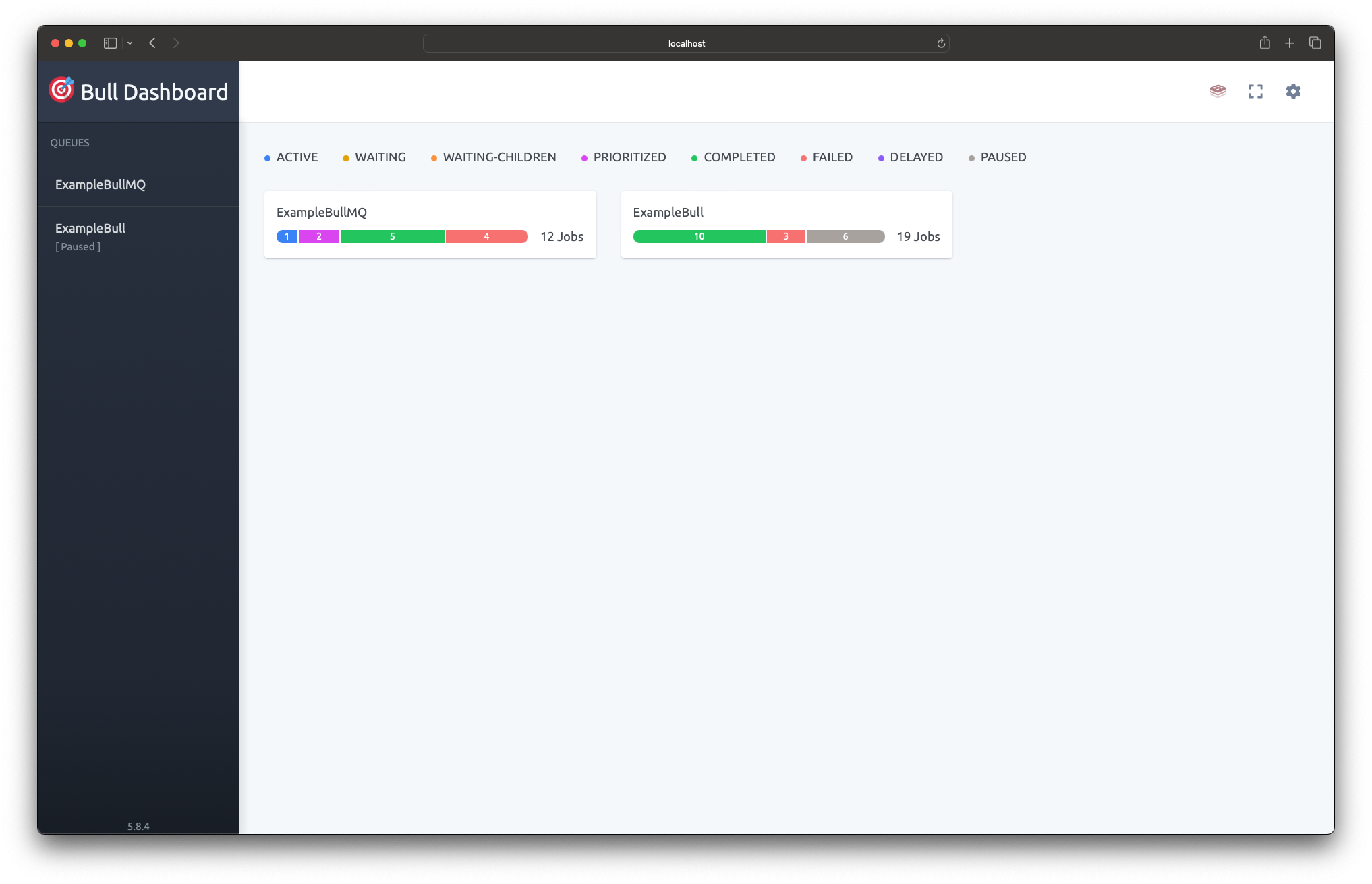 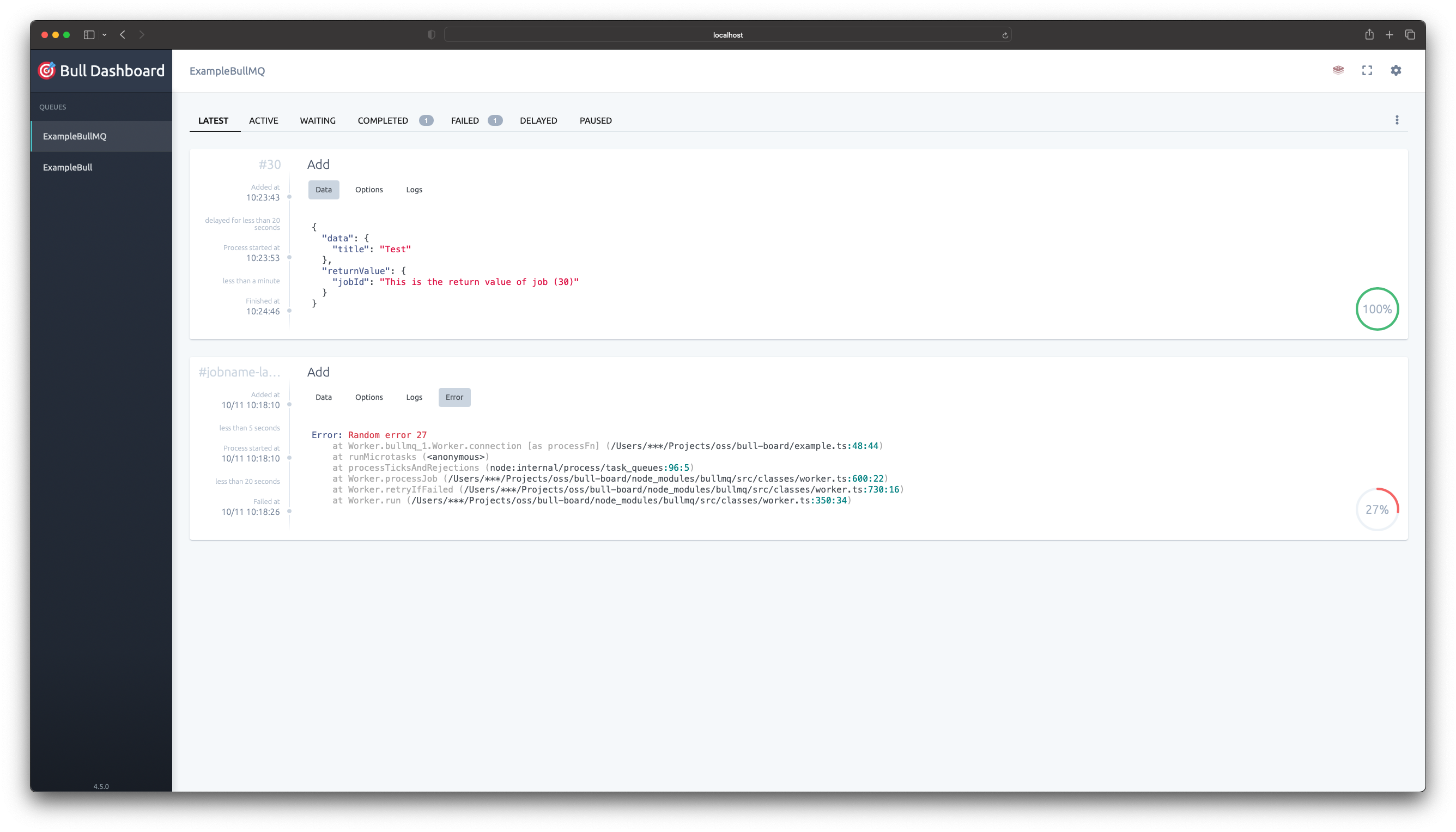 ## Installation Install both @bull-board/api and this module. ```bash $ npm install --save @bull-board/nestjs @bull-board/api ``` Install the Express or Fastify adapter depending on what you use in NestJS (default is Express) ```bash $ npm install --save @bull-board/express //or $ npm install --save @bull-board/fastify ``` ## Register the root module Once the installation is completed, we can import the `BullBoardModule` into your rootmodule e.g. `AppModule`. ```typescript import { Module } from '@nestjs/common'; import { BullBoardModule } from "@bull-board/nestjs"; import { ExpressAdapter } from "@bull-board/express"; @Module({ imports: [ BullModule.forRoot({ // your bull module config here. }), BullBoardModule.forRoot({ route: '/queues', adapter: ExpressAdapter // Or FastifyAdapter from `@bull-board/fastify` }), ], }) export class AppModule { } ``` The `forRoot()` method registers the bull-board instance and allows you to pass several options to both the instance and module. The following options are available. - `route` the base route for the bull-board instance adapter. - `adapter` The routing adapter to be used, either the Express Adapter or Fastify Adapter provided by bull-board. - `boardOptions` options as provided by the bull-board package, such as `uiBasePath` and `uiConfig` - `middleware` optional middleware for the express adapter (e.g. basic authentication) ### Express Authentication For Express, install `express-basic-auth`: ```bash $ npm install --save express-basic-auth ``` Modify the `BullBoardModule.forRoot()` method: ```typescript import basicAuth from "express-basic-auth"; BullBoardModule.forRoot({ route: "/queues", adapter: ExpressAdapter, middleware: basicAuth({ challenge: true, users: { admin: "passwordhere" }, }), }), ``` ### Fastify Authentication For Fastify, you can use `fastify-basic-auth`: ```bash $ npm install --save fastify-basic-auth ``` Then apply it using middleware: ```typescript import fastifyBasicAuth from "fastify-basic-auth"; BullBoardModule.forRoot({ route: "/queues", adapter: FastifyAdapter, middleware: (req, res, next) => { fastifyBasicAuth({ validate: async (username, password, req, reply) => { if (username === "admin" && password === "passwordhere") { return; } throw new Error("Unauthorized"); }, })(req, res, next); }, }), ``` ## Register your queues To register a new queue, you need to register `BullBoardModule.forFeature` in the same module as where your queues are registered. ```typescript import { Module } from '@nestjs/common'; import { BullBoardModule } from "@bull-board/nestjs"; import { BullMQAdapter } from "@bull-board/api/bullMQAdapter"; import { BullModule } from "@nestjs/bullmq"; @Module({ imports: [ BullModule.registerQueue( { name: 'my_awesome_queue' } ), BullBoardModule.forFeature({ name: 'my_awesome_queue', adapter: BullMQAdapter, //or use BullAdapter if you're using bull instead of bullMQ }), ], }) export class FeatureModule {} ``` The `forFeature` method registers the given queues to the bull-board instance. The following options are available. - `name` the queue name to register - `adapter` either `BullAdapter` or `BullMQAdapter` depending on which package you use. - `options` queue adapter options as found in the bull-board package, such as `readOnlyMode`, `description` etc. ## Using the bull-board instance in your controllers and/or services. The created bull-board instance is available via the `@InjectBullBoard()` decorator. For example in a controller: ```typescript import { Controller, Get } from "@nestjs/common"; import { BullBoardInstance, InjectBullBoard } from "@bull-board/nestjs"; @Controller('my-feature') export class FeatureController { constructor( @InjectBullBoard() private readonly boardInstance: BullBoardInstance ) { } //controller methods } ``` # Usage examples 1. [Simple NestJS setup](https://github.com/felixmosh/bull-board/tree/master/examples/with-nestjs) For more info visit the main [README](https://github.com/felixmosh/bull-board#readme)