# Empty State

Empty state components are used to convey that there is no data available to be displayed, or that a search or filter has returned no results.

<!-- docs: demo align:start -->
```html
<script type="module">
  import '@brightspace-ui/core/components/empty-state/empty-state-action-link.js';
  import '@brightspace-ui/core/components/empty-state/empty-state-illustrated.js';
  import '@brightspace-ui/core/components/empty-state/empty-state-simple.js';
</script>
<style>
	body {
		overflow-y: hidden;
	}
	d2l-empty-state-illustrated,
	d2l-empty-state-simple {
		max-width: 500px;
		width: 100%;
	}
</style>

<d2l-empty-state-simple description="There are no assignments to display.">
	<d2l-empty-state-action-link text="Create an Assignment" href="#"></d2l-empty-state-action-link>
</d2l-empty-state-simple>
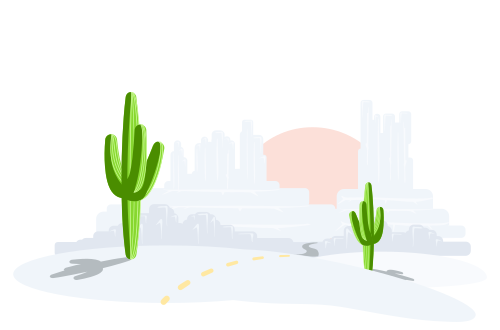
<d2l-empty-state-illustrated illustration-name="desert-road" title-text="No Learning Paths Yet" description="Get started by clicking below to create your first learning path">
	<d2l-empty-state-action-link text="Create Learning Paths" href="#"></d2l-empty-state-action-link>
</d2l-empty-state-illustrated>
```

## Best Practices

<!-- docs: start best practices -->
<!-- docs: start dos -->
* Use clear language to indicate there is no data available
* Offer concise guidance about next steps
* Include an [Empty State Action](#d2l-empty-state-action-button) or [Link](#d2l-empty-state-action-link) if it can help the user
* Replace the entire content with its empty state; do not show an empty table or list header
<!-- docs: end dos -->

<!-- docs: start donts -->
* Don’t use an empty state as a default state while data is loading
* Don't leave a section completely empty, or use a skeleton loading screen in place of an empty state component
* Avoid causing users to believe that they have hit a dead-end when they have not
<!-- docs: end donts -->
<!-- docs: end best practices -->

## Empty State Simple [d2l-empty-state-simple]

The `d2l-empty-state-simple` component is an empty state component that displays a description. An [empty state action component](#d2l-empty-state-action-button) can be placed inside of the default slot to add an optional action.

<!-- docs: demo code properties name:d2l-empty-state-simple sandboxTitle:'Empty State - Simple' -->
```html
<script type="module">
  import '@brightspace-ui/core/components/empty-state/empty-state-simple.js';
</script>

<d2l-empty-state-simple description="There are no assignments to display"></d2l-empty-state-simple>
```

## Empty State Illustrated [d2l-empty-state-illustrated]

The `d2l-empty-state-illustrated` component is an empty state component that displays a title and description with an illustration. An [empty state action component](#d2l-empty-state-action-button) can be placed inside of the default slot to add an optional action.

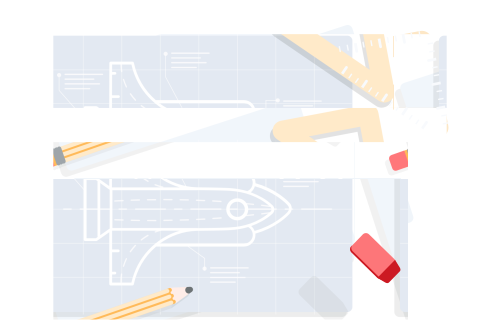
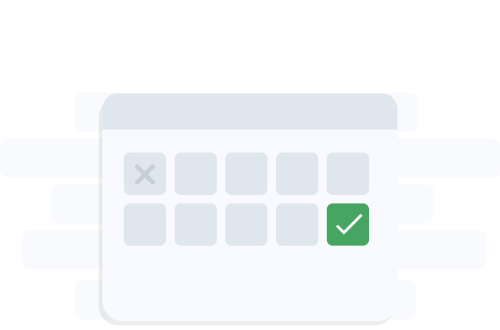
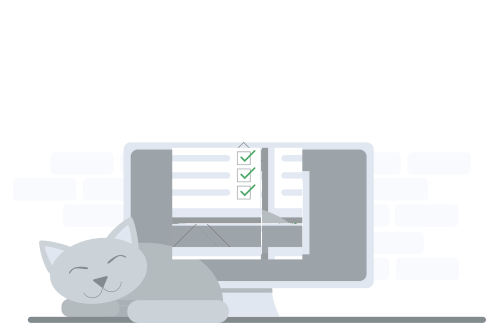
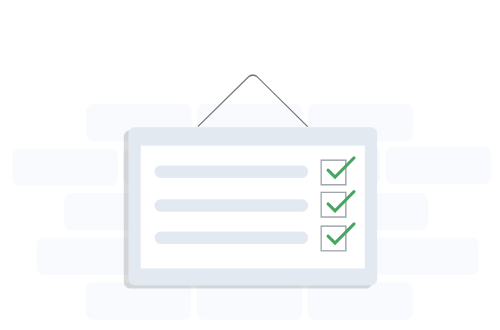
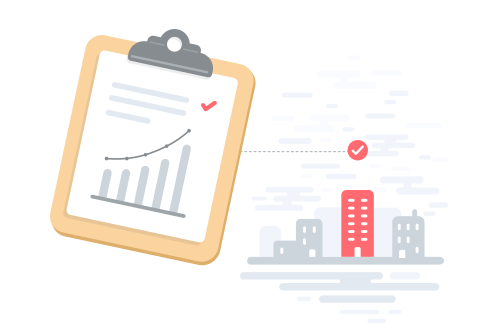
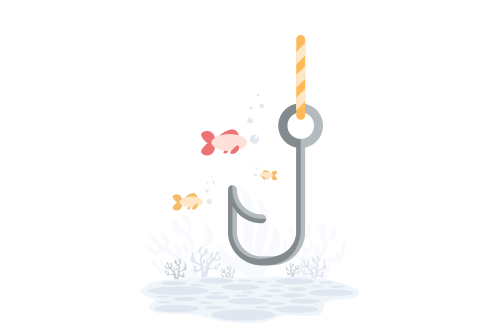
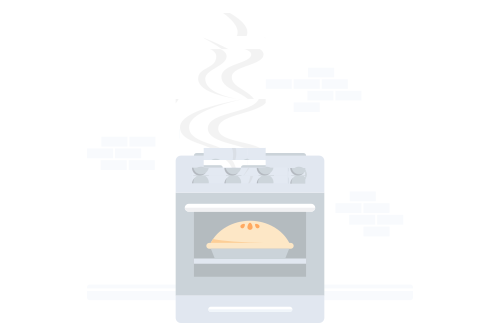
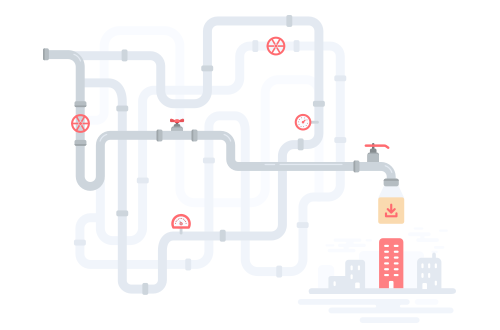
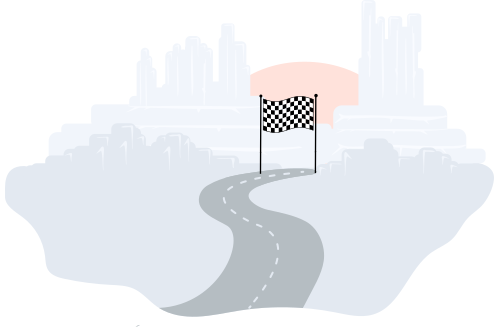
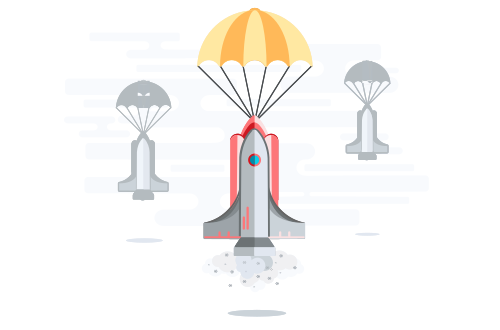
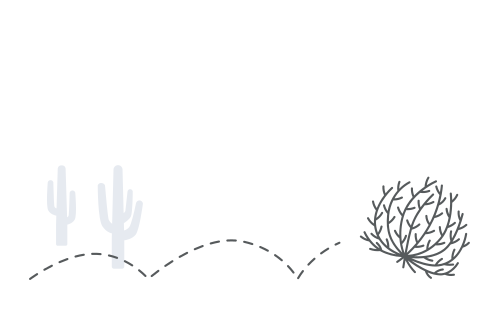
The `illustration-name` property can be set to use one of the preset illustrations or a custom SVG illustration can be added in the `illustration` slot. The catalogue of preset empty state illustrations can be found [here](#preset-empty-state-illustrations).

<!-- docs: demo code properties name:d2l-empty-state-illustrated sandboxTitle:'Empty State - Illustrated' -->
```html
<script type="module">
  import '@brightspace-ui/core/components/empty-state/empty-state-illustrated.js';
</script>
<!-- docs: start hidden content -->
<style>
	body {
		overflow-y: hidden;
	}
	d2l-empty-state-illustrated {
		width: 100%;
	}
</style>
<!-- docs: end hidden content -->
<d2l-empty-state-illustrated illustration-name="desert-road" title-text="No Learning Paths Yet" description="Get started by clicking below to create your first learning path"></d2l-empty-state-illustrated>
```

## Empty State Action Button [d2l-empty-state-action-button]

Use a `d2l-empty-state-action-button` to add a button that provides users with an easy next step, assuming the next step is to perform an action. If the next step is to navigate to another page, consider using an [Empty State Action Link](#d2l-empty-state-action-link) instead.

To add the button, place a `d2l-empty-state-action-button` component inside of the default slot of `empty-state-simple` or `empty-state-illustrated`. Only a single action can be placed within an empty state component.

The `primary` attribute can be set to render a primary button in place of the default subtle button. Note that the `primary` attribute is only valid when placed within `empty-state-illustrated` components and will have no effect on `empty-state-simple`.

<!-- docs: demo code properties name:d2l-empty-state-action-button sandboxTitle:'Empty State Action - Button' -->
```html
<script type="module">
  import '@brightspace-ui/core/components/empty-state/empty-state-action-button.js';
  import '@brightspace-ui/core/components/empty-state/empty-state-illustrated.js';
  import '@brightspace-ui/core/components/empty-state/empty-state-simple.js';
</script>
<!-- docs: start hidden content -->
<style>
	body {
		overflow-y: hidden;
	}
	d2l-empty-state-illustrated,
	d2l-empty-state-simple {
		max-width: 500px;
		width: 100%;
	}
</style>
<!-- docs: end hidden content -->
<d2l-empty-state-simple description="There are no assignments to display.">
	<d2l-empty-state-action-button text="Create an Assignment"></d2l-empty-state-action-button>
</d2l-empty-state-simple>
<d2l-empty-state-illustrated illustration-name="desert-road" title-text="No Learning Paths Yet" description="Get started by clicking below to create your first learning path">
	<d2l-empty-state-action-button text="Create Learning Paths"></d2l-empty-state-action-button>
</d2l-empty-state-illustrated>
```

## Empty State Action Link [d2l-empty-state-action-link]

Use a `d2l-empty-state-action-link` to add a link that provides users with an easy next step, provided the next step is to navigate to another page. If the next step is actually an action, use an [Empty State Action Button](#d2l-empty-state-action-button) instead.

To add the link, place a `d2l-empty-state-action-link` component inside of the default slot of `empty-state-simple` or `empty-state-illustrated`. Only a single action can be placed within an empty state component.

<!-- docs: demo code properties name:d2l-empty-state-action-link sandboxTitle:'Empty State Action - Link' -->
```html
<script type="module">
  import '@brightspace-ui/core/components/empty-state/empty-state-action-link.js';
  import '@brightspace-ui/core/components/empty-state/empty-state-illustrated.js';
  import '@brightspace-ui/core/components/empty-state/empty-state-simple.js';
</script>
<!-- docs: start hidden content -->
<style>
	body {
		overflow-y: hidden;
	}
	d2l-empty-state-illustrated,
	d2l-empty-state-simple {
		max-width: 500px;
		width: 100%;
	}
</style>
<!-- docs: end hidden content -->
<d2l-empty-state-simple description="There are no assignments to display.">
	<d2l-empty-state-action-link text="Create an Assignment" href="#"></d2l-empty-state-action-link>
</d2l-empty-state-simple>
<d2l-empty-state-illustrated illustration-name="desert-road" title-text="No Learning Paths Yet" description="Get started by clicking below to create your first learning path">
	<d2l-empty-state-action-link text="Create Learning Paths" href="#"></d2l-empty-state-action-link>
</d2l-empty-state-illustrated>
```

## Preset Empty State Illustrations

| Illustration | Name |
| :---: | :--- |
| ![](https://raw.githubusercontent.com/BrightspaceUI/core/main/components/empty-state/images/assembly-line.svg?sanitize=true) | assembly-line |
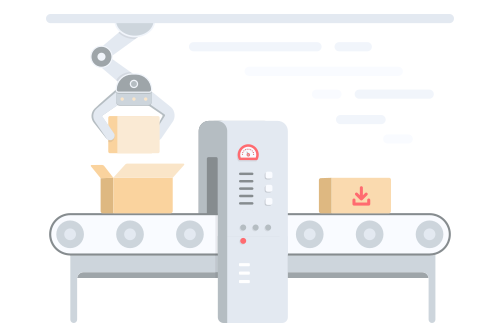
| ![](https://raw.githubusercontent.com/BrightspaceUI/core/main/components/empty-state/images/blueprint.svg?sanitize=true) | blueprint |
| ![](https://raw.githubusercontent.com/BrightspaceUI/core/main/components/empty-state/images/calendar.svg?sanitize=true) | calendar |
| ![](https://raw.githubusercontent.com/BrightspaceUI/core/main/components/empty-state/images/cat-computer.svg?sanitize=true) | cat-computer |
| ![](https://raw.githubusercontent.com/BrightspaceUI/core/main/components/empty-state/images/checklist.svg?sanitize=true) | checklist |
| ![](https://raw.githubusercontent.com/BrightspaceUI/core/main/components/empty-state/images/data-tracking.svg?sanitize=true) | data-tracking |
| ![](https://raw.githubusercontent.com/BrightspaceUI/core/main/components/empty-state/images/desert-road.svg?sanitize=true) | desert-road |
| ![](https://raw.githubusercontent.com/BrightspaceUI/core/main/components/empty-state/images/fish-hook.svg?sanitize=true) | fish-hook |
| ![](https://raw.githubusercontent.com/BrightspaceUI/core/main/components/empty-state/images/oven.svg?sanitize=true) | oven |
| ![](https://raw.githubusercontent.com/BrightspaceUI/core/main/components/empty-state/images/pipeline.svg?sanitize=true) | pipeline |
| ![](https://raw.githubusercontent.com/BrightspaceUI/core/main/components/empty-state/images/race.svg?sanitize=true) | race |
| ![](https://raw.githubusercontent.com/BrightspaceUI/core/main/components/empty-state/images/rockets.svg?sanitize=true) | rockets |
| ![](https://raw.githubusercontent.com/BrightspaceUI/core/main/components/empty-state/images/tumbleweed.svg?sanitize=true) | tumbleweed |